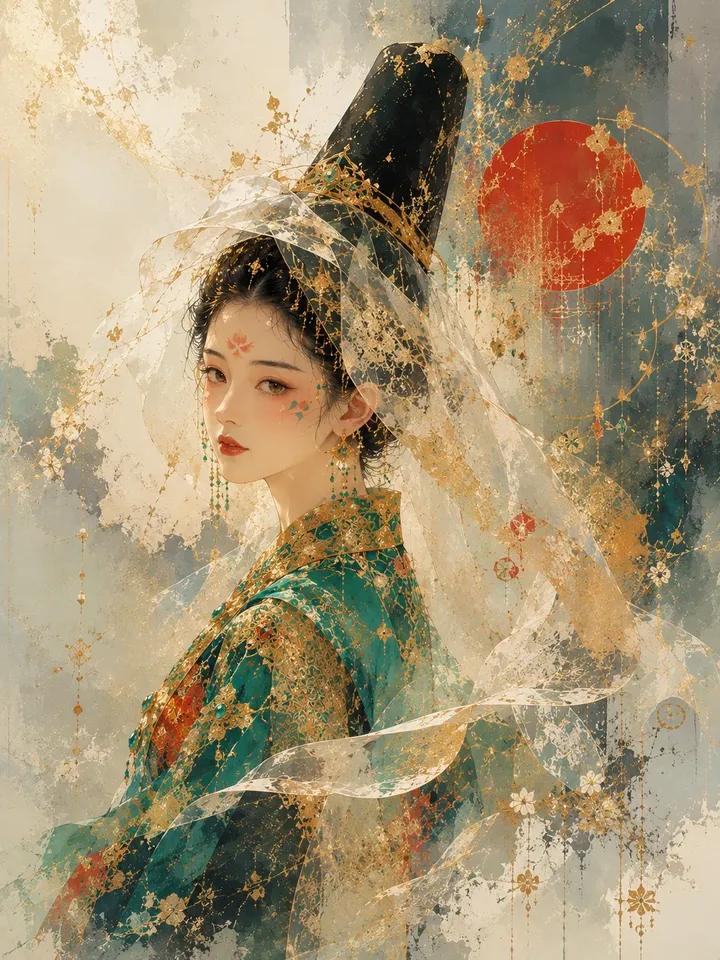
Architectural Music Theory Poster
A sophisticated structured prompt that transforms musical concepts and composers into architectural cathedral-like infographics with precise visual annotations.
This is a GPT Image 2 prompt case for 平面海报. Use the copy-ready prompt below to generate similar visuals, and review Awesome GPT Image 2 Prompts attribution plus commercial-use rights before reuse.
Prompt
Copy-ready prompt
2x2 网格,16:9,针对著名作曲家执行此操作: class music_theory_cathedral_dna: def __init__(self): self.subject = "{argument name="subject" default="[音乐概念 / 作曲家 / 乐器 / 流派 / 专辑结构]"}" self.parents = { "composition_parent": "哥特式大教堂平面图 —— 中殿、拱门、玫瑰花窗、和声对称性、神圣几何", "atmosphere_parent": "黄昏音乐厅 —— 漆木、天鹅绒、烛光下的乐谱纸、柔和的金色声学效果", "graphic_parent": "现代音乐理论图表 —— 记谱网格、和弦图、波形面板、调性图", "detail_parent": "雕刻管弦乐总谱 —— 五线谱、小节编号、力度标记、乐器家族" } self.mutations = { "medium_mutation": "带有压印五线谱、上光波形和半透明和声叠加层的奢华音乐海报", "information_mutation": "和弦化作建筑拱门,节奏化作游行队伍,旋律化作穿越空间的路径", "semantic_mutation": "声音化作一座可以漫步、测量、铭记和感知的教堂", "scale_mutation": "单一音程扩展为一座充满共鸣与情感的声学城市" } self. style_mix = { "composition_parent": 0.25, "atmosphere_parent": 0.25, "graphic_parent": 0.25, "detail_parent": 0.15, "mutations": 0.10 } def generate_subject(self): subject = """ 创建一张垂直的奢华信息图海报,为 {argument name="musical theme" default="[主题]"} 赋予建筑形态。将音乐理念表现为大教堂、音乐厅、乐器机器或声学地图。通过精确的视觉注释展示结构、节奏、和声、配器、情感走向、历史背景以及聆听路径。海报应呈现出音乐学院、唱片档案馆或音乐厅收藏版印刷品的感觉。 """ return render( subject, style_mix=self. style_mix, format="垂直奢华音乐信息图海报", typography=""" 大标题:{argument name="title" default="[音乐主题]"} 副标题:[作曲家 / 流派 / 调性 / 时期] 微型文字:[和弦符号 / 速度 / 主题动机 / 合理使用范围内的歌词片段 / 小节注释] """, composition=""" 建筑中心结构,周围环绕着记谱、波形、和声图和乐器分区。 """, lighting=""" 温暖的舞台光,抛光木材的反射,精致的金色记谱线条。 """, constraints=""" 禁止随机漂浮的通用音符。禁止夜店海报风格。禁止杂乱的声波壁纸。 """ )Prompt variables
Editable argument placeholders found in the prompt, with their default values.
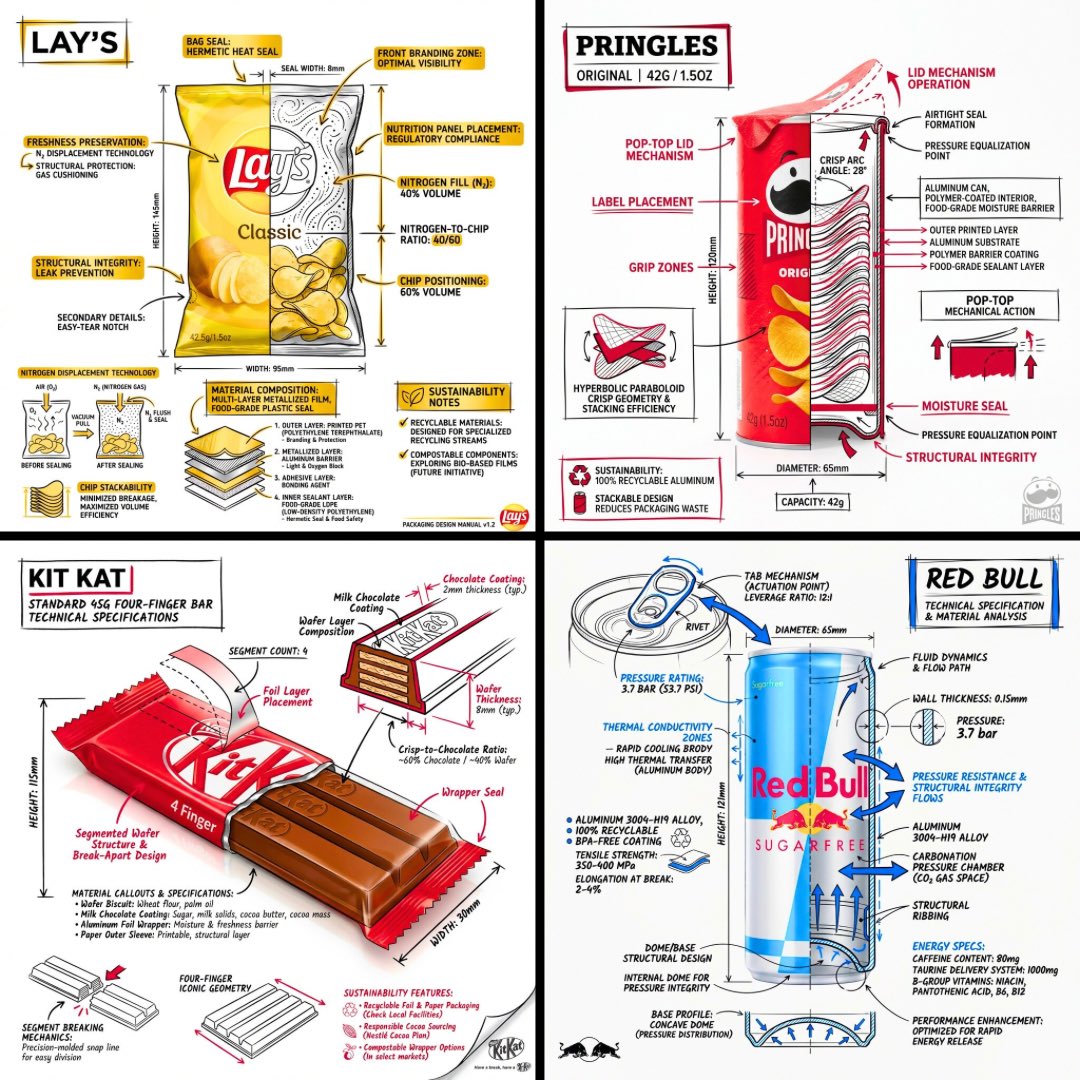
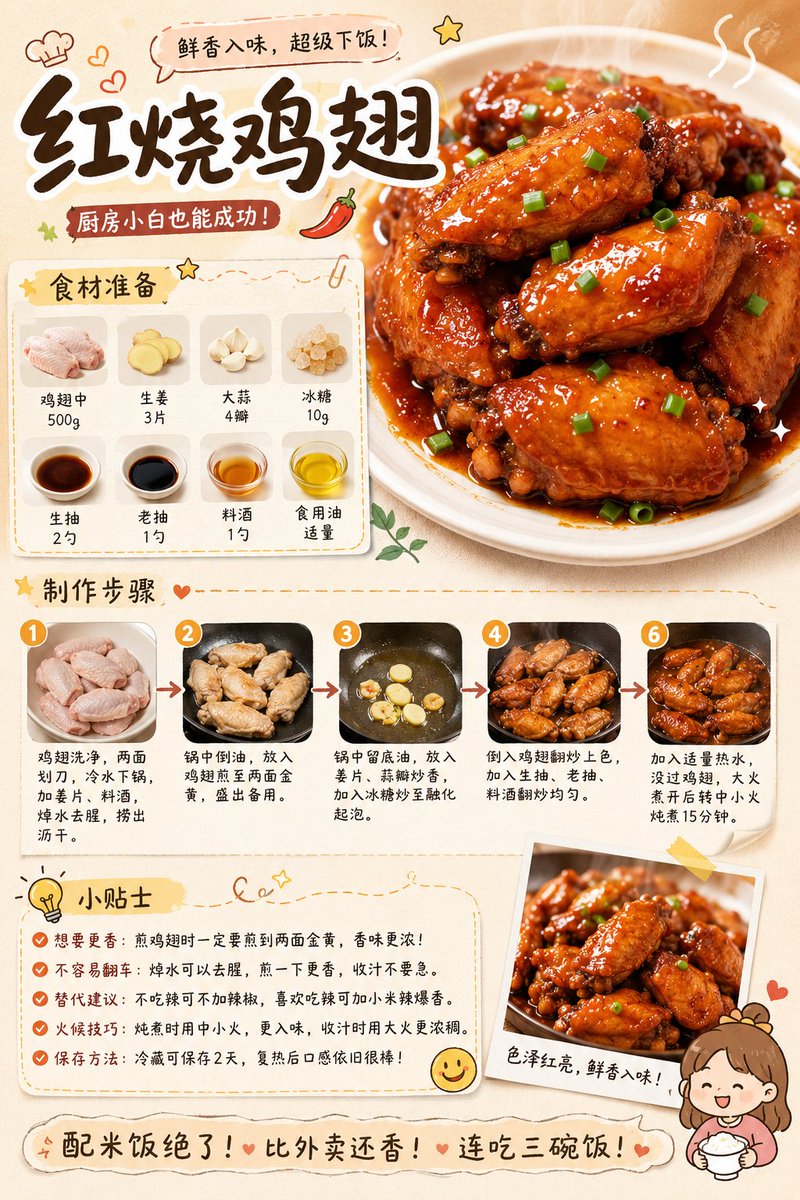
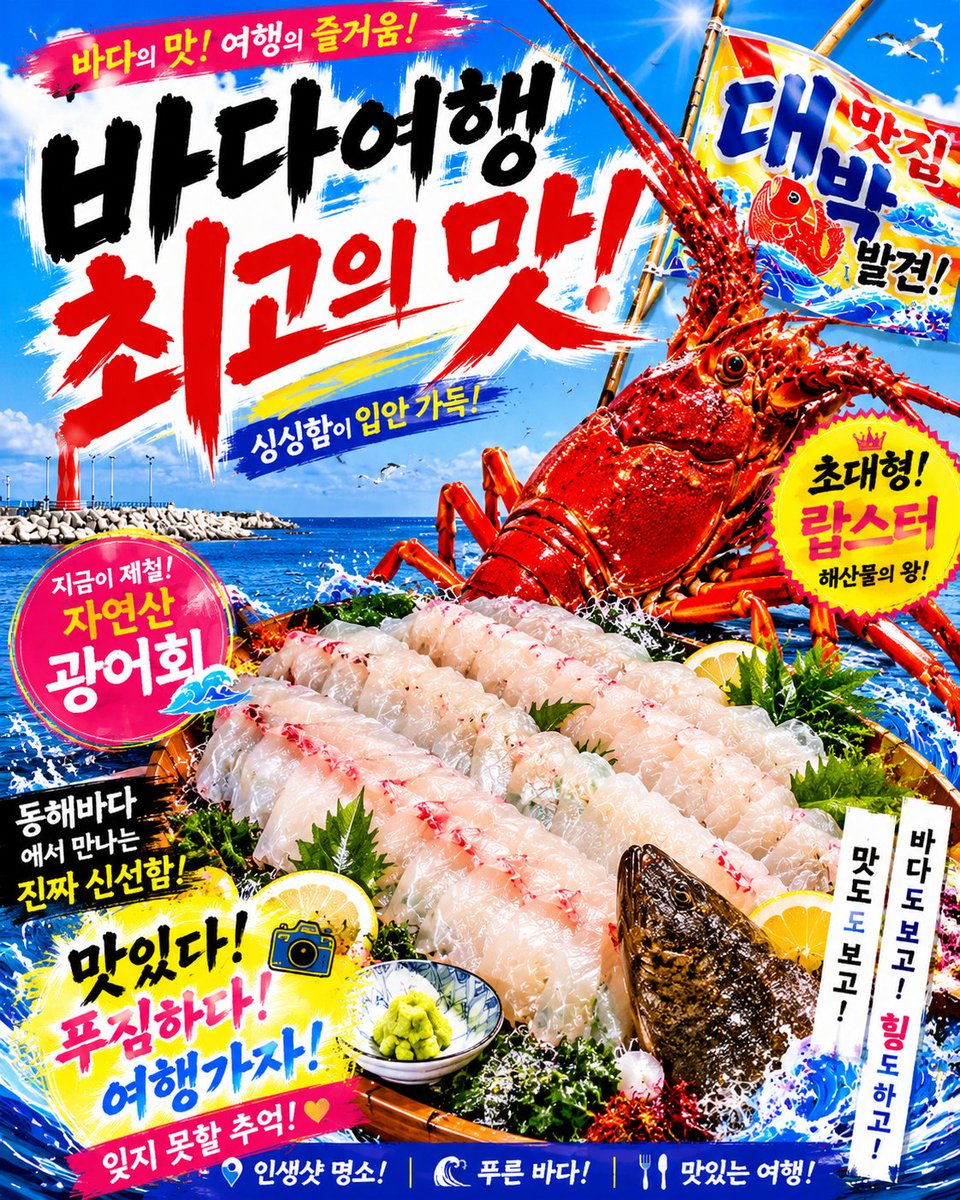
More cases in this category
Prioritized by category, input mode compatibility, quality, and lower risk.

Reuse and source notes
Use this prompt safely after previewing the case.
- 1.Copy the prompt or open it directly in Dovoo with the generation button.
- 2.Adjust variables, aspect ratio, and reference images for your own use case.
- 3.Before publishing or paid usage, verify source rights, attribution requirements, and brand or likeness risks.
Can I use this prompt commercially?
Commercial-use status is allowed. Review the original source, license, brand constraints, and legal requirements before paid usage.
Where does this case come from?
This case is imported from Awesome GPT Image 2 Prompts; keep attribution visible and check the source URL before reuse.