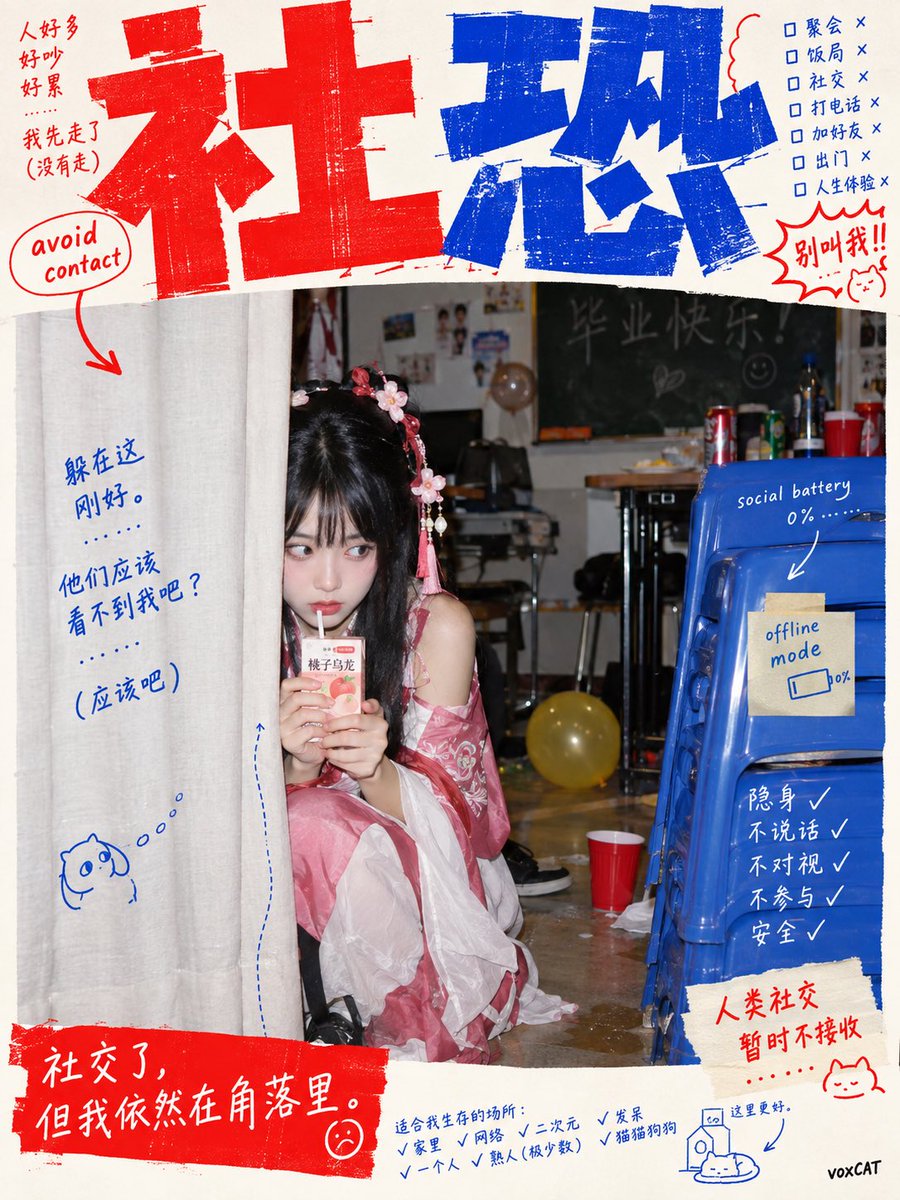
GPT Image 2 Anti-Design Meme Photography Prompt
A prompt for GPT Image 2 to generate absurd yet realistic photography scenes based on internet memes or metaphors. It combines anti-design editorial, Japanese student exhibition posters, and DIY Zine aesthetics with flash photography.
This is a GPT Image 2 prompt case for Graphic & Poster. Use the copy-ready prompt below to generate similar visuals, and review Awesome GPT Image 2 Prompts attribution plus commercial-use rights before reuse.
Free 1K preview
Generate one preview image instantly, no sign-up required.
Prompt
Copy-ready prompt
[{argument name="theme" default="Your Theme Here"}], materialize the core internet metaphor or language meme within the theme as an absurd yet realistically existing photographic scene. Anti-design editing × Japanese student exhibition poster × Chinese internet meme × 2000s consumer digital camera direct flash photography × DIY Zine. Use a seemingly casually taken, bizarre documentary photograph as the central visual. The photographic style should be realistic, ordinary, and slightly clumsy, avoiding cinematic lighting and shallow depth of field. Place a large, irregular Chinese display title at the top of the image, with the typeface compressed, stretched, tilted, and misaligned to create a handmade collage feel. Scatter a small amount of吐槽-style micro-copy, arrows, annotations, and small Chinese-English mixed text around it. The background is warm white, with the main flat colors being highly saturated vermilion red × Prussian blue; the photo retains its own synthesized colors. The overall visual effect is like an unexpected fusion of independent youth magazines, art school student posters, and Chinese internet memes, maintaining a deliberately amateurish, clumsy, cheap, and absurd visual surface under a professional design structure.Prompt variables
Editable argument placeholders found in the prompt, with their default values.
Best for
- - Graphic & Poster visual exploration
- - Image generation and reference-image edits
- - Reusable briefs that keep source attribution visible
Change these parts
- - Subject, product, character, or scene
- - Aspect ratio, camera, lighting, and background
- - Brand, text, color, and output constraints
Recommended model and settings
- - Model: gpt-image-2
- - Input mode: Text to Image
- - Aspect ratio: source
- - Commercial status: review original source
How to use this prompt
- 1. Copy the prompt and preserve its structure for the first test.
- 2. Replace the subject, context, and publishing channel.
- 3. Change one camera, lighting, or style variable per iteration.
- 4. Inspect the output, source, text, and rights before reuse.
Limitations, source, and reuse cautions
- - Generated output is an editable draft, not factual, legal, or rights evidence.
- - Review the linked source, people, brands, logos, text, and third-party media before commercial use.
More cases in this category
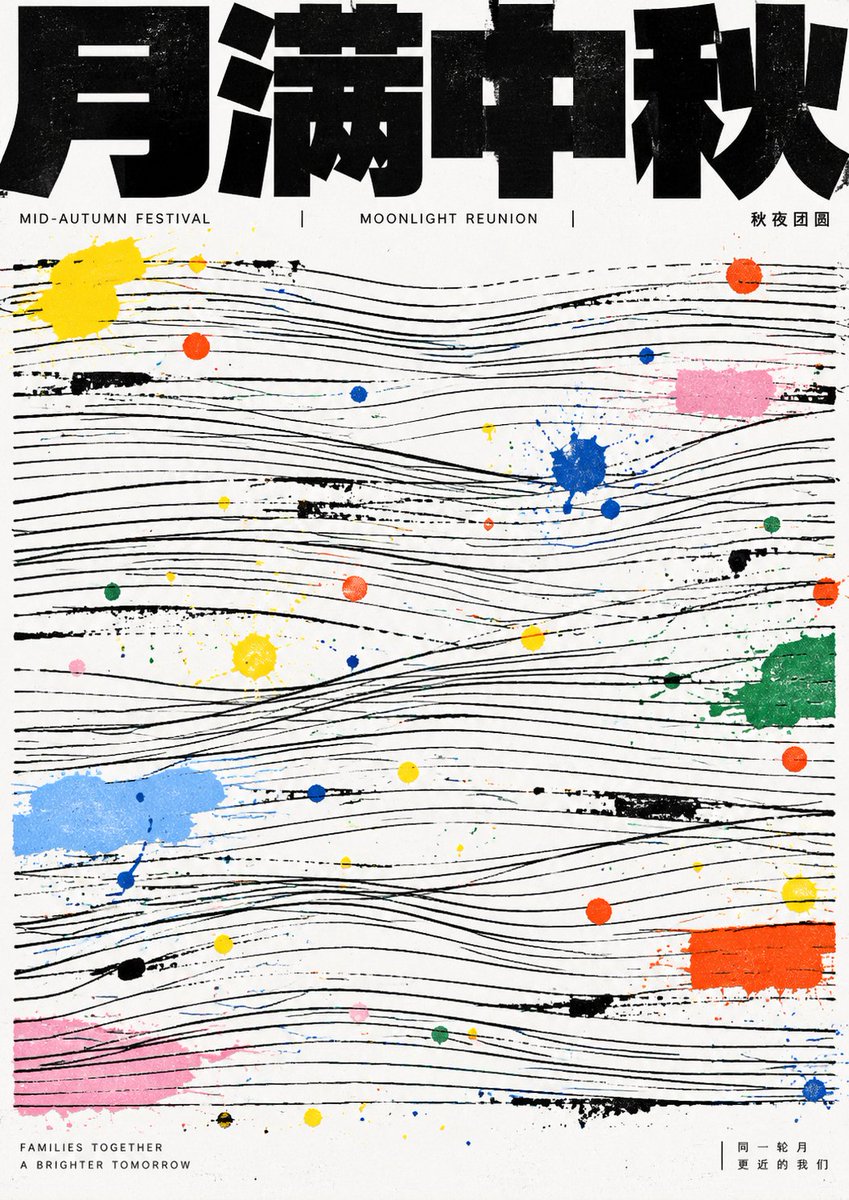
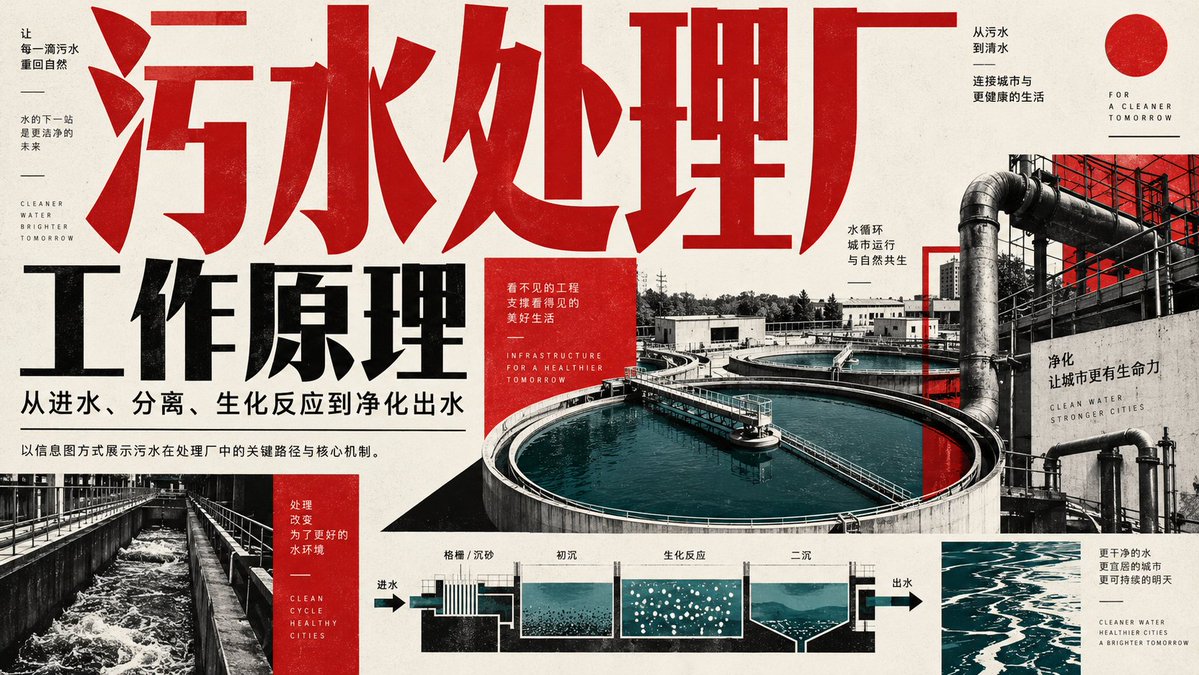
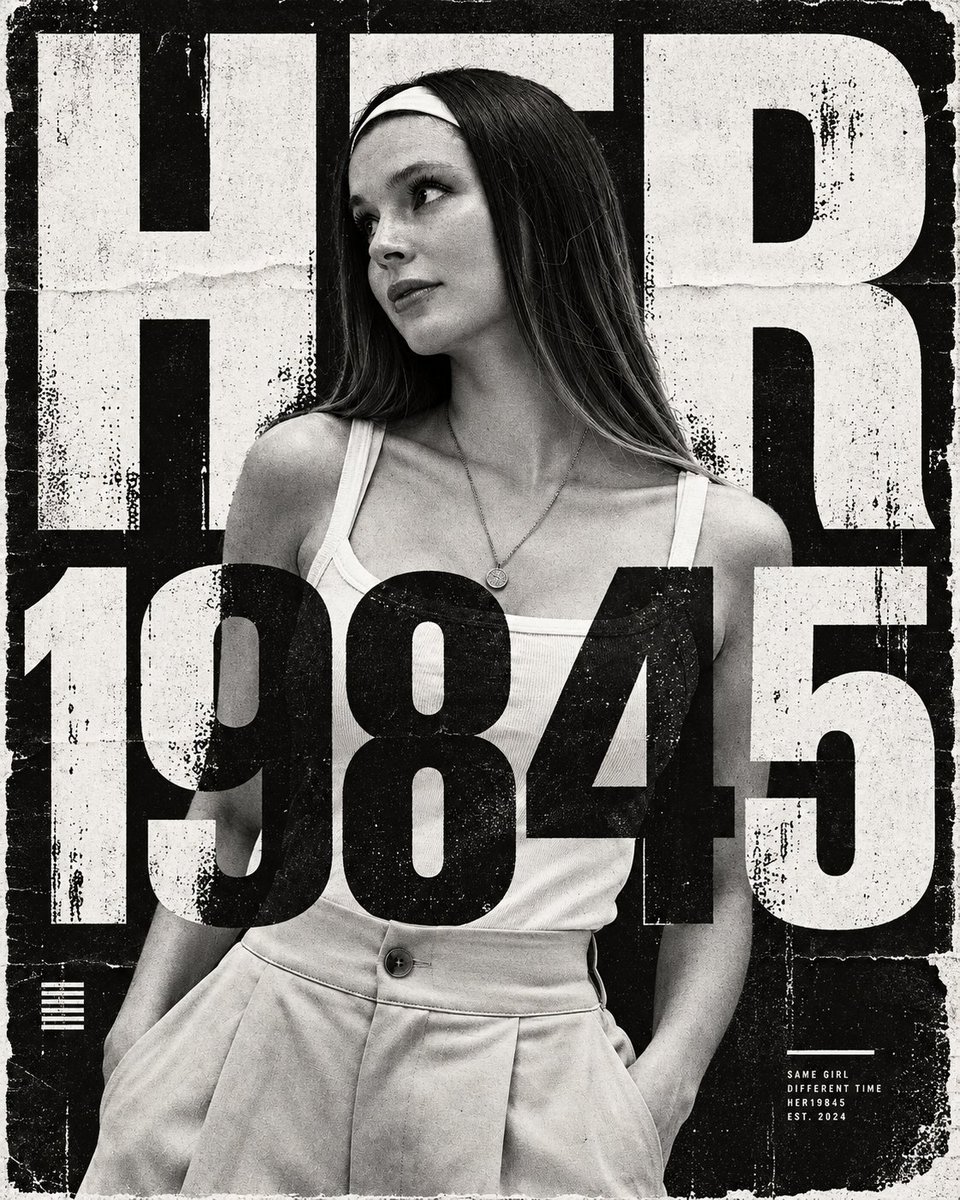
Prioritized by category, input mode compatibility, quality, and lower risk.


Reuse and source notes
Use this prompt safely after previewing the case.
- 1.Copy the prompt or open it directly in Dovoo with the generation button.
- 2.Adjust variables, aspect ratio, and reference images for your own use case.
- 3.Before publishing or paid usage, verify source rights, attribution requirements, and brand or likeness risks.
Can I use this prompt commercially?
Commercial-use status is allowed. Review the original source, license, brand constraints, and legal requirements before paid usage.
Where does this case come from?
This case is imported from Awesome GPT Image 2 Prompts; keep attribution visible and check the source URL before reuse.