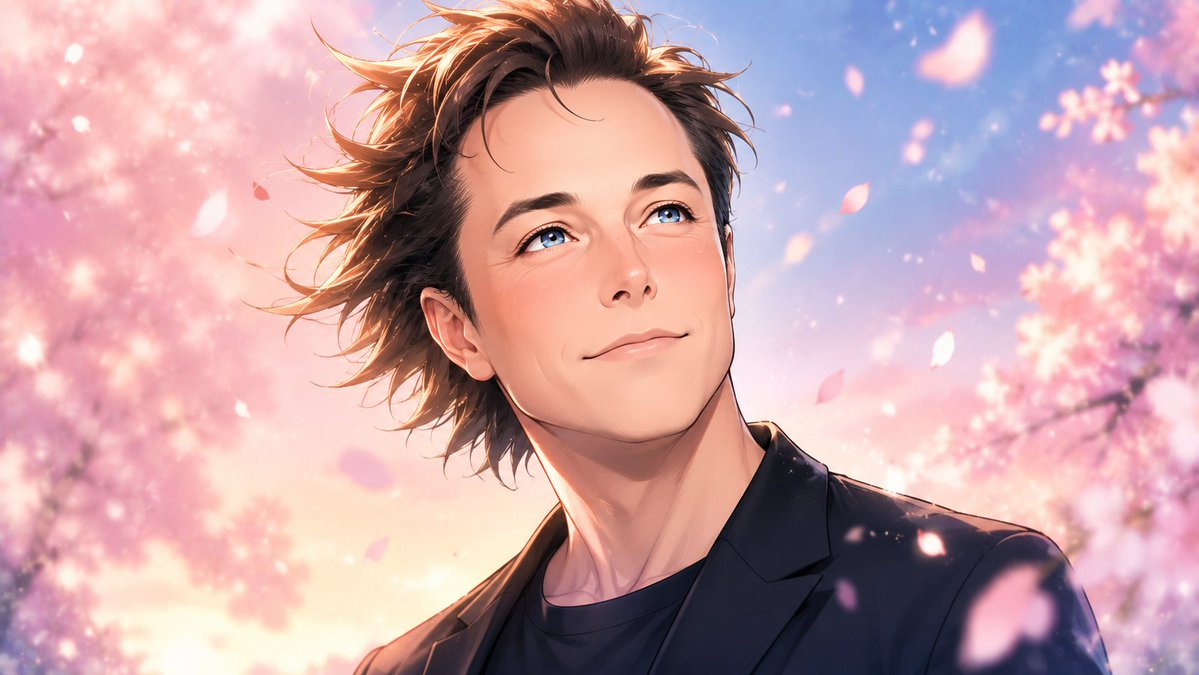
Anime Celebrity Sakura Portrait
Generates a dreamy cinematic anime-style portrait of a handsome celebrity character surrounded by cherry blossoms and floating petals.
This is a GPT Image 2 prompt case for 动漫游戏. Use the copy-ready prompt below to generate similar visuals, and review Awesome GPT Image 2 Prompts attribution plus commercial-use rights before reuse.
Prompt
Copy-ready prompt
创作一张高度风格化的动漫电影级肖像,主角为 {argument name="character name" default="一位帅气的男明星"},将其重构为浪漫春日场景中令人惊叹的绝美动漫角色。采用 16:9 横向构图,胸部以上的特写半身像,角色居中略偏右,双肩倾斜,头部轻柔地转向观众。他拥有蓬松且随风飘动的 {argument name="hair color" default="warm brown"} 中长发,许多发丝向左飞扬,颈部纤细优雅,皮肤呈现柔和的桃色光泽,下颌线精致,具备经典的少女漫风格面部美感,拥有闪烁的大眼睛、精致的鼻子和温柔的双唇。身着深海军蓝黑色西装外套,内搭黑色圆领衫,风格干练又不失休闲。背景为黄金时段空灵的樱花大道,两侧是粉色的樱花树,天空呈现梦幻的蓝紫色,伴有温暖的桃色阳光和柔和的散景光斑,前景和中景处有 12 片清晰可见、大小不一的飘落樱花瓣。视觉风格:超精细动漫插画,浪漫少女幻想,发丝和肩部带有明亮的轮廓光,柔和的绘画感渐变,光泽感高光,深色服装与粉彩花瓣形成高对比度,浅景深,电影级布光,细腻的大气光晕,无文字,无水印,无边框。Prompt variables
Editable argument placeholders found in the prompt, with their default values.
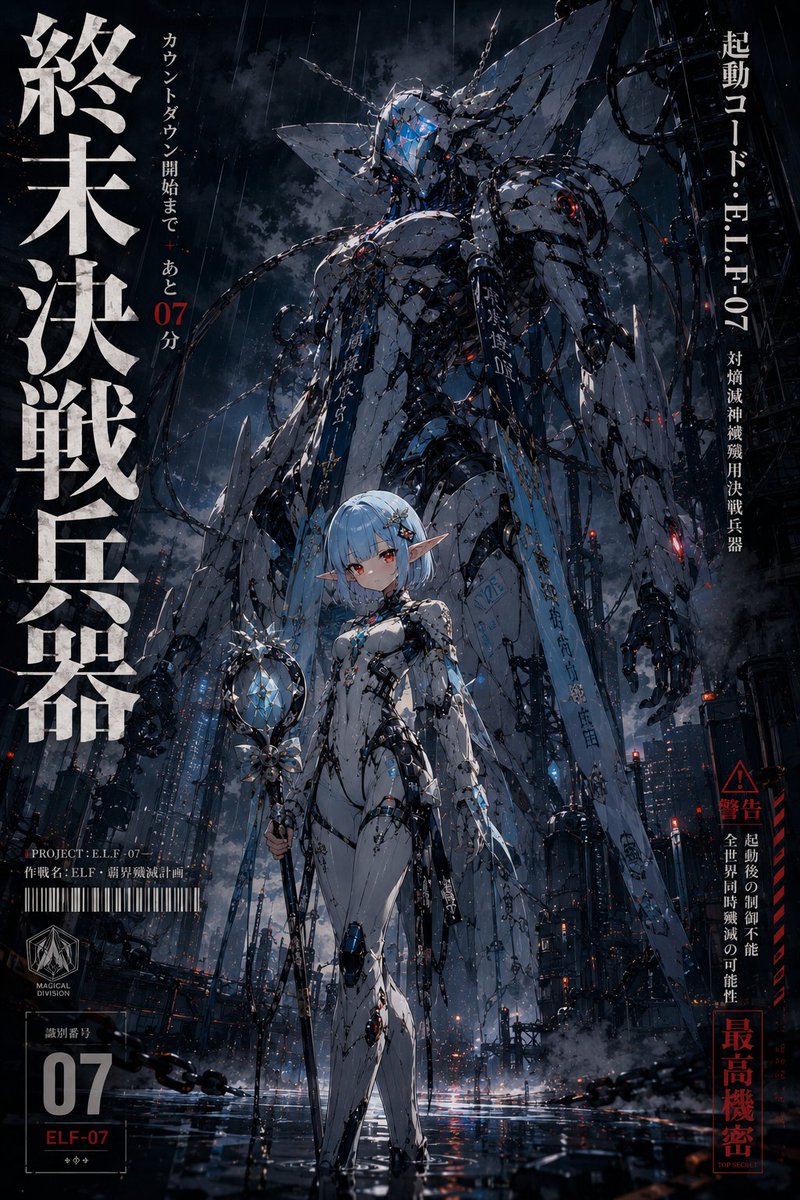
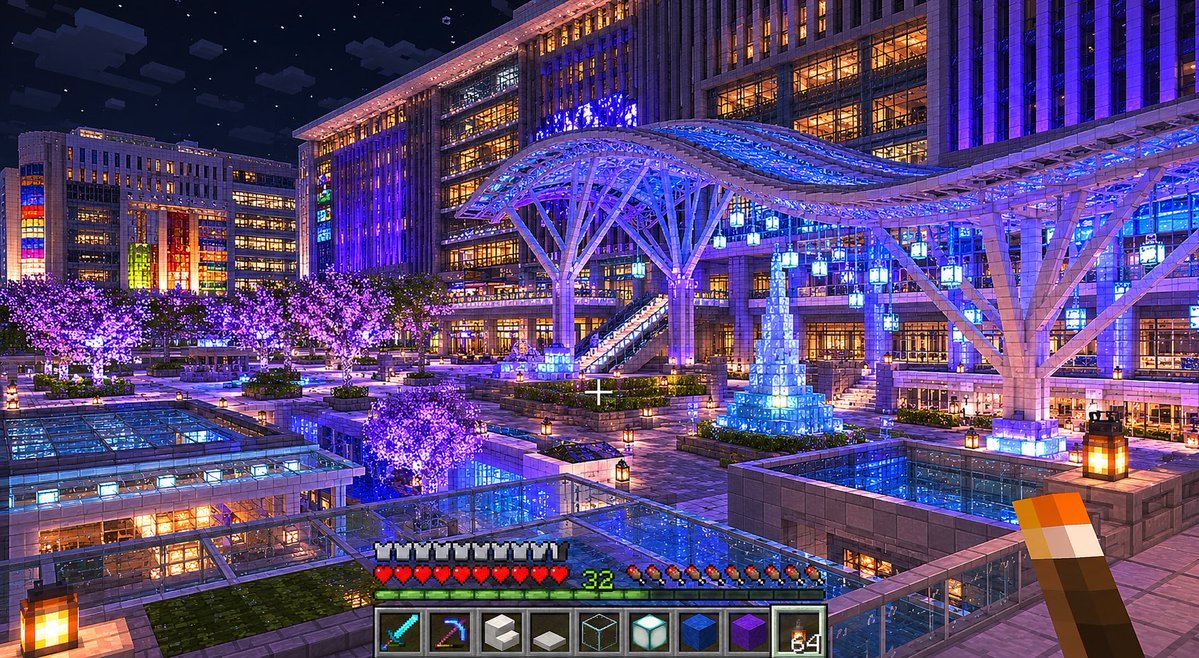
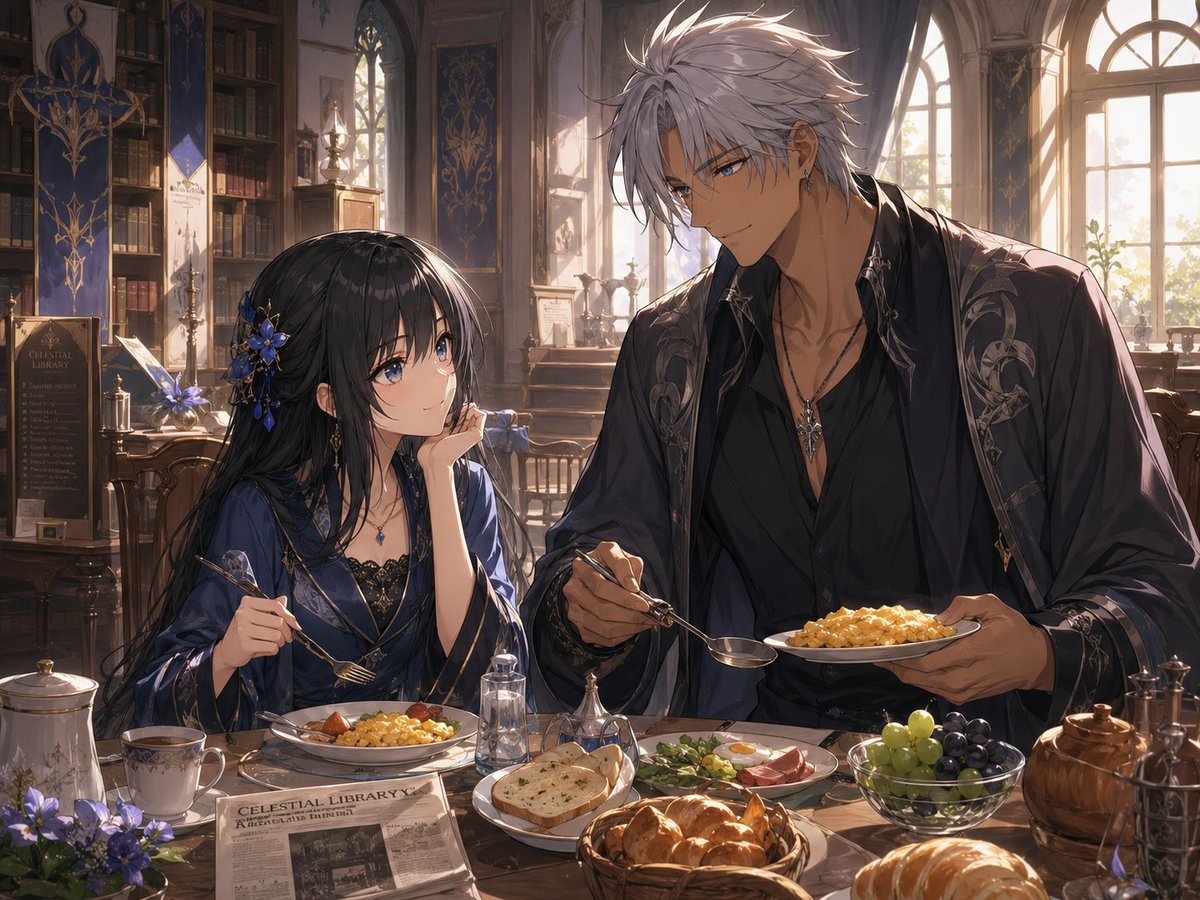
More cases in this category
Prioritized by category, input mode compatibility, quality, and lower risk.


Reuse and source notes
Use this prompt safely after previewing the case.
- 1.Copy the prompt or open it directly in Dovoo with the generation button.
- 2.Adjust variables, aspect ratio, and reference images for your own use case.
- 3.Before publishing or paid usage, verify source rights, attribution requirements, and brand or likeness risks.
Can I use this prompt commercially?
Commercial-use status is allowed. Review the original source, license, brand constraints, and legal requirements before paid usage.
Where does this case come from?
This case is imported from Awesome GPT Image 2 Prompts; keep attribution visible and check the source URL before reuse.