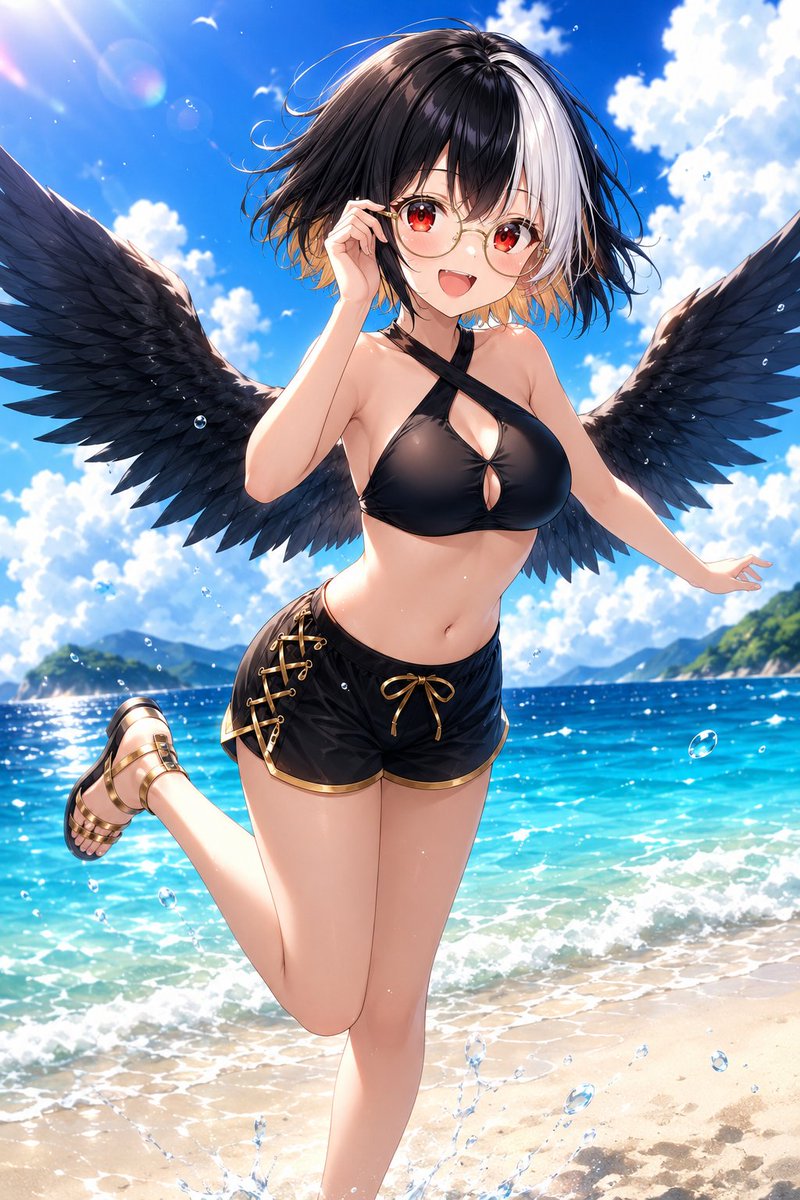
Anime Beach Character Regeneration
Transforms a reference anime beach character into a more dynamic glossy summer illustration with a playful pose and dramatic spread wings.
This is a GPT Image 2 prompt case for Anime & Game. Use the copy-ready prompt below to generate similar visuals, and review Awesome GPT Image 2 Prompts attribution plus commercial-use rights before reuse.
Free 1K preview
Generate one preview image instantly, no sign-up required.
Free text preview doesn’t preserve reference-image consistency.
Prompt
Copy-ready prompt
Using the provided reference image as the character base, regenerate the same anime beach character as a polished high-resolution illustration with a slightly closer, more dynamic front-facing composition. Keep the core identity, two-tone bob haircut, red eyes, round glasses, black wings, black-and-gold swim outfit, and gold sandals, but refine the anatomy and outfit into a more dramatic glossy anime style.

Pose and composition: Change the pose so the character leans forward toward the viewer with a cheerful open-mouth smile. Have one hand lightly touching or adjusting the glasses near the face, the other arm extended out to the side for balance, and one leg lifted backward in a playful beach pose. Make the wings much larger and fully spread across the frame, extending nearly edge to edge.

Setting and additions: Keep the tropical beach setting, but make the ocean more vivid turquoise and the sky a deeper bright blue with large fluffy white clouds. Add stronger sunlight from the upper left, visible lens flare, sparkling water highlights, floating water droplets/bubbles, and a small splash near the sand at the bottom. Include distant green islands or coastline on both sides of the horizon.

Style: Create a vibrant, glossy, detailed anime illustration with crisp linework, saturated colors, cinematic lighting, soft skin shading, detailed feather texture, and sparkling summer atmosphere. Avoid text, logos, borders, or watermarks.
Best for
- - Anime & Game visual exploration
- - Image generation and reference-image edits
- - Reusable briefs that keep source attribution visible
Change these parts
- - Subject, product, character, or scene
- - Aspect ratio, camera, lighting, and background
- - Brand, text, color, and output constraints
Recommended model and settings
- - Model: gpt-image-2
- - Input mode: Image to Image
- - Aspect ratio: source
- - Commercial status: review original source
How to use this prompt
- 1. Copy the prompt and preserve its structure for the first test.
- 2. Replace the subject, context, and publishing channel.
- 3. Change one camera, lighting, or style variable per iteration.
- 4. Inspect the output, source, text, and rights before reuse.
Limitations, source, and reuse cautions
- - Generated output is an editable draft, not factual, legal, or rights evidence.
- - Review the linked source, people, brands, logos, text, and third-party media before commercial use.
More cases in this category
Prioritized by category, input mode compatibility, quality, and lower risk.
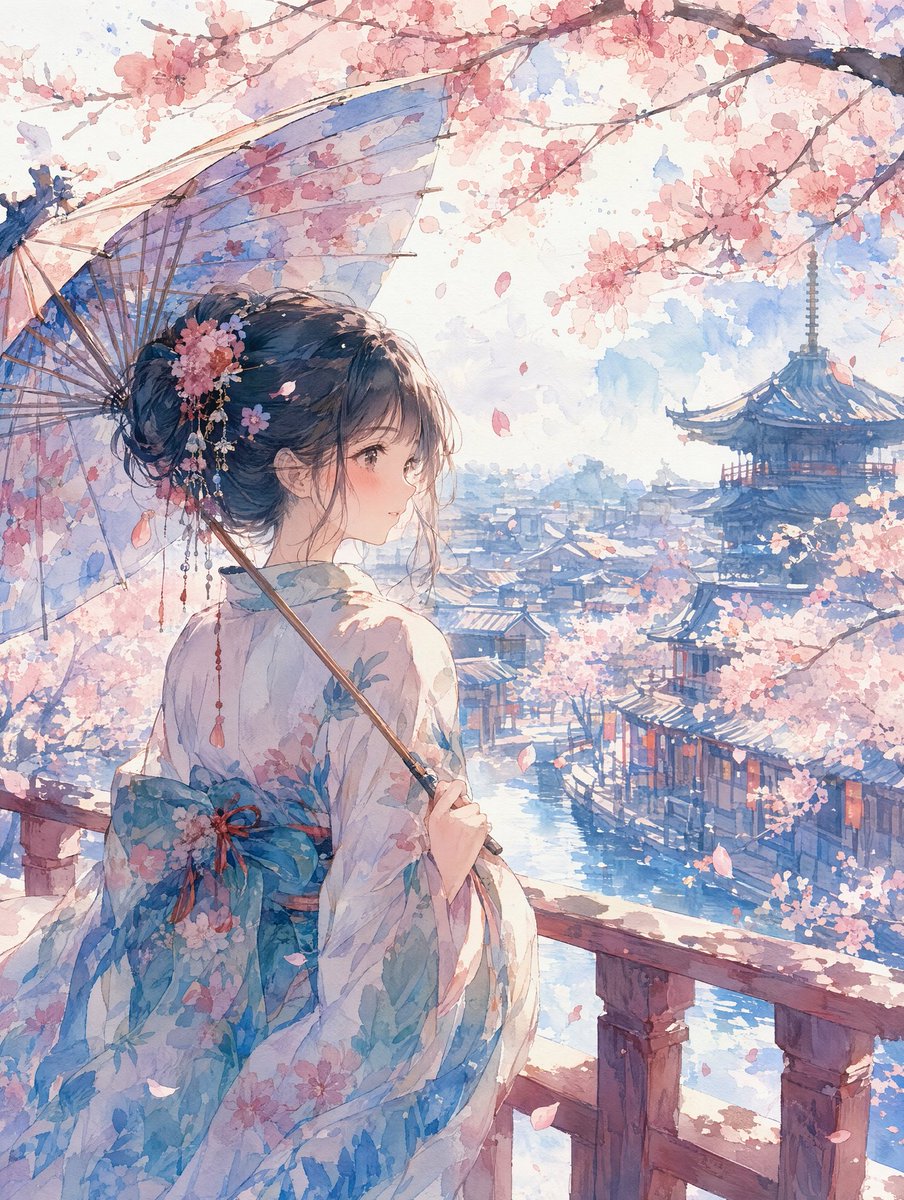
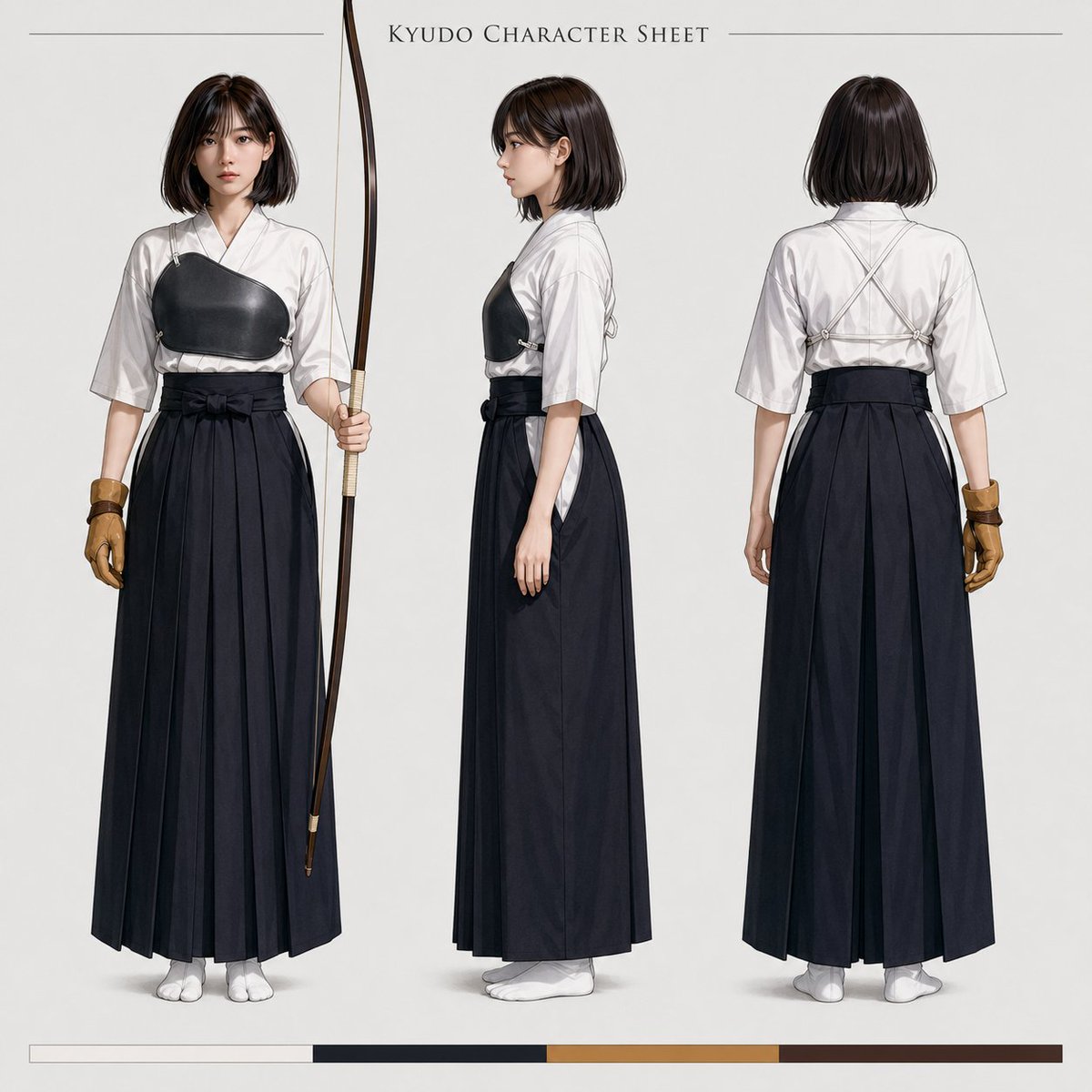
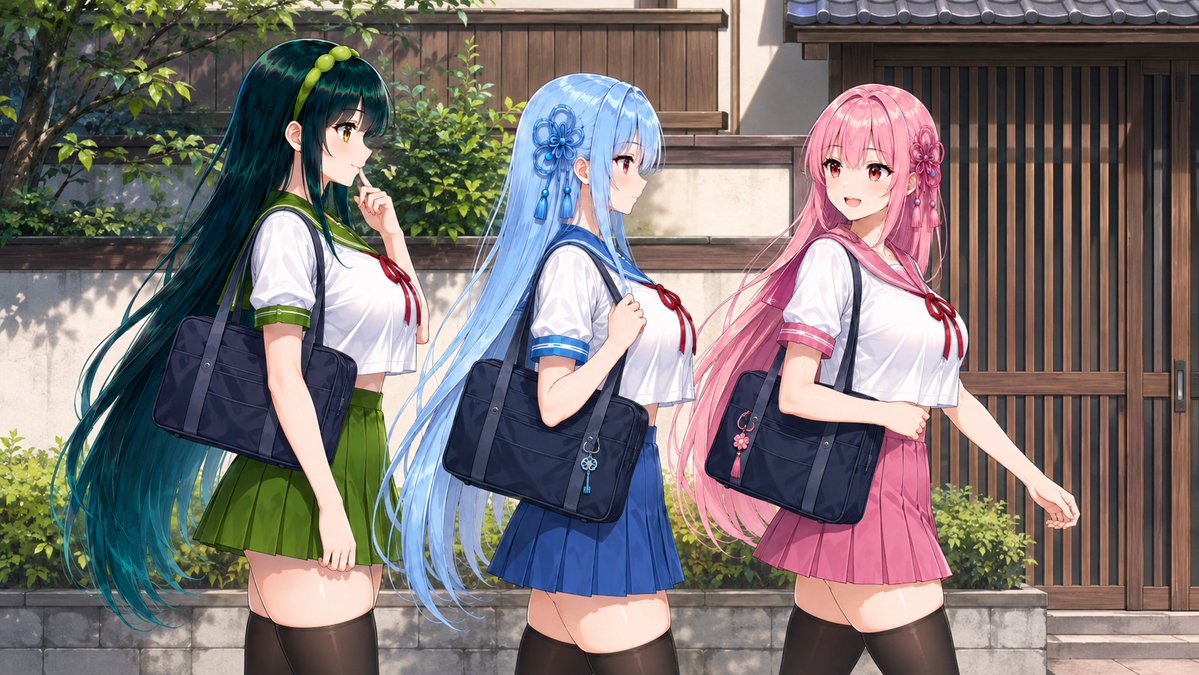


Reuse and source notes
Use this prompt safely after previewing the case.
- 1.Copy the prompt or open it directly in Dovoo with the generation button.
- 2.Adjust variables, aspect ratio, and reference images for your own use case.
- 3.Before publishing or paid usage, verify source rights, attribution requirements, and brand or likeness risks.
Can I use this prompt commercially?
Commercial-use status is allowed. Review the original source, license, brand constraints, and legal requirements before paid usage.
Where does this case come from?
This case is imported from Awesome GPT Image 2 Prompts; keep attribution visible and check the source URL before reuse.