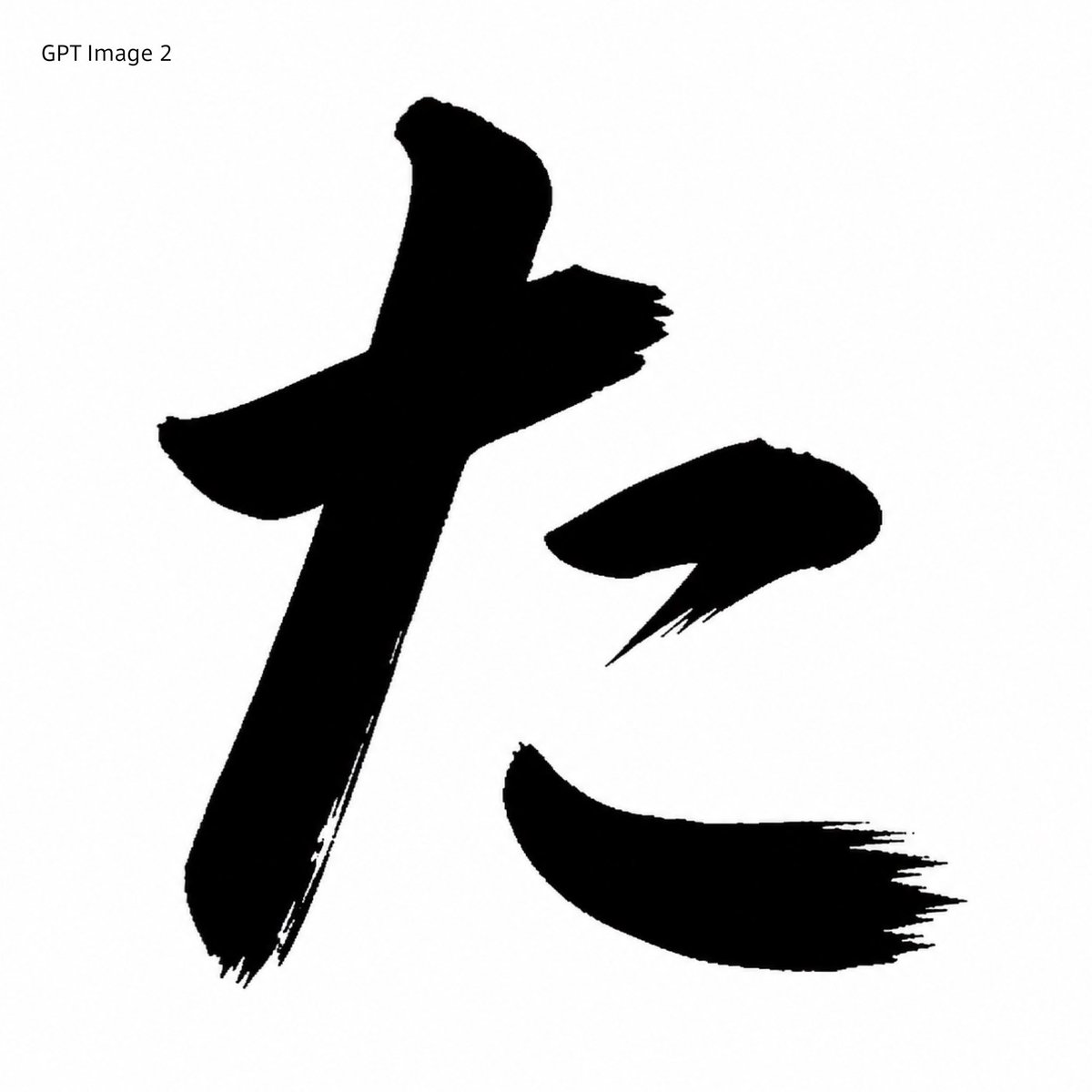
Black Brush Calligraphy Conversion
Transforms a reference Japanese glyph into a monochrome GPT Image 2-style brush-calligraphy sample for visual comparison.
Dit is een voorbeeld van een GPT Image 2 prompt voor Illustratie & Kunst . Gebruik de onderstaande kant-en-klare prompt om vergelijkbare afbeeldingen te genereren en controleer de Awesome GPT Image 2 Prompts en de rechten voor commercieel gebruik voordat u de afbeeldingen hergebruikt.
Heb je de volledige set prompts nodig? Gebruik dan de Illustratie & Kunst Ga naar het themacentrum voor meer gerelateerde voorbeelden, of open de GPT Image 2 prompt catalogus Voor de volledige voorbeeldenindex, herbruikbare structuren en bronvermelding.
Free 1K preview
Generate one preview image instantly, no sign-up required.
Free text preview doesn’t preserve reference-image consistency.
852/4000
Snel
Schrijfklare prompt
Using REFERENCE_0 as the character-shape source, transform the red printed kaisho glyph into a GPT Image 2-style black brush-calligraphy rendering. Preserve the same overall character, scale, placement, and white square canvas, but replace the clean red vector-like strokes with solid black ink strokes that have rough bristle texture, dry-brush fraying, uneven edges, and sharp sweeping hane/harai endings. Remove the original red Japanese font label at the top and instead add the plain black text label {argument name="top left label" default="GPT Image 2"} in the upper-left corner. Keep exactly 3 separated main stroke components matching the reference layout: the large left vertical/cross stroke, the small upper-right dot stroke, and the lower-right sweeping stroke. Minimal monochrome comparison-sample look, no extra decoration, no watermark.Vraagvariabelen
Bewerkbare argumentplaceholders in de prompt, met hun standaardwaarden.
Variabele
top left label
Standaard
GPT Image 2
Best for
- - Illustratie & Kunst visual exploration
- - Image generation and reference-image edits
- - Reusable briefs that keep source attribution visible
Change these parts
- - Subject, product, character, or scene
- - Aspect ratio, camera, lighting, and background
- - Brand, text, color, and output constraints
Recommended model and settings
- - Model: gpt-image-2
- - Input mode: Afbeelding naar afbeelding
- - Aspect ratio: source
- - Commercial status: review original source
How to use this prompt
- 1. Copy the prompt and preserve its structure for the first test.
- 2. Replace the subject, context, and publishing channel.
- 3. Change one camera, lighting, or style variable per iteration.
- 4. Inspect the output, source, text, and rights before reuse.
Limitations, source, and reuse cautions
- - Generated output is an editable draft, not factual, legal, or rights evidence.
- - Review the linked source, people, brands, logos, text, and third-party media before commercial use.
Geïmporteerd van Awesome GPT Image 2 Prompts . Naamsvermelding is vereist. Commercieel gebruik is toegestaan volgens de status allowed ; controleer de rechten van de bron voordat u het tegen betaling gebruikt.
Meer gevallen in deze categorie
Geprioriteerd op basis van categorie, compatibiliteit met invoermodus, kwaliteit en lager risico.
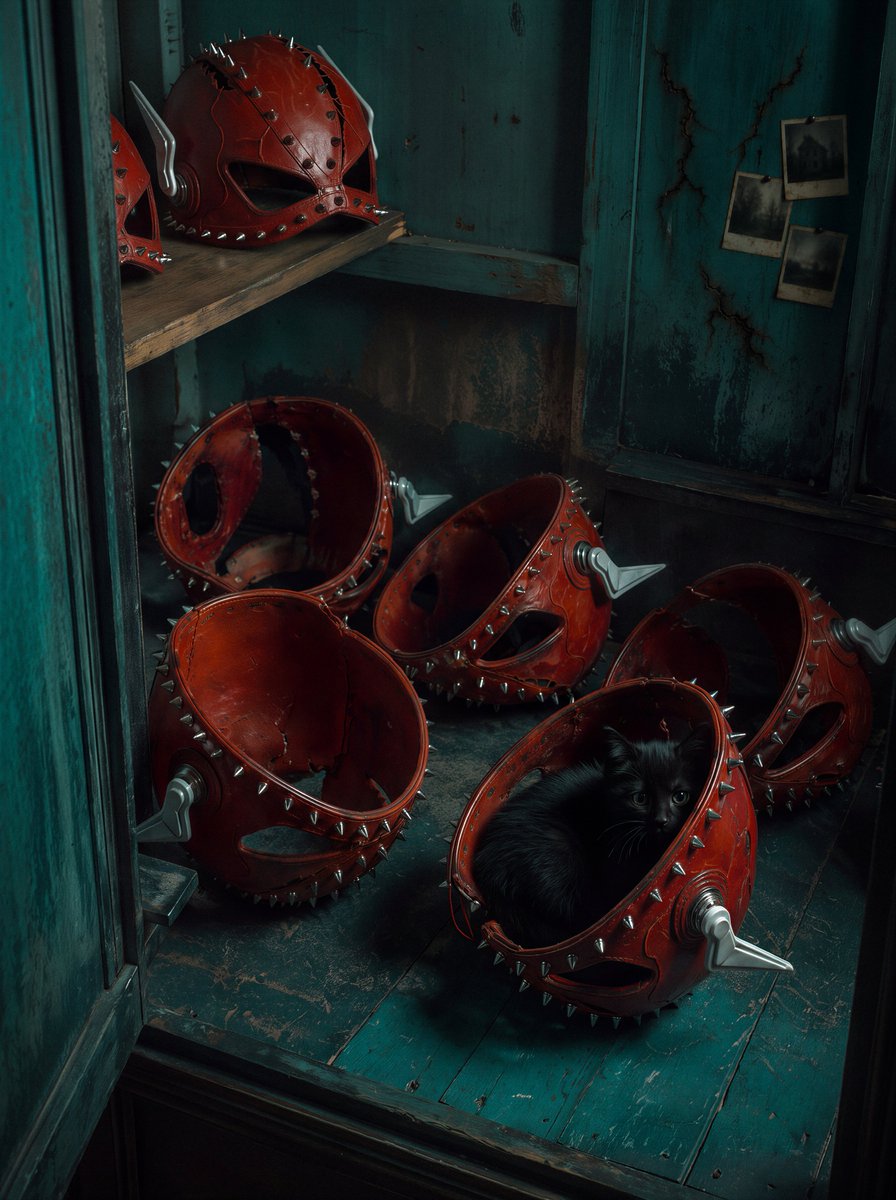
Red Spiked Mask Cabinet Still Life
Afbeelding naar afbeelding

Miniature London Paper-Craft Diorama
Tekst naar afbeelding
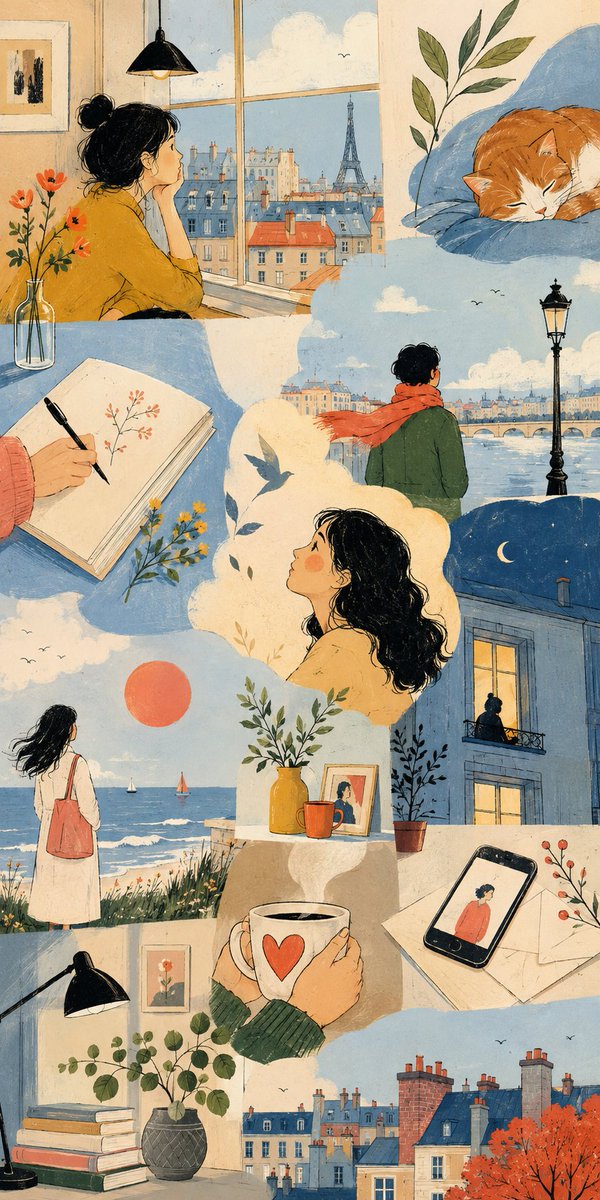
Thematic Artistic Collage Template
Tekst naar afbeelding
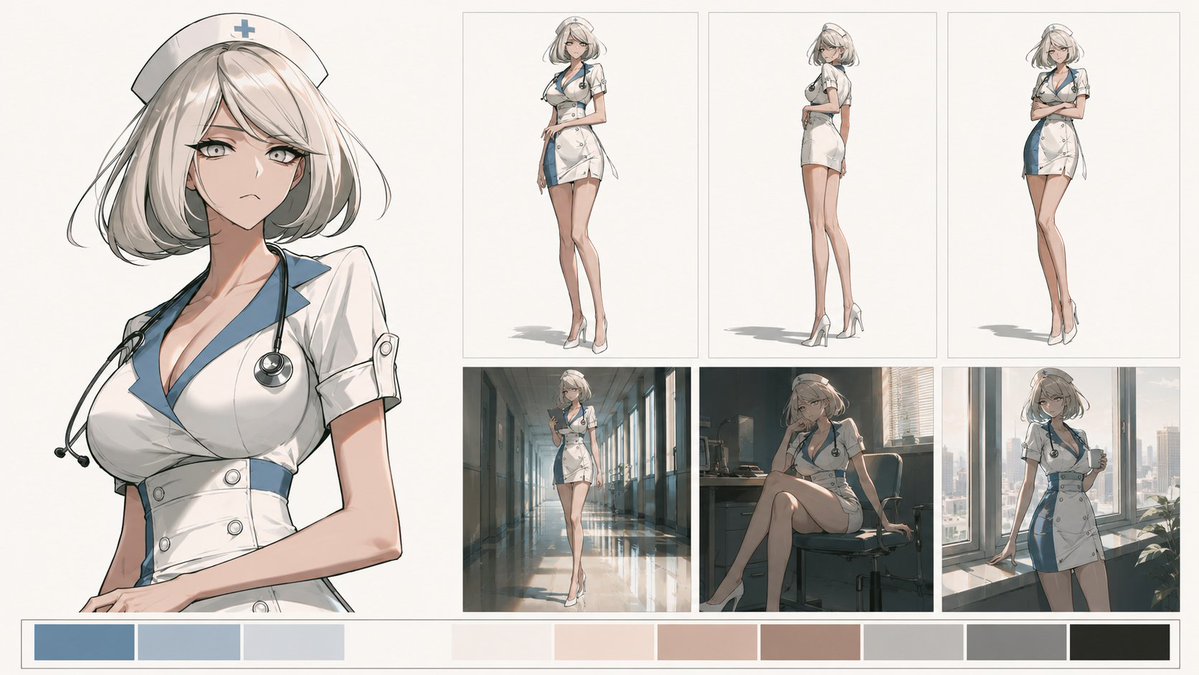
Artistic Character Reference Sheet
Afbeelding naar afbeelding
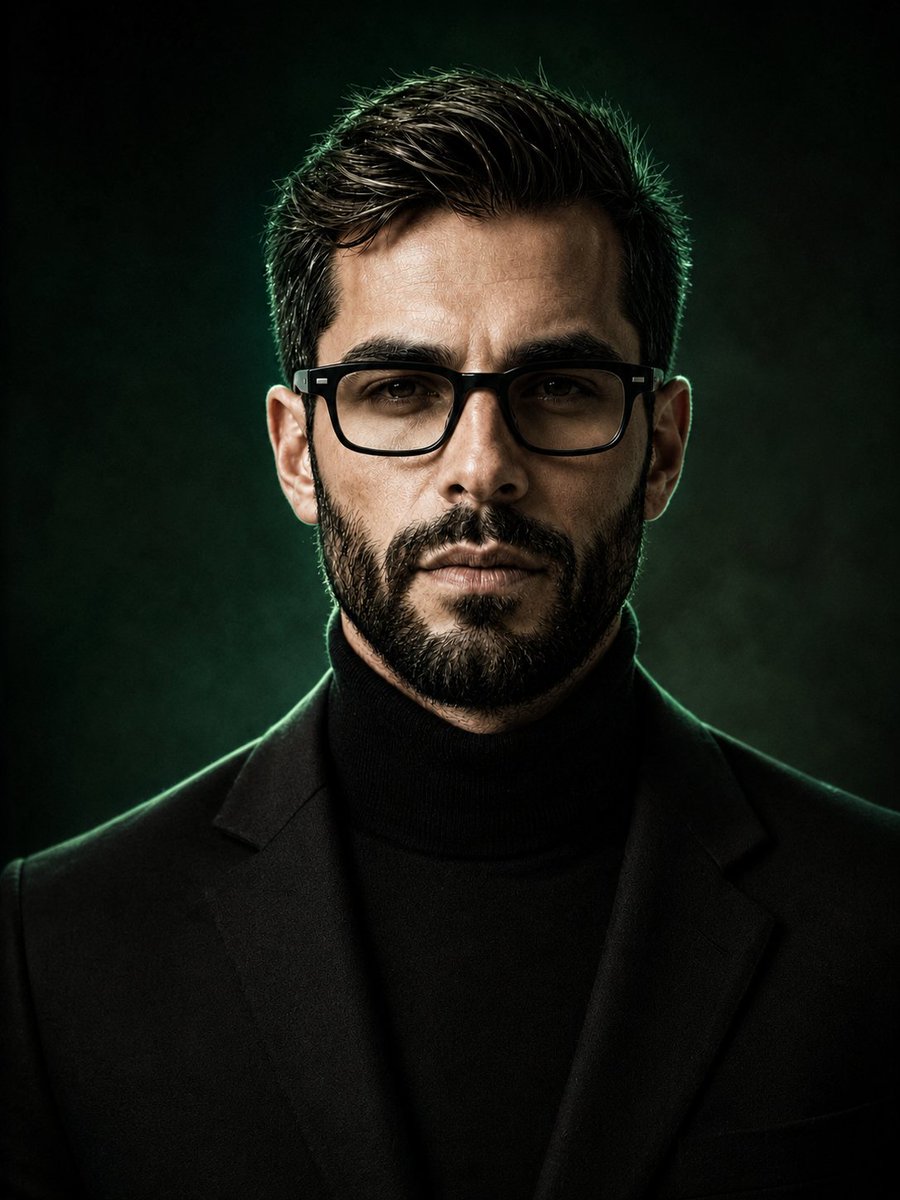
Luxury Fashion Editorial Background Replacement
Afbeelding naar afbeelding
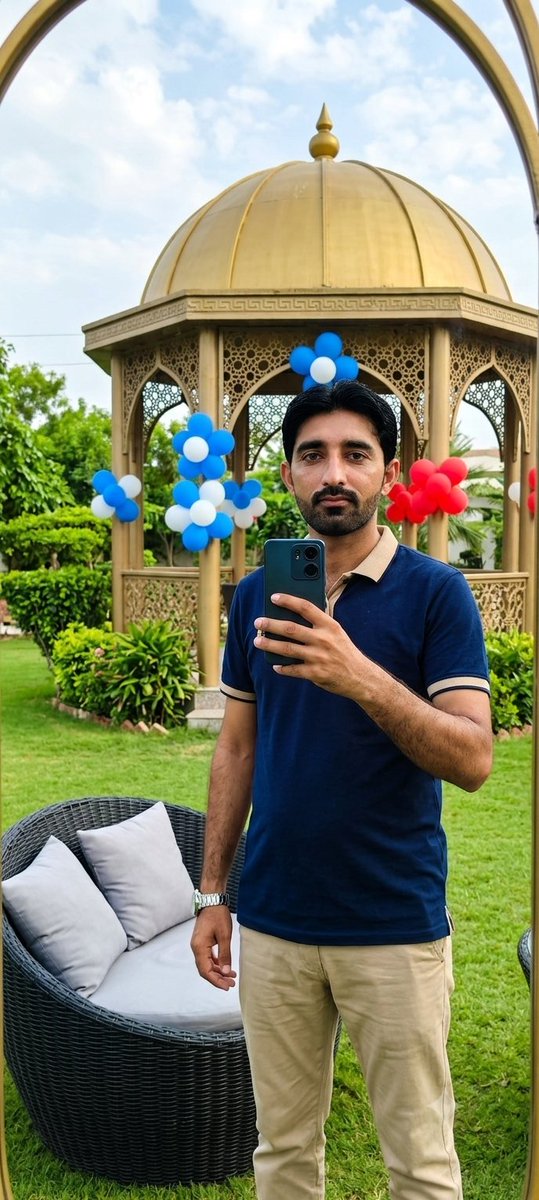
Reference-Based Identity Preservation Portrait
Afbeelding naar afbeelding
Hergebruik en bronvermeldingen
Gebruik deze prompt veilig nadat u de casus hebt bekeken.
- 1.Kopieer de prompt of open deze direct in Dovoo met de knop 'Genereren'.
- 2.Pas de variabelen, beeldverhouding en referentieafbeeldingen aan uw eigen toepassing aan.
- 3.Controleer vóór publicatie of betaald gebruik de auteursrechten, de vereisten voor naamsvermelding en de risico's met betrekking tot merk of beeltenis.