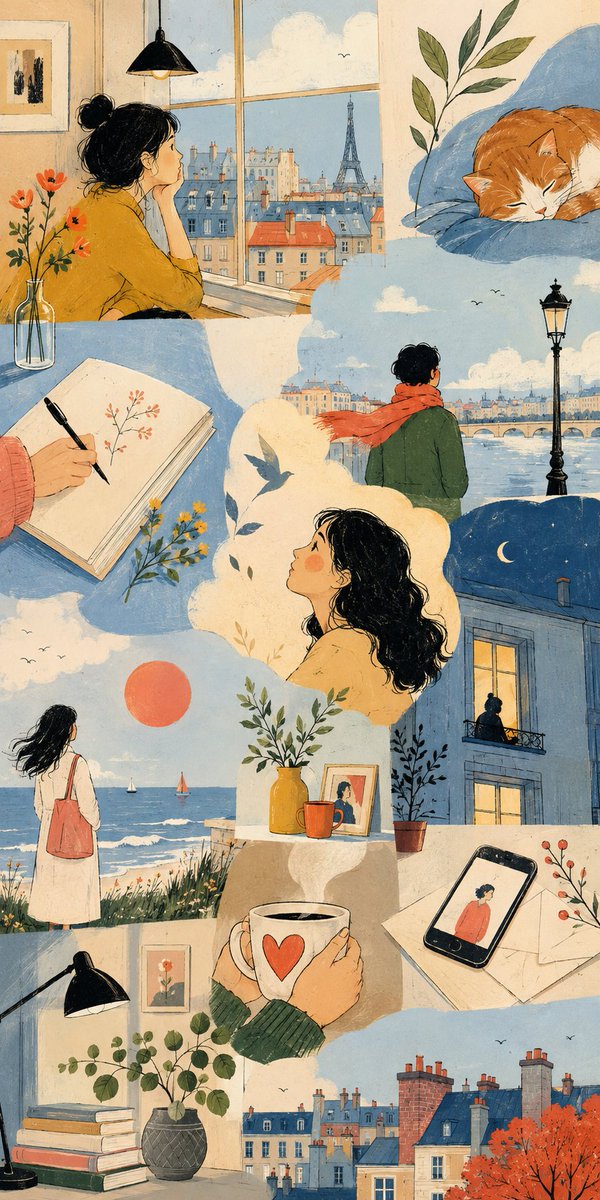
Thematic Artistic Collage Template
An extensive template for creating artistic multi-scene collages based on a specific theme, allowing for varied layouts and visual scale while maintaining harmony.
Dit is een voorbeeld van een GPT Image 2 prompt voor Illustratie & Kunst . Gebruik de onderstaande kant-en-klare prompt om vergelijkbare afbeeldingen te genereren en controleer de Awesome GPT Image 2 Prompts en de rechten voor commercieel gebruik voordat u de afbeeldingen hergebruikt.
Heb je de volledige set prompts nodig? Gebruik dan de Illustratie & Kunst Ga naar het themacentrum voor meer gerelateerde voorbeelden, of open de GPT Image 2 prompt catalogus Voor de volledige voorbeeldenindex, herbruikbare structuren en bronvermelding.
Free 1K preview
Generate one preview image instantly, no sign-up required.
2926/4000
Snel
Schrijfklare prompt
THEME = {argument name="theme" default="enter theme"}
STYLE = {argument name="style" default="enter the style you want"}
PALETTE = {argument name="palette" default="enter the color palette"}
ASPECT RATIO = {argument name="aspect ratio" default="enter the aspect ratio you want"}

DO:
  Create an artistic multi-scene collage built entirely around THEME.
  Derive subjects, environments, objects, characters and visual events naturally from THEME.
  Derive the emotional tone, atmosphere and energy naturally from THEME.
  Use people, animals, objects, landscapes, architecture, abstract forms or any combination of them when they meaningfully support THEME.
  Treat each scene as a distinct emotional or conceptual fragment from the same world.
  Build the composition like an expressive editorial art spread rather than a storyboard or regular panel grid.
  Freely vary the number, scale, proportions and placement of scenes.
  Combine large dominant images with narrow vertical fragments, wide horizontal crops, small detail scenes and partially cropped compositions.
  Stagger scene edges and shift their alignments to create an irregular visual rhythm.
  Let some scenes extend fully to the canvas edge while others terminate against neighboring imagery.
  Use occasional L-shaped, stepped or offset arrangements created naturally by neighboring scene proportions.
  Avoid repeating the same rectangle size or alignment across the composition.
  Keep scenes visually separate without visible frames or empty gaps between them.
  Let neighboring scenes meet through irregular crop relationships while keeping their environments independent.
  Do not blend separate locations into one continuous environment.
  Keep the main subjects of each scene visually contained within that scene.
  Use architecture, large color fields and negative space to shape the overall composition.
  Connect neighboring scenes through color relationships, visual rhythm and thematic echoes rather than physically merging their content.
  Choose environments and situations specifically suited to THEME.
  Include occasional intimate fragments such as hands, objects, windows, silhouettes, architectural details or empty spaces when they strengthen THEME.
  Give each scene a different visual scale, point of view and conceptual focus.
  Use expressive lighting, shape, perspective and negative space according to STYLE.
  Vary the emphasis of PALETTE from scene to scene while preserving overall harmony.
  Maintain consistency whenever subjects, characters, objects or locations recur.
  Keep the final composition visually clean, sophisticated and intentionally irregular.

CAMERA: varied editorial framing, environmental wides, cropped medium views, isolated details, unusual negative-space compositions, overhead fragments and off-center perspectives chosen according to THEME

RULES:
  Use STYLE as the authority for medium, linework, text
Vraagvariabelen
Bewerkbare argumentplaceholders in de prompt, met hun standaardwaarden.
Variabele
theme
Standaard
enter theme
Variabele
style
Standaard
enter the style you want
Variabele
palette
Standaard
enter the color palette
Variabele
aspect ratio
Standaard
enter the aspect ratio you want
Best for
- - Illustratie & Kunst visual exploration
- - Image generation and reference-image edits
- - Reusable briefs that keep source attribution visible
Change these parts
- - Subject, product, character, or scene
- - Aspect ratio, camera, lighting, and background
- - Brand, text, color, and output constraints
Recommended model and settings
- - Model: gpt-image-2
- - Input mode: Tekst naar afbeelding
- - Aspect ratio: source
- - Commercial status: review original source
How to use this prompt
- 1. Copy the prompt and preserve its structure for the first test.
- 2. Replace the subject, context, and publishing channel.
- 3. Change one camera, lighting, or style variable per iteration.
- 4. Inspect the output, source, text, and rights before reuse.
Limitations, source, and reuse cautions
- - Generated output is an editable draft, not factual, legal, or rights evidence.
- - Review the linked source, people, brands, logos, text, and third-party media before commercial use.
Geïmporteerd van Awesome GPT Image 2 Prompts . Naamsvermelding is vereist. Commercieel gebruik is toegestaan volgens de status allowed ; controleer de rechten van de bron voordat u het tegen betaling gebruikt.
Meer gevallen in deze categorie
Geprioriteerd op basis van categorie, compatibiliteit met invoermodus, kwaliteit en lager risico.

Miniature London Paper-Craft Diorama
Tekst naar afbeelding
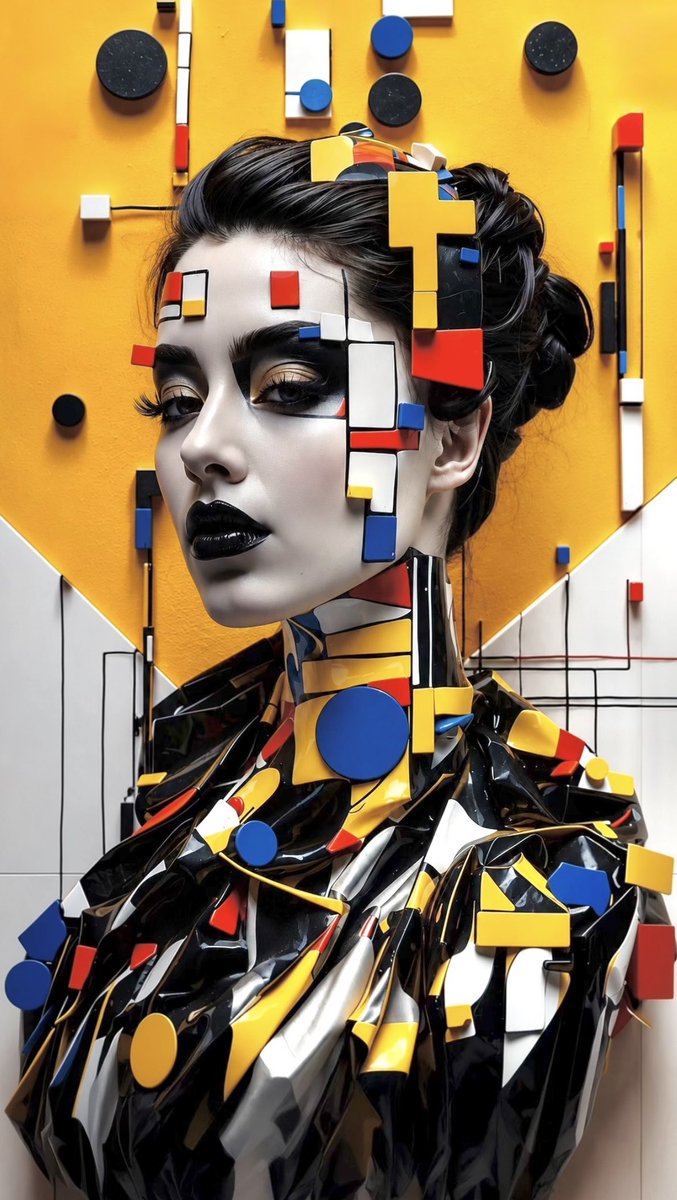
Avant-Garde Bauhaus Fashion Portrait
Tekst naar afbeelding
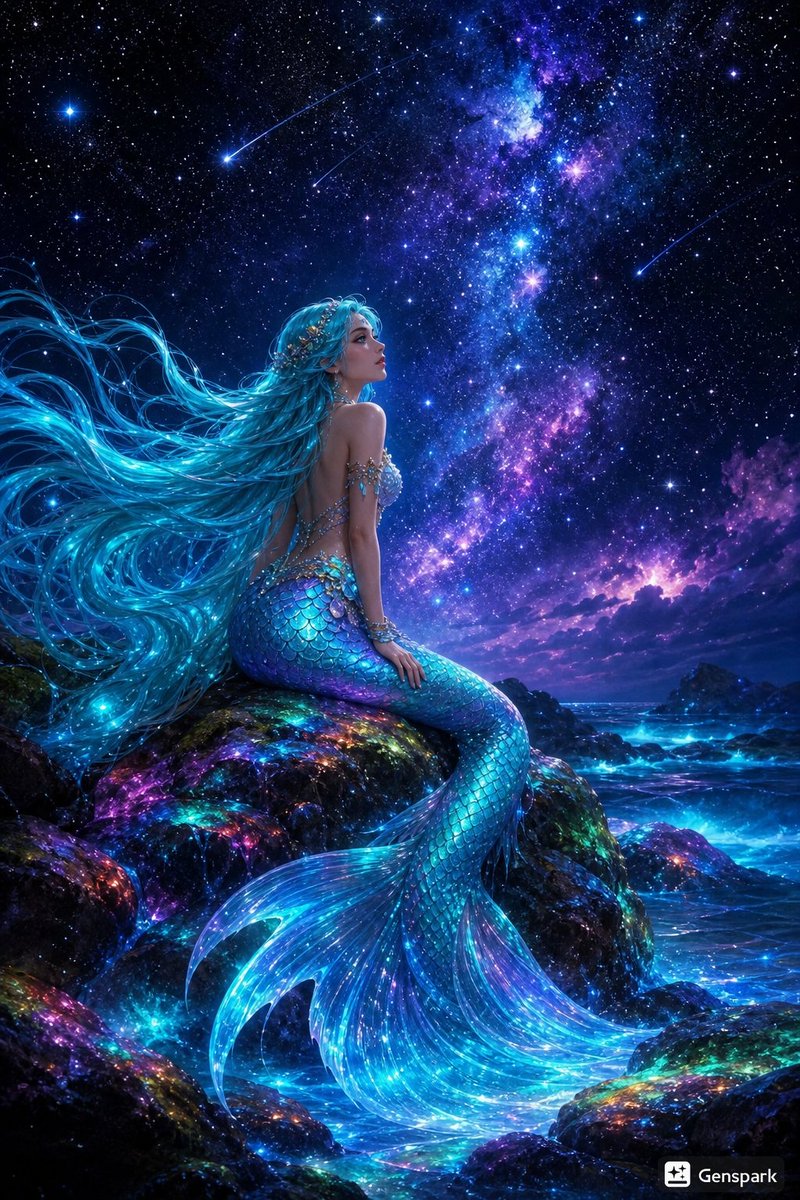
Starry Night Mermaid on Rainbow Reef
Tekst naar afbeelding

Neon Flux Cyberpunk Portrait
Tekst naar afbeelding

Photorealistic Woman Reference Sheet
Tekst naar afbeelding
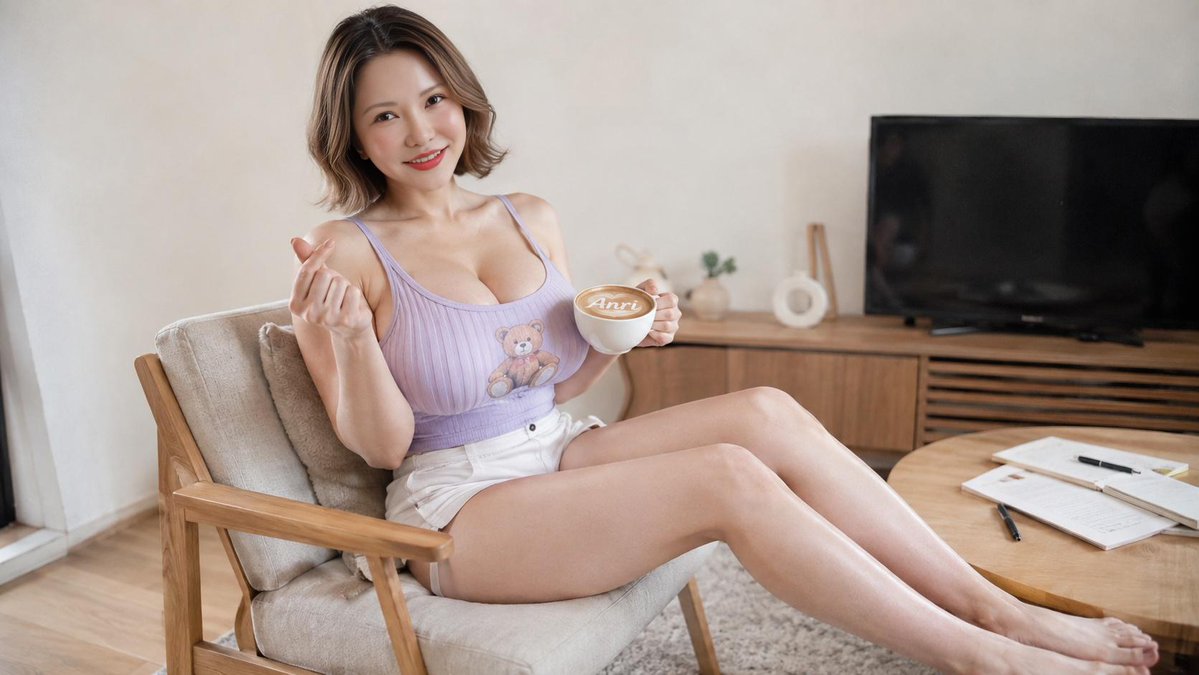
Relaxing Creative Portrait
Tekst naar afbeelding
Hergebruik en bronvermeldingen
Gebruik deze prompt veilig nadat u de casus hebt bekeken.
- 1.Kopieer de prompt of open deze direct in Dovoo met de knop 'Genereren'.
- 2.Pas de variabelen, beeldverhouding en referentieafbeeldingen aan uw eigen toepassing aan.
- 3.Controleer vóór publicatie of betaald gebruik de auteursrechten, de vereisten voor naamsvermelding en de risico's met betrekking tot merk of beeltenis.