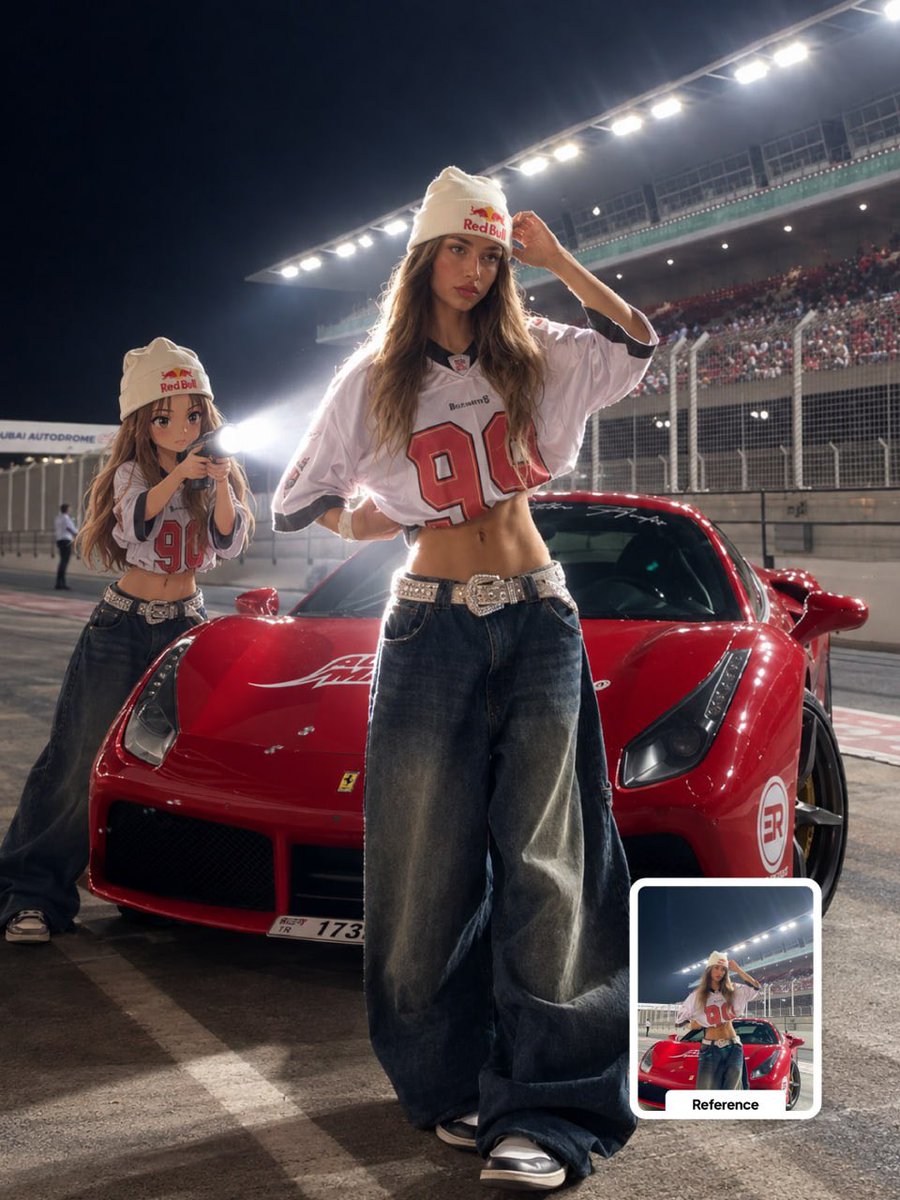
Anime Character Behind Real Subject Prompt
A detailed prompt for generating an image where a small anime version of the subject stands behind them holding a flashlight, creating rim lighting effects. Uses GPT Image 2 on ChatGPT.
Ini adalah contoh kasus GPT Image 2 untuk Potret & Karakter . Gunakan contoh siap salin di bawah ini untuk menghasilkan visual serupa, dan tinjau atribusi Awesome GPT Image 2 Prompts serta hak penggunaan komersial sebelum digunakan kembali.
Butuh seluruh rangkaian prompt? Gunakan Potret & Karakter Untuk contoh terkait lainnya, kunjungi pusat topik, atau buka GPT Image 2 katalog cepat untuk indeks contoh lengkap, struktur yang dapat digunakan kembali, dan atribusi sumber.
Free 1K preview
Generate one preview image instantly, no sign-up required.
Free text preview doesn’t preserve reference-image consistency.
2953/4000
Mengingatkan
Prompt siap salin
Transform the main subject into a realistic photographic scene featuring a small full-body anime/cartoon version of the same person positioned directly behind them.

SUBJECT PRESERVATION:
Keep the real subject completely unchanged. Preserve their exact identity, facial features, hairstyle, clothing, accessories, body proportions, pose, position, framing and recognizable details. Do not modify the original subject.

ANIME CHARACTER:
Create a small full-body anime/cartoon version of the same subject. Match the original hairstyle, outfit, accessories, colors and recognizable visual details precisely. Use a clean modern anime aesthetic with sharp controlled linework, slightly oversized head, compact body proportions, expressive facial details and subtle cel shading. The character should clearly resemble the original subject while remaining intentionally stylized.

POSITION & ACTION:
Place the anime character directly behind the real subject, naturally aligned with the original body position. The anime character is holding a flashlight with both hands and aiming it forward toward the subject's back.

LIGHTING:
Create an intense, realistic white flashlight beam originating from behind the subject. The beam should visibly illuminate the subject from the rear, creating strong natural rim lighting along the silhouette, subtle atmospheric glow and realistic light spill across the surrounding environment.

Add controlled volumetric light within the beam, with a soft falloff rather than an artificial solid cone. The illuminated edges should glow naturally without creating excessive bloom.

ENVIRONMENT:
Slightly dim the existing outdoor ambient light to create stronger cinematic contrast while preserving the original environment, colors, textures and lighting logic. Keep the background realistic and photographic.

SHADOWS & DEPTH:
Create physically believable shadows based on the flashlight direction. Maintain realistic contact shadows, light falloff and depth between the anime character, real subject and environment.

COMPOSITION LOCK:
Preserve the original camera angle, perspective, framing, spatial arrangement and overall composition. Do not move, crop, replace, add or remove environmental elements except for the anime character and its flashlight.

STYLE:
Photorealistic outdoor photography combined with a clean modern anime character integration. The anime character should look intentionally illustrated while the real subject and environment remain fully photographic. Seamless lighting interaction between the stylized character and the real-world scene.

QUALITY:
Ultra-realistic lighting, cinematic contrast, realistic white light, natural rim glow, subtle volumetric atmosphere, detailed textures, sharp subject separation, high dynamic range, professional photography, 4K.

DO NOT:
Do not alter the real subject's identity, face, hairstyle, clothing, accessories, pose or proportions. Do not turn the real subject
Best for
- - Potret & Karakter visual exploration
- - Image generation and reference-image edits
- - Reusable briefs that keep source attribution visible
Change these parts
- - Subject, product, character, or scene
- - Aspect ratio, camera, lighting, and background
- - Brand, text, color, and output constraints
Recommended model and settings
- - Model: gpt-image-2
- - Input mode: Gambar ke Gambar
- - Aspect ratio: source
- - Commercial status: review original source
How to use this prompt
- 1. Copy the prompt and preserve its structure for the first test.
- 2. Replace the subject, context, and publishing channel.
- 3. Change one camera, lighting, or style variable per iteration.
- 4. Inspect the output, source, text, and rights before reuse.
Limitations, source, and reuse cautions
- - Generated output is an editable draft, not factual, legal, or rights evidence.
- - Review the linked source, people, brands, logos, text, and third-party media before commercial use.
Diimpor dari Awesome GPT Image 2 Prompts . Atribusi diperlukan. Status penggunaan komersial adalah allowed ; tinjau hak sumber sebelum penggunaan berbayar.
Lebih banyak kasus dalam kategori ini
Diprioritaskan berdasarkan kategori, kompatibilitas mode input, kualitas, dan risiko yang lebih rendah.
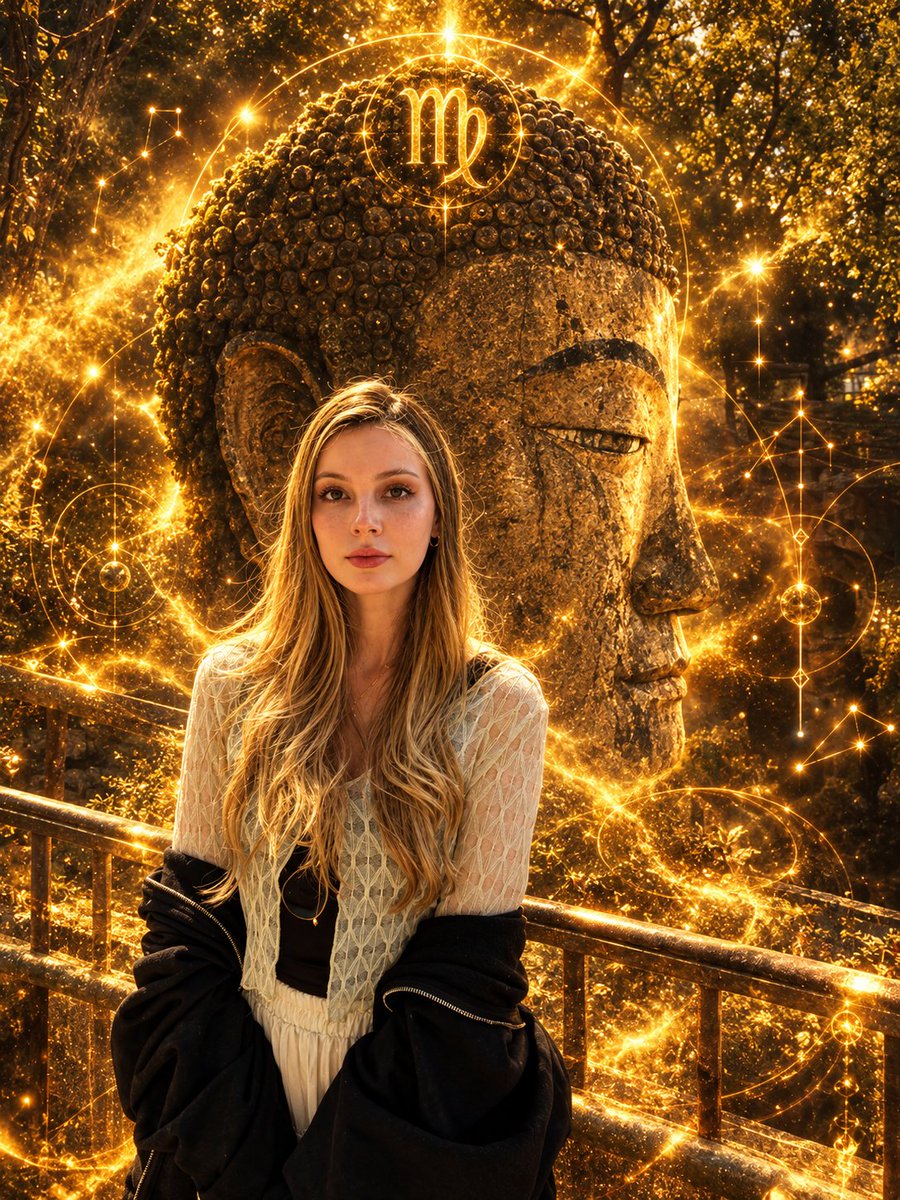
Virgo Zodiac Portrait with Golden Cosmic Energy
Gambar ke Gambar
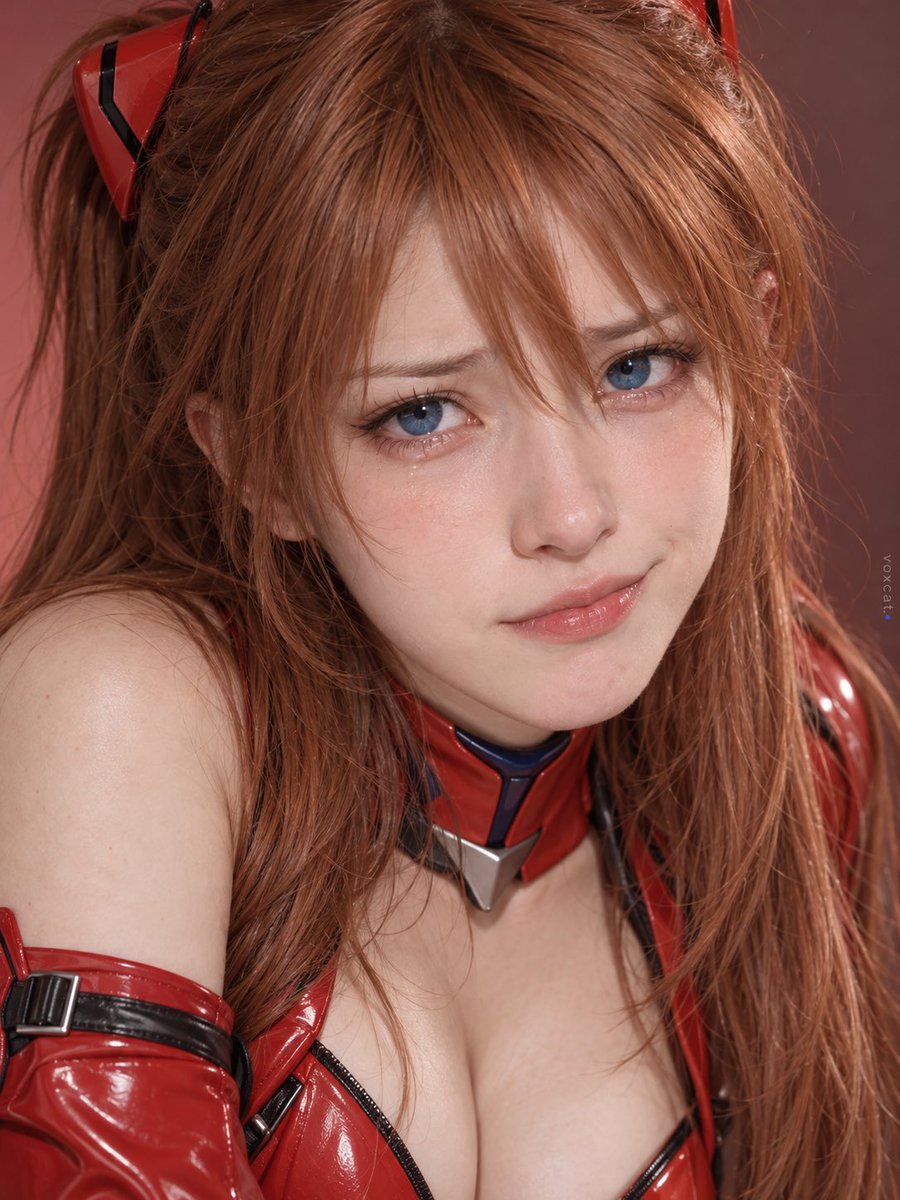
Multi-Symbol Composite Expression System
Gambar ke Gambar
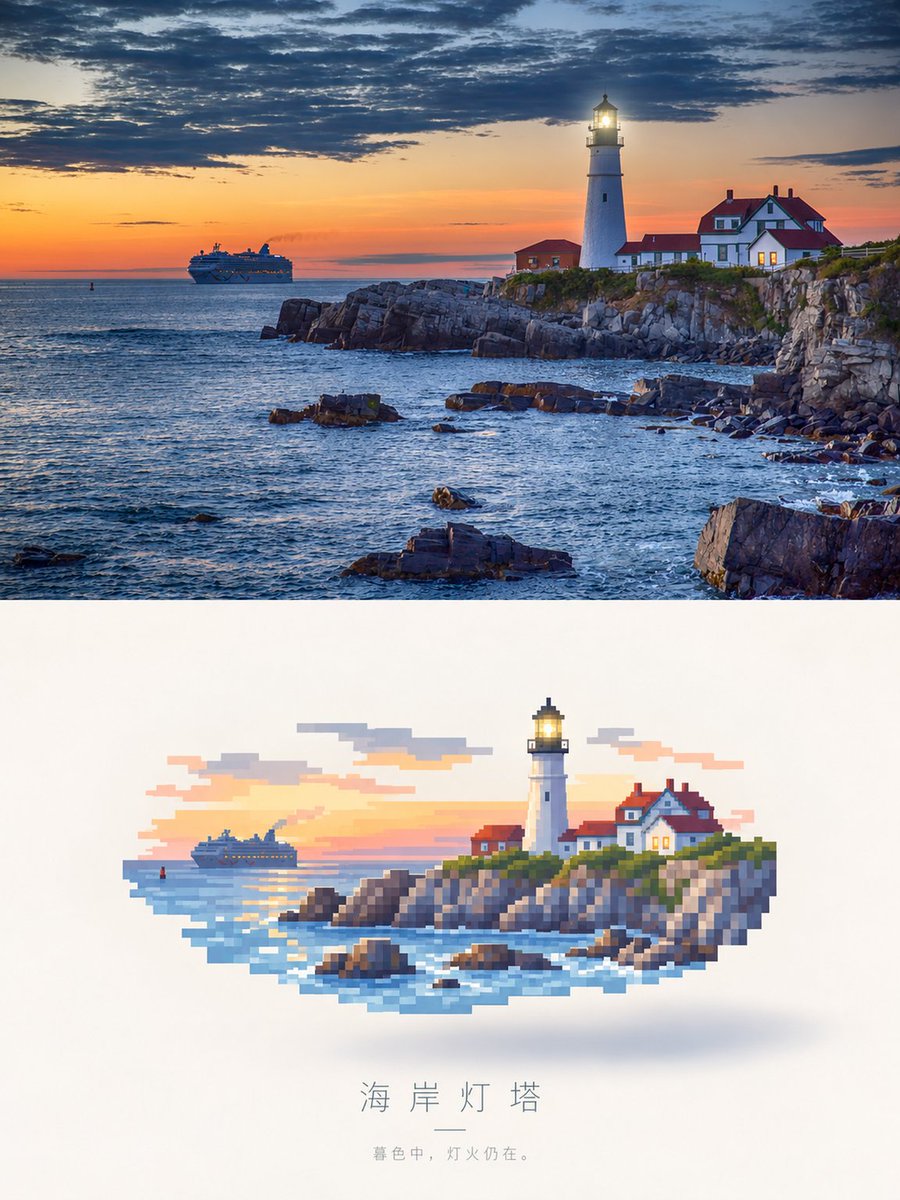
Photorealistic Lighthouse to Pixel Art
Gambar ke Gambar

Girl in Swimsuit on Orange Stairs
Teks ke Gambar
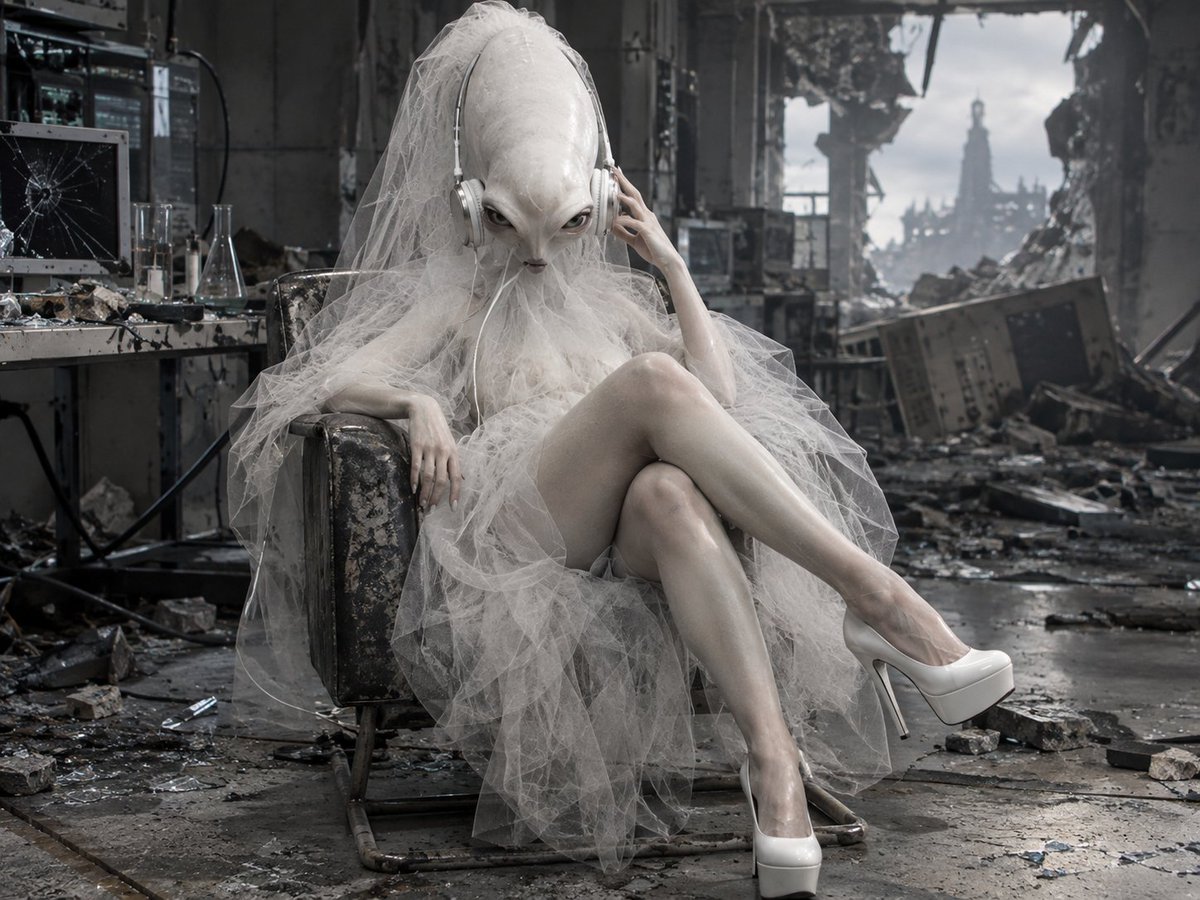
Alien Bride in Ruined Lab
Teks ke Gambar
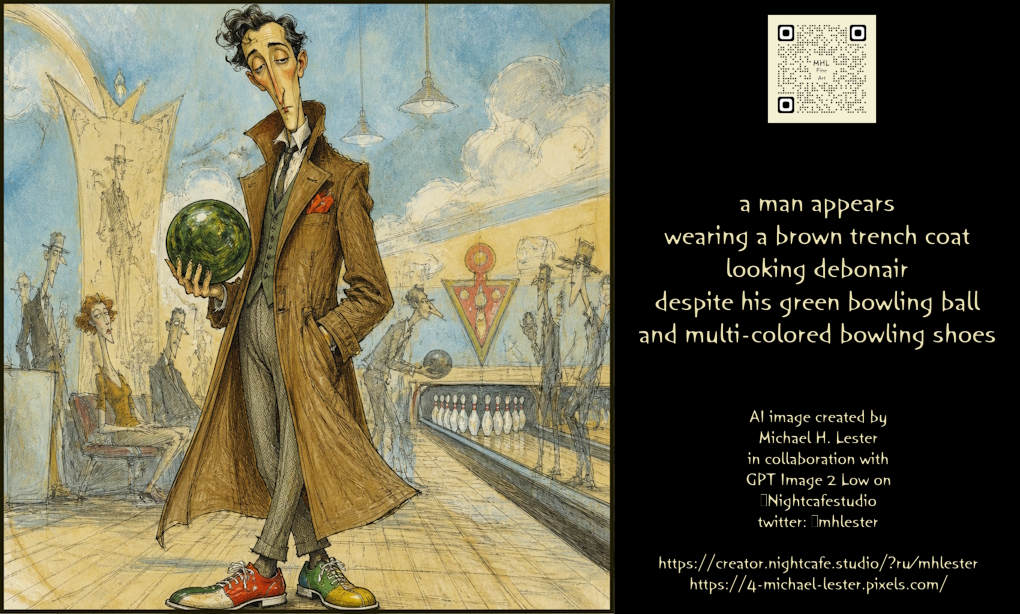
Debonair Man with Bowling Gear Prompt
Teks ke Gambar
Catatan penggunaan kembali dan sumber
Gunakan perintah ini dengan aman setelah melihat pratinjau kasus.
- 1.Salin perintah tersebut atau buka langsung di Dovoo dengan tombol pembuatan.
- 2.Sesuaikan variabel, rasio aspek, dan gambar referensi untuk kebutuhan Anda sendiri.
- 3.Sebelum mempublikasikan atau menggunakan untuk tujuan berbayar, verifikasi hak sumber, persyaratan atribusi, dan risiko merek atau citra.