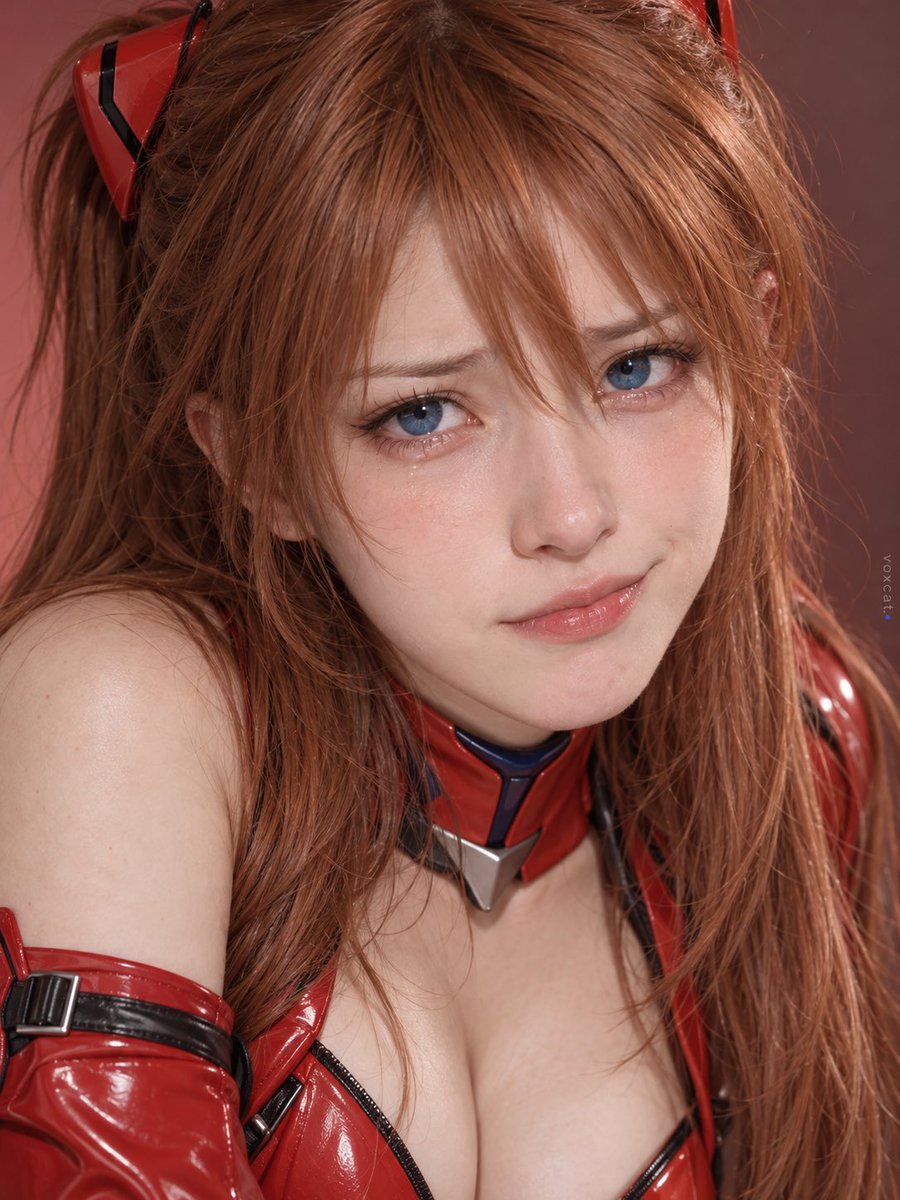
Multi-Symbol Composite Expression System
A prompt for GPT-image-2 to generate realistic faces combining multiple conflicting emoji symbols into a single natural expression.
Ini adalah contoh kasus GPT Image 2 untuk Potret & Karakter . Gunakan contoh siap salin di bawah ini untuk menghasilkan visual serupa, dan tinjau atribusi Awesome GPT Image 2 Prompts serta hak penggunaan komersial sebelum digunakan kembali.
Butuh seluruh rangkaian prompt? Gunakan Potret & Karakter Untuk contoh terkait lainnya, kunjungi pusat topik, atau buka GPT Image 2 katalog cepat untuk indeks contoh lengkap, struktur yang dapat digunakan kembali, dan atribusi sumber.
Free 1K preview
Generate one preview image instantly, no sign-up required.
Free text preview doesn’t preserve reference-image consistency.
448/4000
Mengingatkan
Prompt siap salin
[Character], adult realistic style, preserve core identity features of the character.
Multi-symbol composite expression: 🥺 😢 😼 (。•́︿•̀。) (¬‿¬).
Inner eyebrows raised, eye sockets appear moist, lower lip lightly pursed, yet one side of the mouth corner reveals suppressed smugness.
Unify multiple emotions into one natural, real face, clear facial details, close-up portrait photography, 3:4 vertical format, tiny voxcat signature on the right edge.
Best for
- - Potret & Karakter visual exploration
- - Image generation and reference-image edits
- - Reusable briefs that keep source attribution visible
Change these parts
- - Subject, product, character, or scene
- - Aspect ratio, camera, lighting, and background
- - Brand, text, color, and output constraints
Recommended model and settings
- - Model: gpt-image-2
- - Input mode: Gambar ke Gambar
- - Aspect ratio: source
- - Commercial status: review original source
How to use this prompt
- 1. Copy the prompt and preserve its structure for the first test.
- 2. Replace the subject, context, and publishing channel.
- 3. Change one camera, lighting, or style variable per iteration.
- 4. Inspect the output, source, text, and rights before reuse.
Limitations, source, and reuse cautions
- - Generated output is an editable draft, not factual, legal, or rights evidence.
- - Review the linked source, people, brands, logos, text, and third-party media before commercial use.
Diimpor dari Awesome GPT Image 2 Prompts . Atribusi diperlukan. Status penggunaan komersial adalah allowed ; tinjau hak sumber sebelum penggunaan berbayar.
Lebih banyak kasus dalam kategori ini
Diprioritaskan berdasarkan kategori, kompatibilitas mode input, kualitas, dan risiko yang lebih rendah.
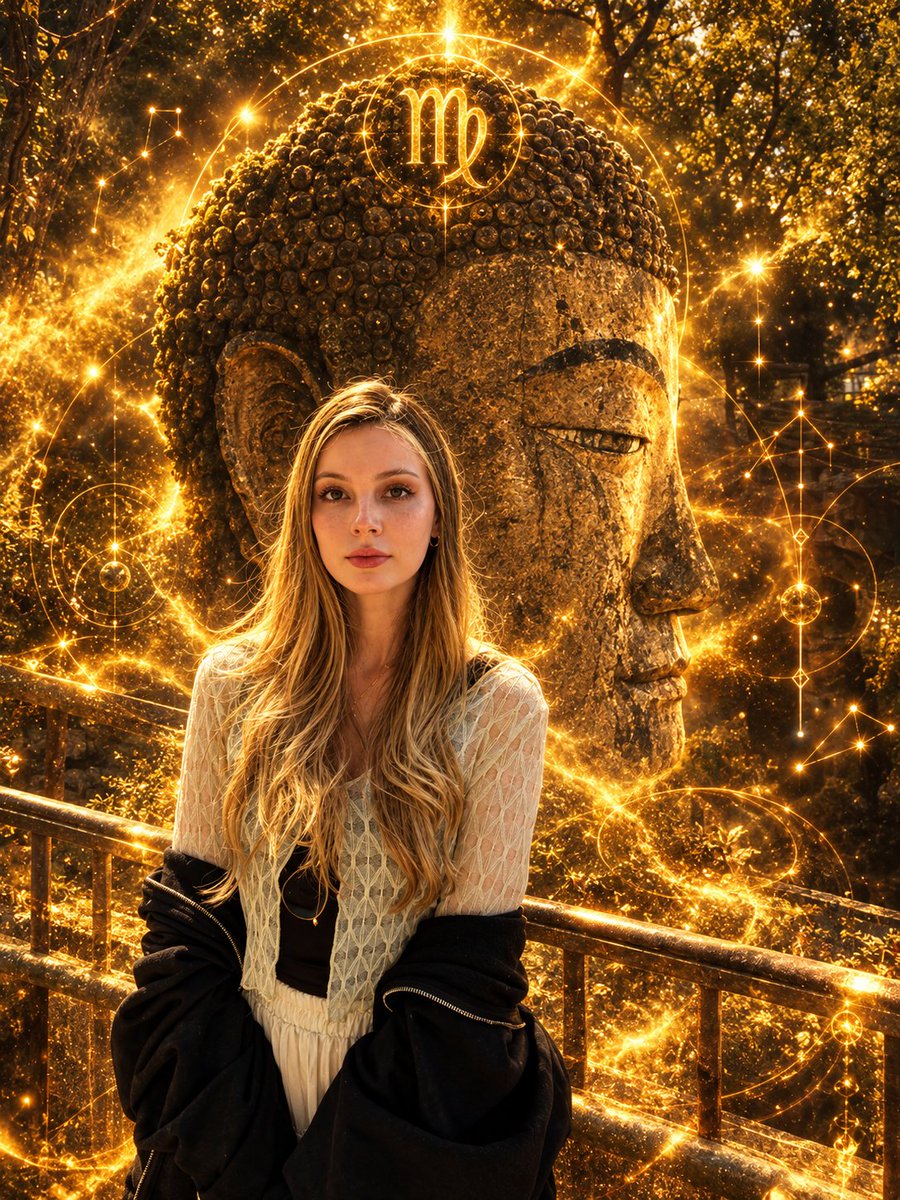
Virgo Zodiac Portrait with Golden Cosmic Energy
Gambar ke Gambar
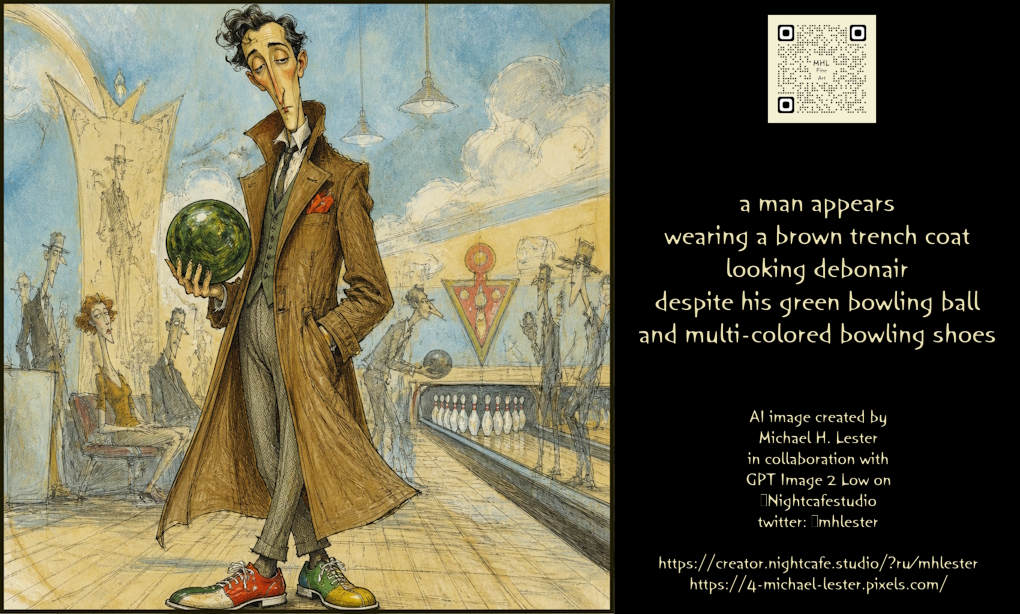
Debonair Man with Bowling Gear Prompt
Teks ke Gambar
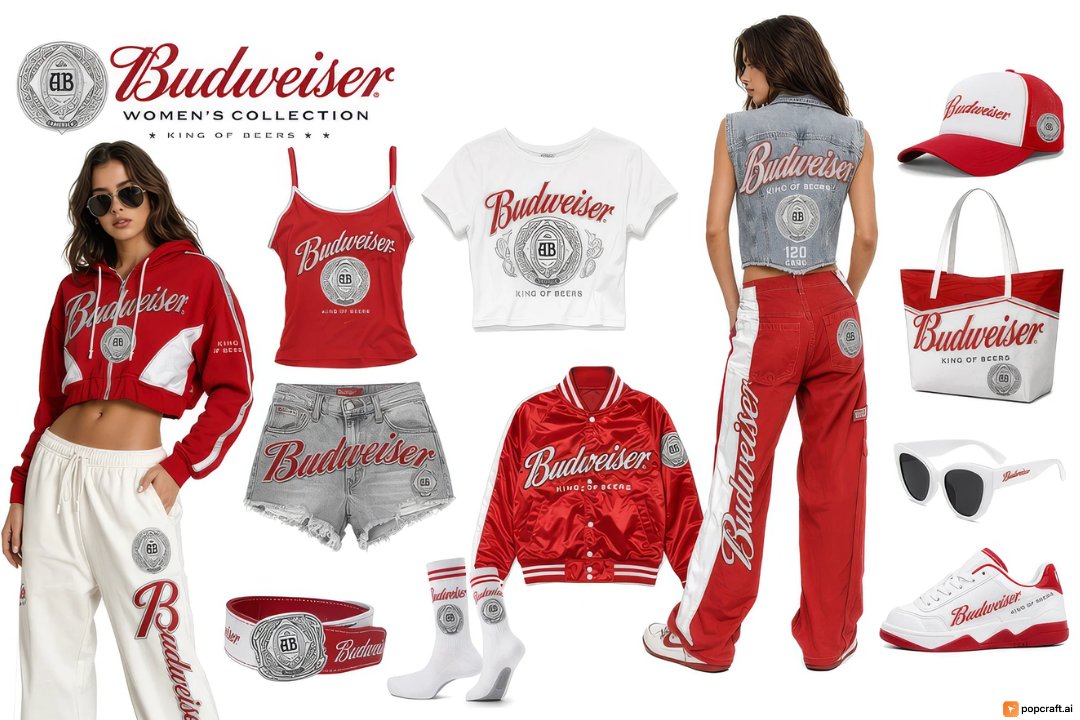
Budweiser Streetwear Fashion Concept Board
Gambar ke Gambar
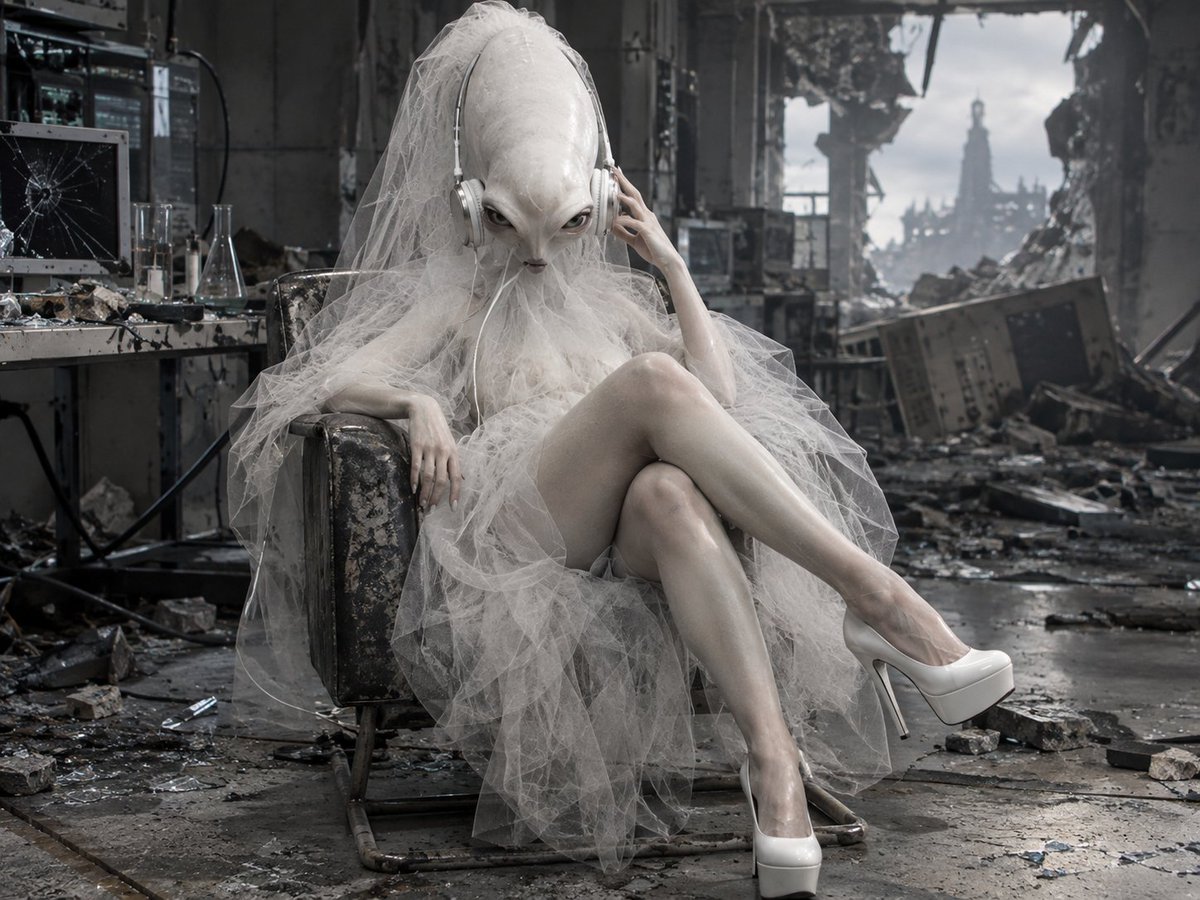
Alien Bride in Ruined Lab
Teks ke Gambar
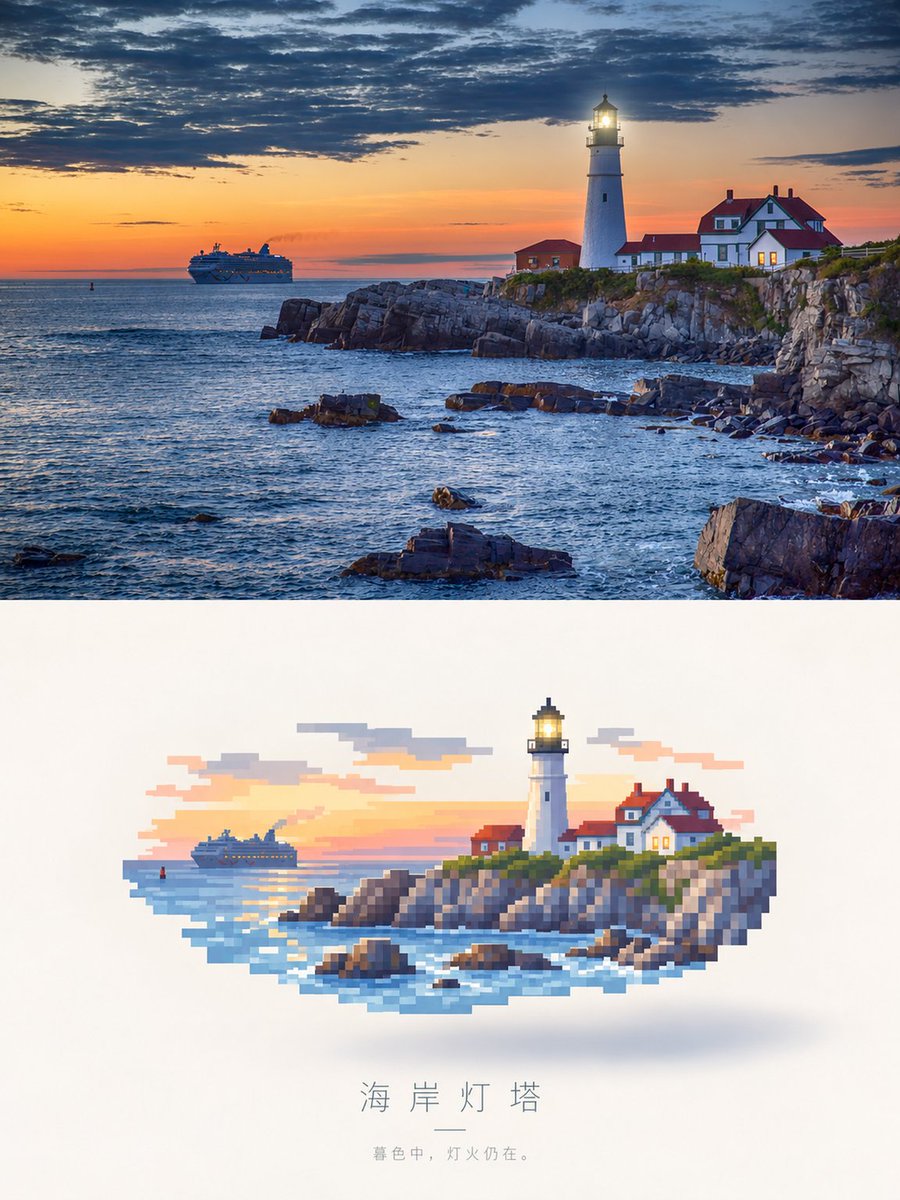
Photorealistic Lighthouse to Pixel Art
Gambar ke Gambar
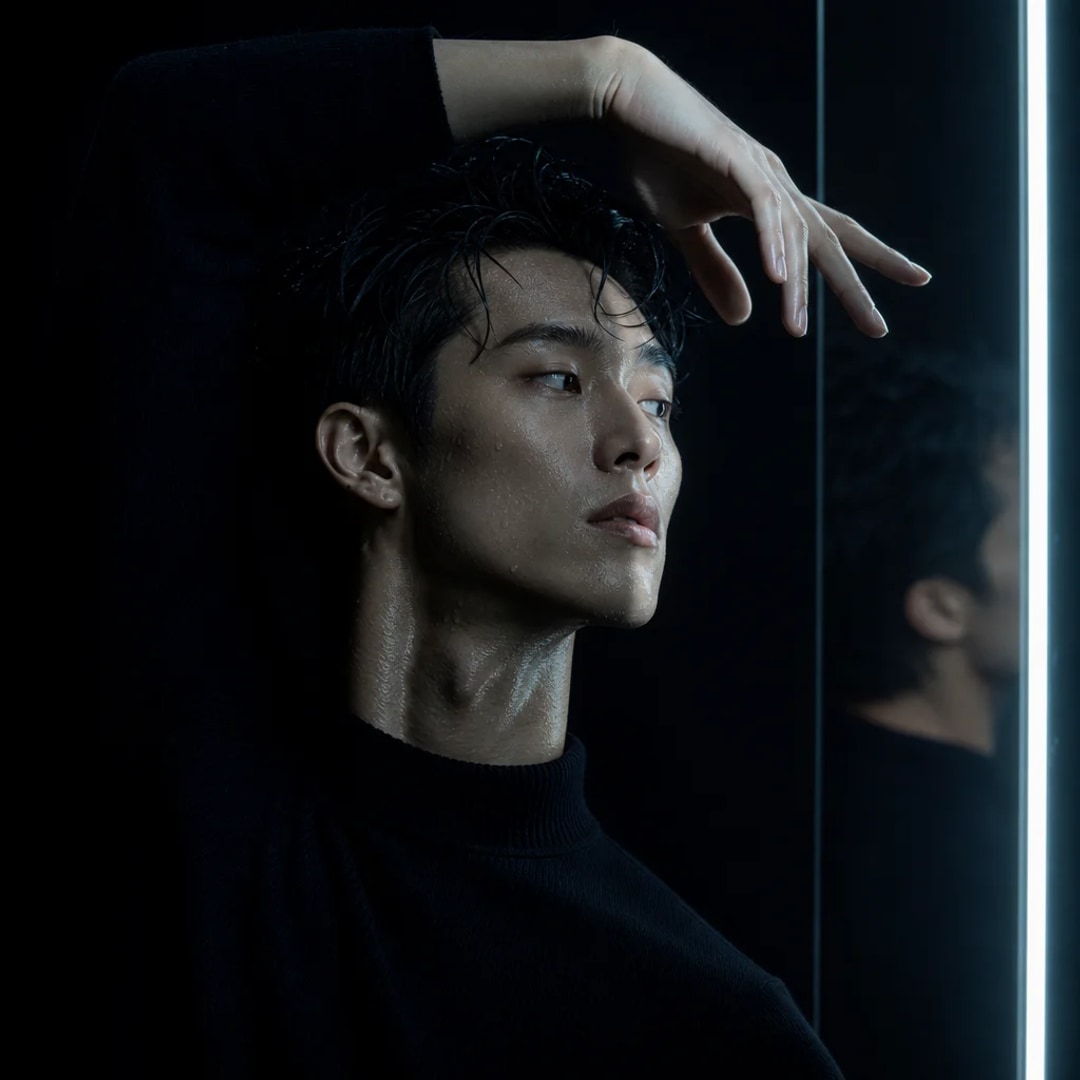
Dancer Pose with Strip Light Prompt
Teks ke Gambar
Catatan penggunaan kembali dan sumber
Gunakan perintah ini dengan aman setelah melihat pratinjau kasus.
- 1.Salin perintah tersebut atau buka langsung di Dovoo dengan tombol pembuatan.
- 2.Sesuaikan variabel, rasio aspek, dan gambar referensi untuk kebutuhan Anda sendiri.
- 3.Sebelum mempublikasikan atau menggunakan untuk tujuan berbayar, verifikasi hak sumber, persyaratan atribusi, dan risiko merek atau citra.