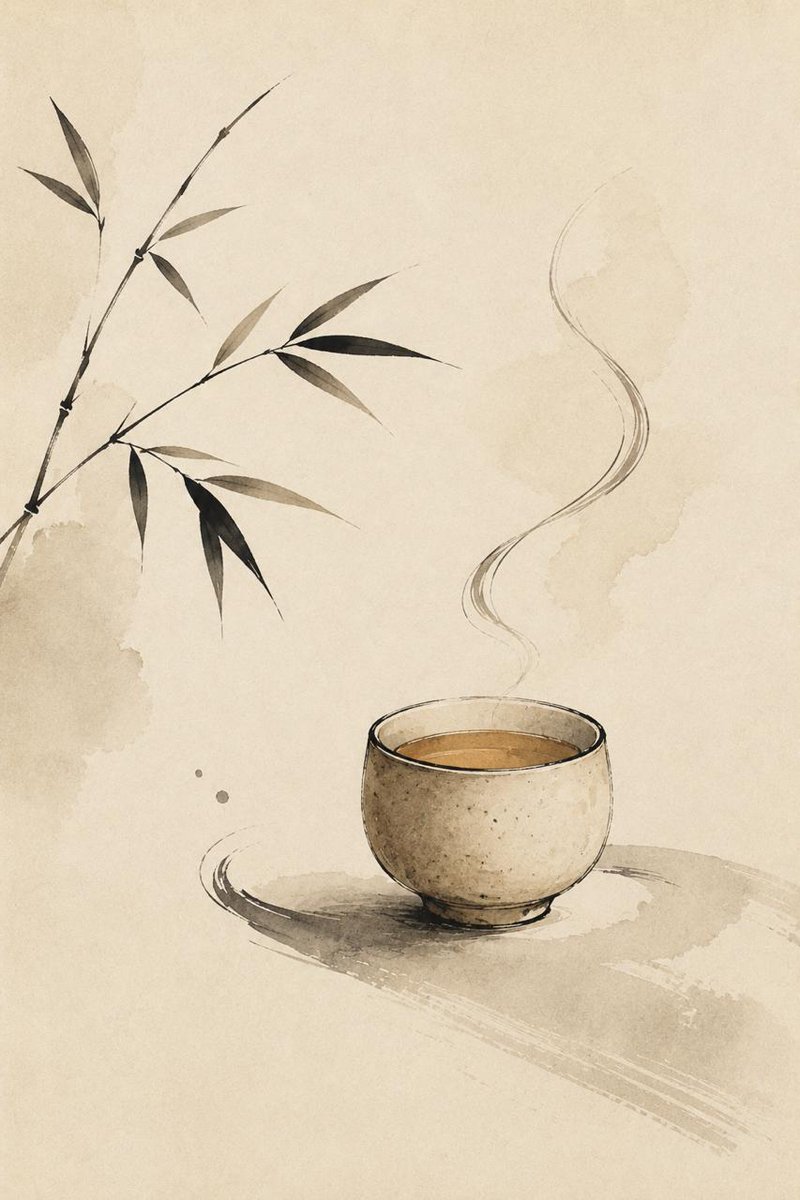
Zen Tea Cup Ink Wash
A minimalist Japanese zen ink illustration of a steaming tea cup with bamboo on aged paper, suitable for calm decor or meditation-themed visuals.
This is a GPT Image 2 prompt case for Illustration & Art. Use the copy-ready prompt below to generate similar visuals, and review Awesome GPT Image 2 Prompts attribution plus commercial-use rights before reuse.
Free 1K preview
Generate one preview image instantly, no sign-up required.
Prompt
Copy-ready prompt
Create a minimalist zen-style Japanese ink wash illustration on a vertical canvas. Use warm aged rice paper as the background with subtle beige watercolor stains and abundant negative space. Place a single rustic ceramic tea cup in the lower-right area, rounded and slightly imperfect, with speckled beige clay texture, a thin dark rim, a visible amber-brown tea surface, and a soft gray ink shadow beneath it. From the cup, draw one graceful column of steam made of thin, translucent, flowing S-shaped black-gray brush lines rising upward. On the left side, include one slender bamboo branch entering diagonally from the lower-left edge and reaching toward the upper-left and center, with exactly 3 visible stem segments and exactly 12 narrow bamboo leaves in muted black, charcoal, and pale gray ink tones. Add 2 small ink dots near the lower-left of the cup. Keep the composition quiet, asymmetrical, meditative, and elegant, with soft organic brush textures, sumi-e linework, light watercolor washes, no hard outlines except the expressive ink strokes, no text, no border, no watermark.
Best for
- - Illustration & Art visual exploration
- - Image generation and reference-image edits
- - Reusable briefs that keep source attribution visible
Change these parts
- - Subject, product, character, or scene
- - Aspect ratio, camera, lighting, and background
- - Brand, text, color, and output constraints
Recommended model and settings
- - Model: gpt-image-2
- - Input mode: Text to Image
- - Aspect ratio: source
- - Commercial status: review original source
How to use this prompt
- 1. Copy the prompt and preserve its structure for the first test.
- 2. Replace the subject, context, and publishing channel.
- 3. Change one camera, lighting, or style variable per iteration.
- 4. Inspect the output, source, text, and rights before reuse.
Limitations, source, and reuse cautions
- - Generated output is an editable draft, not factual, legal, or rights evidence.
- - Review the linked source, people, brands, logos, text, and third-party media before commercial use.
More cases in this category
Prioritized by category, input mode compatibility, quality, and lower risk.
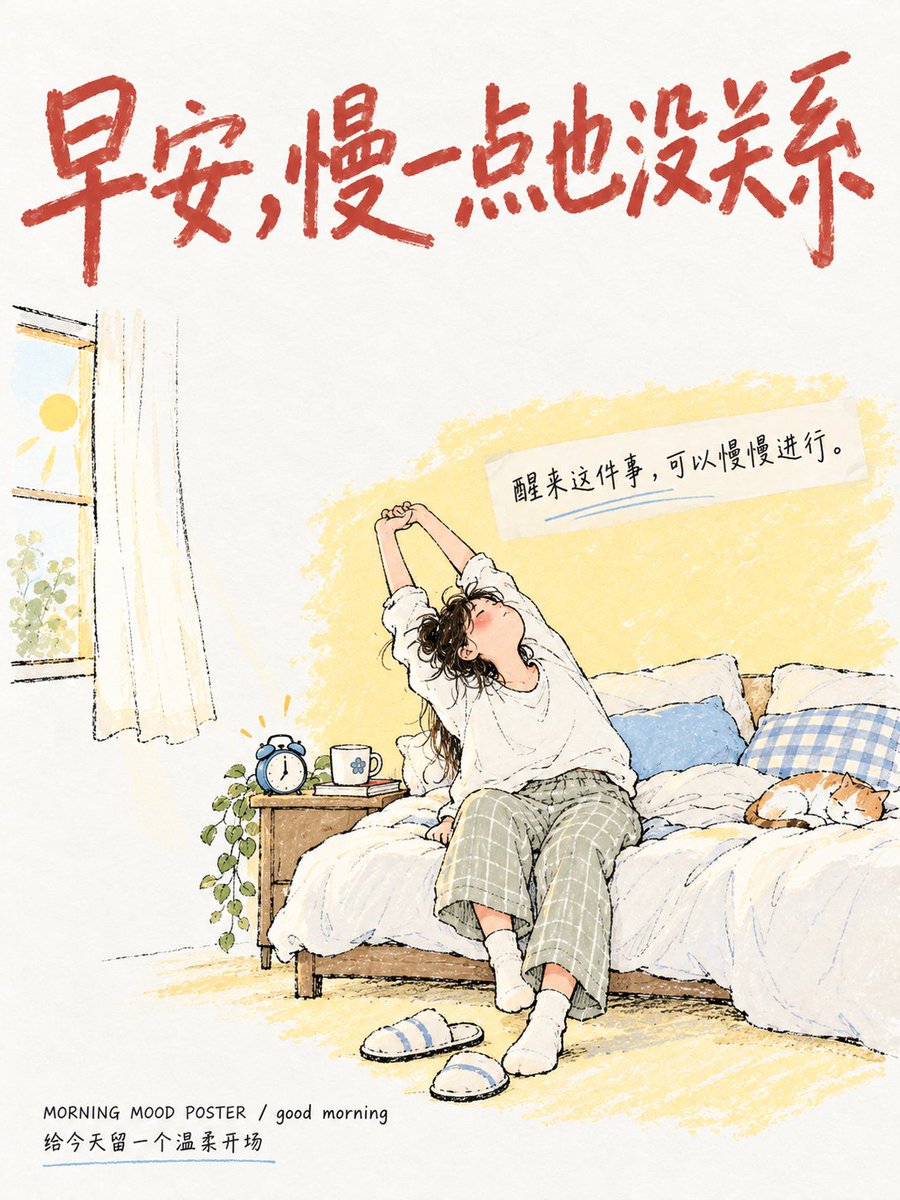

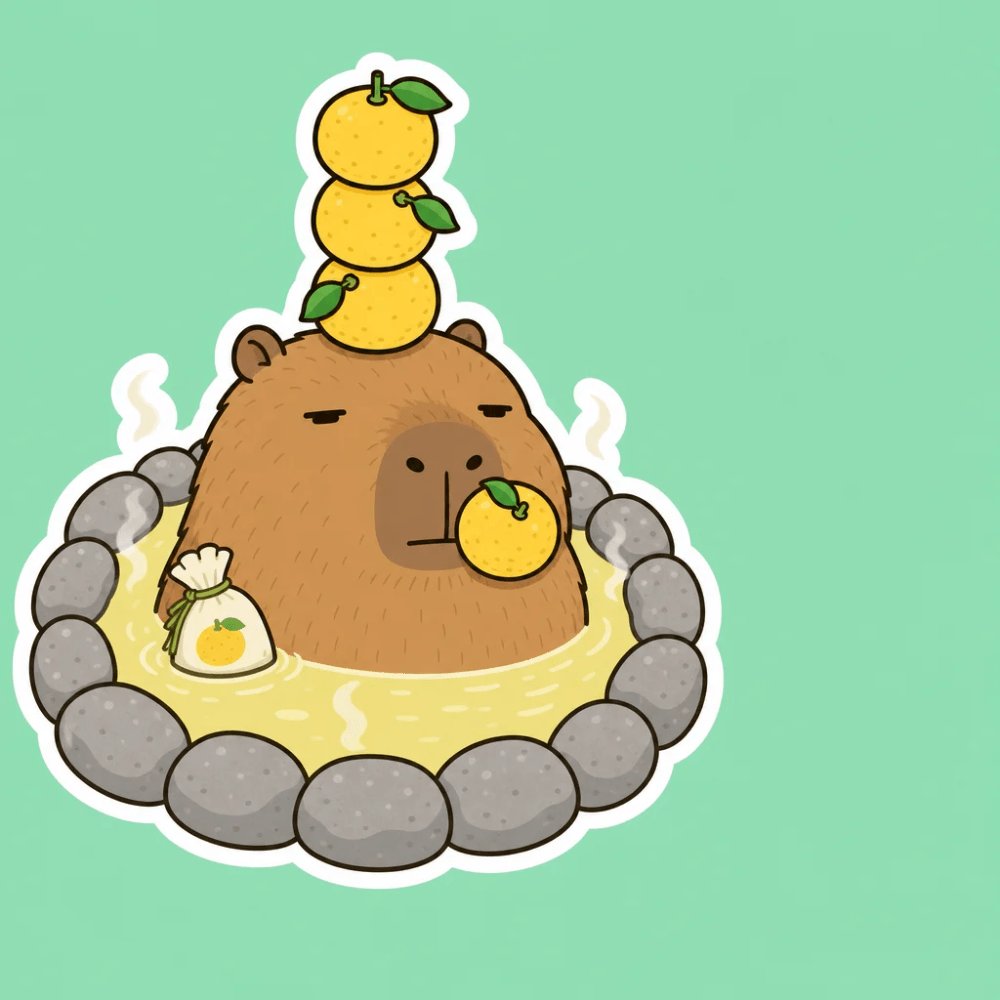
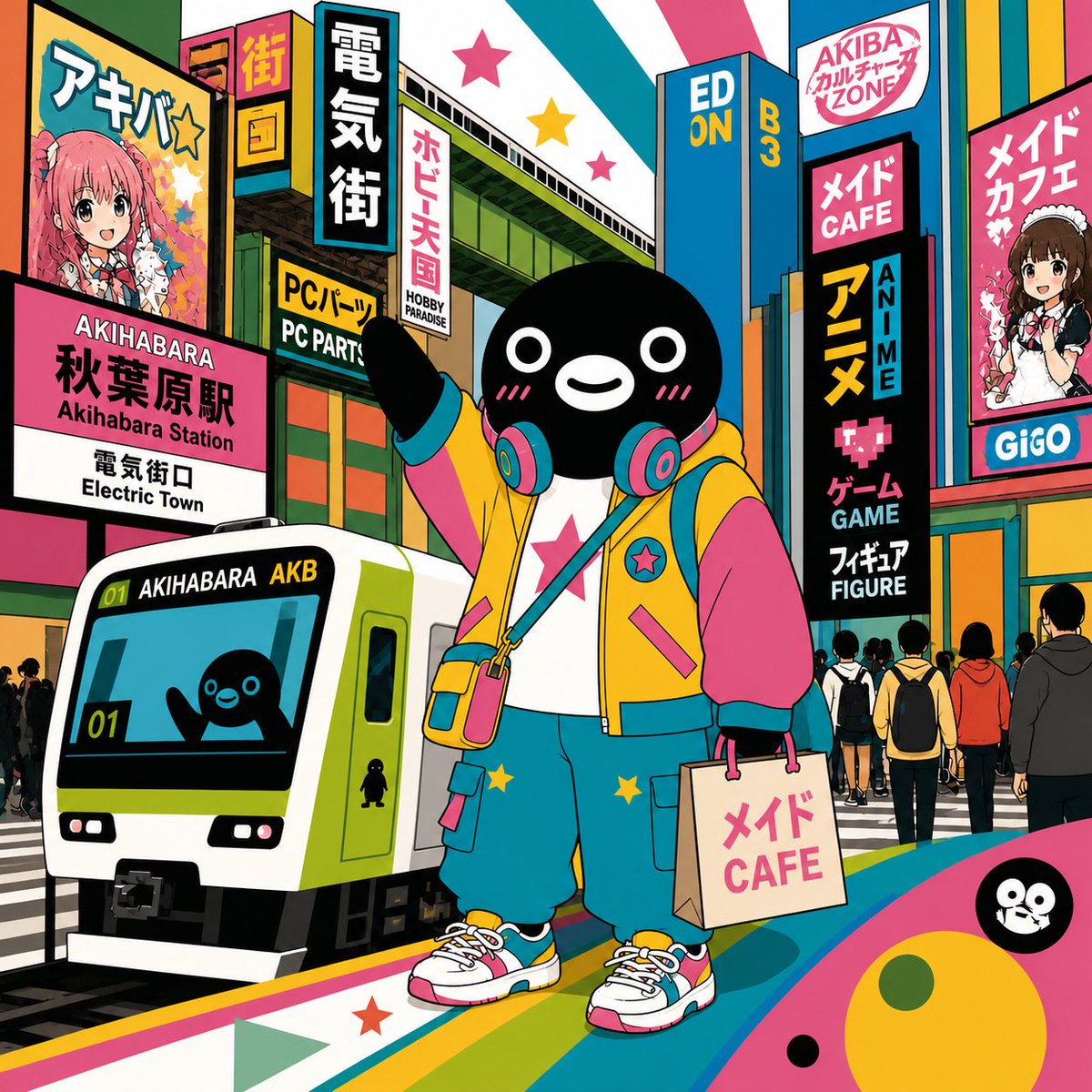

Reuse and source notes
Use this prompt safely after previewing the case.
- 1.Copy the prompt or open it directly in Dovoo with the generation button.
- 2.Adjust variables, aspect ratio, and reference images for your own use case.
- 3.Before publishing or paid usage, verify source rights, attribution requirements, and brand or likeness risks.
Can I use this prompt commercially?
Commercial-use status is allowed. Review the original source, license, brand constraints, and legal requirements before paid usage.
Where does this case come from?
This case is imported from Awesome GPT Image 2 Prompts; keep attribution visible and check the source URL before reuse.