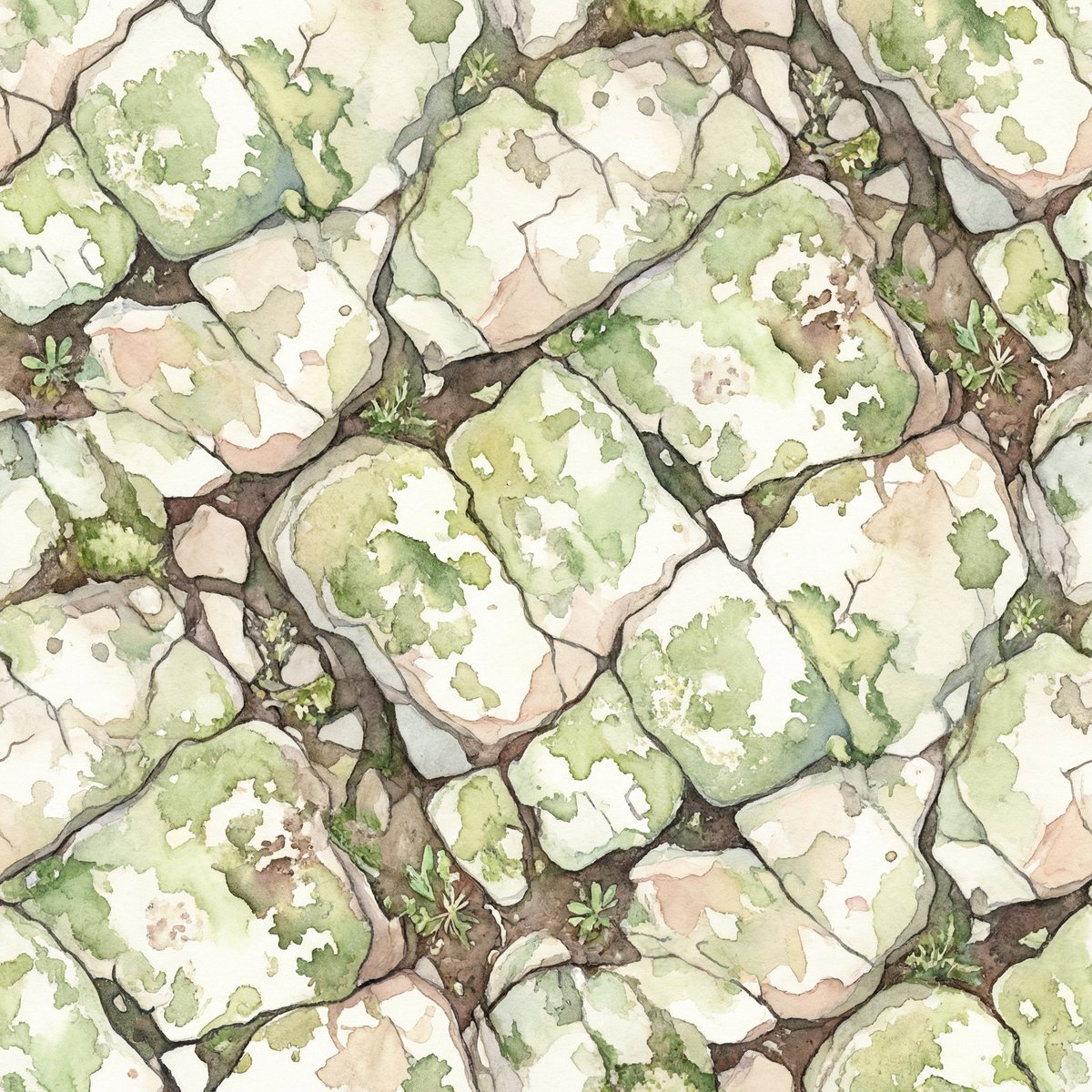
Seamless Watercolor Stone Path Tile
Generates a seamless top-down watercolor pattern of mossy garden paving stones for wallpapers, fabric, packaging, or game textures.
This is a GPT Image 2 prompt case for Illustration & Art. Use the copy-ready prompt below to generate similar visuals, and review Awesome GPT Image 2 Prompts attribution plus commercial-use rights before reuse.
Free 1K preview
Generate one preview image instantly, no sign-up required.
Prompt
Copy-ready prompt
Create a seamless repeating tile pattern of an old stone garden path seen from directly above. The composition is filled edge to edge with irregular polygonal paving stones separated by dark soil-filled cracks, designed so all edges match perfectly for tiling. Use a delicate watercolor and ink illustration style on warm off-white paper: soft translucent washes, hand-drawn graphite/sepia outlines, subtle granulation, uneven pigment blooms, and natural texture. The stones are pale cream, light gray, beige, and muted blush with mossy green stains and lichen patches; the cracks contain rich brown earth with tiny tufts of grass, small weeds, and miniature leafy sprouts. Keep the pattern moderately dense with varied stone sizes and orientations, organic randomness, no obvious central focal point, no shadows from objects, no text, no border, no watermark. Color palette: sage green moss, olive lichen, warm ivory stone, dusty beige, muted gray, earthy brown.
Best for
- - Illustration & Art visual exploration
- - Image generation and reference-image edits
- - Reusable briefs that keep source attribution visible
Change these parts
- - Subject, product, character, or scene
- - Aspect ratio, camera, lighting, and background
- - Brand, text, color, and output constraints
Recommended model and settings
- - Model: gpt-image-2
- - Input mode: Text to Image
- - Aspect ratio: source
- - Commercial status: review original source
How to use this prompt
- 1. Copy the prompt and preserve its structure for the first test.
- 2. Replace the subject, context, and publishing channel.
- 3. Change one camera, lighting, or style variable per iteration.
- 4. Inspect the output, source, text, and rights before reuse.
Limitations, source, and reuse cautions
- - Generated output is an editable draft, not factual, legal, or rights evidence.
- - Review the linked source, people, brands, logos, text, and third-party media before commercial use.
More cases in this category
Prioritized by category, input mode compatibility, quality, and lower risk.
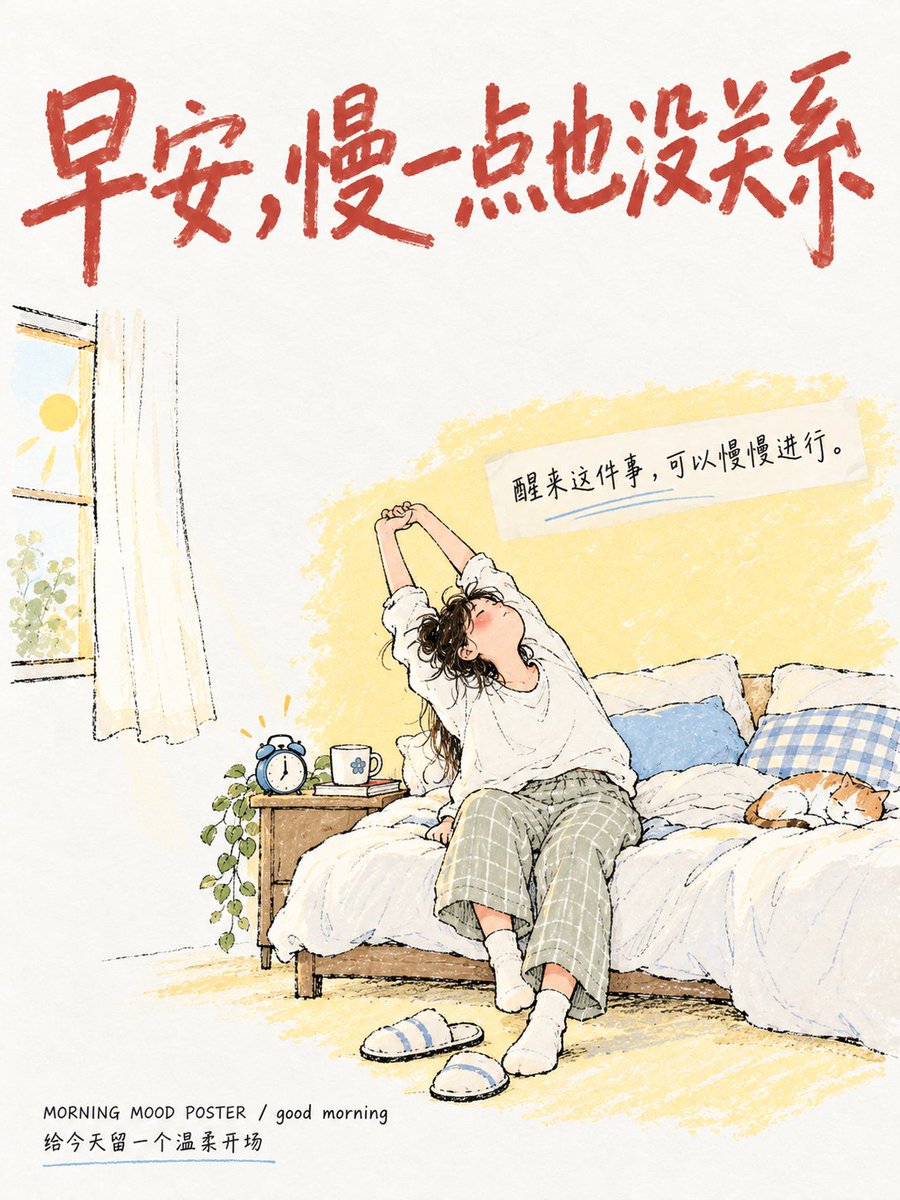


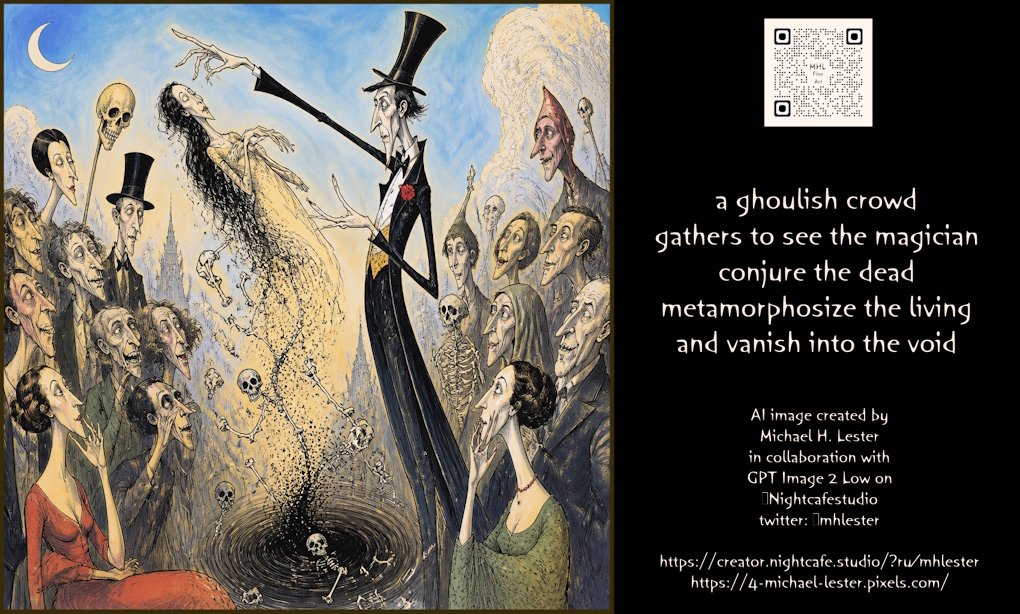
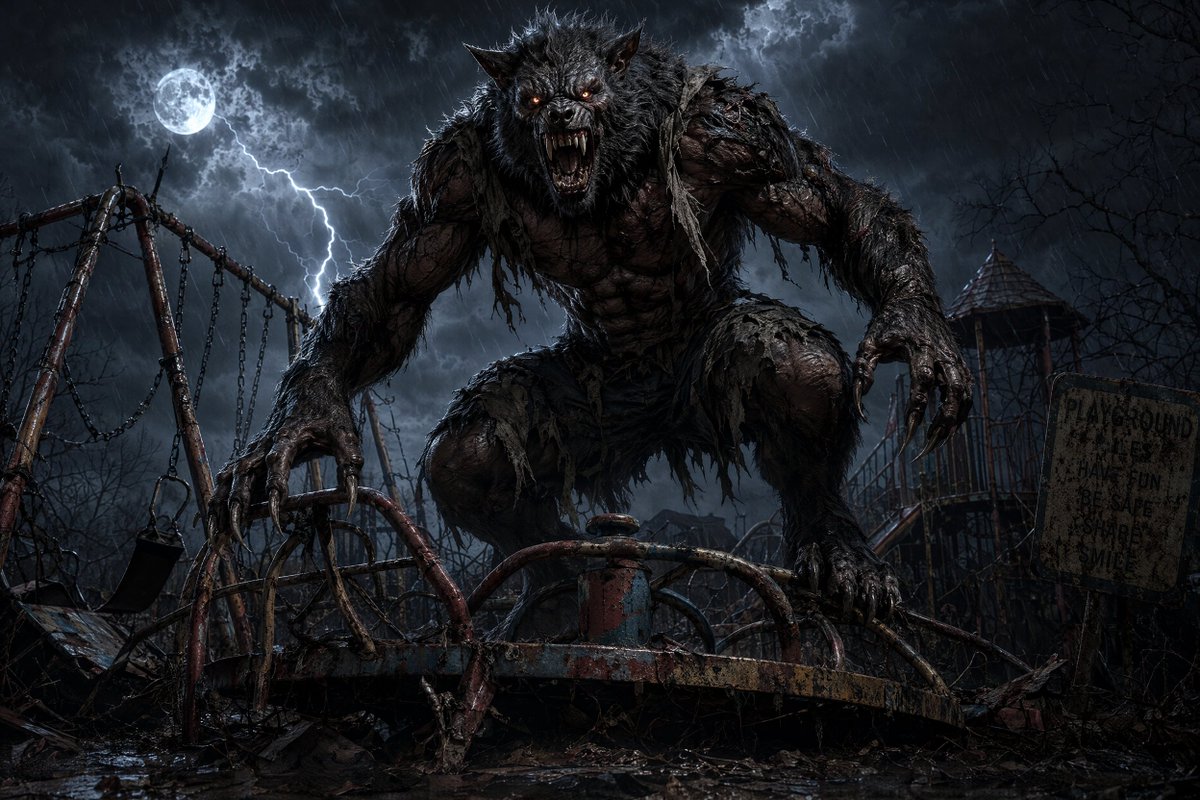
Reuse and source notes
Use this prompt safely after previewing the case.
- 1.Copy the prompt or open it directly in Dovoo with the generation button.
- 2.Adjust variables, aspect ratio, and reference images for your own use case.
- 3.Before publishing or paid usage, verify source rights, attribution requirements, and brand or likeness risks.
Can I use this prompt commercially?
Commercial-use status is allowed. Review the original source, license, brand constraints, and legal requirements before paid usage.
Where does this case come from?
This case is imported from Awesome GPT Image 2 Prompts; keep attribution visible and check the source URL before reuse.