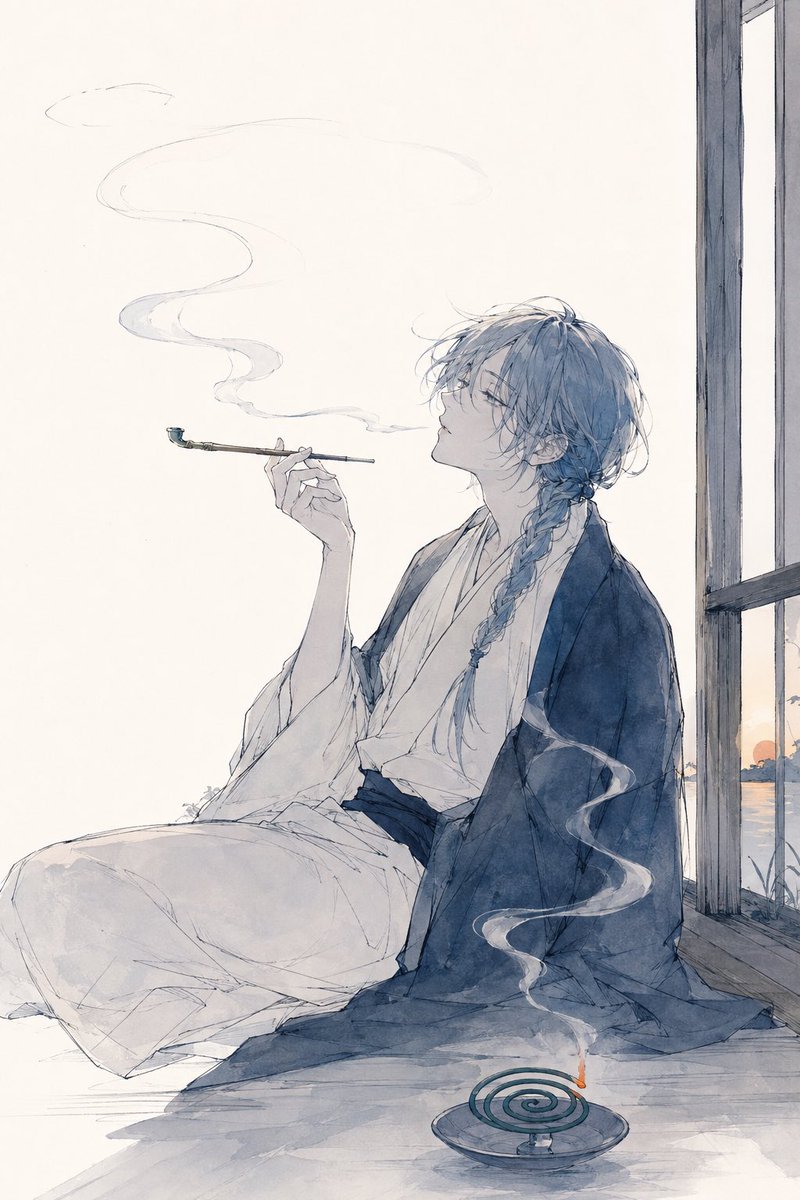
Watercolor Anime Kimono Smoker
Generates a soft vertical anime watercolor scene of a kimono-clad figure smoking beside a window with incense smoke.
This is a GPT Image 2 prompt case for Anime & Game. Use the copy-ready prompt below to generate similar visuals, and review Awesome GPT Image 2 Prompts attribution plus commercial-use rights before reuse.
Free 1K preview
Generate one preview image instantly, no sign-up required.
Prompt
Copy-ready prompt
Create a delicate vertical watercolor anime illustration of a serene androgynous young person in a traditional Japanese room, seated on the wooden floor beside an open window at sunset. The character has {argument name="hair color" default="soft blue-gray"} messy shoulder-length hair with a long loose side braid, pale skin, fine elegant features, and half-closed eyes, shown in side profile facing left. They wear a loose white kimono under a dark indigo haori robe with flowing folds, sitting relaxed with one knee raised and fabric pooled around them. Their right hand holds a long, thin kiseru-style smoking pipe horizontally near their mouth, with a faint ribbon of smoke drifting upward in a graceful S curve. In the foreground near the lower right, include exactly one round incense holder containing exactly one green spiral mosquito coil with exactly one tiny orange ember, sending up a second translucent curling smoke ribbon. The background is mostly blank warm off-white paper, with a simple dark wooden window frame on the right edge and a small glimpse of distant water and an orange setting sun outside. Use airy ink linework, pale blue-gray washes, subtle beige shadows, visible pencil-like sketch lines, lots of negative space, soft melancholy atmosphere, and no text or watermark.Prompt variables
Editable argument placeholders found in the prompt, with their default values.
Best for
- - Anime & Game visual exploration
- - Image generation and reference-image edits
- - Reusable briefs that keep source attribution visible
Change these parts
- - Subject, product, character, or scene
- - Aspect ratio, camera, lighting, and background
- - Brand, text, color, and output constraints
Recommended model and settings
- - Model: gpt-image-2
- - Input mode: Text to Image
- - Aspect ratio: source
- - Commercial status: review original source
How to use this prompt
- 1. Copy the prompt and preserve its structure for the first test.
- 2. Replace the subject, context, and publishing channel.
- 3. Change one camera, lighting, or style variable per iteration.
- 4. Inspect the output, source, text, and rights before reuse.
Limitations, source, and reuse cautions
- - Generated output is an editable draft, not factual, legal, or rights evidence.
- - Review the linked source, people, brands, logos, text, and third-party media before commercial use.
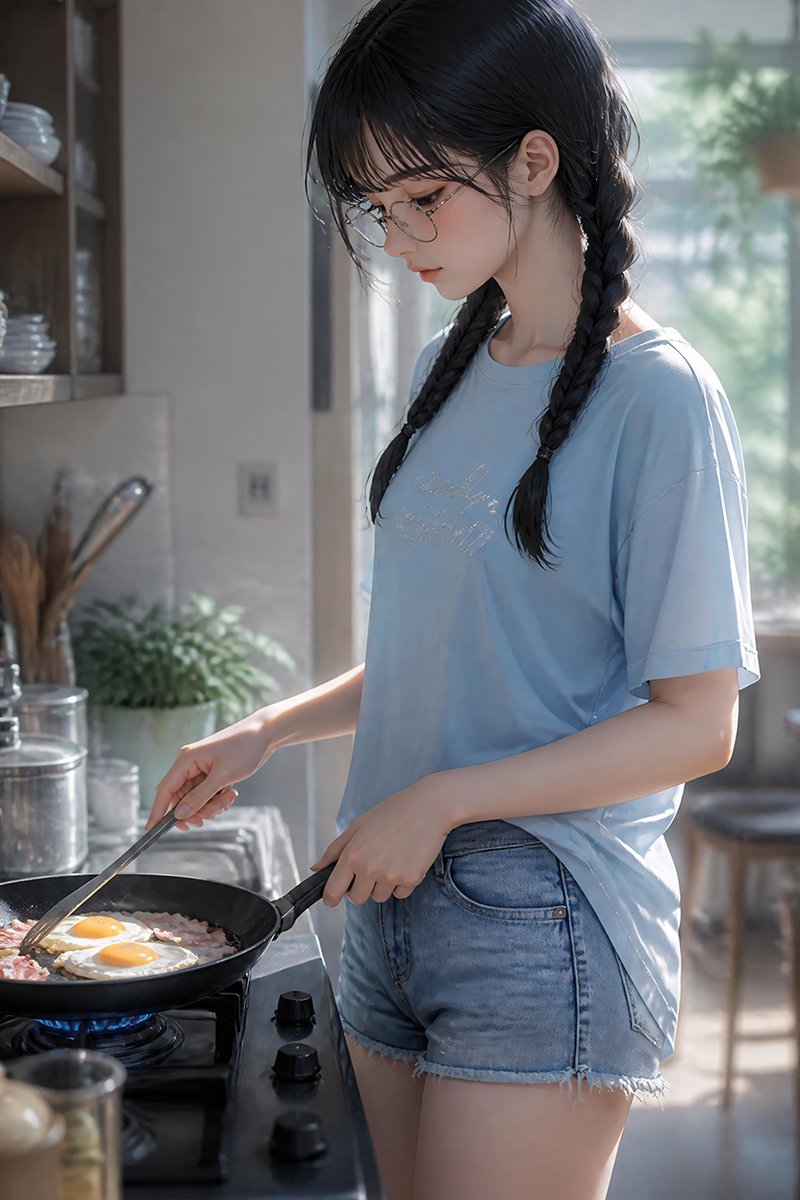
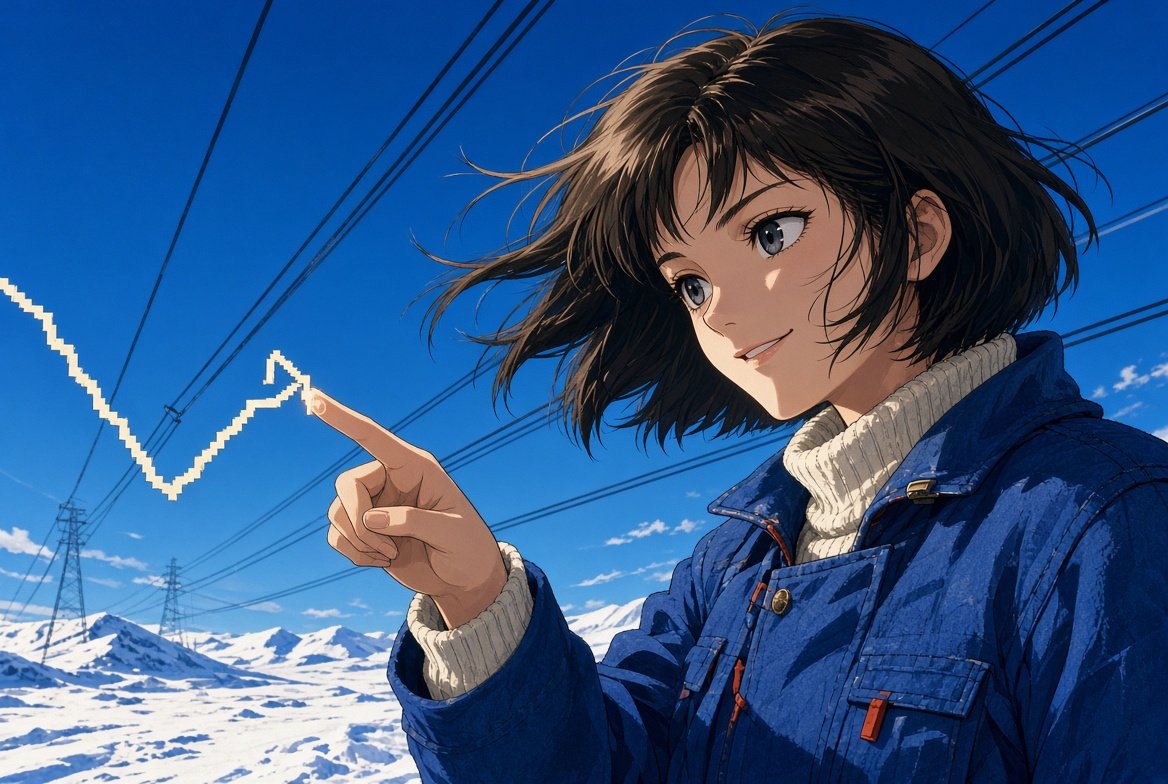
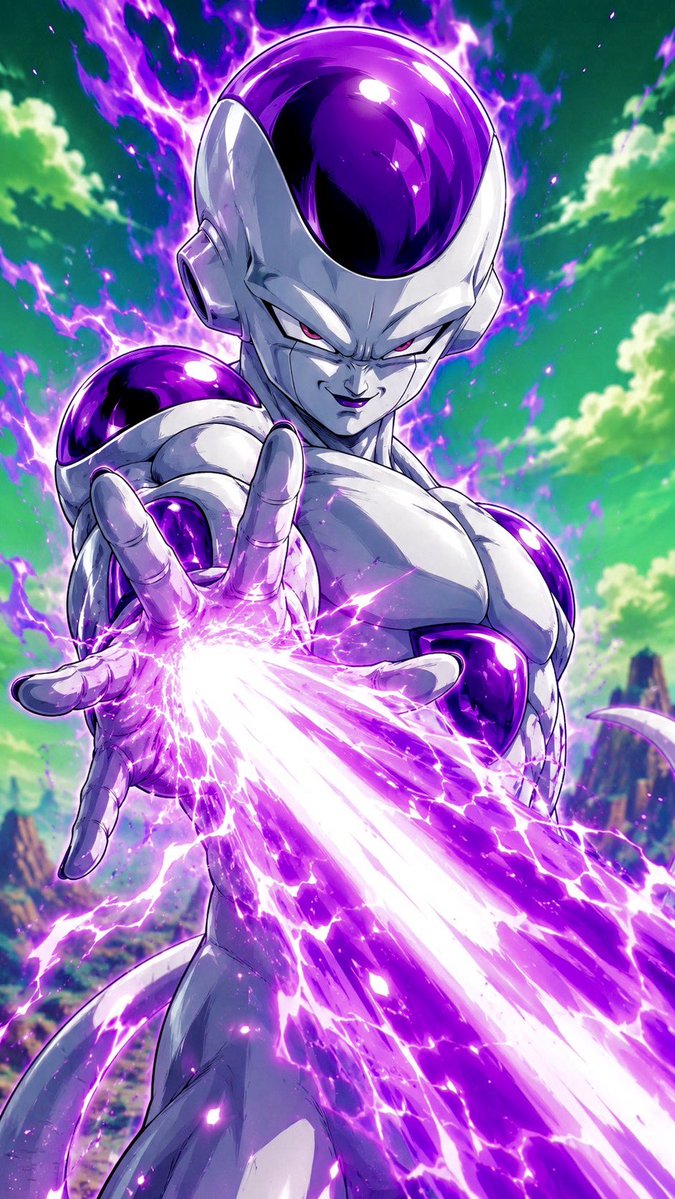
More cases in this category
Prioritized by category, input mode compatibility, quality, and lower risk.
Reuse and source notes
Use this prompt safely after previewing the case.
- 1.Copy the prompt or open it directly in Dovoo with the generation button.
- 2.Adjust variables, aspect ratio, and reference images for your own use case.
- 3.Before publishing or paid usage, verify source rights, attribution requirements, and brand or likeness risks.
Can I use this prompt commercially?
Commercial-use status is allowed. Review the original source, license, brand constraints, and legal requirements before paid usage.
Where does this case come from?
This case is imported from Awesome GPT Image 2 Prompts; keep attribution visible and check the source URL before reuse.