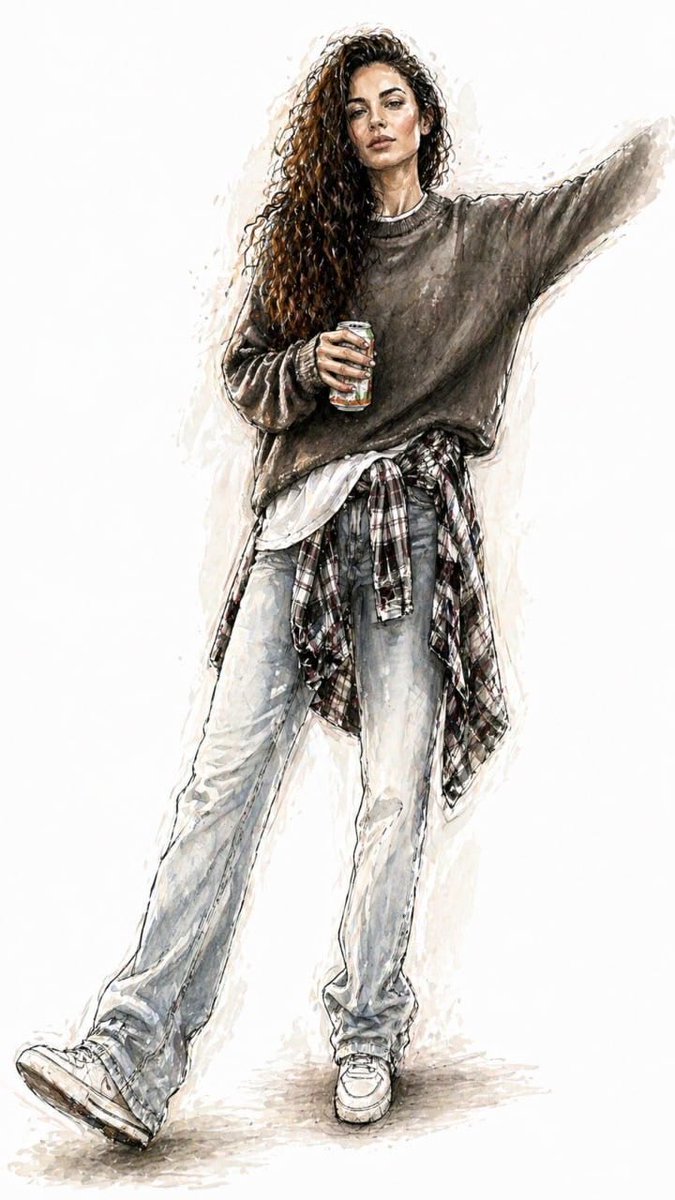
Watercolor Fashion Illustration Sketch
A prompt designed to transform real photos into elegant watercolor runway fashion sketches, maintaining the original outfit while adjusting proportions.
This is a GPT Image 2 prompt case for 时尚美妆. Use the copy-ready prompt below to generate similar visuals, and review Awesome GPT Image 2 Prompts attribution plus commercial-use rights before reuse.
Prompt
Copy-ready prompt
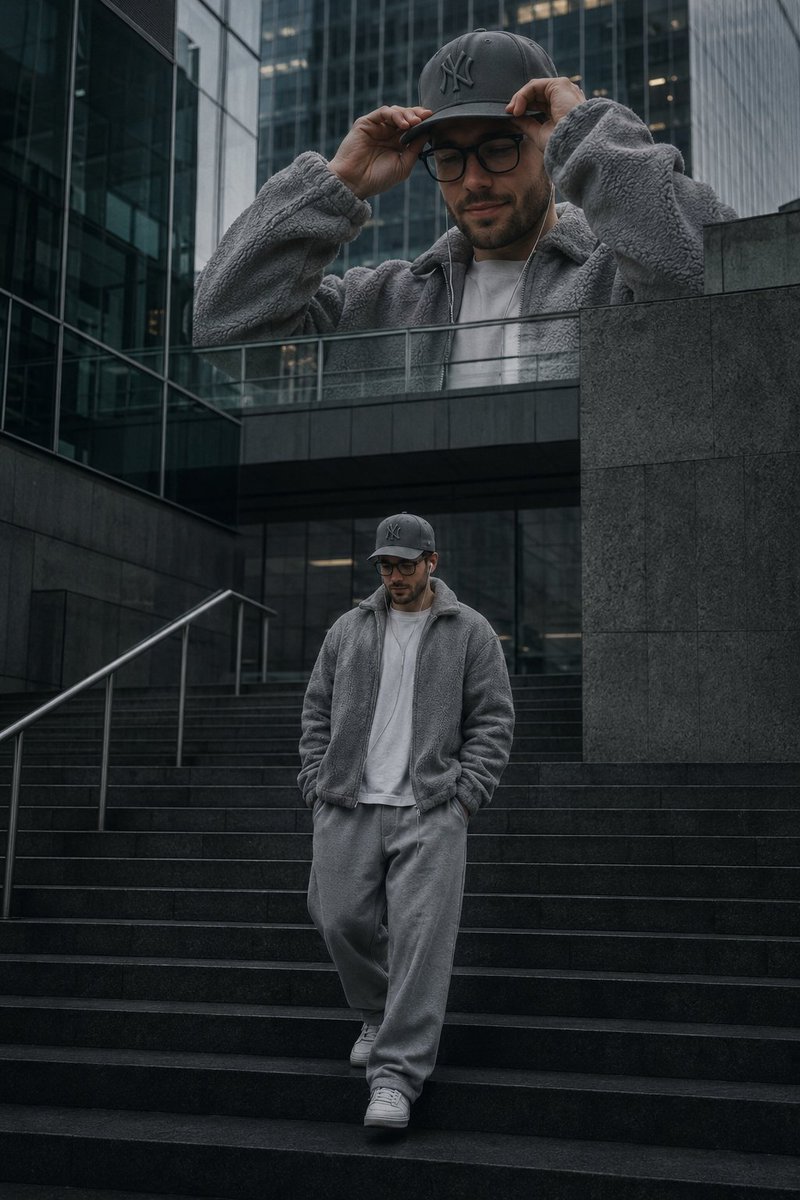
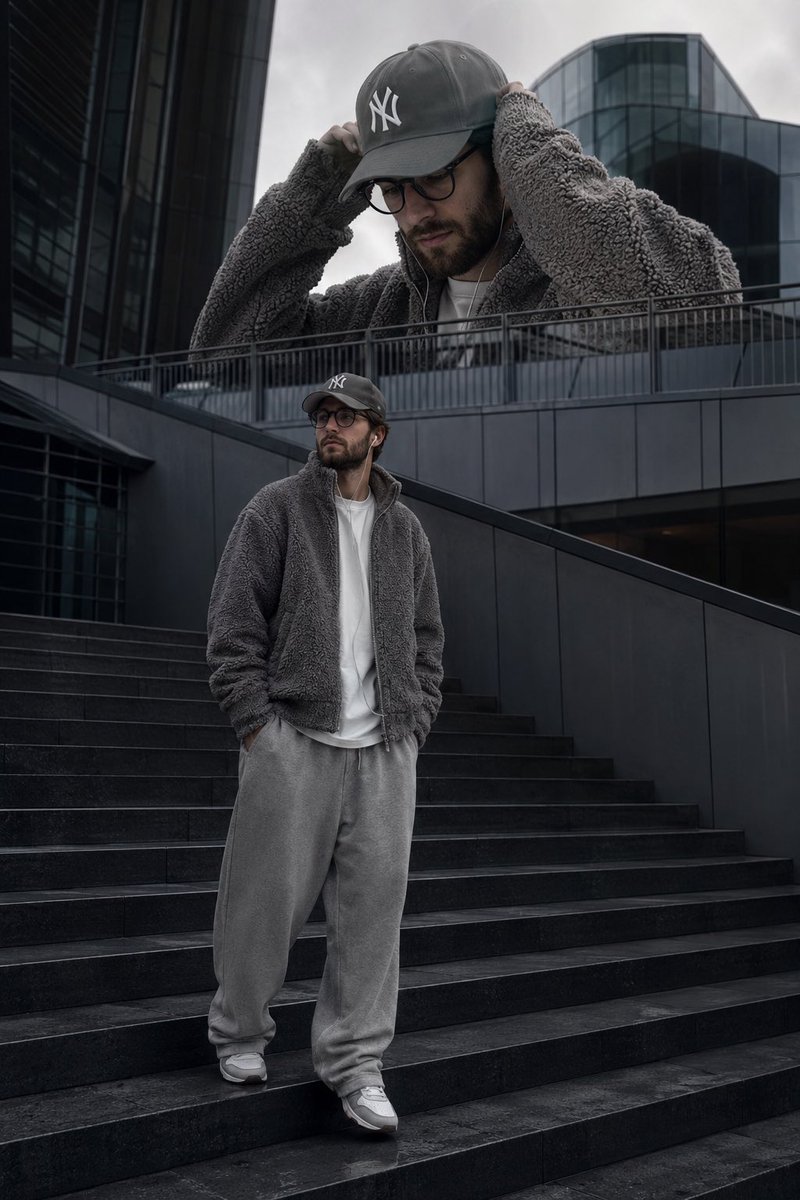
Convert uploaded photos to{argument name="style" default="Full-body watercolor fashion illustration"} The style is{argument name="theme" default="Elegant runway design sketches"} Please preserve the original clothing, pose, silhouette, color, fabric, accessories, shoes, hairstyle, and overall look in the photograph. Do not redesign the clothing. Use elongated, fashionable sketch proportions. Clothing should remain realistic and recognizable, with accurate cuts, fit, pleats, fabric texture, prints, and details. Style: High-fashion watercolor illustration, fluid and expressive ink lines, delicate pencil outlines, transparent watercolor washes, soft shadows, painterly textures, minimalist editorial style. White or very light background, simple composition, centered body, ample white space. Elegant, modern, and light, like a professional fashion designer's sketch.Prompt variables
Editable argument placeholders found in the prompt, with their default values.
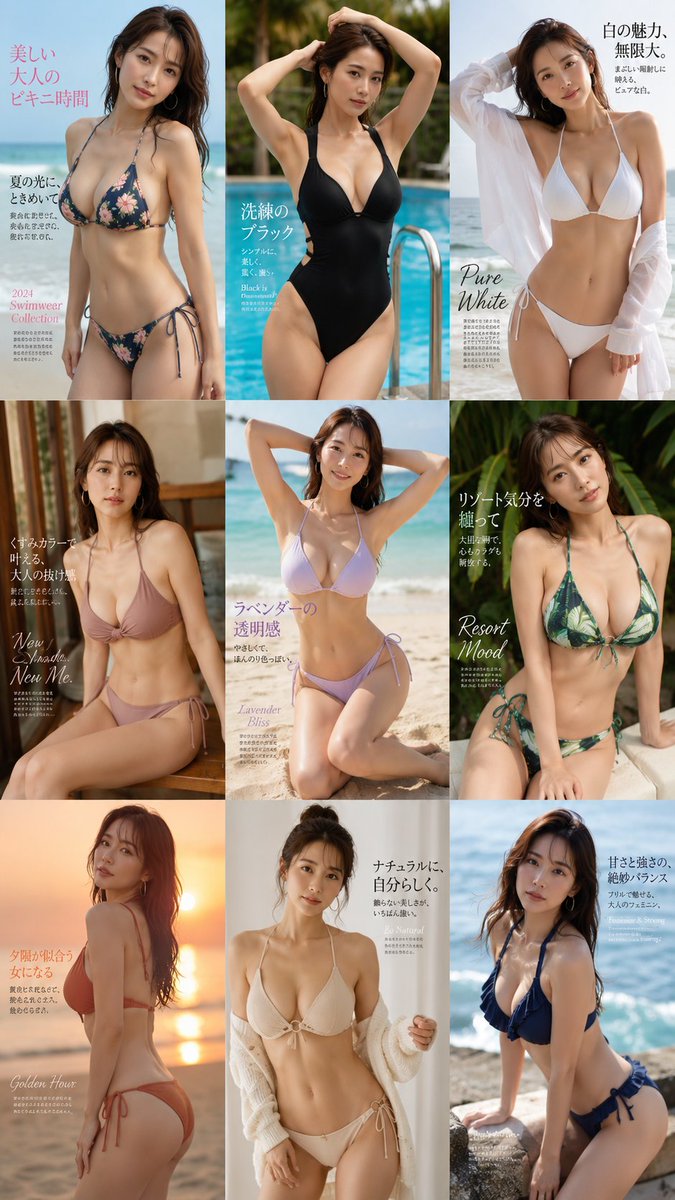
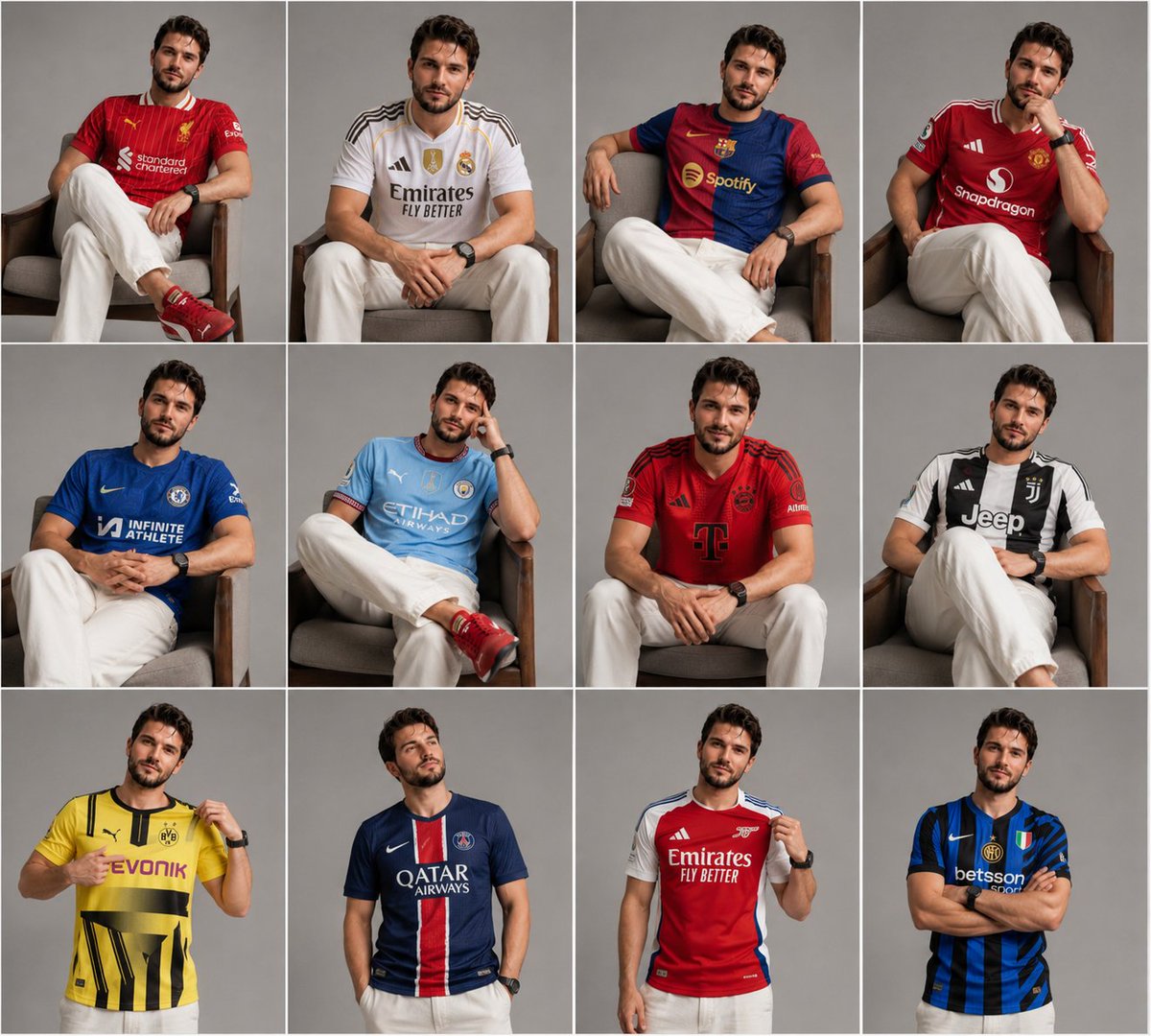
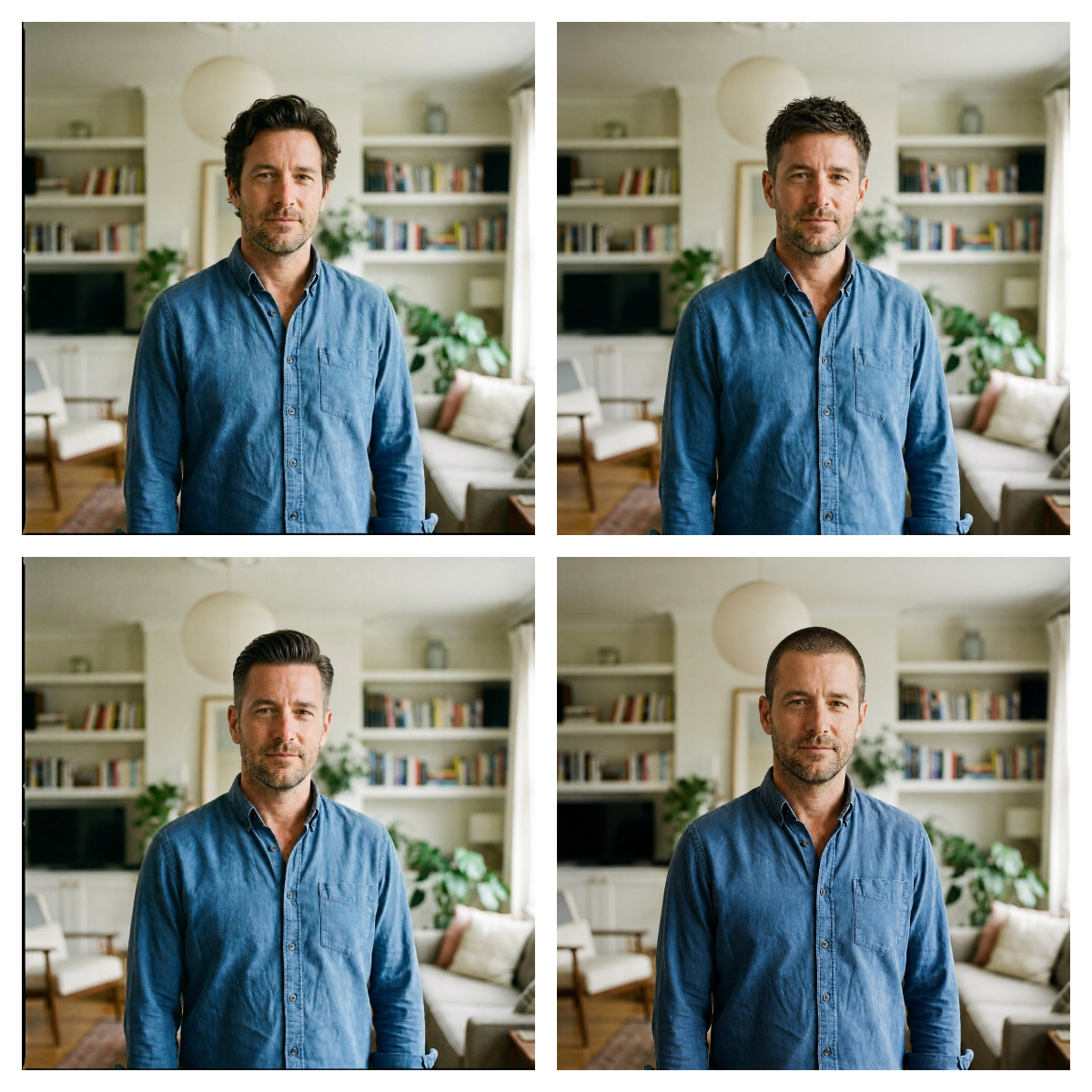
More cases in this category
Prioritized by category, input mode compatibility, quality, and lower risk.


Reuse and source notes
Use this prompt safely after previewing the case.
- 1.Copy the prompt or open it directly in Dovoo with the generation button.
- 2.Adjust variables, aspect ratio, and reference images for your own use case.
- 3.Before publishing or paid usage, verify source rights, attribution requirements, and brand or likeness risks.
Can I use this prompt commercially?
Commercial-use status is allowed. Review the original source, license, brand constraints, and legal requirements before paid usage.
Where does this case come from?
This case is imported from Awesome GPT Image 2 Prompts; keep attribution visible and check the source URL before reuse.