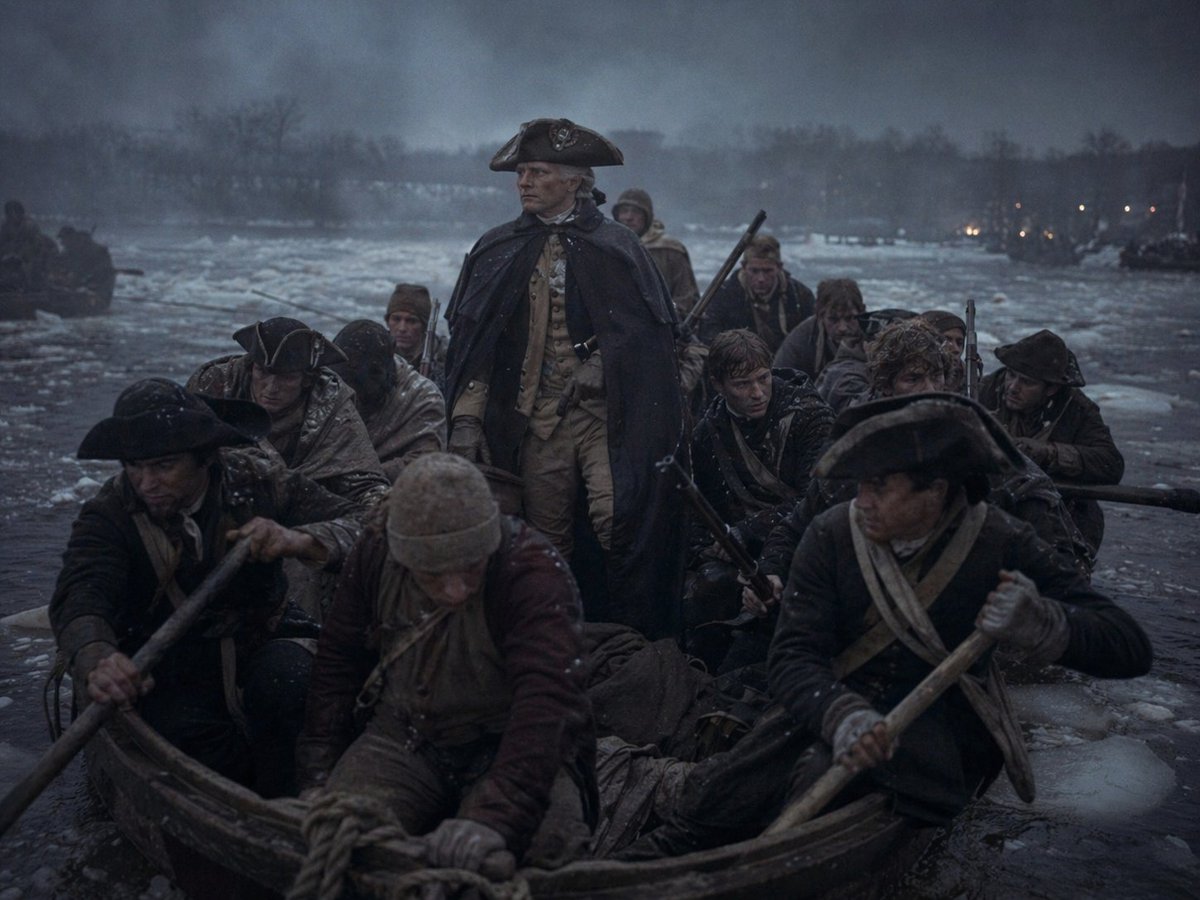
Washington Crossing Style Winter Boat Scene
This prompt generates a dark, cinematic historical winter river-crossing image in the style of an 18th-century military tableau, ideal for editorial art or dramatic history-themed visuals.
This is a GPT Image 2 prompt case for Illustration & Art. Use the copy-ready prompt below to generate similar visuals, and review Awesome GPT Image 2 Prompts attribution plus commercial-use rights before reuse.
Free 1K preview
Generate one preview image instantly, no sign-up required.
Prompt
Copy-ready prompt
A cinematic historical scene at dusk on a freezing river crossing in winter, showing a crowded wooden rowboat packed with exactly 11 colonial-era soldiers and boatmen pushing through dark icy water filled with floating chunks of ice. In the center stands 1 commanding figure, upright and resolute, wearing a dark navy or black heavy cloak draped over a light tan military uniform and a black tricorne hat, evoking an 18th-century general. Around him are 10 other men seated or crouched low in the boat, dressed in weathered Revolutionary War-era clothing: dark coats, wool caps, cloaks, scarves, leather straps, and tricorne hats, with several gripping long wooden oars and one visible musket angled upward behind the central figure. The mood is grim, cold, and heroic, with wet clothing, snow dusting, pale breathy atmosphere, and a stormy blue-gray sky. The river is wide and partially frozen, with a dark tree-lined shoreline in the distance and a few tiny warm lights glowing on the far bank. Composition is frontal and tightly framed from just above the bow of the boat, making the viewer feel inside the freezing crossing. Use low-key lighting, muted desaturated colors, deep shadows, damp textures, realism, dramatic historical painting energy blended with cinematic photorealism, ultra-detailed fabric, wood grain, ice, and mist.
Best for
- - Illustration & Art visual exploration
- - Image generation and reference-image edits
- - Reusable briefs that keep source attribution visible
Change these parts
- - Subject, product, character, or scene
- - Aspect ratio, camera, lighting, and background
- - Brand, text, color, and output constraints
Recommended model and settings
- - Model: gpt-image-2
- - Input mode: Text to Image
- - Aspect ratio: source
- - Commercial status: review original source
How to use this prompt
- 1. Copy the prompt and preserve its structure for the first test.
- 2. Replace the subject, context, and publishing channel.
- 3. Change one camera, lighting, or style variable per iteration.
- 4. Inspect the output, source, text, and rights before reuse.
Limitations, source, and reuse cautions
- - Generated output is an editable draft, not factual, legal, or rights evidence.
- - Review the linked source, people, brands, logos, text, and third-party media before commercial use.
More cases in this category
Prioritized by category, input mode compatibility, quality, and lower risk.

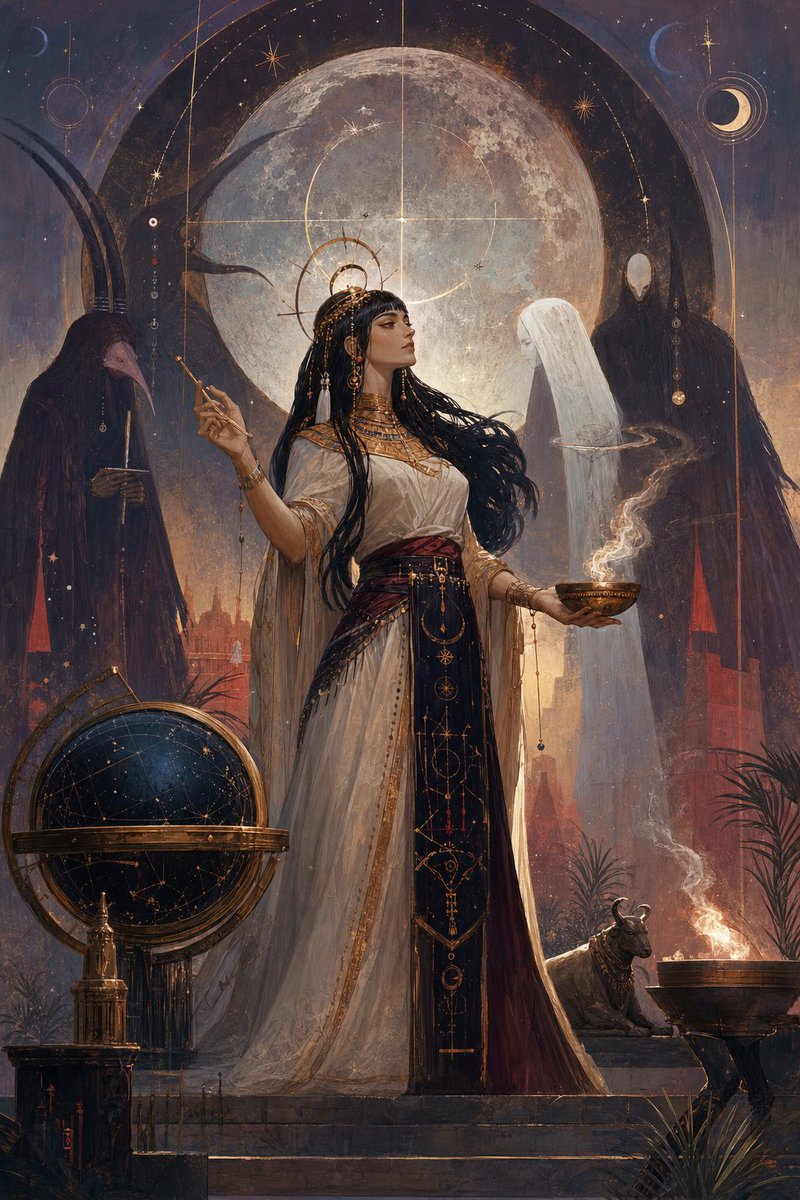
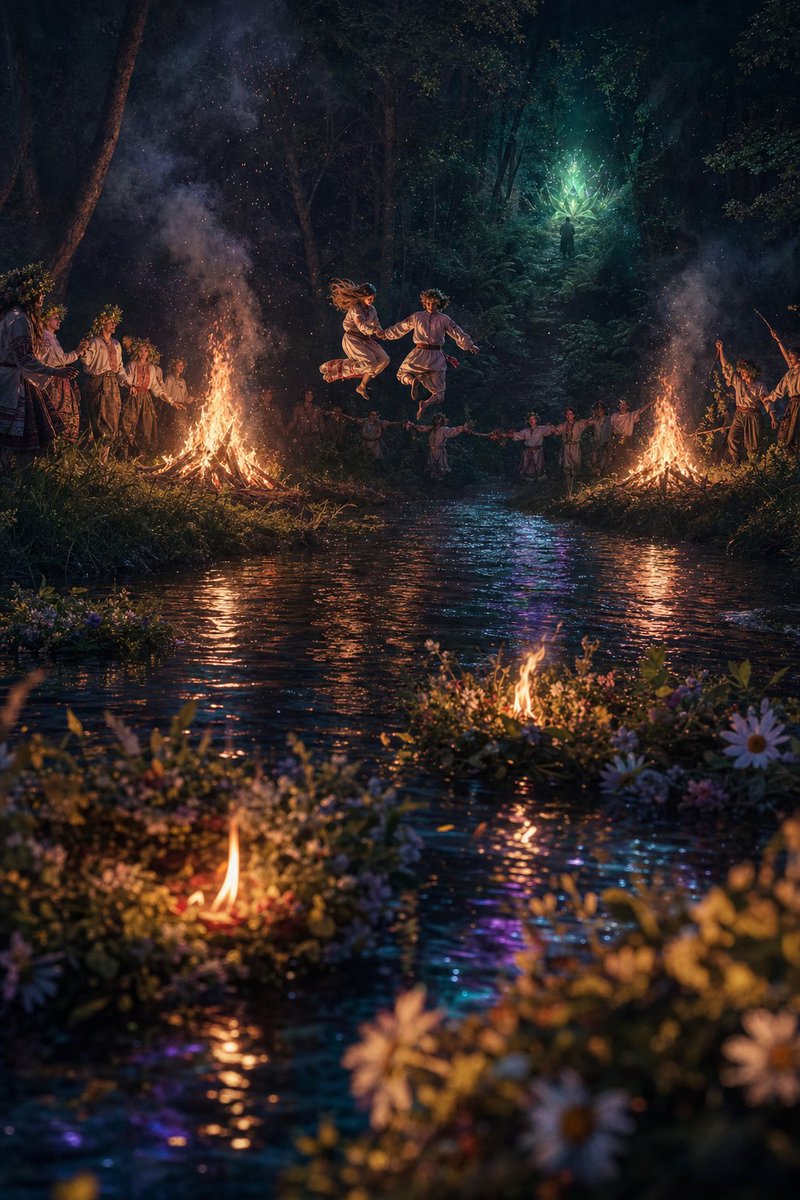
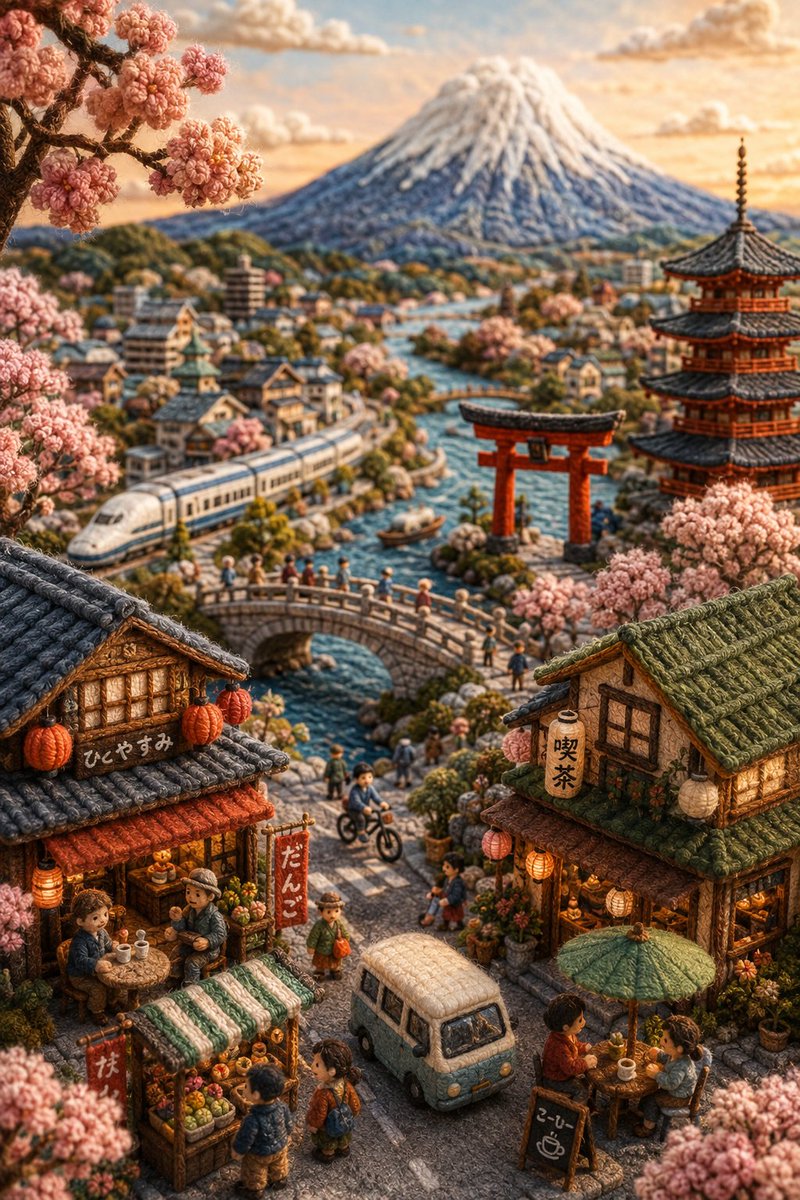


Reuse and source notes
Use this prompt safely after previewing the case.
- 1.Copy the prompt or open it directly in Dovoo with the generation button.
- 2.Adjust variables, aspect ratio, and reference images for your own use case.
- 3.Before publishing or paid usage, verify source rights, attribution requirements, and brand or likeness risks.
Can I use this prompt commercially?
Commercial-use status is allowed. Review the original source, license, brand constraints, and legal requirements before paid usage.
Where does this case come from?
This case is imported from Awesome GPT Image 2 Prompts; keep attribution visible and check the source URL before reuse.