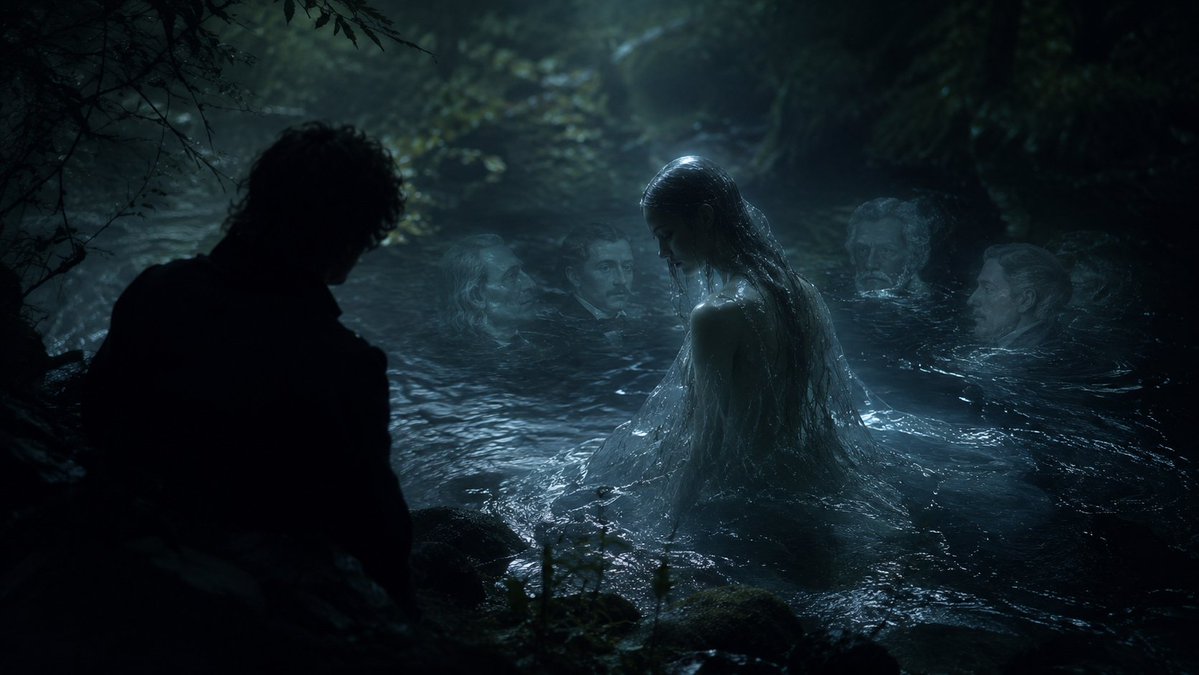
Moonlit Undine Forest Lake
A cinematic gothic fantasy scene of an Undine-like water spirit rising from a dark forest lake while a silhouetted man watches.
This is a GPT Image 2 prompt case for Illustration & Art. Use the copy-ready prompt below to generate similar visuals, and review Awesome GPT Image 2 Prompts attribution plus commercial-use rights before reuse.
Free 1K preview
Generate one preview image instantly, no sign-up required.
Prompt
Copy-ready prompt
Create a dark cinematic fantasy scene inspired by {argument name="musical work" default="Carl Reinecke's Undine sonata"}: a moonlit German forest pool at night, with black trees and tangled branches enclosing a cold lake. Show exactly five human figures: one male figure in the left foreground seen only as a near-black silhouette from behind, crouched or standing at the water's edge; one central water nymph rising waist-deep from the lake with long soaked dark hair, pale wet skin, and a translucent drenched gown clinging to her body; and three ghostly pale faces or heads partially submerged in the water behind her, spaced across the middle and right background like drowned witnesses. The central nymph should be the brightest focal point, lit by cool blue moonlight and mist, while the man remains almost completely unlit. The water should look black, rippling, reflective, and protective, with small waves around the nymph and dim highlights on mossy rocks in the foreground. Use a realistic film-still style, gothic romantic atmosphere, low-key lighting, teal-blue color grading, heavy shadows, fog, wet textures, shallow depth of field, and a sense of betrayal and quiet menace. Keep the composition wide and horizontal, like a dramatic movie frame, with no text, no modern objects, and no visible instruments.Prompt variables
Editable argument placeholders found in the prompt, with their default values.
Best for
- - Illustration & Art visual exploration
- - Image generation and reference-image edits
- - Reusable briefs that keep source attribution visible
Change these parts
- - Subject, product, character, or scene
- - Aspect ratio, camera, lighting, and background
- - Brand, text, color, and output constraints
Recommended model and settings
- - Model: gpt-image-2
- - Input mode: Text to Image
- - Aspect ratio: source
- - Commercial status: review original source
How to use this prompt
- 1. Copy the prompt and preserve its structure for the first test.
- 2. Replace the subject, context, and publishing channel.
- 3. Change one camera, lighting, or style variable per iteration.
- 4. Inspect the output, source, text, and rights before reuse.
Limitations, source, and reuse cautions
- - Generated output is an editable draft, not factual, legal, or rights evidence.
- - Review the linked source, people, brands, logos, text, and third-party media before commercial use.
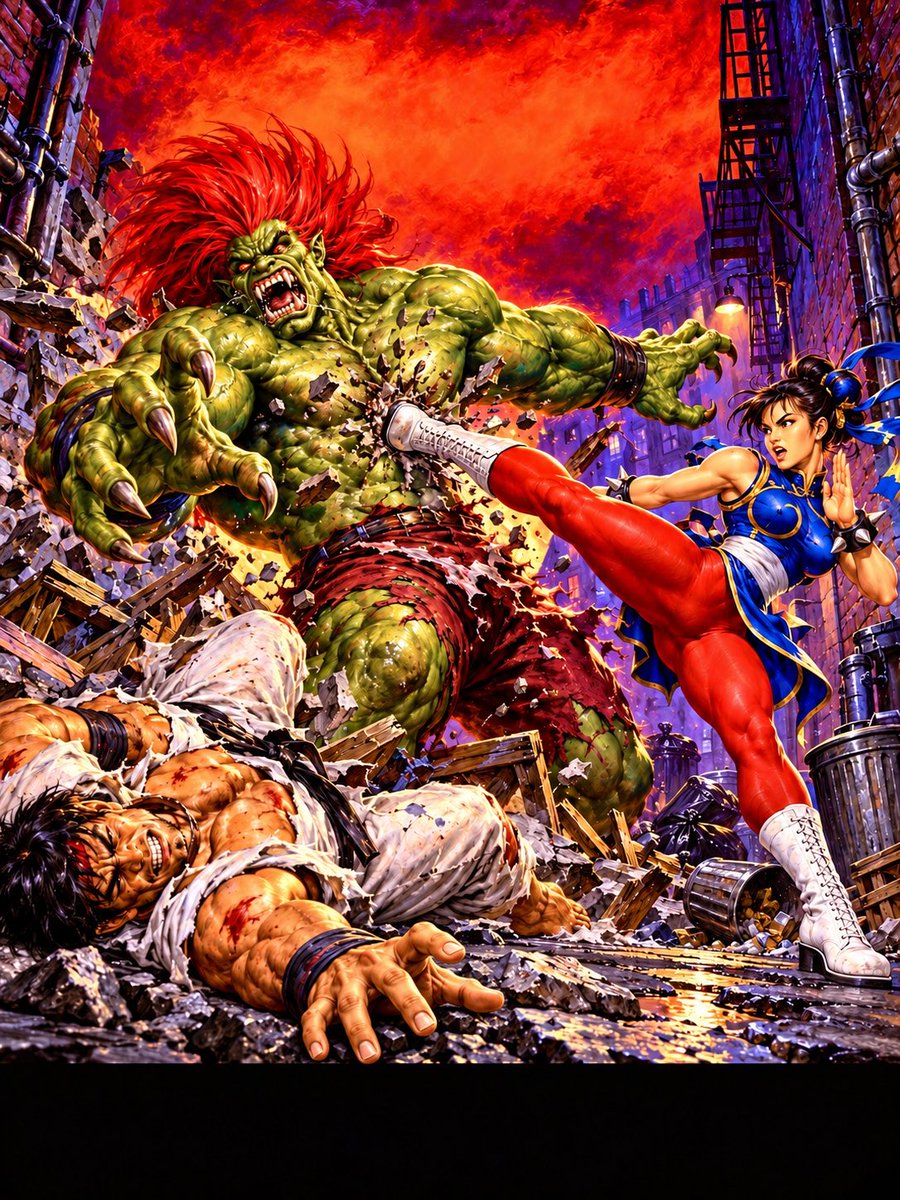
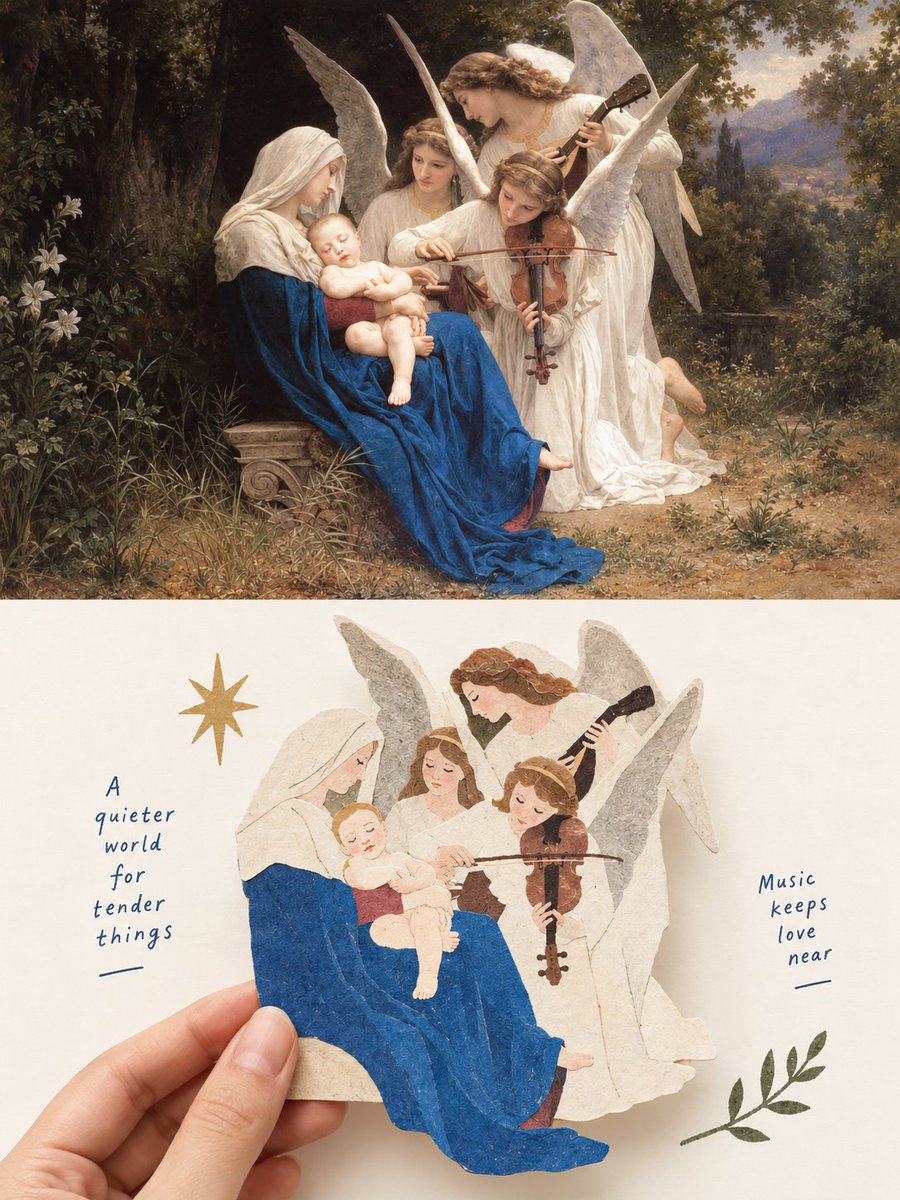
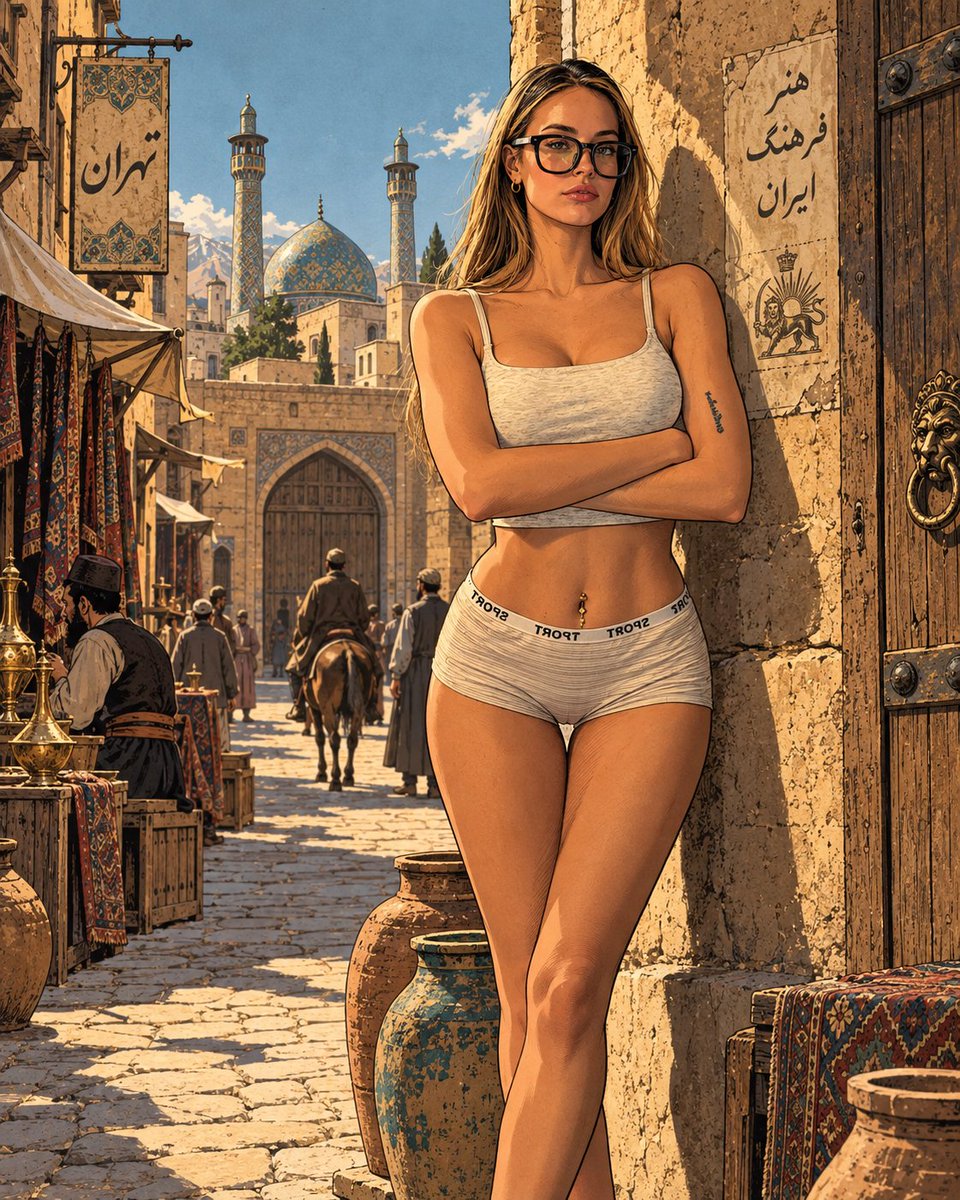
More cases in this category
Prioritized by category, input mode compatibility, quality, and lower risk.


Reuse and source notes
Use this prompt safely after previewing the case.
- 1.Copy the prompt or open it directly in Dovoo with the generation button.
- 2.Adjust variables, aspect ratio, and reference images for your own use case.
- 3.Before publishing or paid usage, verify source rights, attribution requirements, and brand or likeness risks.
Can I use this prompt commercially?
Commercial-use status is allowed. Review the original source, license, brand constraints, and legal requirements before paid usage.
Where does this case come from?
This case is imported from Awesome GPT Image 2 Prompts; keep attribution visible and check the source URL before reuse.