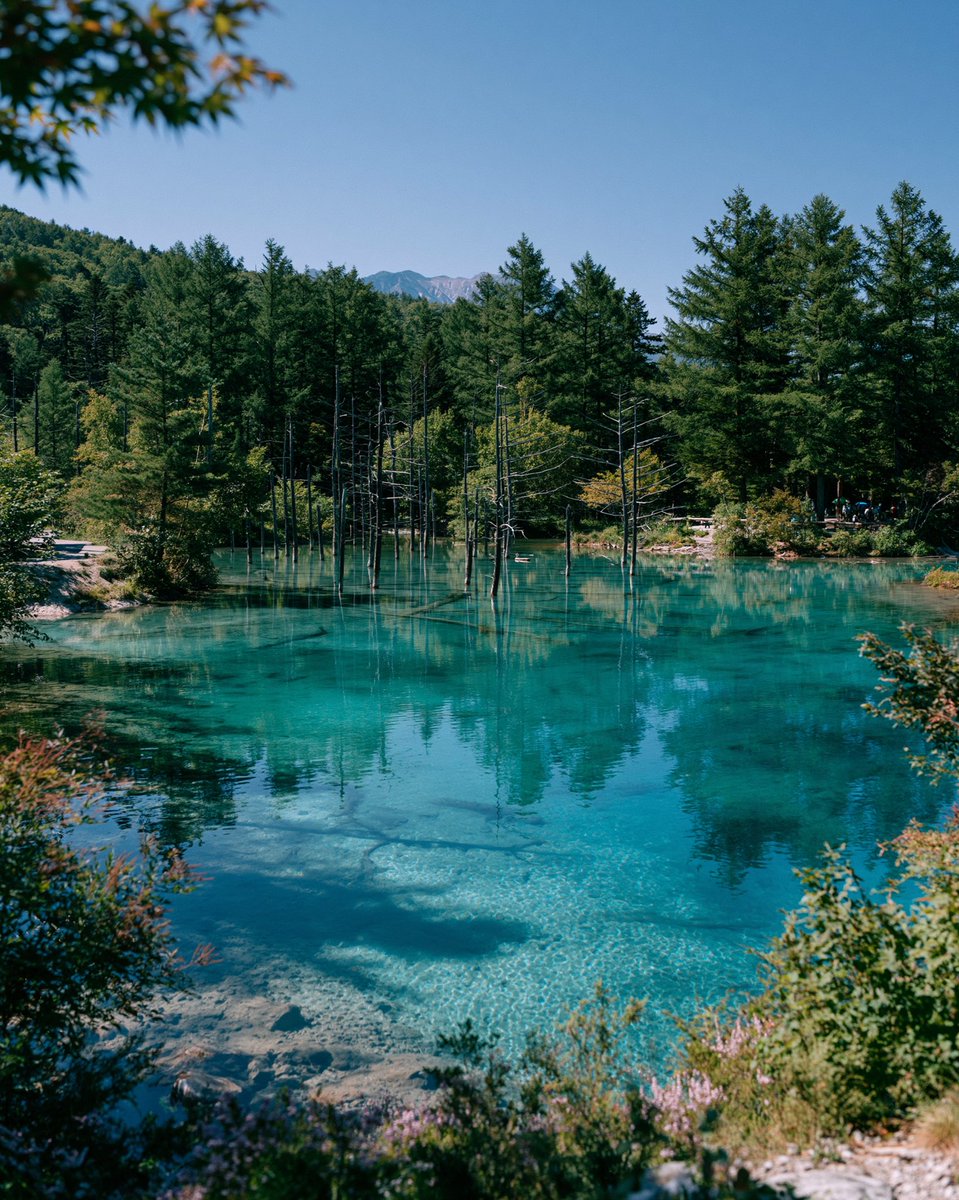
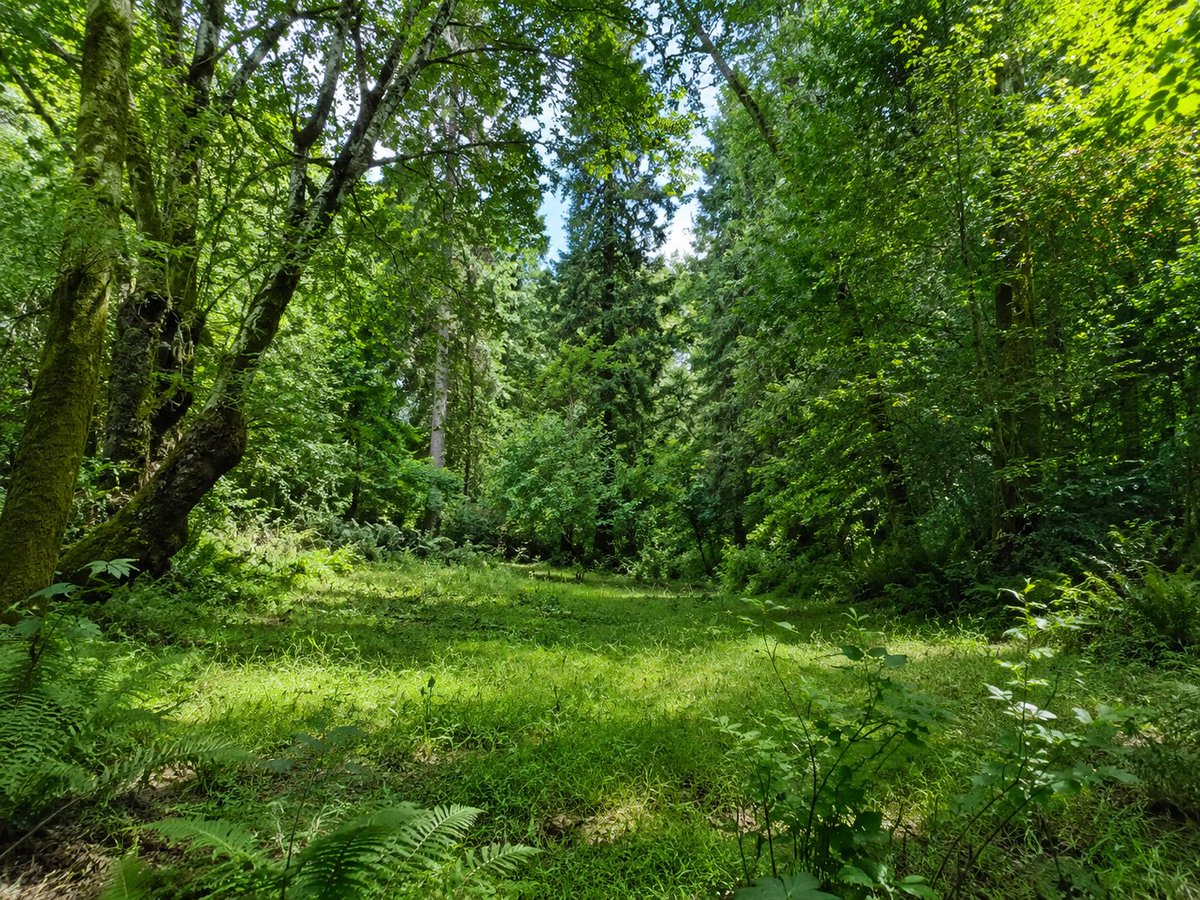
Turquoise Alpine Forest Pond
A realistic vertical travel landscape prompt for generating a serene turquoise forest pond with submerged stones, dead tree trunks, reflections, and distant mountains.
This is a GPT Image 2 prompt case for Landscape & Nature. Use the copy-ready prompt below to generate similar visuals, and review Awesome GPT Image 2 Prompts attribution plus commercial-use rights before reuse.
Free 1K preview
Generate one preview image instantly, no sign-up required.
Prompt
Copy-ready prompt
Create a realistic fine-art travel landscape photograph of a crystal-clear turquoise alpine pond in a quiet forest, inspired by Japan’s Blue Pond scenery. The composition is vertical 4:5, shot from a slightly elevated shoreline viewpoint with foreground shrubs and small wildflowers framing the bottom and sides, plus a few out-of-focus maple leaves hanging in the upper left corner. The pond water is vivid cyan and transparent, showing pale stones and sandy textures beneath the surface, with soft ripples and mirror reflections of the trees. In the middle of the pond, include many thin dead tree trunks rising straight from the water, mixed with reflections; behind them stands a dense forest of dark green conifers and early autumn foliage. Add low wooded hills and a small distant mountain ridge centered on the horizon under a clean deep blue sky. Lighting should be bright natural midday sunlight with crisp shadows, high clarity, saturated but natural colors, serene atmosphere, no text, no people as the main subject, no buildings, no boats, no fantasy elements.
Best for
- - Landscape & Nature visual exploration
- - Image generation and reference-image edits
- - Reusable briefs that keep source attribution visible
Change these parts
- - Subject, product, character, or scene
- - Aspect ratio, camera, lighting, and background
- - Brand, text, color, and output constraints
Recommended model and settings
- - Model: gpt-image-2
- - Input mode: Text to Image
- - Aspect ratio: source
- - Commercial status: review original source
How to use this prompt
- 1. Copy the prompt and preserve its structure for the first test.
- 2. Replace the subject, context, and publishing channel.
- 3. Change one camera, lighting, or style variable per iteration.
- 4. Inspect the output, source, text, and rights before reuse.
Limitations, source, and reuse cautions
- - Generated output is an editable draft, not factual, legal, or rights evidence.
- - Review the linked source, people, brands, logos, text, and third-party media before commercial use.
More cases in this category
Prioritized by category, input mode compatibility, quality, and lower risk.

Reuse and source notes
Use this prompt safely after previewing the case.
- 1.Copy the prompt or open it directly in Dovoo with the generation button.
- 2.Adjust variables, aspect ratio, and reference images for your own use case.
- 3.Before publishing or paid usage, verify source rights, attribution requirements, and brand or likeness risks.
Can I use this prompt commercially?
Commercial-use status is allowed. Review the original source, license, brand constraints, and legal requirements before paid usage.
Where does this case come from?
This case is imported from Awesome GPT Image 2 Prompts; keep attribution visible and check the source URL before reuse.