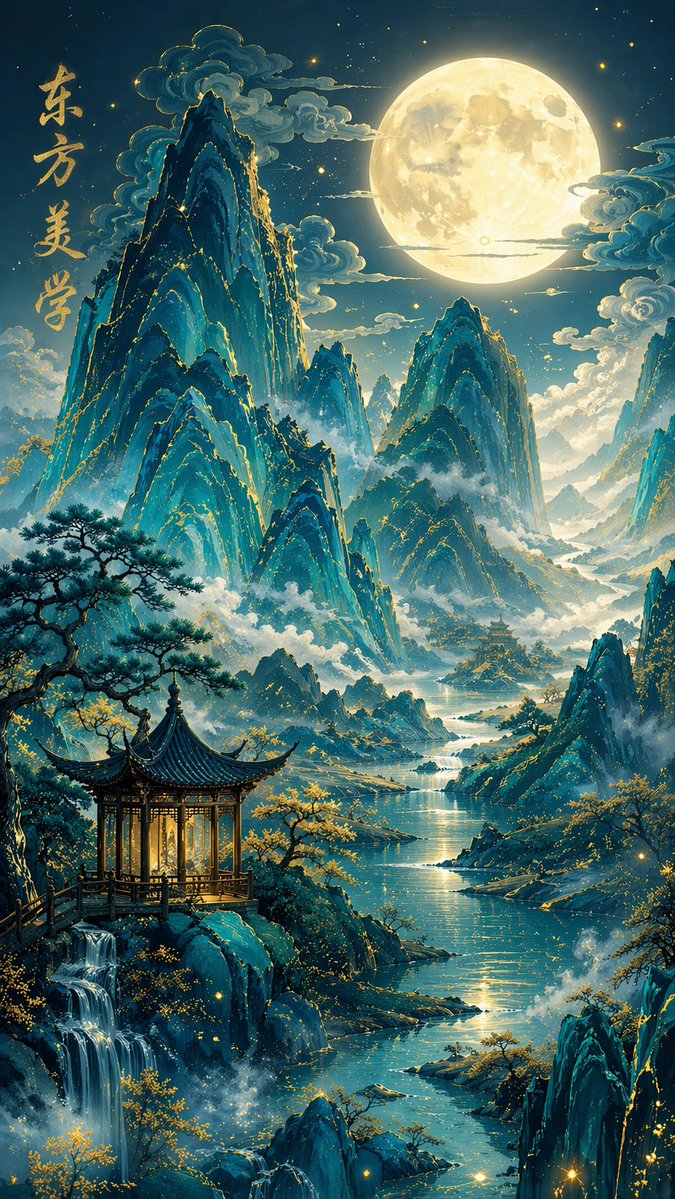
Traditional Chinese Blue-Green Landscape
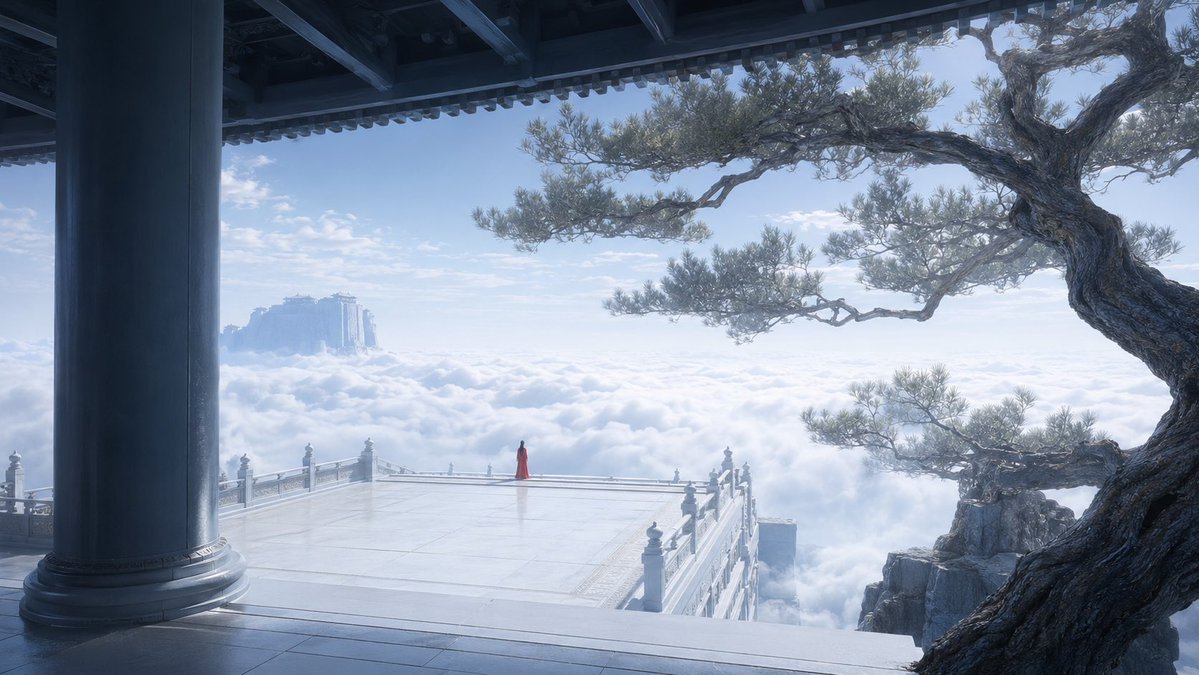
A detailed prompt for creating high-quality traditional Chinese blue-green landscape illustrations with a modern fantasy aesthetic.
This is a GPT Image 2 prompt case for Illustration & Art. Use the copy-ready prompt below to generate similar visuals, and review Awesome GPT Image 2 Prompts attribution plus commercial-use rights before reuse.
Free 1K preview
Generate one preview image instantly, no sign-up required.
Prompt
Copy-ready prompt
Traditional Chinese blue-green landscape style, new Chinese fantasy illustration, {argument name="scene" default="moonlit fairyland"}, vertical composition;

Layered peaks of blue-green mountains, the mountain bodies showing a gemstone-like transparent and glowing texture, blue-green gradient, mountain edges with delicate gold leaf outlines and gold embellishments, mountains surrounded by clouds and mist;

In the distance, a giant bright full moon hangs high in the sky, moonlight spilling over the mountains and rivers;

In the foreground, an exquisite classical Chinese pavilion with warm light glowing inside, surrounded by vigorous pine trees, golden trees, streams, waterfalls, mist, and glowing particles, with a river winding through the valley;

In the upper left corner, add vertical handwritten calligraphy characters: {argument name="calligraphy text" default="Oriental Aesthetics"}, with appropriate font size and spacing;

Rich layers, elegant use of white space, ethereal and quiet, dreamy and beautiful, heavy color gongbi style, exquisite details, soft lighting, cinematic atmosphere, high-end national style illustration, ultra-fine, 8K, strong artistic sense, poetic wonderland, 9:16 ratio
Prompt variables
Editable argument placeholders found in the prompt, with their default values.
Best for
- - Illustration & Art visual exploration
- - Image generation and reference-image edits
- - Reusable briefs that keep source attribution visible
Change these parts
- - Subject, product, character, or scene
- - Aspect ratio, camera, lighting, and background
- - Brand, text, color, and output constraints
Recommended model and settings
- - Model: gpt-image-2
- - Input mode: Text to Image
- - Aspect ratio: source
- - Commercial status: review original source
How to use this prompt
- 1. Copy the prompt and preserve its structure for the first test.
- 2. Replace the subject, context, and publishing channel.
- 3. Change one camera, lighting, or style variable per iteration.
- 4. Inspect the output, source, text, and rights before reuse.
Limitations, source, and reuse cautions
- - Generated output is an editable draft, not factual, legal, or rights evidence.
- - Review the linked source, people, brands, logos, text, and third-party media before commercial use.
More cases in this category
Prioritized by category, input mode compatibility, quality, and lower risk.


Reuse and source notes
Use this prompt safely after previewing the case.
- 1.Copy the prompt or open it directly in Dovoo with the generation button.
- 2.Adjust variables, aspect ratio, and reference images for your own use case.
- 3.Before publishing or paid usage, verify source rights, attribution requirements, and brand or likeness risks.
Can I use this prompt commercially?
Commercial-use status is allowed. Review the original source, license, brand constraints, and legal requirements before paid usage.
Where does this case come from?
This case is imported from Awesome GPT Image 2 Prompts; keep attribution visible and check the source URL before reuse.