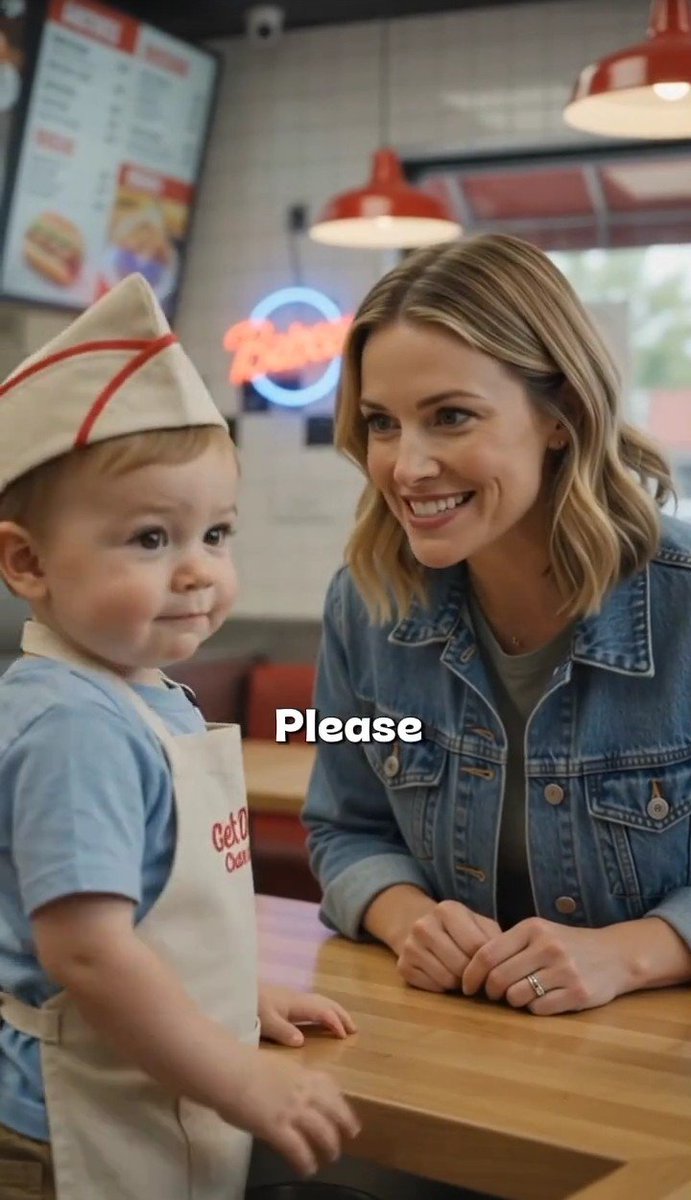
Toddler Fast Food Comedy Still
A photorealistic vertical viral-video frame of a toddler in a fast-food uniform beside a smiling woman, with a bold comedic subtitle.
This is a GPT Image 2 prompt case for Portrait & Character. Use the copy-ready prompt below to generate similar visuals, and review Awesome GPT Image 2 Prompts attribution plus commercial-use rights before reuse.
Free 1K preview
Generate one preview image instantly, no sign-up required.
Prompt
Copy-ready prompt
Create a vertical 9:16 photorealistic social-media video still inside a bright fast-food burger restaurant. Show exactly 2 people at a wooden counter: a cute toddler boy on the left, standing and facing slightly toward the camera, wearing a white paper fast-food hat with red stripes, a light blue T-shirt, and a white apron with small red restaurant lettering; and a smiling adult woman on the right, leaning forward with both hands on the counter, wearing a blue denim jacket over a gray shirt, shoulder-length wavy blonde hair, and a wedding ring. The woman looks warmly at the child with an amused, encouraging expression, while the child has a calm, slightly mischievous face. Add a bold centered subtitle over the lower middle of the image reading {argument name="caption text" default="Please"} in large white rounded letters with a black drop shadow. Background: softly blurred fast-food interior with exactly 2 red pendant lamps hanging from the ceiling, 1 large digital menu board in the upper left, 1 glowing circular neon sign behind them, tiled wall, red seating, and daylight through windows. Use shallow depth of field, realistic skin texture, natural indoor lighting, warm colors, candid viral comedy-video framing, no extra characters, no watermark.Prompt variables
Editable argument placeholders found in the prompt, with their default values.
Best for
- - Portrait & Character visual exploration
- - Image generation and reference-image edits
- - Reusable briefs that keep source attribution visible
Change these parts
- - Subject, product, character, or scene
- - Aspect ratio, camera, lighting, and background
- - Brand, text, color, and output constraints
Recommended model and settings
- - Model: gpt-image-2
- - Input mode: Text to Image
- - Aspect ratio: source
- - Commercial status: review original source
How to use this prompt
- 1. Copy the prompt and preserve its structure for the first test.
- 2. Replace the subject, context, and publishing channel.
- 3. Change one camera, lighting, or style variable per iteration.
- 4. Inspect the output, source, text, and rights before reuse.
Limitations, source, and reuse cautions
- - Generated output is an editable draft, not factual, legal, or rights evidence.
- - Review the linked source, people, brands, logos, text, and third-party media before commercial use.
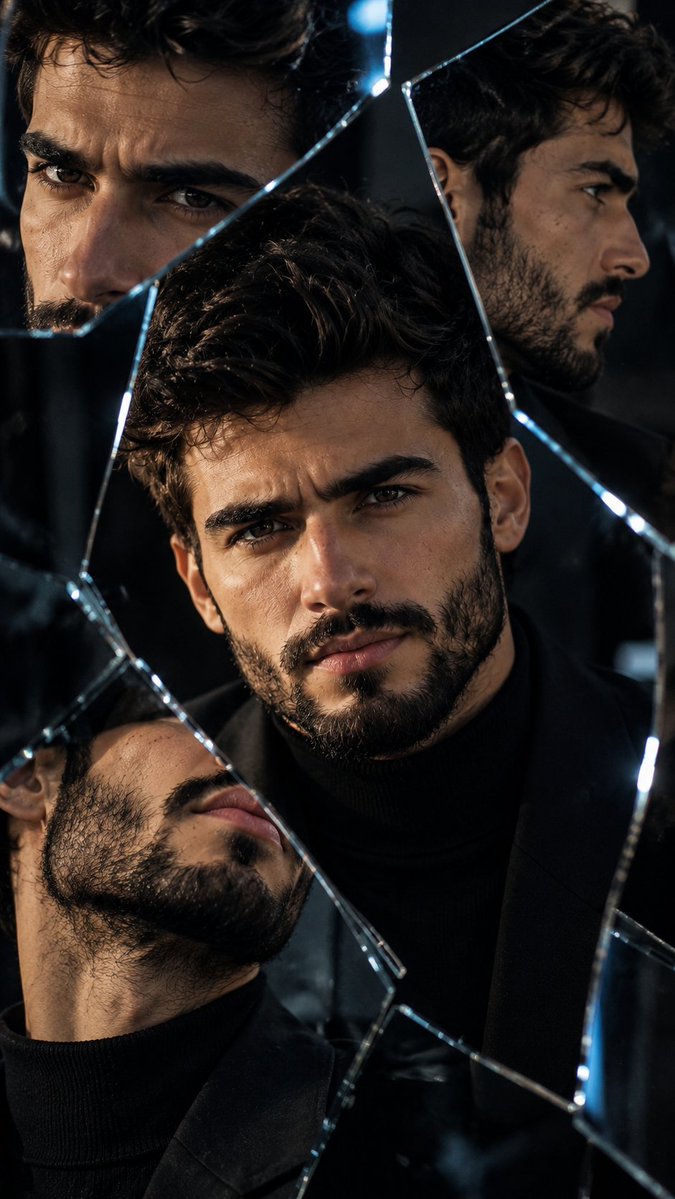
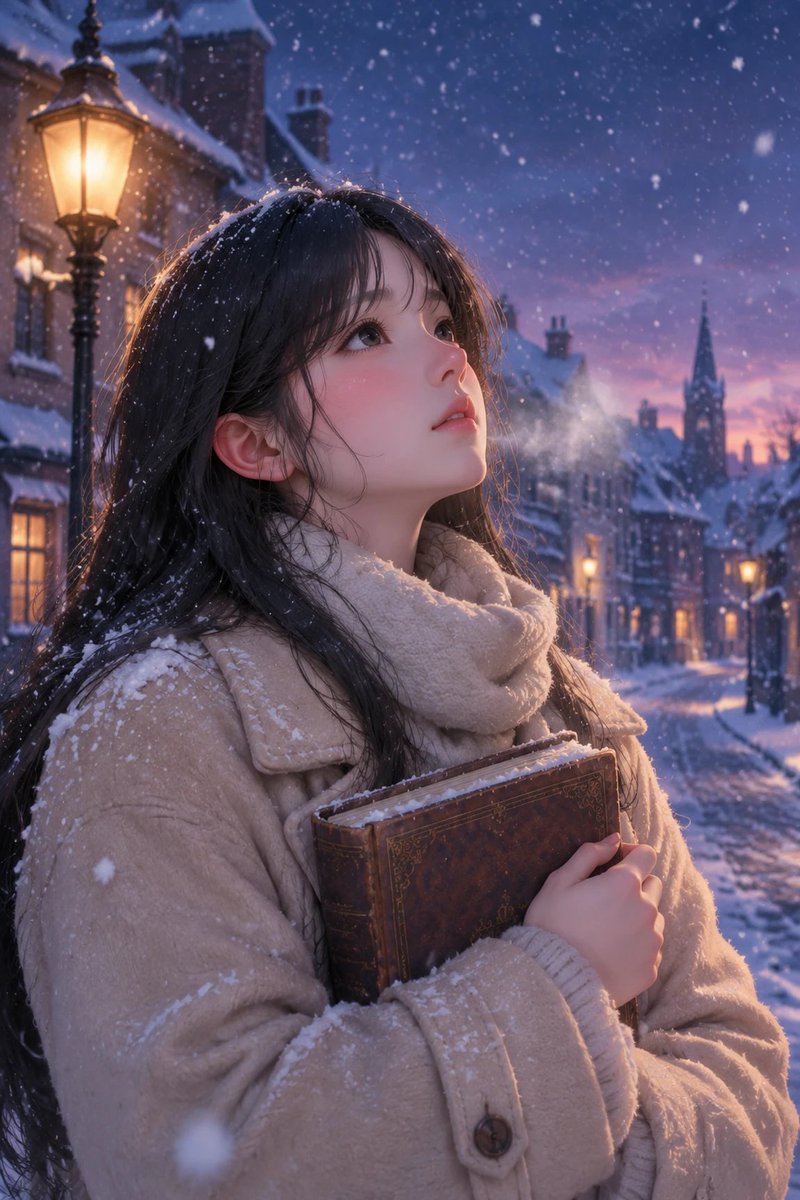
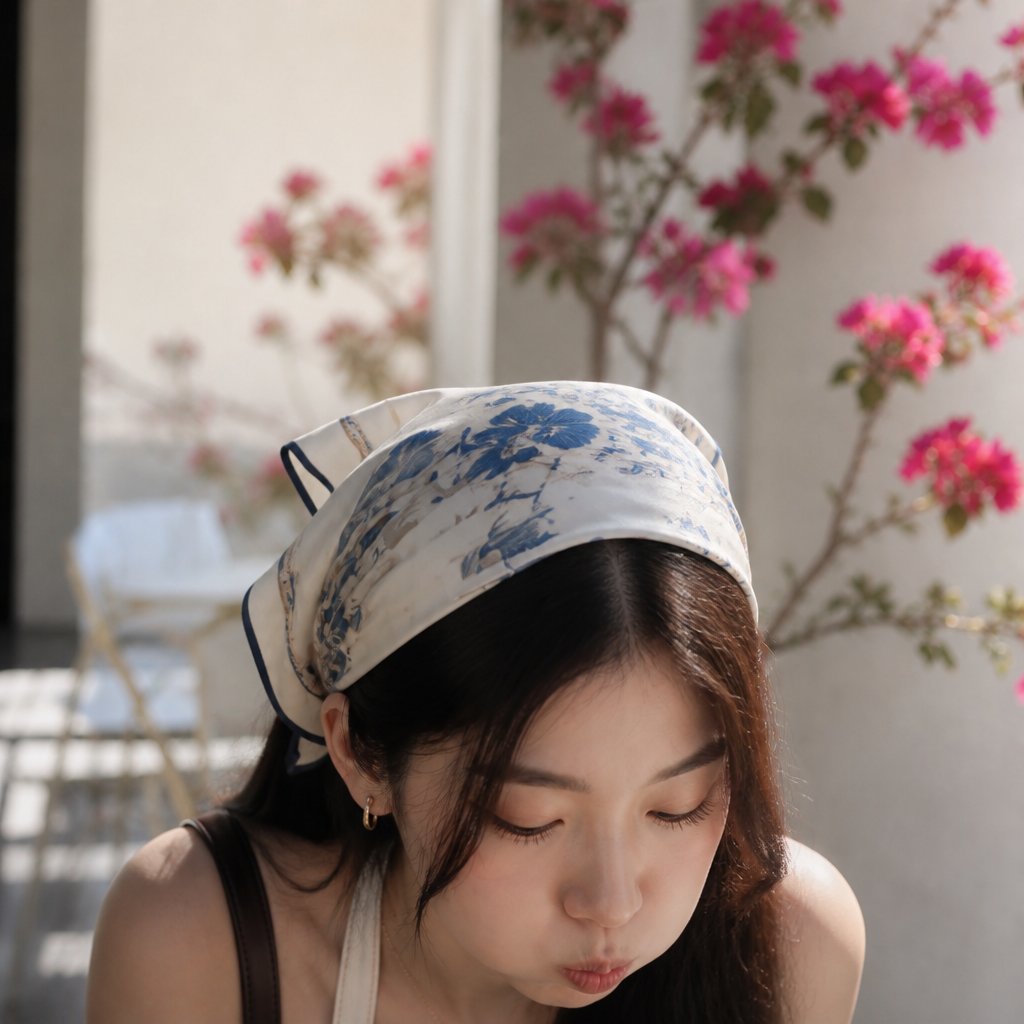
More cases in this category
Prioritized by category, input mode compatibility, quality, and lower risk.


Reuse and source notes
Use this prompt safely after previewing the case.
- 1.Copy the prompt or open it directly in Dovoo with the generation button.
- 2.Adjust variables, aspect ratio, and reference images for your own use case.
- 3.Before publishing or paid usage, verify source rights, attribution requirements, and brand or likeness risks.
Can I use this prompt commercially?
Commercial-use status is allowed. Review the original source, license, brand constraints, and legal requirements before paid usage.
Where does this case come from?
This case is imported from Awesome GPT Image 2 Prompts; keep attribution visible and check the source URL before reuse.