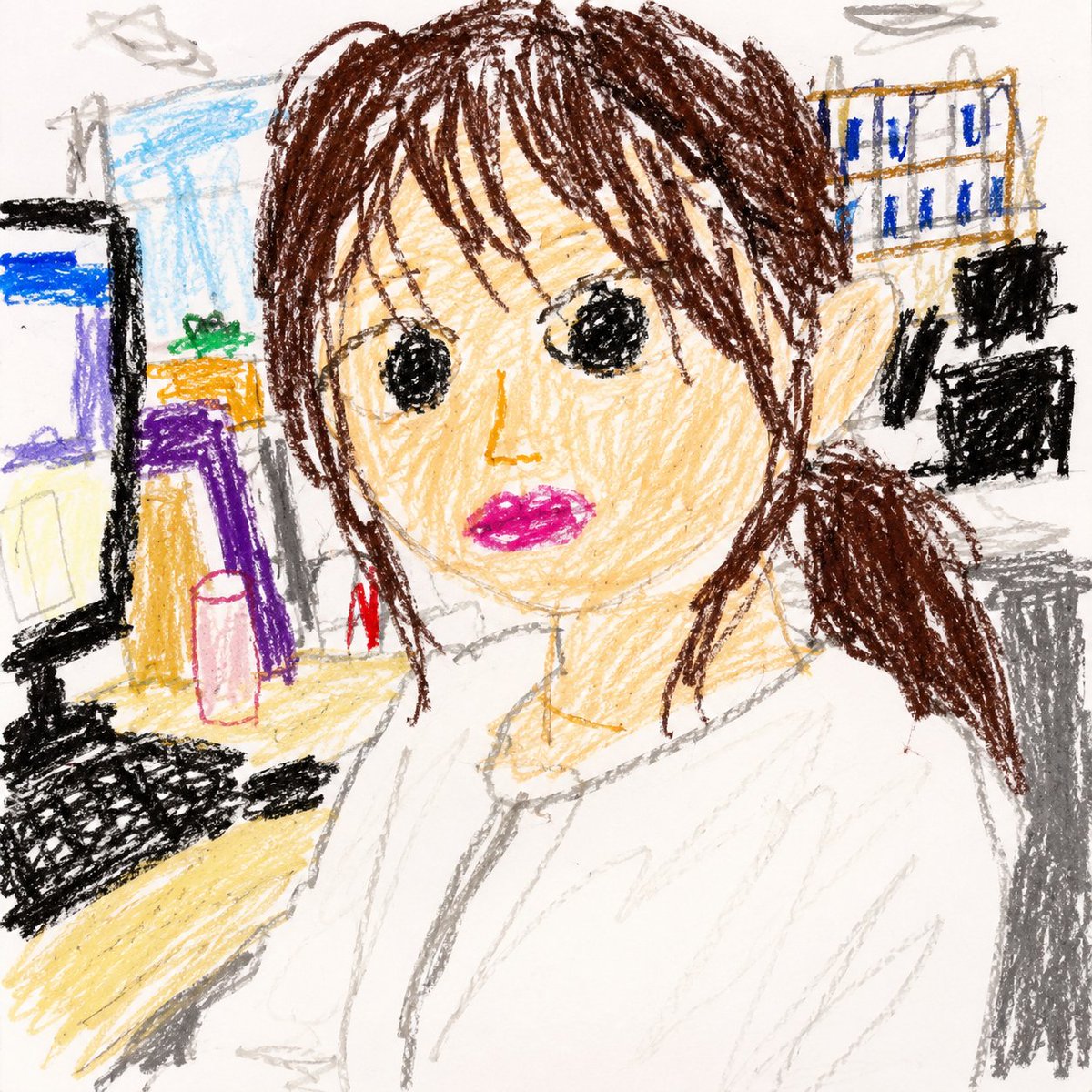
Toddler Crayon Office Selfie
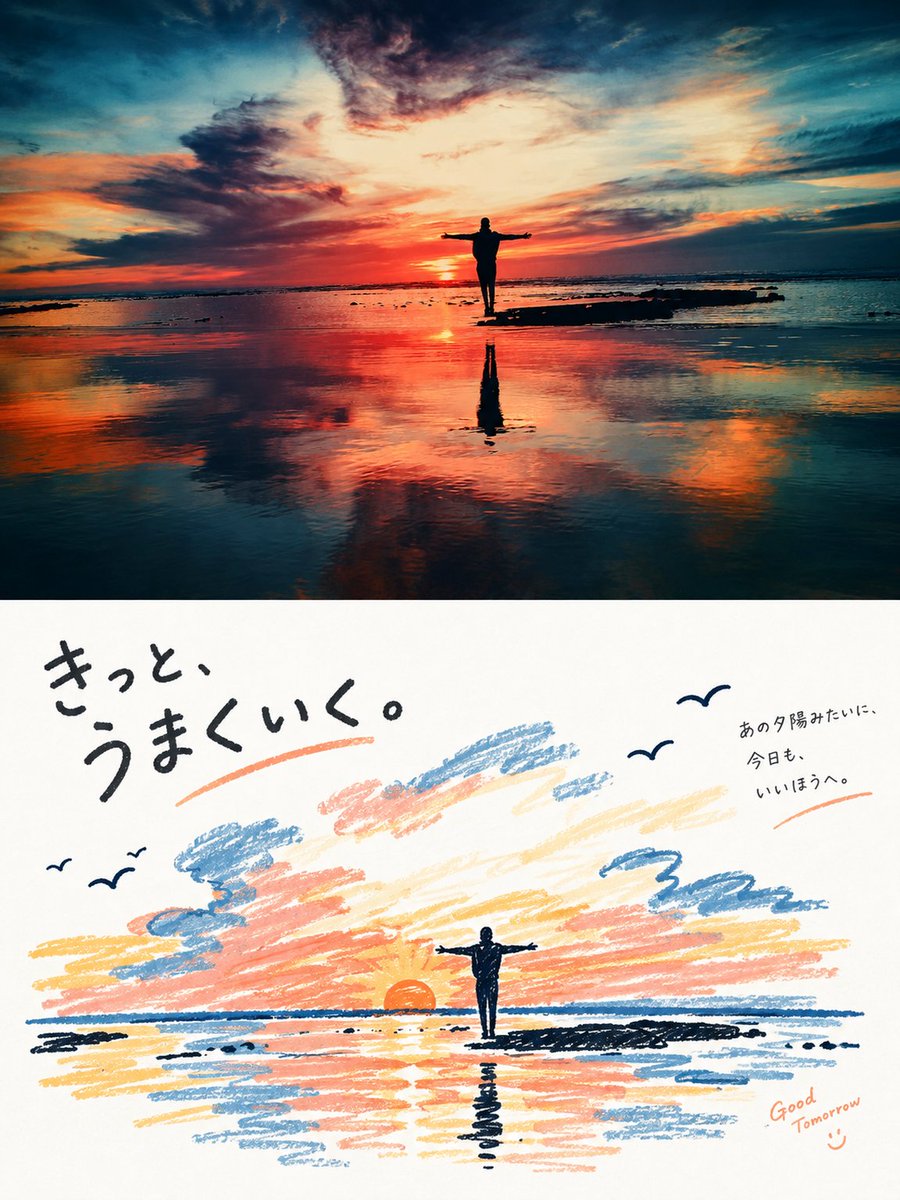
Transforms office selfie references into a naive 3-year-old-style crayon drawing while preserving the main composition and object placement.
This is a GPT Image 2 prompt case for Illustration & Art. Use the copy-ready prompt below to generate similar visuals, and review Awesome GPT Image 2 Prompts attribution plus commercial-use rights before reuse.
Free 1K preview
Generate one preview image instantly, no sign-up required.
Free text preview doesn’t preserve reference-image consistency.
Prompt
Copy-ready prompt
Using the two provided office selfie references, transform the scene into a square 1:1 drawing that looks like it was made by a child about 3 years old with crayons on white drawing paper. Use the references only for the composition, person/object placement, broad color choices, and background balance; do not recreate anything photorealistically. Keep the woman seated close to the camera in the office, with dark brown hair, a white blouse, the desk and monitor on the left, office shelves/files and coworkers in the background, and the overall selfie-like framing. Render everything as an enthusiastic toddler crayon drawing: rough scribbly outlines, uneven proportions, simple shapes, messy coloring outside the lines, visible wax texture, naive perspective, and incomplete details. Show every face clearly with natural, detailed facial features. Make the pose closer to REFERENCE_0, without the peace-sign hand from REFERENCE_1. Keep the palette simple and crayon-like, with white paper visible, no realistic lighting, no polished illustration style, no text, no watermark.
Best for
- - Illustration & Art visual exploration
- - Image generation and reference-image edits
- - Reusable briefs that keep source attribution visible
Change these parts
- - Subject, product, character, or scene
- - Aspect ratio, camera, lighting, and background
- - Brand, text, color, and output constraints
Recommended model and settings
- - Model: gpt-image-2
- - Input mode: Image to Image
- - Aspect ratio: source
- - Commercial status: review original source
How to use this prompt
- 1. Copy the prompt and preserve its structure for the first test.
- 2. Replace the subject, context, and publishing channel.
- 3. Change one camera, lighting, or style variable per iteration.
- 4. Inspect the output, source, text, and rights before reuse.
Limitations, source, and reuse cautions
- - Generated output is an editable draft, not factual, legal, or rights evidence.
- - Review the linked source, people, brands, logos, text, and third-party media before commercial use.
More cases in this category
Prioritized by category, input mode compatibility, quality, and lower risk.

Reuse and source notes
Use this prompt safely after previewing the case.
- 1.Copy the prompt or open it directly in Dovoo with the generation button.
- 2.Adjust variables, aspect ratio, and reference images for your own use case.
- 3.Before publishing or paid usage, verify source rights, attribution requirements, and brand or likeness risks.
Can I use this prompt commercially?
Commercial-use status is allowed. Review the original source, license, brand constraints, and legal requirements before paid usage.
Where does this case come from?
This case is imported from Awesome GPT Image 2 Prompts; keep attribution visible and check the source URL before reuse.