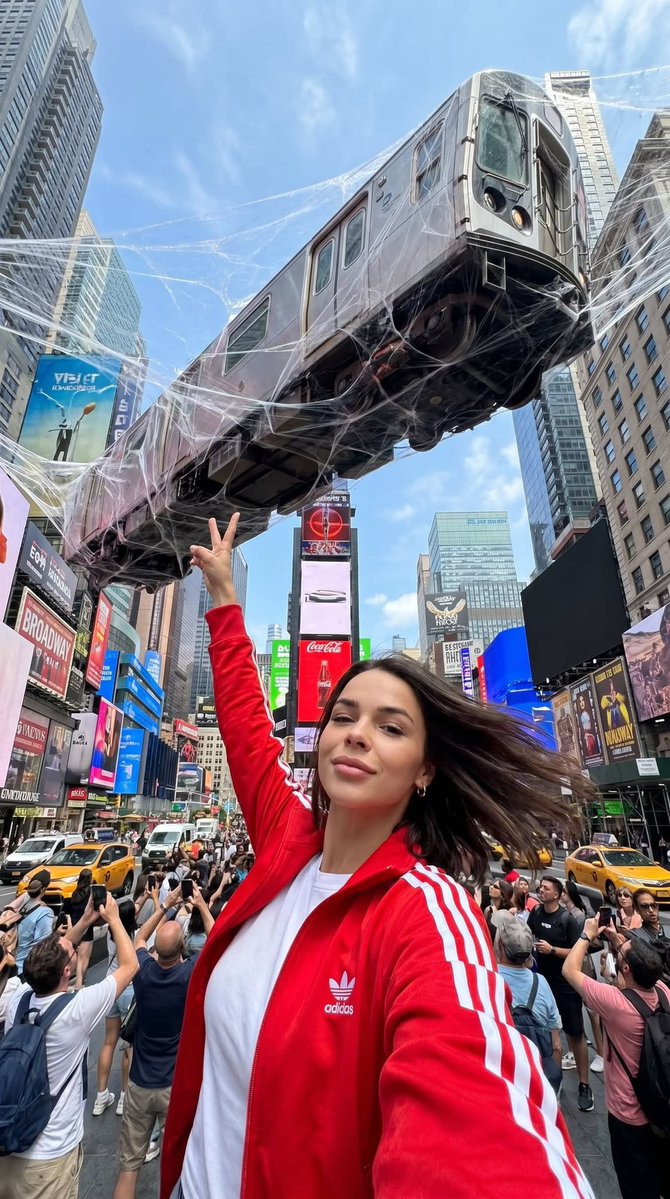
Surreal Times Square Selfie
A photorealistic travel selfie prompt featuring a surreal element of a subway train trapped in giant spider webs above Times Square, preserving the subject's identity.
This is a GPT Image 2 prompt case for Portrait & Character. Use the copy-ready prompt below to generate similar visuals, and review Awesome GPT Image 2 Prompts attribution plus commercial-use rights before reuse.
Free 1K preview
Generate one preview image instantly, no sign-up required.
Free text preview doesn’t preserve reference-image consistency.
Prompt
Copy-ready prompt
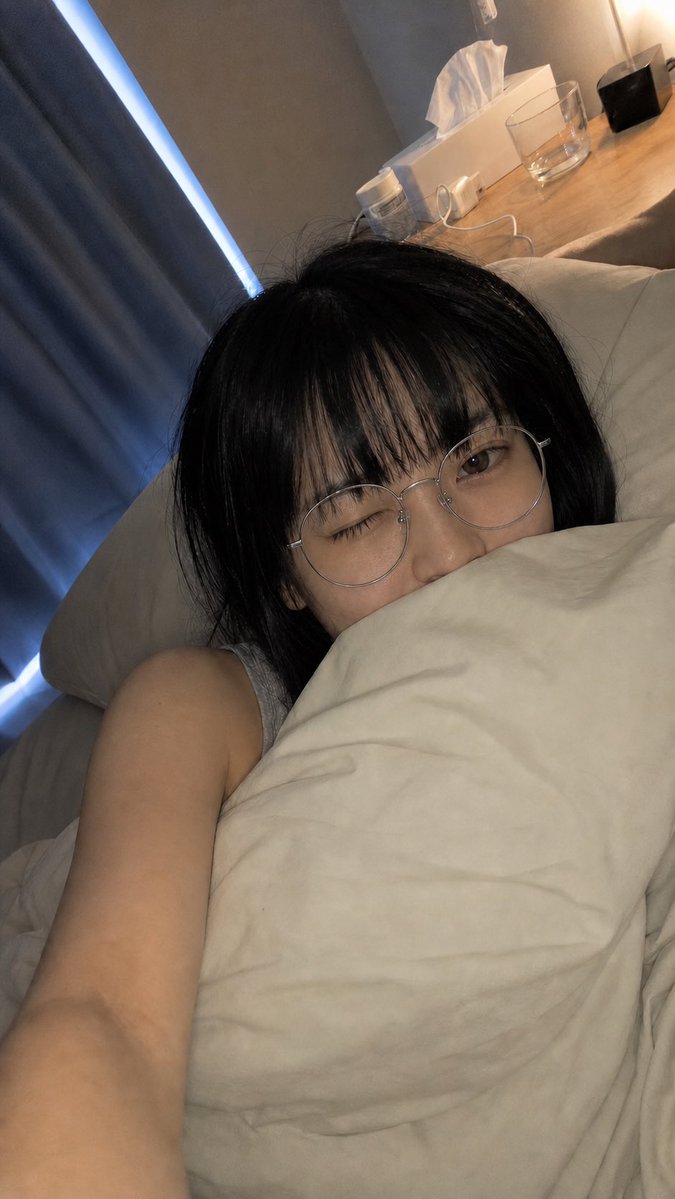
Use the uploaded reference image only to preserve the person’s identity. Preserve the face, facial proportions, jawline, lips, eyes, eyebrows, hairstyle, natural hair color, skin tone, body proportions and overall appearance with 100% accuracy. Do not alter any facial features. Ultra-photorealistic iPhone 17 Pro selfie in the middle of {argument name="location" default="Times Square, New York"}, shot from a low-angle, wide 24mm front camera. The woman is holding the phone at arm’s length, looking directly into the camera with a relaxed confident expression, making a peace sign with her right hand. Wind naturally blows her hair. She is wearing a {argument name="jacket style" default="bright red Adidas Firebird track jacket"} with three white stripes over a plain white T-shirt. Directly behind her, an enormous New York subway train is suspended high above the street, completely trapped in {argument name="surreal element" default="gigantic white spider webs"} stretched between the surrounding skyscrapers. The webs are ultra-realistic, thin, translucent, and shimmer in the daylight. Crowds of tourists below are looking up, taking photos with their phones. Famous Times Square LED billboards surround the scene, yellow taxis, Manhattan skyscrapers, dramatic perspective emphasizing the massive train overhead.Prompt variables
Editable argument placeholders found in the prompt, with their default values.
Best for
- - Portrait & Character visual exploration
- - Image generation and reference-image edits
- - Reusable briefs that keep source attribution visible
Change these parts
- - Subject, product, character, or scene
- - Aspect ratio, camera, lighting, and background
- - Brand, text, color, and output constraints
Recommended model and settings
- - Model: gpt-image-2
- - Input mode: Image to Image
- - Aspect ratio: source
- - Commercial status: review original source
How to use this prompt
- 1. Copy the prompt and preserve its structure for the first test.
- 2. Replace the subject, context, and publishing channel.
- 3. Change one camera, lighting, or style variable per iteration.
- 4. Inspect the output, source, text, and rights before reuse.
Limitations, source, and reuse cautions
- - Generated output is an editable draft, not factual, legal, or rights evidence.
- - Review the linked source, people, brands, logos, text, and third-party media before commercial use.
More cases in this category
Prioritized by category, input mode compatibility, quality, and lower risk.


Reuse and source notes
Use this prompt safely after previewing the case.
- 1.Copy the prompt or open it directly in Dovoo with the generation button.
- 2.Adjust variables, aspect ratio, and reference images for your own use case.
- 3.Before publishing or paid usage, verify source rights, attribution requirements, and brand or likeness risks.
Can I use this prompt commercially?
Commercial-use status is allowed. Review the original source, license, brand constraints, and legal requirements before paid usage.
Where does this case come from?
This case is imported from Awesome GPT Image 2 Prompts; keep attribution visible and check the source URL before reuse.