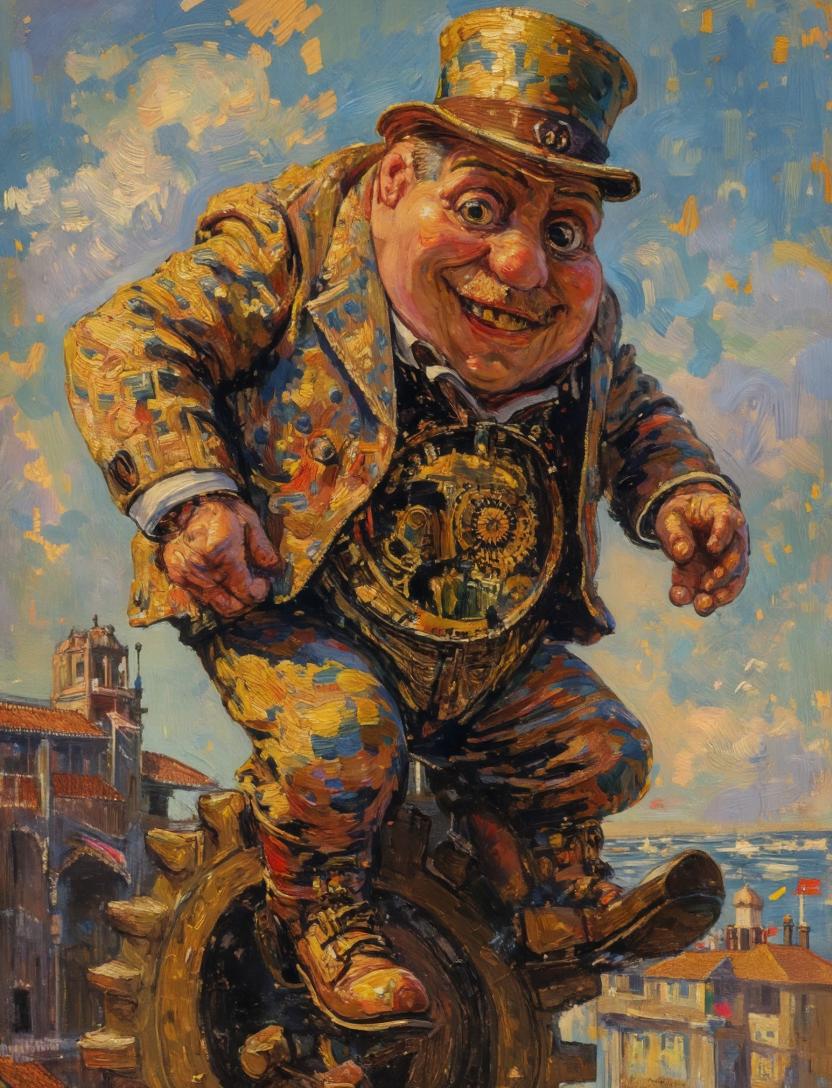
Surreal Clockwork Gentleman on a Gear
This prompt generates a whimsical post-impressionist oil painting of an anonymous steampunk gentleman balancing on a giant gear above a Venetian-style city, useful for surreal fine-art image creation.
This is a GPT Image 2 prompt case for Illustration & Art. Use the copy-ready prompt below to generate similar visuals, and review Awesome GPT Image 2 Prompts attribution plus commercial-use rights before reuse.
Free 1K preview
Generate one preview image instantly, no sign-up required.
Prompt
Copy-ready prompt
A surreal impasto oil painting in the spirit of a late-19th-century post-impressionist masterpiece, showing a stout gentleman in a patterned golden-blue suit and tall top hat balancing awkwardly on a giant bronze gear high above a sunlit canal city. Show every face clearly with natural, detailed facial features, creating an intentional anonymous focal interruption. He wears a richly textured jacket with mosaic-like patches of ochre, cobalt, rust, and cream, matching trousers, heavy leather boots, and a waist area that opens into an exposed clockwork mechanism full of gears and ornate brass details. His body leans forward with both hands extended as if trying to keep balance, one boot planted on the gear and the other lifted slightly outward. The background is an airy blue sky with swirling painterly clouds and scattered gold brushstrokes, while below and to the left appears a historic bell tower and arched waterfront architecture, and to the right distant terracotta rooftops beside shimmering water. Use thick visible brushstrokes, luminous warm highlights, bold blue-and-gold contrast, expressive texture, and a whimsical steampunk-meets-Venetian atmosphere. Compose the figure large and central, slightly cropped by the frame, with the giant gear visible beneath him and the city receding below.
Best for
- - Illustration & Art visual exploration
- - Image generation and reference-image edits
- - Reusable briefs that keep source attribution visible
Change these parts
- - Subject, product, character, or scene
- - Aspect ratio, camera, lighting, and background
- - Brand, text, color, and output constraints
Recommended model and settings
- - Model: gpt-image-2
- - Input mode: Text to Image
- - Aspect ratio: source
- - Commercial status: review original source
How to use this prompt
- 1. Copy the prompt and preserve its structure for the first test.
- 2. Replace the subject, context, and publishing channel.
- 3. Change one camera, lighting, or style variable per iteration.
- 4. Inspect the output, source, text, and rights before reuse.
Limitations, source, and reuse cautions
- - Generated output is an editable draft, not factual, legal, or rights evidence.
- - Review the linked source, people, brands, logos, text, and third-party media before commercial use.
More cases in this category
Prioritized by category, input mode compatibility, quality, and lower risk.
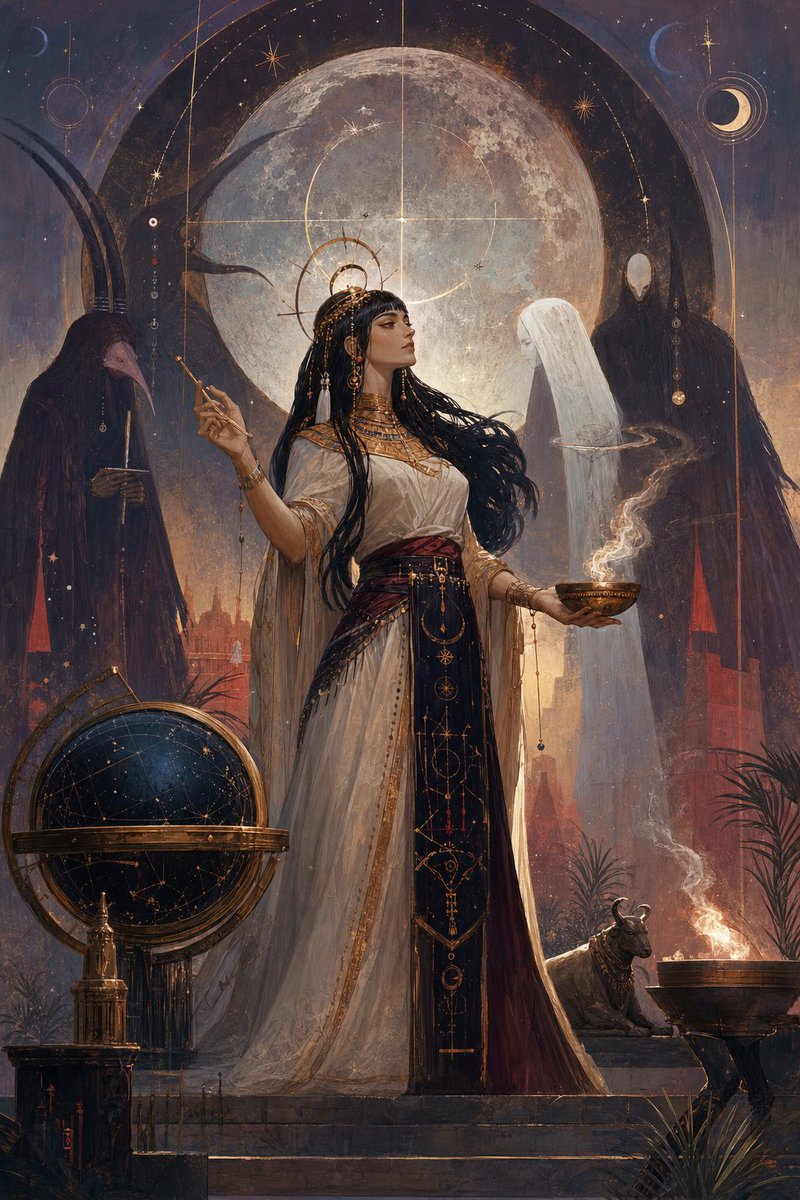

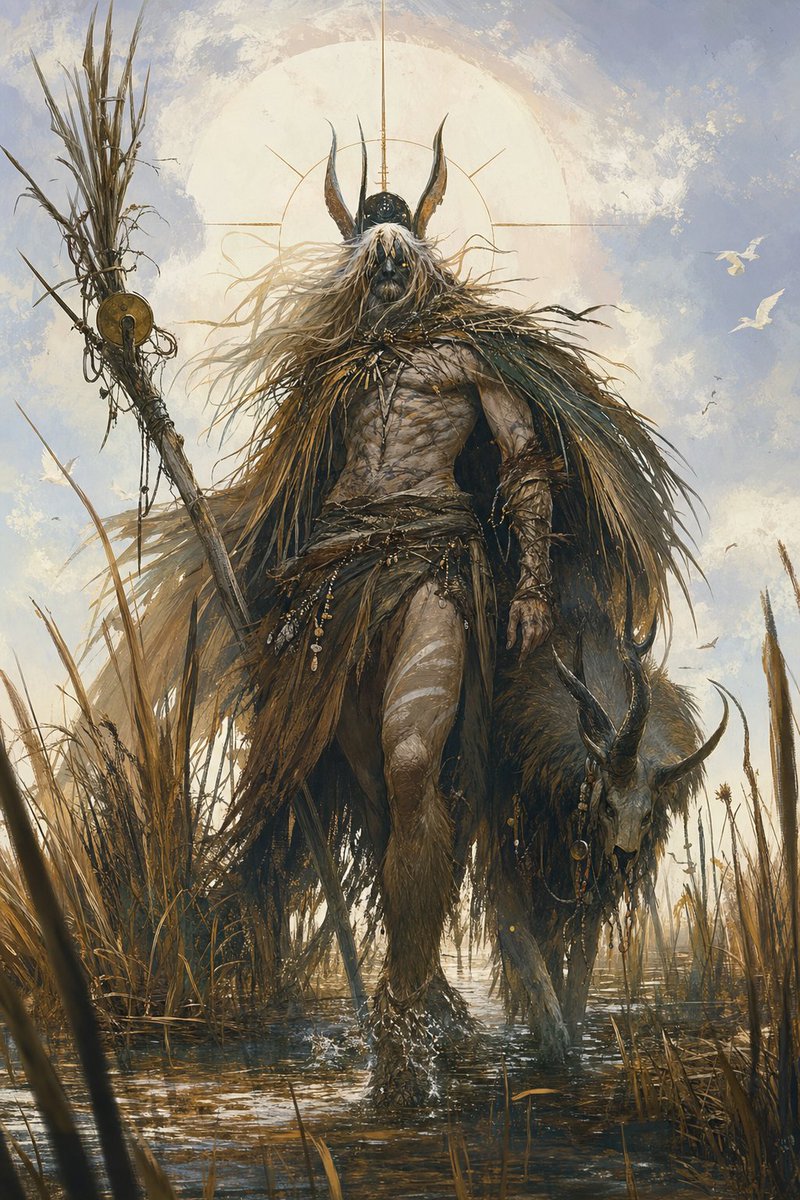
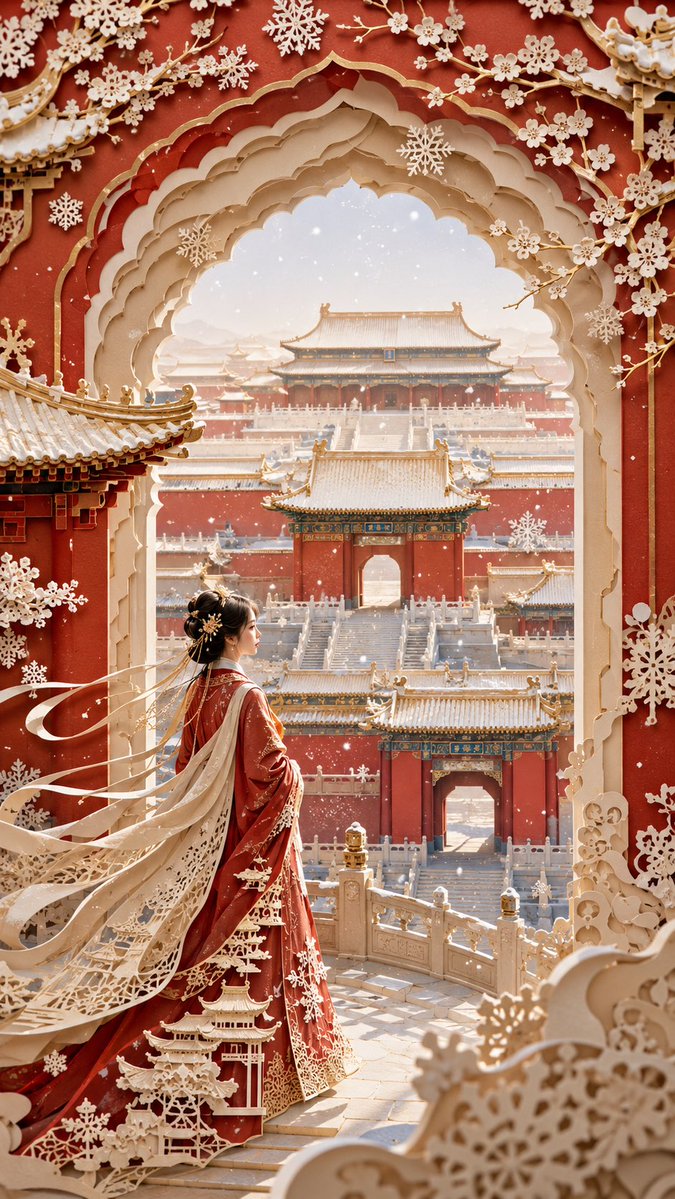

Reuse and source notes
Use this prompt safely after previewing the case.
- 1.Copy the prompt or open it directly in Dovoo with the generation button.
- 2.Adjust variables, aspect ratio, and reference images for your own use case.
- 3.Before publishing or paid usage, verify source rights, attribution requirements, and brand or likeness risks.
Can I use this prompt commercially?
Commercial-use status is allowed. Review the original source, license, brand constraints, and legal requirements before paid usage.
Where does this case come from?
This case is imported from Awesome GPT Image 2 Prompts; keep attribution visible and check the source URL before reuse.