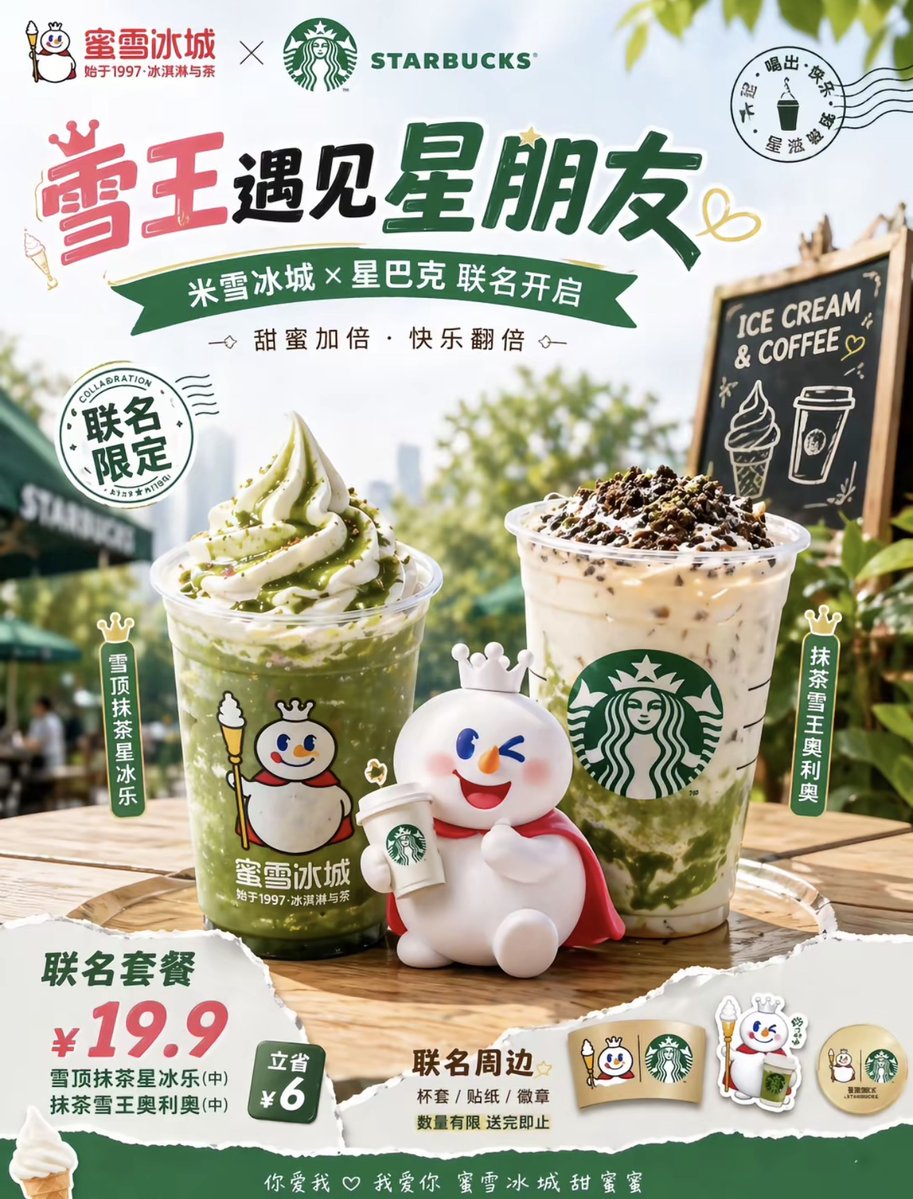
Summer Coffee Ice Cream Collab Poster
This prompt generates a bright Chinese-style co-branded beverage advertisement poster for retail promotions, social media campaigns, or menu launch visuals.
This is a GPT Image 2 prompt case for Product & Commercial. Use the copy-ready prompt below to generate similar visuals, and review Awesome GPT Image 2 Prompts attribution plus commercial-use rights before reuse.
Free 1K preview
Generate one preview image instantly, no sign-up required.
Prompt
Copy-ready prompt
A bright and cheerful summer co-branded beverage poster, adopting a simple Chinese commercial advertising style, showcasing the collaboration between {argument name="brand one" default="Mixue Bingcheng"} and {argument name="brand two" default="STARBUCKS"}. The poster features a vertical layout with a background of soft blue skies, sunlight-drenched greenery, and an outdoor cafe atmosphere. The top of the poster displays the two brand logos side-by-side, followed by a prominent large Chinese title in playful hand-drawn art font: {argument name="headline text" default="Snow King Meets Star Friends"}. Below the title is a green ribbon banner containing a Chinese subtitle: {argument name="subheadline text" default="Mixue Ice Cream × Starbucks Collaboration Begins"}, and a line of small text reading “Double the Sweetness, Double the Happiness.” It includes 2 circular stamp-style graphics: the left one reads “Limited Collaboration,” and the upper right corner resembles a postmark surrounded by Chinese text and small beverage icons. In the center foreground, on an outdoor wooden table, are 2 ice drinks: on the left is a highly transparent glass of vibrant green matcha smoothie topped with towering vanilla soft serve ice cream and green matcha drizzle, with clear ice texture and the cute Snow King mascot logo printed on the cup; on the right is a highly transparent Starbucks-style iced latte with a swirl of milk and green matcha at the bottom, topped with whipped cream and dark cookie crumbs, and the green mermaid logo printed on the cup. In front of the drinks is a cute white Snow King mascot doll wearing a small crown, with a round body, rosy cheeks, and a red cape, winking playfully while sitting and holding a small coffee to-go cup. Add 2 vertically arranged product labels next to the drinks: the left label reads “Snow Top Matcha Star Iced Latte,” and the right label reads “Matcha Snow King Oreo.” In the right mid-ground, place a small black chalkboard on a wooden easel with “ICE CREAM & COFFEE” written on it, and a chalk drawing of an ice cream cone and a to-go cup. Design a torn paper-style price section in the lower left corner to display a combo offer, with a prominent red number “¥19.9,” green supporting text, and a small green badge reading “Save ¥6.” Add a “Co-branded Merchandise” display area in the lower right corner, precisely displaying 4 merchandise items: 1 cup sleeve, 1 character keychain or acrylic pendant, 1 circular badge, and 1 sticker or token, all featuring the Snow King mascot and coffee collaboration theme. The image uses warm sunlight, glossy beverage photography, shallow depth of field, soft tree shadow blur, high-contrast product retouching, and clear packaging details to present a positive and youthful retail promotional aesthetic. Sprinkle doodle hearts and playful decorative elements around the text. Except for the Starbucks logo and chalkboard text, all other visible text remains in Chinese.Prompt variables
Editable argument placeholders found in the prompt, with their default values.
Best for
- - Product & Commercial visual exploration
- - Image generation and reference-image edits
- - Reusable briefs that keep source attribution visible
Change these parts
- - Subject, product, character, or scene
- - Aspect ratio, camera, lighting, and background
- - Brand, text, color, and output constraints
Recommended model and settings
- - Model: gpt-image-2
- - Input mode: Text to Image
- - Aspect ratio: source
- - Commercial status: review original source
How to use this prompt
- 1. Copy the prompt and preserve its structure for the first test.
- 2. Replace the subject, context, and publishing channel.
- 3. Change one camera, lighting, or style variable per iteration.
- 4. Inspect the output, source, text, and rights before reuse.
Limitations, source, and reuse cautions
- - Generated output is an editable draft, not factual, legal, or rights evidence.
- - Review the linked source, people, brands, logos, text, and third-party media before commercial use.
More cases in this category
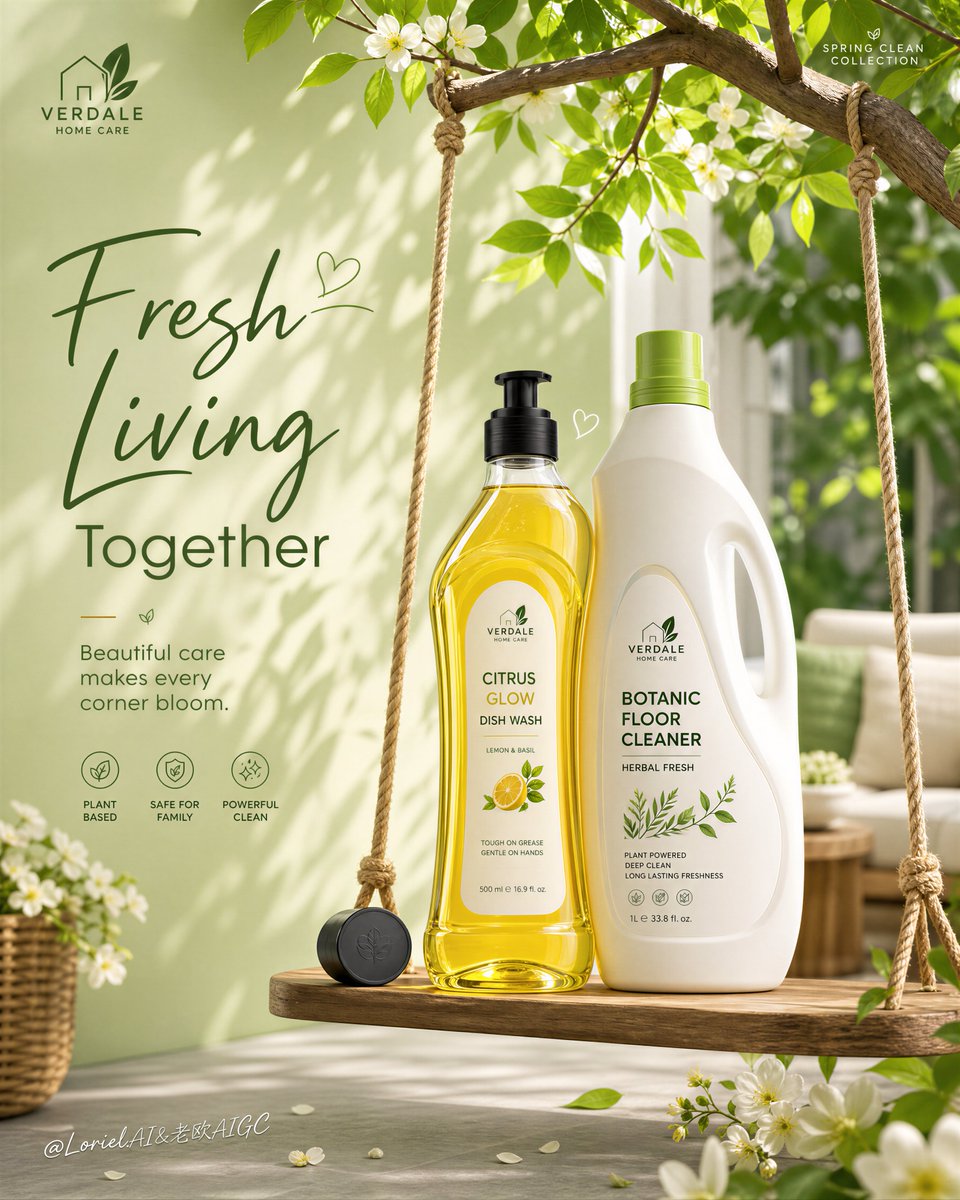
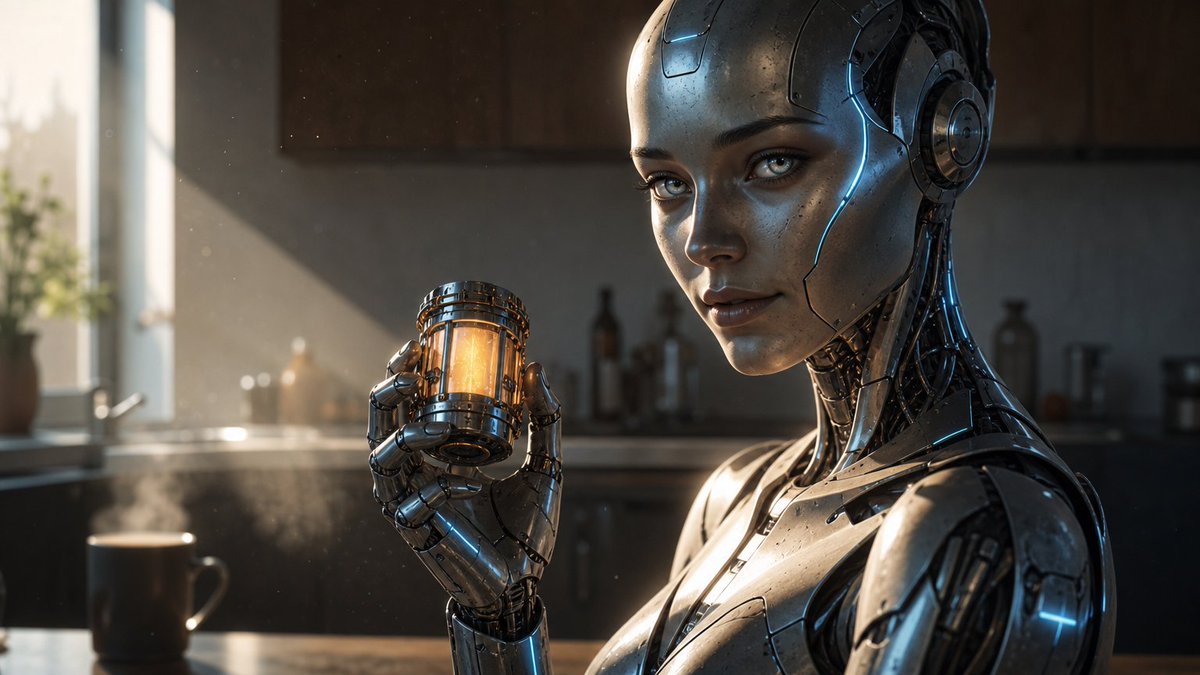
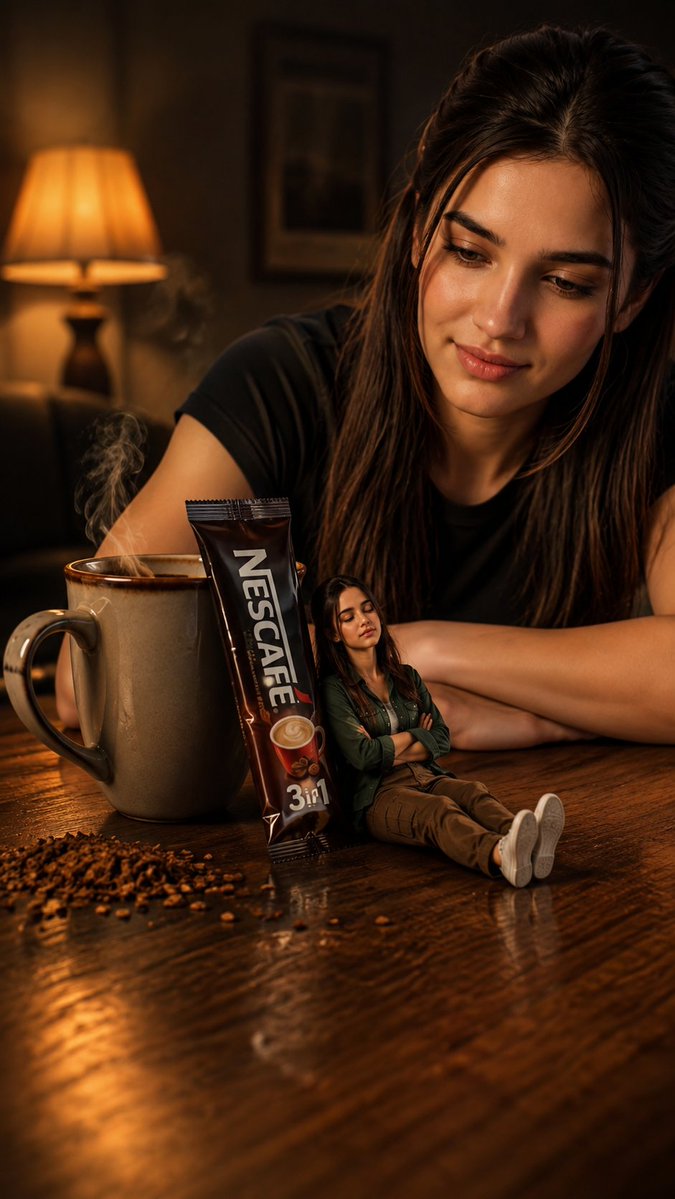
Prioritized by category, input mode compatibility, quality, and lower risk.


Reuse and source notes
Use this prompt safely after previewing the case.
- 1.Copy the prompt or open it directly in Dovoo with the generation button.
- 2.Adjust variables, aspect ratio, and reference images for your own use case.
- 3.Before publishing or paid usage, verify source rights, attribution requirements, and brand or likeness risks.
Can I use this prompt commercially?
Commercial-use status is allowed. Review the original source, license, brand constraints, and legal requirements before paid usage.
Where does this case come from?
This case is imported from Awesome GPT Image 2 Prompts; keep attribution visible and check the source URL before reuse.