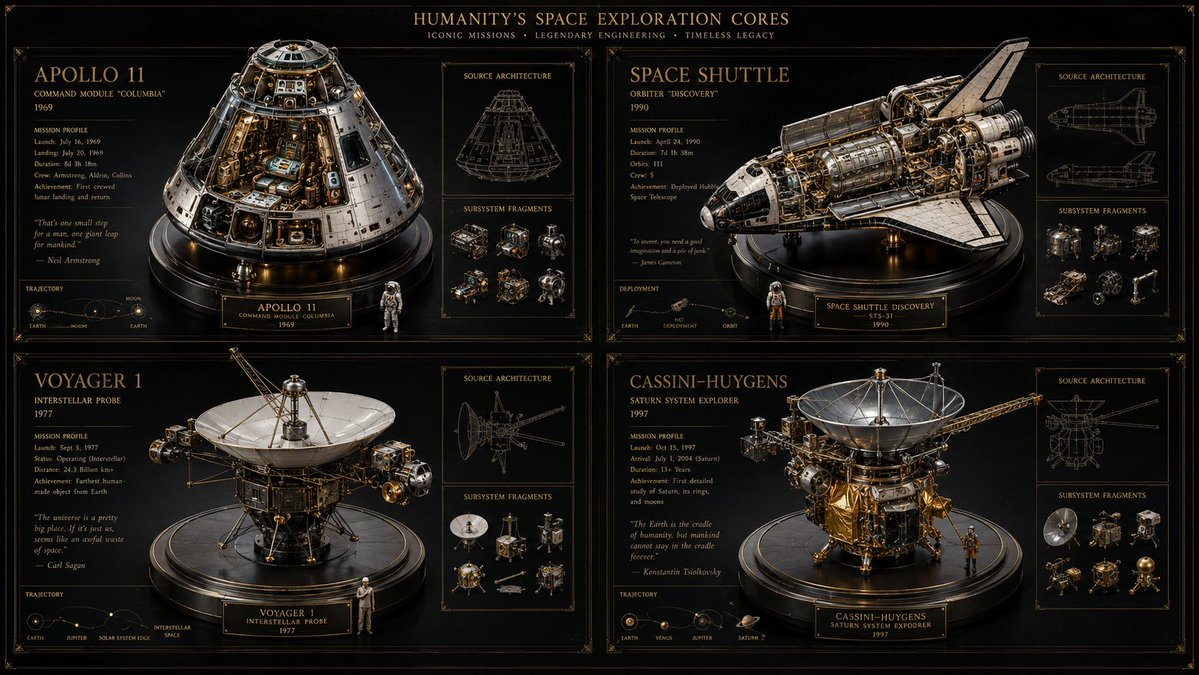
Space Mission Technical Artifacts
A creative code-based template for generating technical visualizations of space missions as a 2x2 grid of museum artifacts with HUD overlays.
This is a GPT Image 2 prompt case for 插画艺术. Use the copy-ready prompt below to generate similar visuals, and review Awesome GPT Image 2 Prompts attribution plus commercial-use rights before reuse.
Prompt
Copy-ready prompt
16:9, Perform this operation for four well-known space missions: void main() { string[] subjects = {"{argument name="subject one" default="[SUB_1]"} ", "{argument name="subject two" default="[SUB_2]"} ", "[SUB_3]", "[SUB_4]"}; // Set material vec3 bg_mat = pure_black_matte(); vec3 ui_ink = unlit_metallic_gold(depth: 0.0); vec3 sculpture_mat = pbr_metal(brass, chrome) + refractive_glass(IOR: 1.5); // Set viewport (2x2 grid) vec4 canvas = clear(bg_mat); for(int i=0; i<4; i++) { vec2 quadrant = get_grid_cell(i, columns: 2); // Render 3D center model mat4 reliquary = build_intricate_model(subjects[i], sculpture_mat); render_to_cell(quadrant, reliquary, lighting: museum_spotlight); // Render 2D UI overlay vec3 wireframe = generate_blueprint(subjects[i]); vec3 text_data = infer_specs_and_quotes(subjects[i]); draw_hud(quadrant, wireframe + text_data, material: ui_ink); } // Add global text draw_hud(header, "{argument name="mission theme" default="[THEME]"} CORES", material: ui_ink); fragColor = canvas; }Prompt variables
Editable argument placeholders found in the prompt, with their default values.
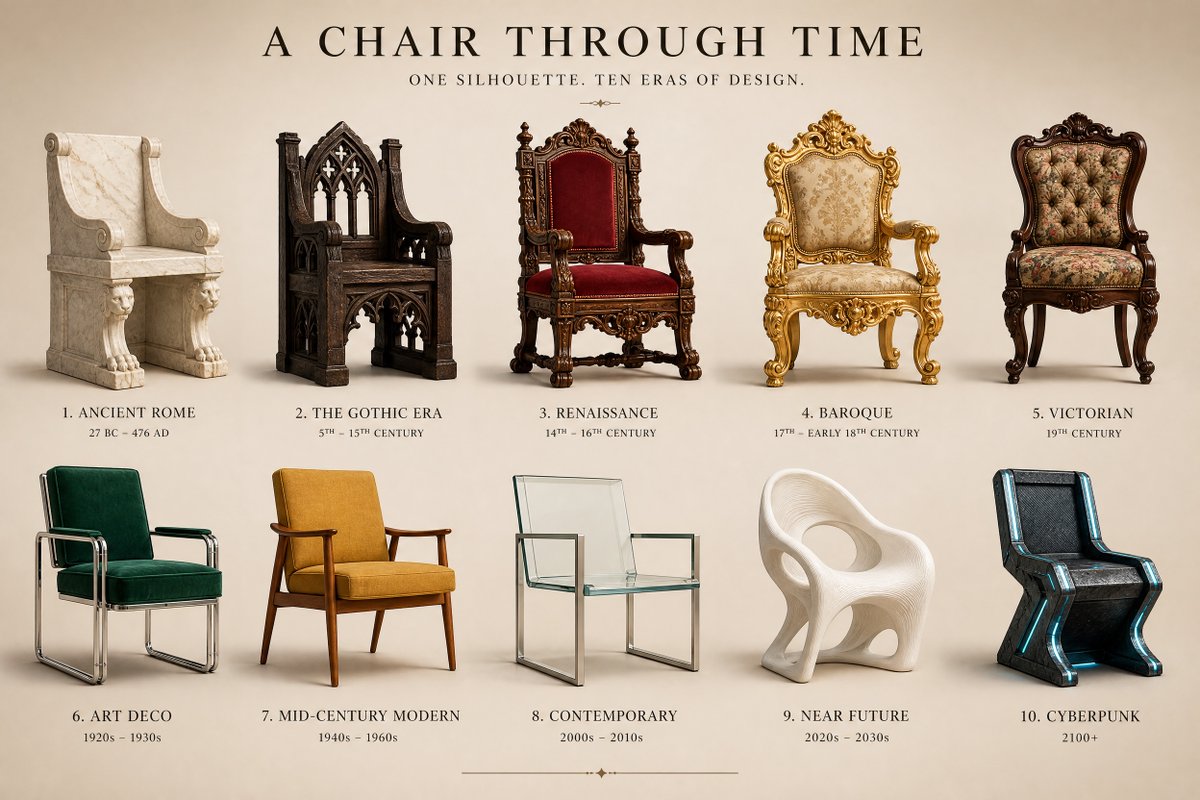
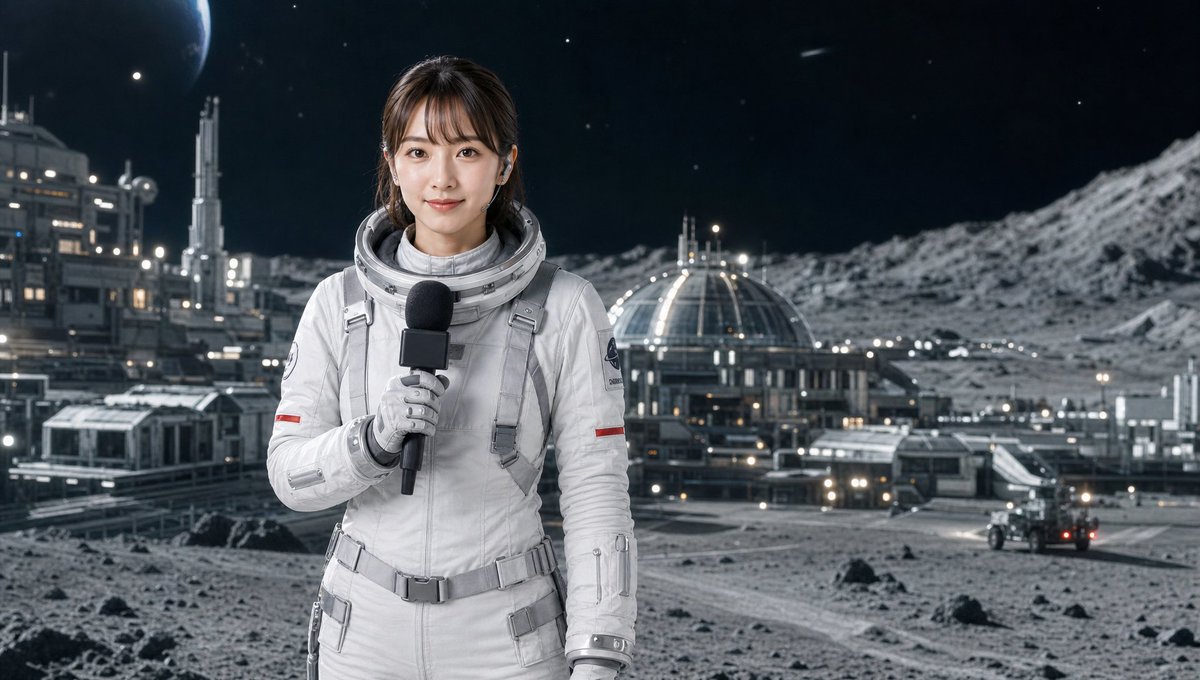
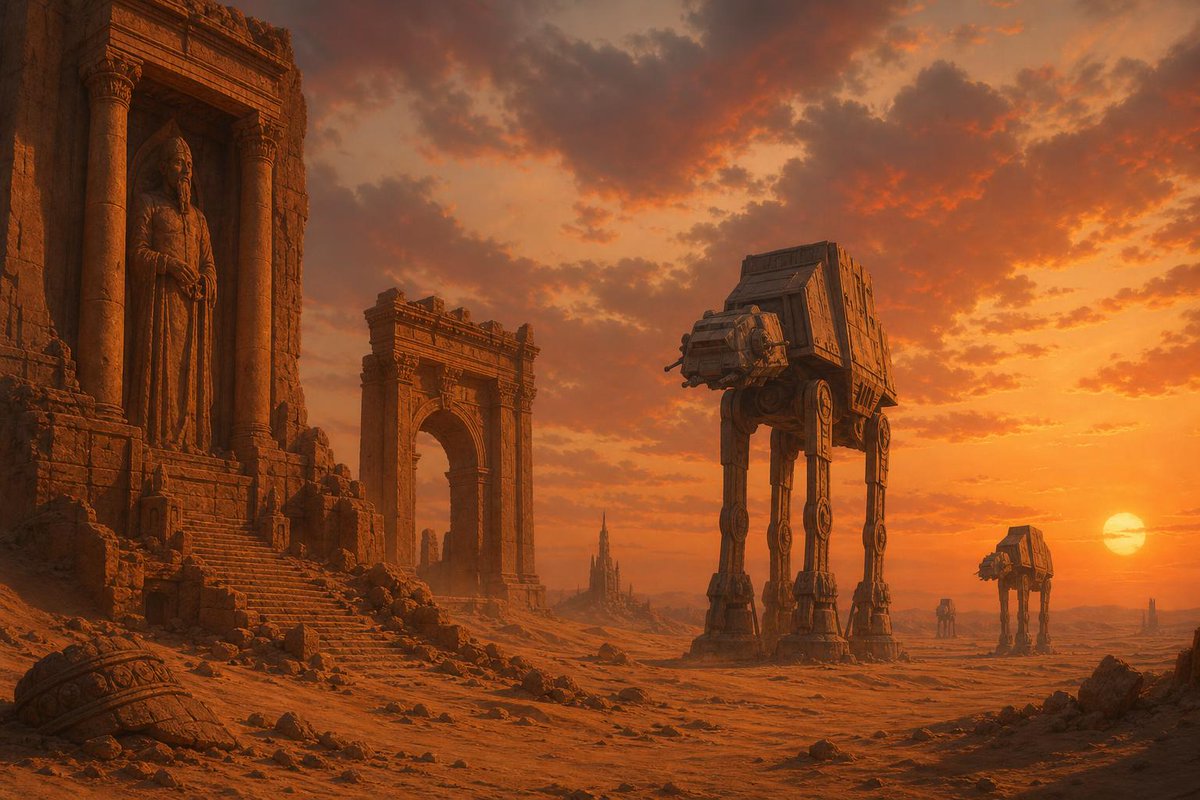
More cases in this category
Prioritized by category, input mode compatibility, quality, and lower risk.

Reuse and source notes
Use this prompt safely after previewing the case.
- 1.Copy the prompt or open it directly in Dovoo with the generation button.
- 2.Adjust variables, aspect ratio, and reference images for your own use case.
- 3.Before publishing or paid usage, verify source rights, attribution requirements, and brand or likeness risks.
Can I use this prompt commercially?
Commercial-use status is allowed. Review the original source, license, brand constraints, and legal requirements before paid usage.
Where does this case come from?
This case is imported from Awesome GPT Image 2 Prompts; keep attribution visible and check the source URL before reuse.