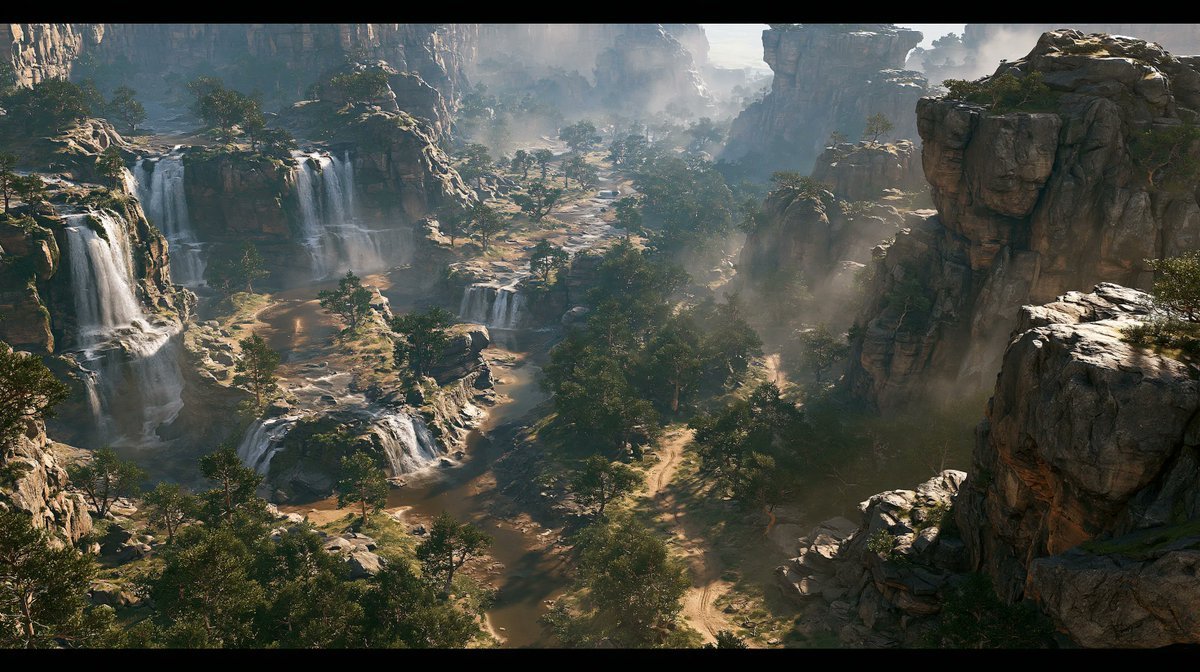
Cinematic Rocky Waterfall Valley
A photorealistic ultra-wide cinematic landscape prompt for generating an epic rocky valley with layered waterfalls, forests, paths, and atmospheric mist.
This is a GPT Image 2 prompt case for Landscape & Nature. Use the copy-ready prompt below to generate similar visuals, and review Awesome GPT Image 2 Prompts attribution plus commercial-use rights before reuse.
Free 1K preview
Generate one preview image instantly, no sign-up required.
Prompt
Copy-ready prompt
Create a cinematic photorealistic extreme-wide landscape of a vast rocky valley seen from a high elevated viewpoint, framed in an ultra-widescreen movie aspect ratio with thin black letterbox bars. The valley is filled with massive weathered stone formations and steep canyon cliffs on both sides, with layered waterfalls cascading down the left and center rock terraces into shallow pools and streams below. Include exactly 6 prominent waterfall drops: 3 large vertical falls on the left cliff, 1 broad mid-distance fall near the center-left, and 2 smaller stepped falls in the lower middle foreground. Add scattered trees and dense forest patches throughout the valley floor, winding natural dirt paths and streambeds weaving between rocks, warm sandy ground, and rugged boulders. Soft mist and waterfall spray should float above the water and drift between the rocks, especially in the center distance and right-side canyon. Use dramatic natural daylight with hazy atmosphere, sun rays filtering through mist, strong depth, realistic textures, cinematic color grading, high detail, and an epic environmental concept-art feel. No people, no buildings, no text, no animals, no modern objects.
Best for
- - Landscape & Nature visual exploration
- - Image generation and reference-image edits
- - Reusable briefs that keep source attribution visible
Change these parts
- - Subject, product, character, or scene
- - Aspect ratio, camera, lighting, and background
- - Brand, text, color, and output constraints
Recommended model and settings
- - Model: gpt-image-2
- - Input mode: Text to Image
- - Aspect ratio: source
- - Commercial status: review original source
How to use this prompt
- 1. Copy the prompt and preserve its structure for the first test.
- 2. Replace the subject, context, and publishing channel.
- 3. Change one camera, lighting, or style variable per iteration.
- 4. Inspect the output, source, text, and rights before reuse.
Limitations, source, and reuse cautions
- - Generated output is an editable draft, not factual, legal, or rights evidence.
- - Review the linked source, people, brands, logos, text, and third-party media before commercial use.
More cases in this category
Prioritized by category, input mode compatibility, quality, and lower risk.

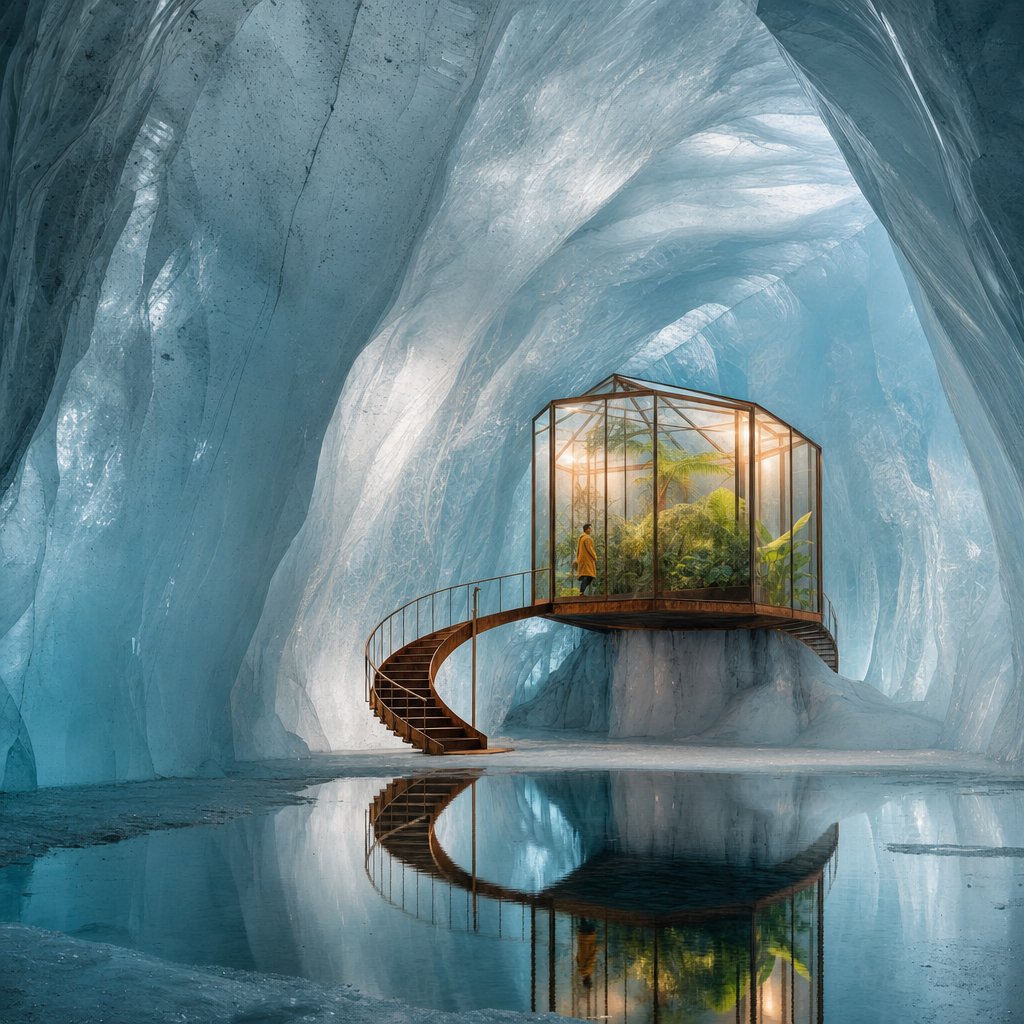
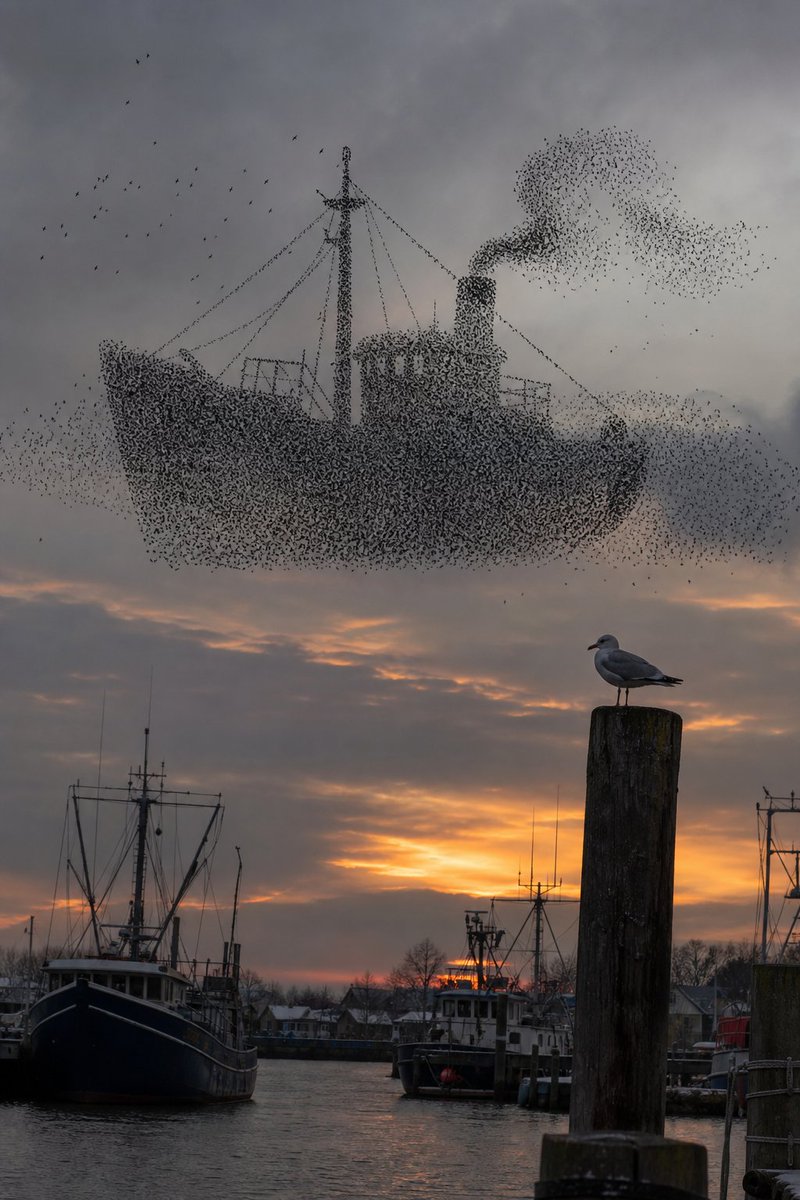
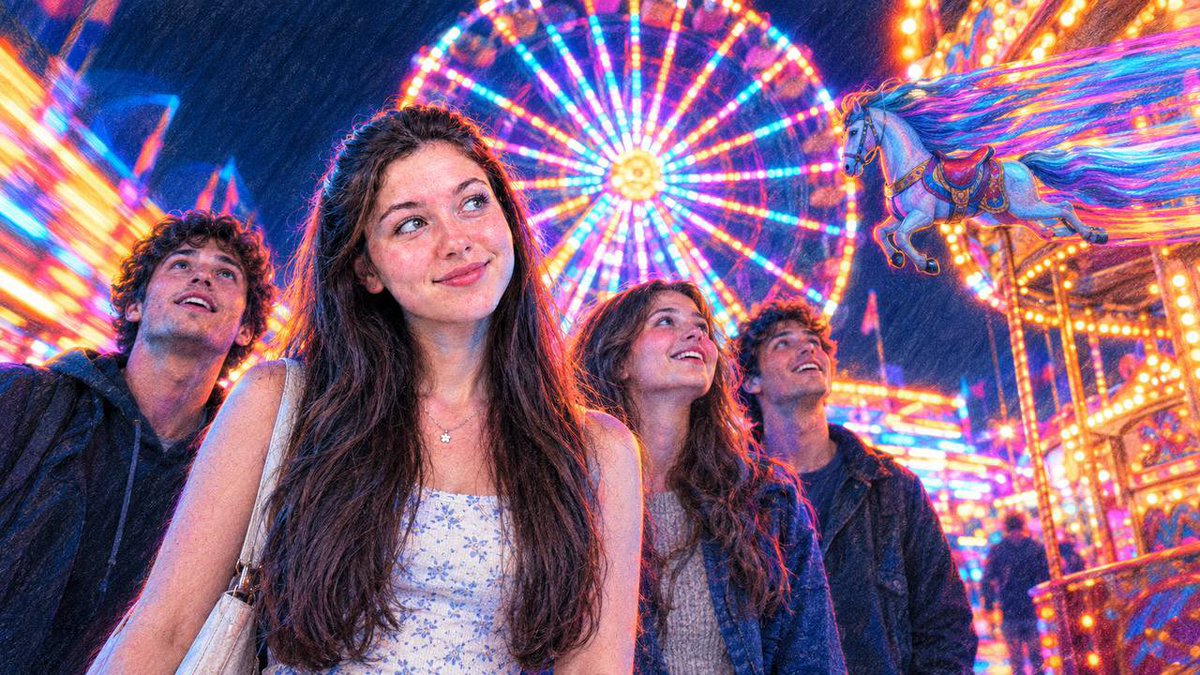
Reuse and source notes
Use this prompt safely after previewing the case.
- 1.Copy the prompt or open it directly in Dovoo with the generation button.
- 2.Adjust variables, aspect ratio, and reference images for your own use case.
- 3.Before publishing or paid usage, verify source rights, attribution requirements, and brand or likeness risks.
Can I use this prompt commercially?
Commercial-use status is allowed. Review the original source, license, brand constraints, and legal requirements before paid usage.
Where does this case come from?
This case is imported from Awesome GPT Image 2 Prompts; keep attribution visible and check the source URL before reuse.