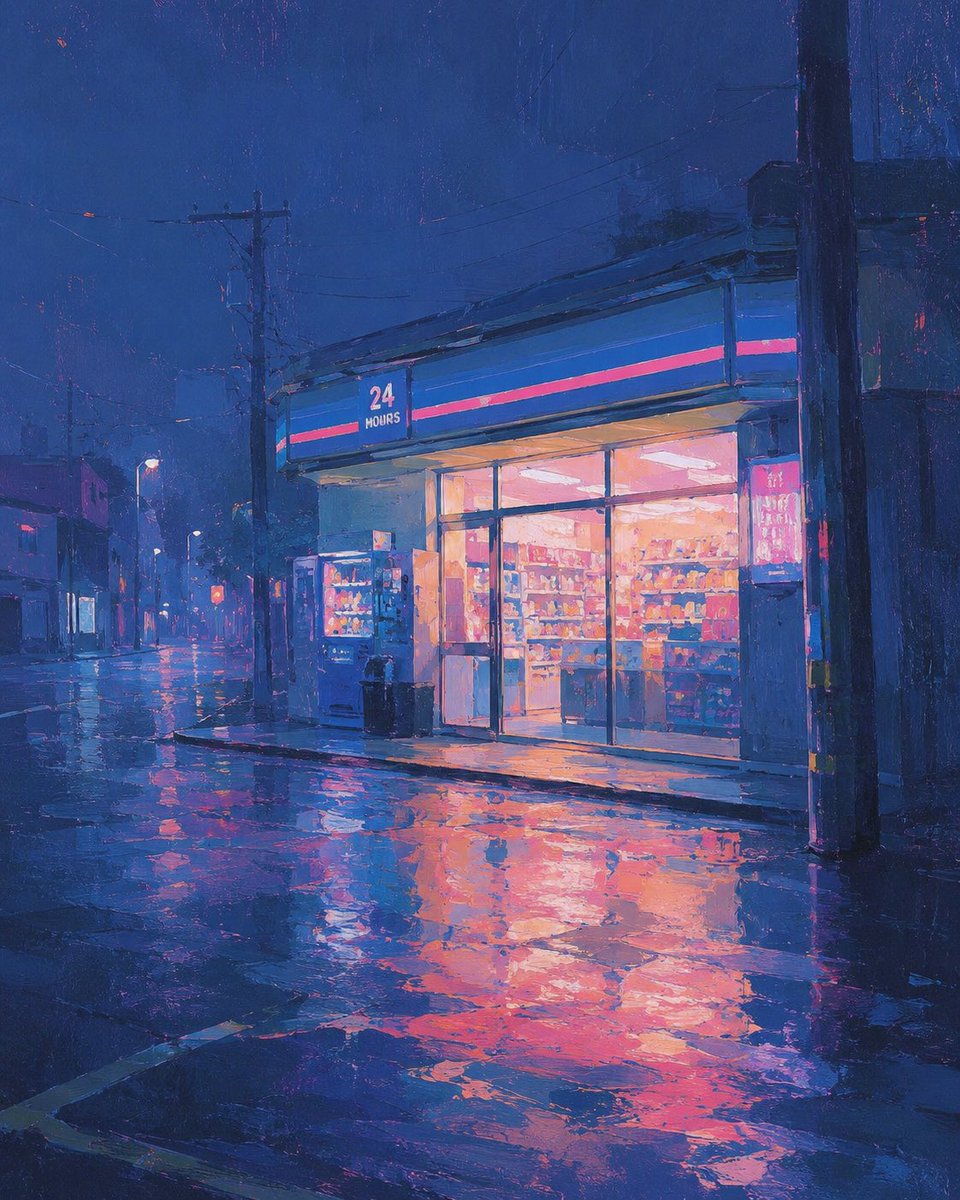
Rainy 24-Hour Convenience Store
A cinematic painterly prompt for generating a quiet neon-lit convenience store on a rainy night street.
This is a GPT Image 2 prompt case for Illustration & Art. Use the copy-ready prompt below to generate similar visuals, and review Awesome GPT Image 2 Prompts attribution plus commercial-use rights before reuse.
Need the full prompt set? Use the Illustration & Art topic hub for more related examples, or open the GPT Image 2 prompt library for the full example index, reusable structures, and source attribution.
Free 1K preview
Generate one preview image instantly, no sign-up required.
1119/4000
Prompt
Copy-ready prompt
Create a painterly nighttime city street scene in a cinematic square composition. The focal point is a small modern convenience store on the right side of the frame, glowing warmly through large glass windows and sliding doors, with shelves of colorful products visible inside. Above the entrance is a blue fascia sign with a thin hot-pink stripe and the readable text “24 HOURS” in white. Place exactly 2 vending machines just outside the store near the entrance, plus exactly 2 dark trash bins beside them. The street is empty of people and cars, quiet after rain, with wet asphalt and puddles reflecting the store’s orange-pink light and the deep blue sky. Include utility poles, overhead power lines, dim streetlights, low buildings fading into mist on the left, and one large dark pole in the foreground on the right edge. Use an impressionistic digital oil-painting style with visible brush texture, rich ultramarine and indigo shadows, neon magenta accents, warm peach interior lighting, soft haze, and dramatic reflections. Keep the mood melancholic, calm, and atmospheric; no extra text besides the store sign.
Best for
- - Illustration & Art visual exploration
- - Image generation and reference-image edits
- - Reusable briefs that keep source attribution visible
Change these parts
- - Subject, product, character, or scene
- - Aspect ratio, camera, lighting, and background
- - Brand, text, color, and output constraints
Recommended model and settings
- - Model: gpt-image-2
- - Input mode: Text to Image
- - Aspect ratio: source
- - Commercial status: review original source
How to use this prompt
- 1. Copy the prompt and preserve its structure for the first test.
- 2. Replace the subject, context, and publishing channel.
- 3. Change one camera, lighting, or style variable per iteration.
- 4. Inspect the output, source, text, and rights before reuse.
Limitations, source, and reuse cautions
- - Generated output is an editable draft, not factual, legal, or rights evidence.
- - Review the linked source, people, brands, logos, text, and third-party media before commercial use.
Imported from Awesome GPT Image 2 Prompts. Attribution is required. Commercial-use status is allowed; review source rights before paid usage.
More cases in this category
Prioritized by category, input mode compatibility, quality, and lower risk.
Chun-Li Kicks Giant Monster
Text to Image

Cyberpunk Industrial Corridor Splash
Text to Image
Tehran Old City Adventure Comic Illustration
Text to Image
Japanese Paper-Cut Sunset Collage
Text to Image
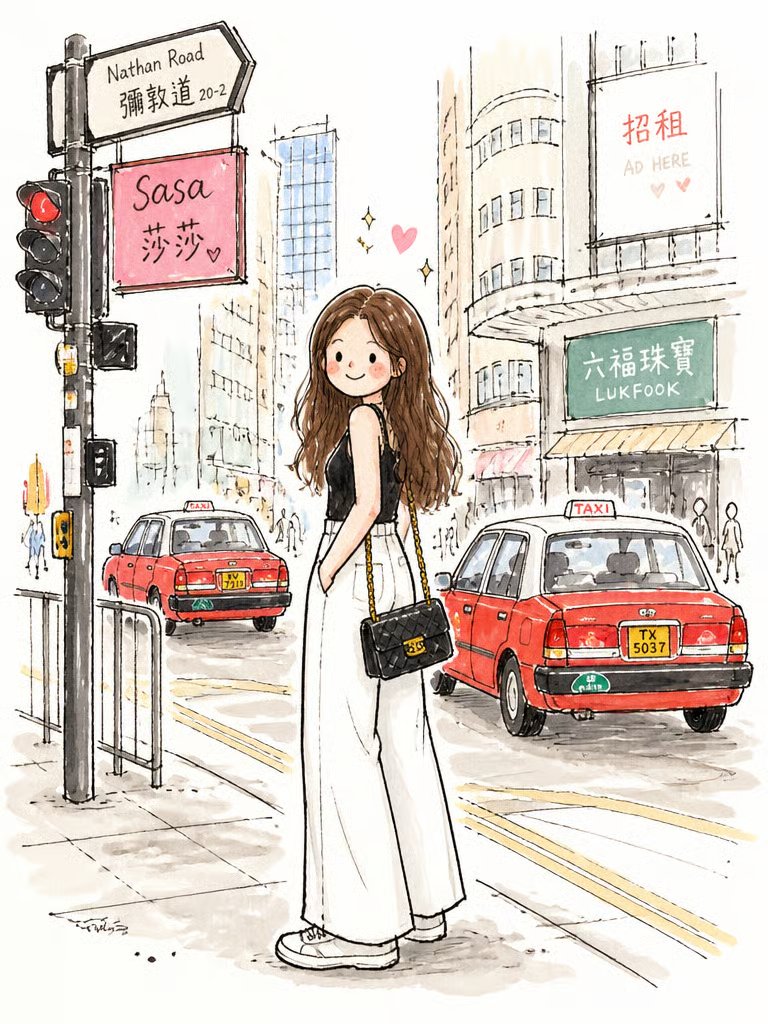
Cute Watercolor Girl on Nathan Road
Text to Image
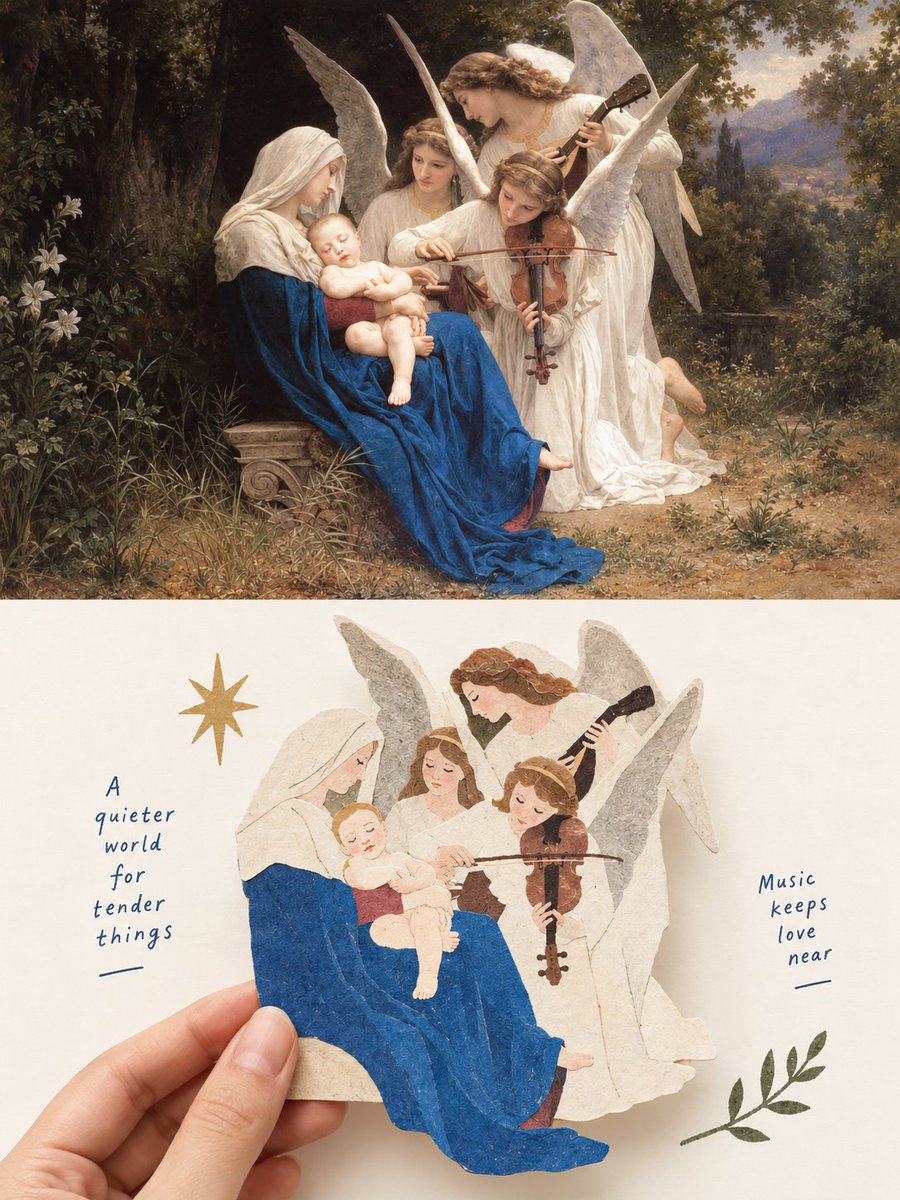
Madonna & Angels: Oil Painting Meets Paper Cutout
Text to Image
Reuse and source notes
Use this prompt safely after previewing the case.
- 1.Copy the prompt or open it directly in Dovoo with the generation button.
- 2.Adjust variables, aspect ratio, and reference images for your own use case.
- 3.Before publishing or paid usage, verify source rights, attribution requirements, and brand or likeness risks.
Can I use this prompt commercially?
Commercial-use status is allowed. Review the original source, license, brand constraints, and legal requirements before paid usage.
Where does this case come from?
This case is imported from Awesome GPT Image 2 Prompts; keep attribution visible and check the source URL before reuse.