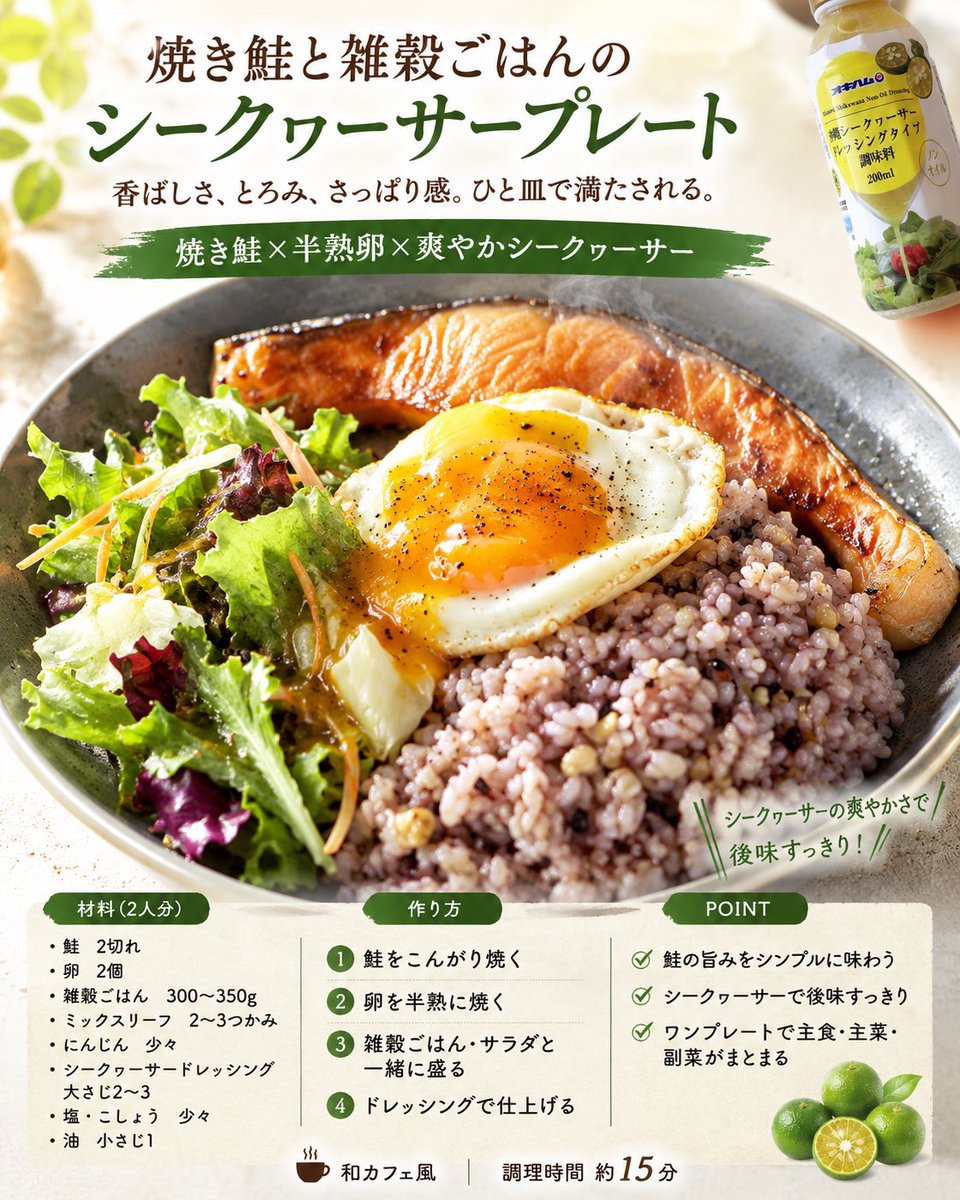
Professional Recipe Card Designer
Transforms real food photos into professional-grade recipe cards for magazines or SNS, complete with ingredients, steps, and stylish layouts.
This is a GPT Image 2 prompt case for Food & Beverage. Use the copy-ready prompt below to generate similar visuals, and review Awesome GPT Image 2 Prompts attribution plus commercial-use rights before reuse.
Free 1K preview
Generate one preview image instantly, no sign-up required.
Prompt
Copy-ready prompt
Using the attached finished photo, please generate 4 recipe concept images with professional food designer specifications.

Conditions:
- {argument name="aspect ratio" default="vertical 4:5"}, {argument name="language" default="Japanese"}
- All 4 images should have the same dish as the theme.
- However, each of the 4 images should have a different design direction.
- Make the finished dish in the attached image the protagonist, and capture and utilize the type of dish, composition, tableware, plating, coloring, and food texture.
- Organize the everyday feel and cluttered backgrounds of the photo and reconstruct it into a bright, clean food photo.
- While preserving the quality of the actual dish made, achieve a level of completion similar to a food magazine, cafe menu, or SNS recipe card.
- For unspecified items, supplement them naturally from the attached image.
- If dish name, number of people, genre, ingredients, steps, POINT, and catchphrase are unspecified, propose them naturally from the image.
- Do not make ingredients not in the photo the protagonist.
- Make it a realistic recipe that is easy to reproduce at home.
- Adjust the heating process to be one-pan or as few steps as possible.

Composition:
- Top: Title + short sub-copy
- Center: Hero food photo
- Bottom or Side: "Ingredients (serves X)", "How to make", "POINT"

4 directions:
1. Food magazine feature page style
2. Cafe menu/natural recipe card style
3. SNS saveable/practical recipe card style
4. Food advertisement style with strong sizzle

Final goal:
Based on the attached image, create 4 high-quality recipe images that look like the actual dish was finished in 4 different directions by a professional food designer.
Prompt variables
Editable argument placeholders found in the prompt, with their default values.
Best for
- - Food & Beverage visual exploration
- - Image generation and reference-image edits
- - Reusable briefs that keep source attribution visible
Change these parts
- - Subject, product, character, or scene
- - Aspect ratio, camera, lighting, and background
- - Brand, text, color, and output constraints
Recommended model and settings
- - Model: gpt-image-2
- - Input mode: Text to Image
- - Aspect ratio: source
- - Commercial status: review original source
How to use this prompt
- 1. Copy the prompt and preserve its structure for the first test.
- 2. Replace the subject, context, and publishing channel.
- 3. Change one camera, lighting, or style variable per iteration.
- 4. Inspect the output, source, text, and rights before reuse.
Limitations, source, and reuse cautions
- - Generated output is an editable draft, not factual, legal, or rights evidence.
- - Review the linked source, people, brands, logos, text, and third-party media before commercial use.
More cases in this category
Prioritized by category, input mode compatibility, quality, and lower risk.
Reuse and source notes
Use this prompt safely after previewing the case.
- 1.Copy the prompt or open it directly in Dovoo with the generation button.
- 2.Adjust variables, aspect ratio, and reference images for your own use case.
- 3.Before publishing or paid usage, verify source rights, attribution requirements, and brand or likeness risks.
Can I use this prompt commercially?
Commercial-use status is allowed. Review the original source, license, brand constraints, and legal requirements before paid usage.
Where does this case come from?
This case is imported from Awesome GPT Image 2 Prompts; keep attribution visible and check the source URL before reuse.