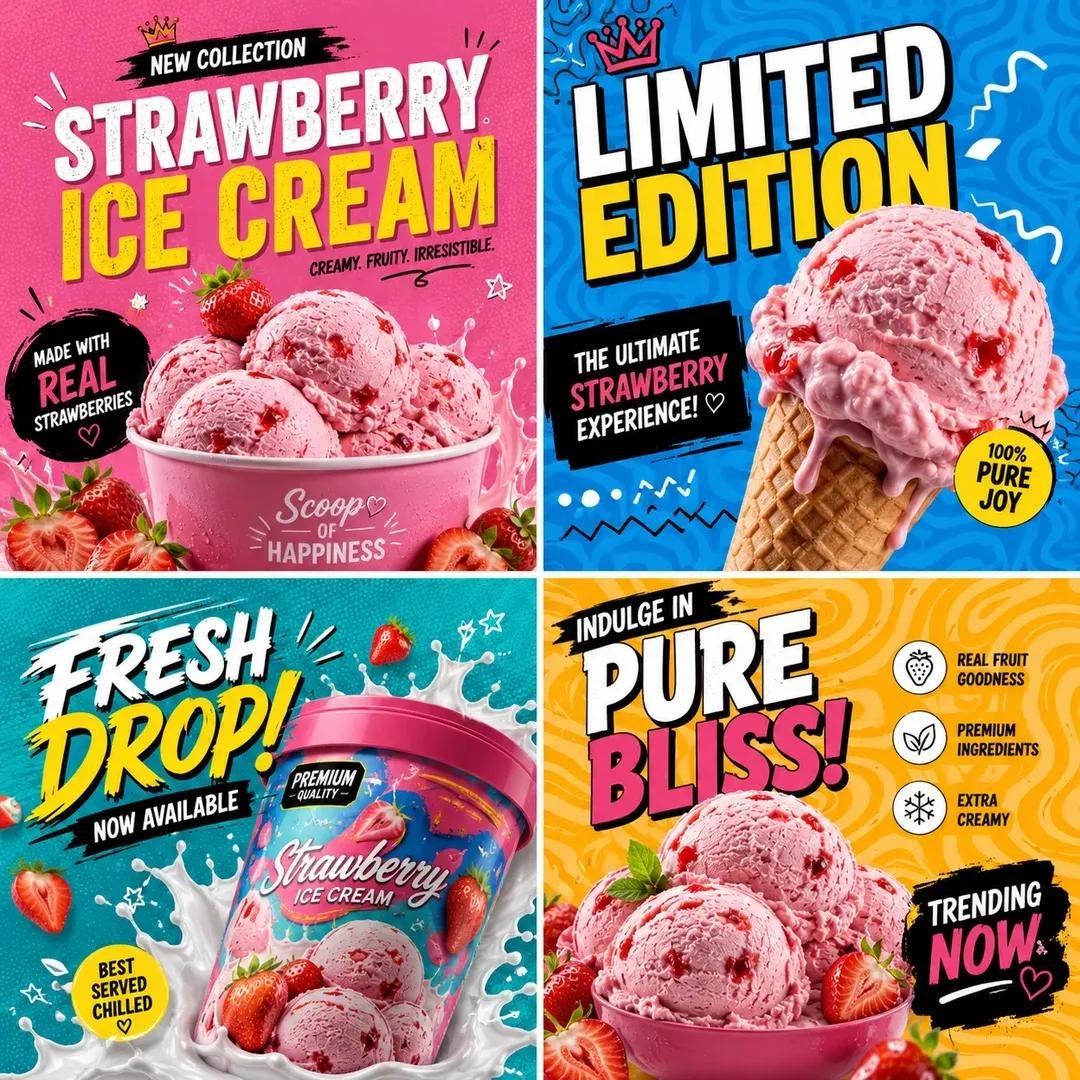
Pop Art Product Branding Grid
A comprehensive prompt to create energetic social media campaign grids with pop-art design, featuring neon accents, Memphis-style patterns, and bold commercial typography.
This is a GPT Image 2 prompt case for Product & Commercial. Use the copy-ready prompt below to generate similar visuals, and review Awesome GPT Image 2 Prompts attribution plus commercial-use rights before reuse.
Free 1K preview
Generate one preview image instantly, no sign-up required.
Free text preview doesn’t preserve reference-image consistency.
Prompt
Copy-ready prompt
Create a bold, colorful 1:1 social media campaign grid for "{argument name="product name" default="PRODUCT NAME"}" using the uploaded reference image, or generate a premium, ultra-realistic version of {argument name="product name" default="PRODUCT NAME"}. Automatically adapt all colors, ingredients, textures, props, decorative elements, and the overall visual mood according to the product type or uploaded reference. Design a modern pop-art inspired promotional collage featuring multiple creative square sections.

Canvas Size:
1:1 Square Format — 1080 × 1080 px, optimized for Instagram posts and trendy social media branding.

Setting & Background:
Use vibrant pop-art backgrounds with energetic color blocking, abstract wave patterns, maze lines, retro squiggles, doodle outlines, neon accents, playful geometric shapes, and modern Memphis-style design elements. Divide the composition into four creative grid sections, each with a unique background style and dynamic visual rhythm.

Lighting:
Bright commercial studio lighting with glossy highlights, vibrant color reflections, soft realistic shadows, premium texture enhancement, and a playful modern advertising atmosphere.

Style:
Modern pop-art advertising aesthetic, Gen Z branding style, trendy Instagram campaign visuals, colorful street-style graphics, a minimal yet energetic layout, bold modern typography, premium commercial poster design, and ultra-realistic product rendering.

Typography Style:
Use oversized bold typography with playful layout placement.
Mix condensed modern fonts with handwritten accent text.
Keep typography energetic, youthful, and visually dynamic.

Color Direction:
Automatically adapt the color palette to the product:

Ice Cream → Pink, Cyan, Orange, Yellow

Sneakers → Neon Green, Purple, Black

Cosmetics → Pastel Pink, Lavender, Cream

Tech Products → Electric Blue, Black, Lime

Use high-contrast, trend-driven colors with strong visual impact.

Camera:
Centered hero product composition, close-up commercial photography, slightly tilted dynamic framing, shallow depth of field, ultra-sharp focus, cinematic advertising quality, and 4K modern campaign rendering.

Text Elements:
Include stylish promotional texts such as:

"New Collection"
"Limited Edition"
"Now Available"
"Fresh Drop"
"Premium Quality"
"Trending Now"

Important:

• Keep the design divided into creative square sections.
• Automatically adapt colors, graphics, and decorative elements to {argument name="product name" default="PRODUCT NAME"}.
• Maintain a playful pop-art branding style throughout.
• Use vibrant, modern color combinations.
• Keep typography large, bold, and visually engaging.
• Avoid empty spaces and dull tones.
• Ensure the final design looks like a trendy, premium Instagram campaign.
Prompt variables
Editable argument placeholders found in the prompt, with their default values.
Best for
- - Product & Commercial visual exploration
- - Image generation and reference-image edits
- - Reusable briefs that keep source attribution visible
Change these parts
- - Subject, product, character, or scene
- - Aspect ratio, camera, lighting, and background
- - Brand, text, color, and output constraints
Recommended model and settings
- - Model: gpt-image-2
- - Input mode: Image to Image
- - Aspect ratio: source
- - Commercial status: review original source
How to use this prompt
- 1. Copy the prompt and preserve its structure for the first test.
- 2. Replace the subject, context, and publishing channel.
- 3. Change one camera, lighting, or style variable per iteration.
- 4. Inspect the output, source, text, and rights before reuse.
Limitations, source, and reuse cautions
- - Generated output is an editable draft, not factual, legal, or rights evidence.
- - Review the linked source, people, brands, logos, text, and third-party media before commercial use.
More cases in this category
Prioritized by category, input mode compatibility, quality, and lower risk.
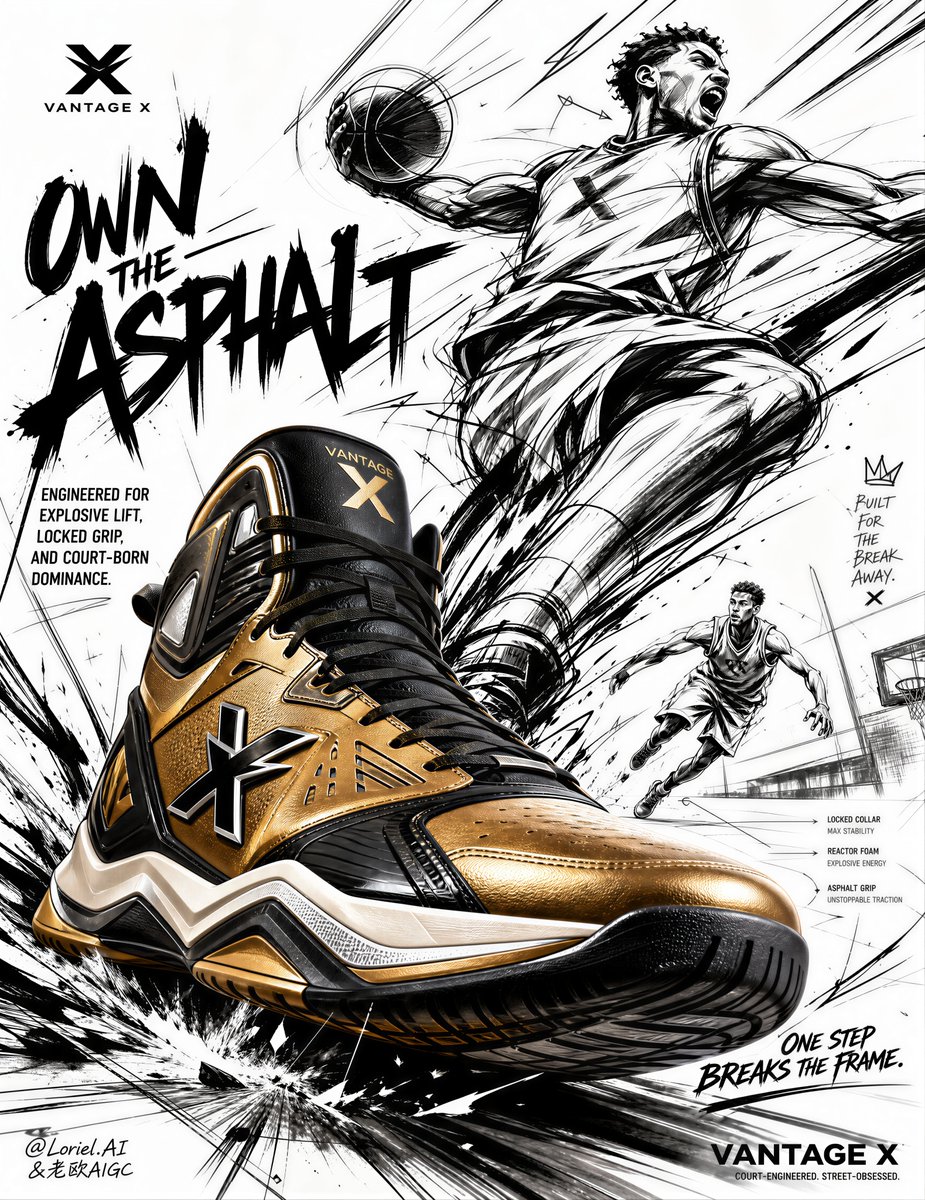
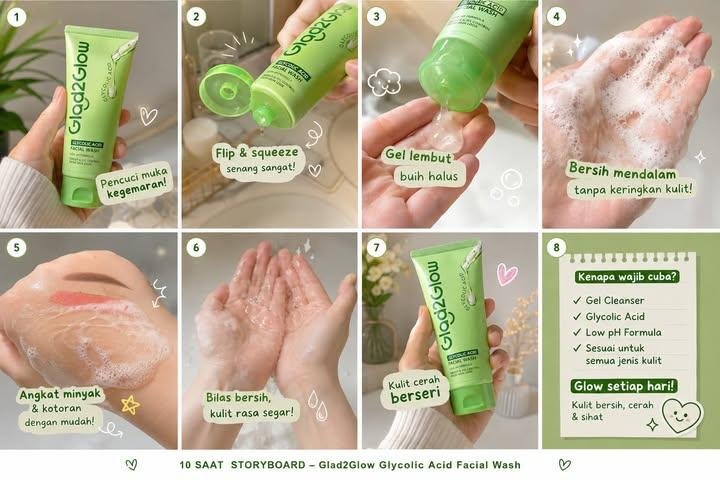
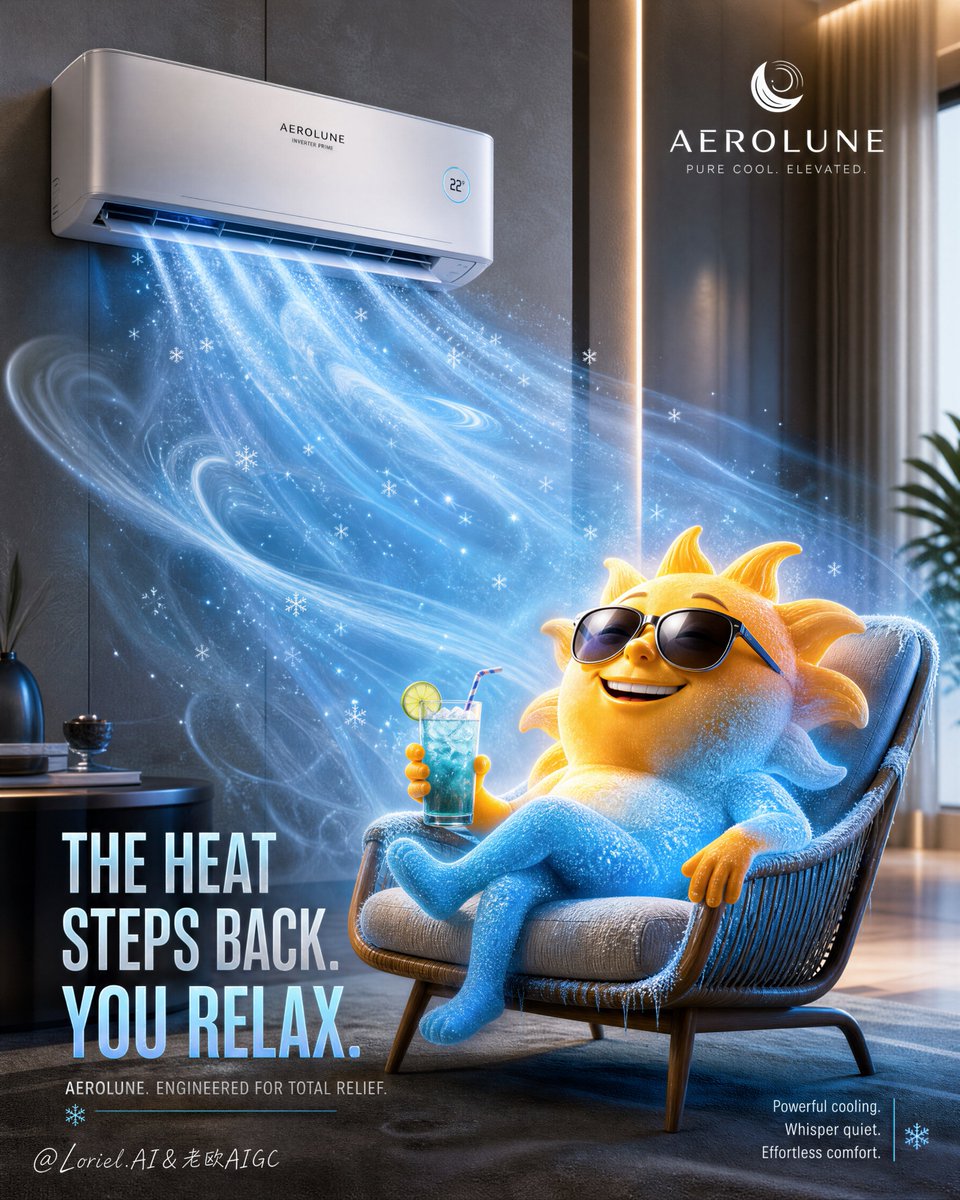

Reuse and source notes
Use this prompt safely after previewing the case.
- 1.Copy the prompt or open it directly in Dovoo with the generation button.
- 2.Adjust variables, aspect ratio, and reference images for your own use case.
- 3.Before publishing or paid usage, verify source rights, attribution requirements, and brand or likeness risks.
Can I use this prompt commercially?
Commercial-use status is allowed. Review the original source, license, brand constraints, and legal requirements before paid usage.
Where does this case come from?
This case is imported from Awesome GPT Image 2 Prompts; keep attribution visible and check the source URL before reuse.