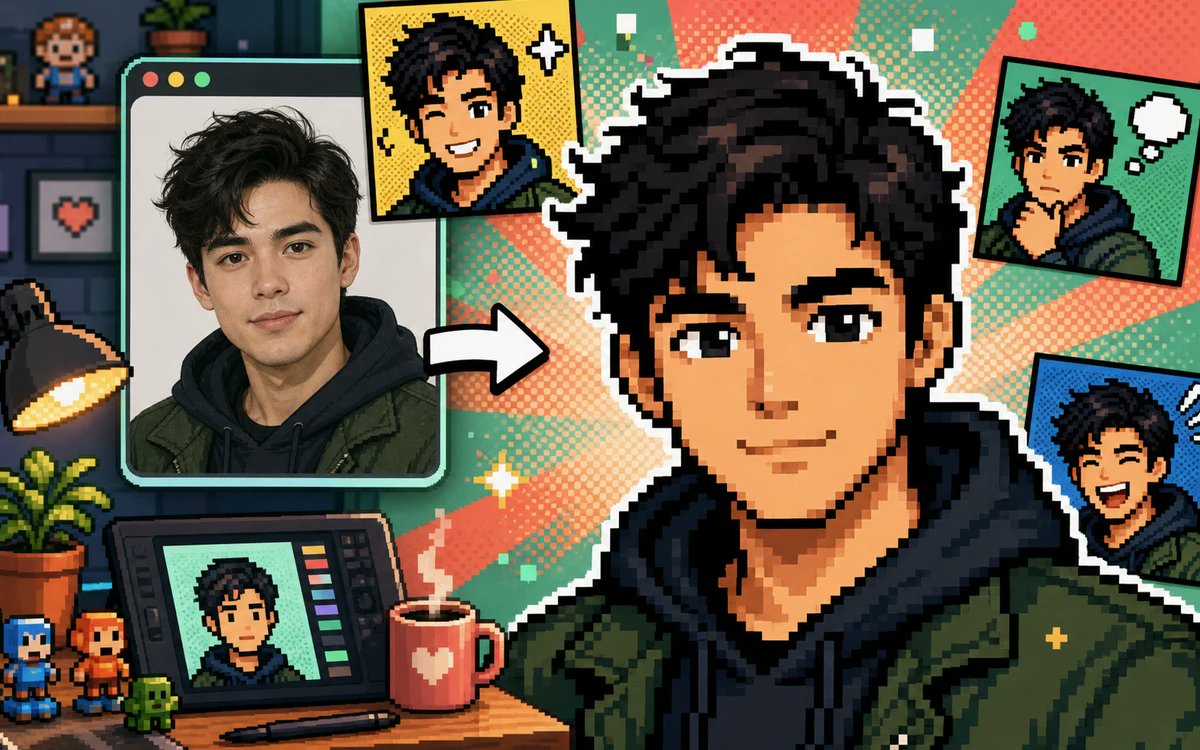
Photo to Pixel Avatar Collage
A colorful 16-bit creator-studio banner showing a portrait transformed into multiple comic-style pixel avatars for a photo-to-avatar generator.
This is a GPT Image 2 prompt case for Product & Commercial. Use the copy-ready prompt below to generate similar visuals, and review Awesome GPT Image 2 Prompts attribution plus commercial-use rights before reuse.
Free 1K preview
Generate one preview image instantly, no sign-up required.
Free text preview doesn’t preserve reference-image consistency.
Prompt
Copy-ready prompt
Create a vibrant pixel-art promotional collage showing a real portrait being transformed into a gaming-style pixel avatar. Canvas: wide 16:9 landscape banner, approximately 1200×675. Visual style: crisp retro 16-bit pixel art mixed with one realistic photo panel, thick black outlines, white sticker borders, halftone comic dots, teal and coral radial burst background, playful creator-studio atmosphere. Main subject: a large central pixel-art bust of {argument name="character name" default="a young man"} with {argument name="hair color" default="messy black hair"}, wearing a dark navy hoodie under an olive green jacket, facing forward; Show every face clearly with natural, detailed facial features, not a detailed identity. Left side: one large rounded-corner computer/photo window with three small circular window buttons at the top left, containing a realistic portrait of the same person in the same hoodie and jacket, with a thick mint-green frame. Between the photo window and the central avatar, place one bold white arrow pointing right to show transformation. Count the visible generated avatar outputs exactly: 5 total — 1 large central pixel avatar, 1 yellow comic-style square portrait near the top center-left with sparkle icons, 1 green comic-style square portrait at the top right with a white thought bubble, 1 blue comic-style square portrait at the right middle with expressive motion marks, and 1 small portrait displayed on a drawing tablet at the bottom left. Desk and studio details: include exactly 10 notable props — 1 black desk lamp glowing warm yellow on the far left, 1 potted leafy plant on the desk, 1 drawing tablet with colored tool bars, 1 stylus lying in front of it, 1 red mug with a white heart and steam, 2 small pixel figurines at the bottom left, 1 tiny green pixel creature, 1 wall shelf with a small pixel character figure, and 1 framed pixel heart picture on the wall. Background: dark cozy room on the far left with shelves and brick wall, transitioning into bright comic halftone rays behind the central avatar. Palette: saturated teal, mint, coral, yellow, navy, olive green, and black. Composition: dynamic, busy but readable, with the central avatar dominating the right half and the source photo dominating the left. Constraints: no readable text or logos, no watermark, no extra panels beyond the five counted avatar outputs, maintain a cheerful before-and-after transformation theme suitable for a free photo-to-pixel-avatar generator ad.Prompt variables
Editable argument placeholders found in the prompt, with their default values.
Best for
- - Product & Commercial visual exploration
- - Image generation and reference-image edits
- - Reusable briefs that keep source attribution visible
Change these parts
- - Subject, product, character, or scene
- - Aspect ratio, camera, lighting, and background
- - Brand, text, color, and output constraints
Recommended model and settings
- - Model: gpt-image-2
- - Input mode: Image to Image
- - Aspect ratio: source
- - Commercial status: review original source
How to use this prompt
- 1. Copy the prompt and preserve its structure for the first test.
- 2. Replace the subject, context, and publishing channel.
- 3. Change one camera, lighting, or style variable per iteration.
- 4. Inspect the output, source, text, and rights before reuse.
Limitations, source, and reuse cautions
- - Generated output is an editable draft, not factual, legal, or rights evidence.
- - Review the linked source, people, brands, logos, text, and third-party media before commercial use.
More cases in this category
Prioritized by category, input mode compatibility, quality, and lower risk.
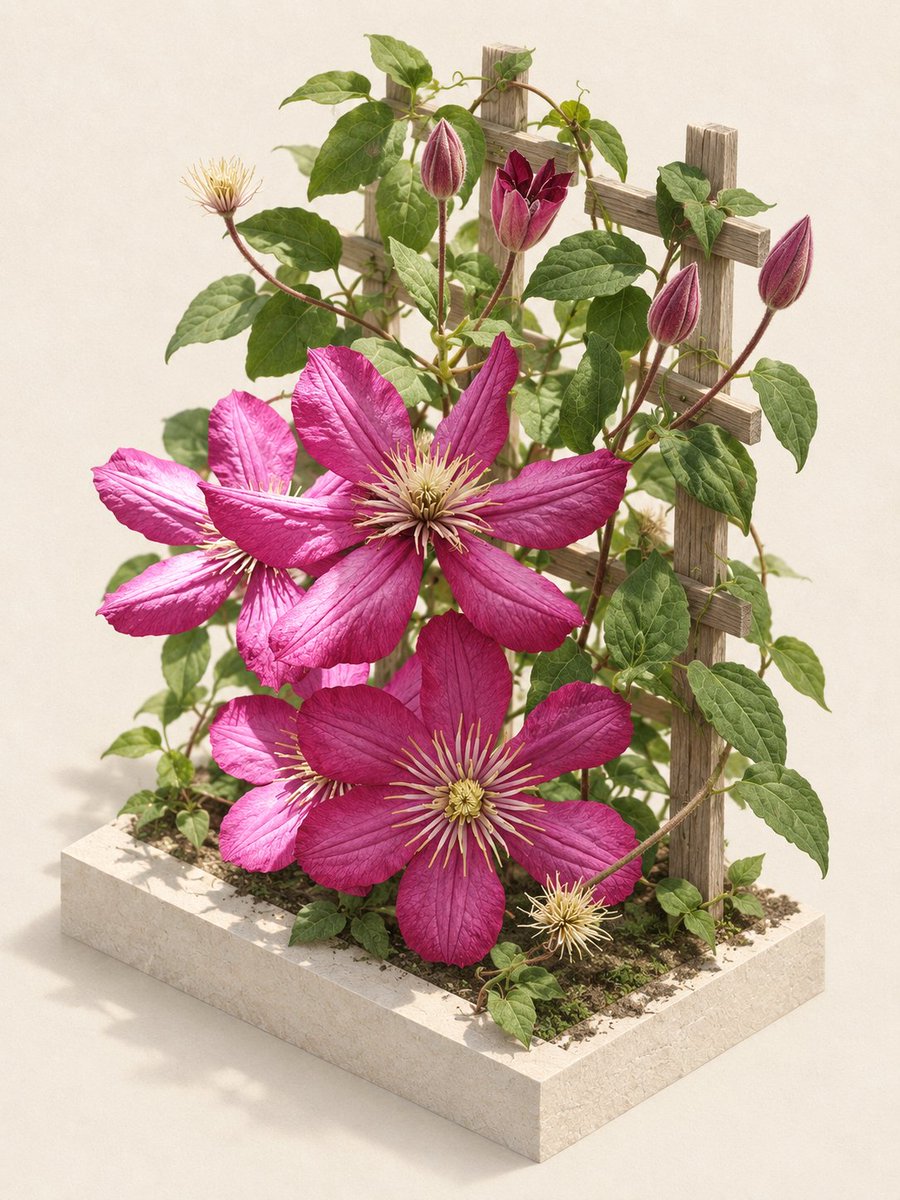
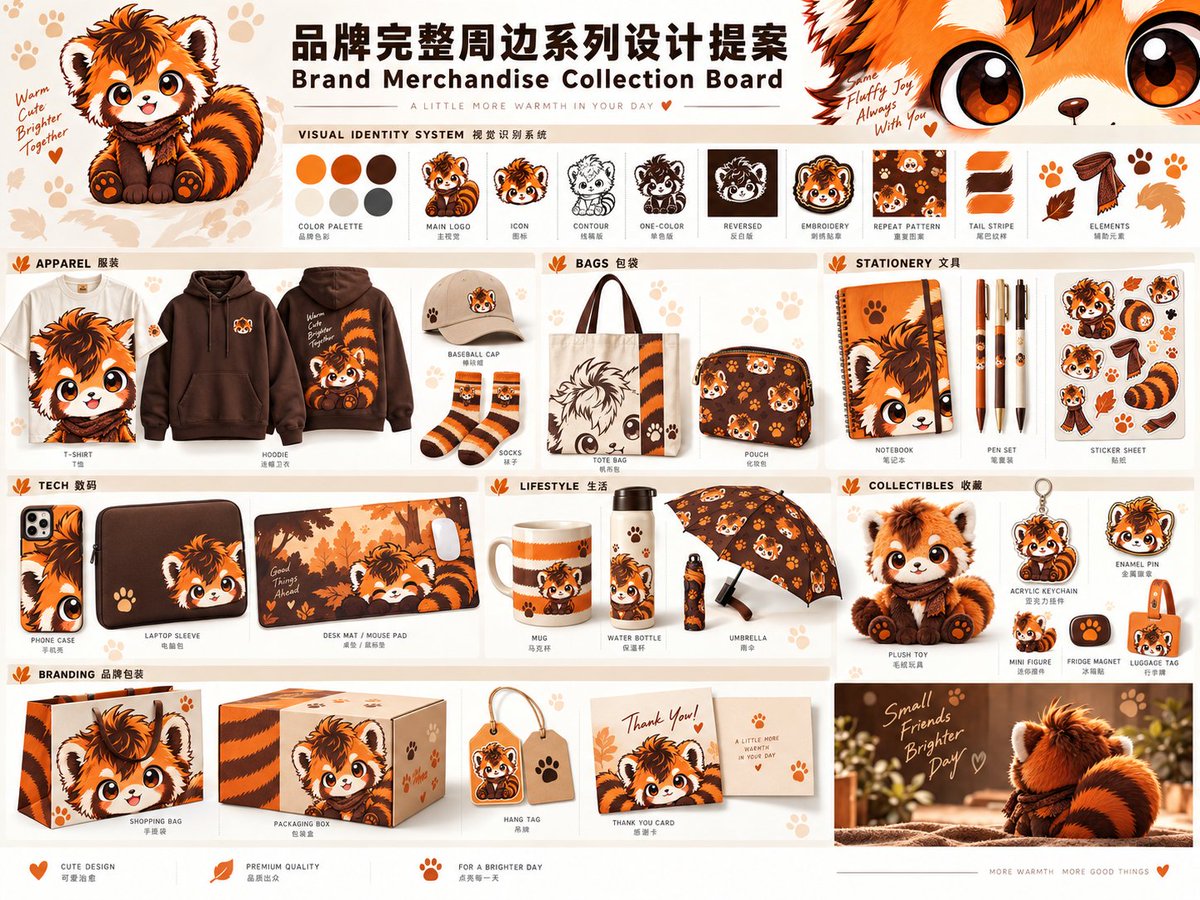
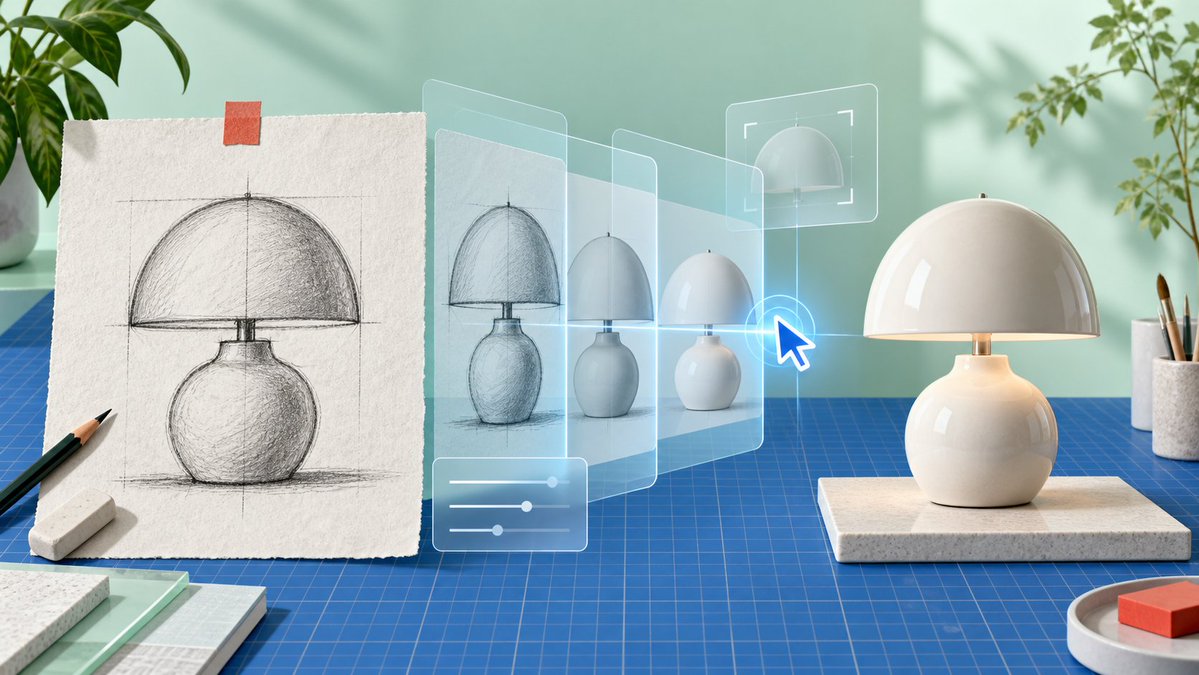
Reuse and source notes
Use this prompt safely after previewing the case.
- 1.Copy the prompt or open it directly in Dovoo with the generation button.
- 2.Adjust variables, aspect ratio, and reference images for your own use case.
- 3.Before publishing or paid usage, verify source rights, attribution requirements, and brand or likeness risks.
Can I use this prompt commercially?
Commercial-use status is allowed. Review the original source, license, brand constraints, and legal requirements before paid usage.
Where does this case come from?
This case is imported from Awesome GPT Image 2 Prompts; keep attribution visible and check the source URL before reuse.