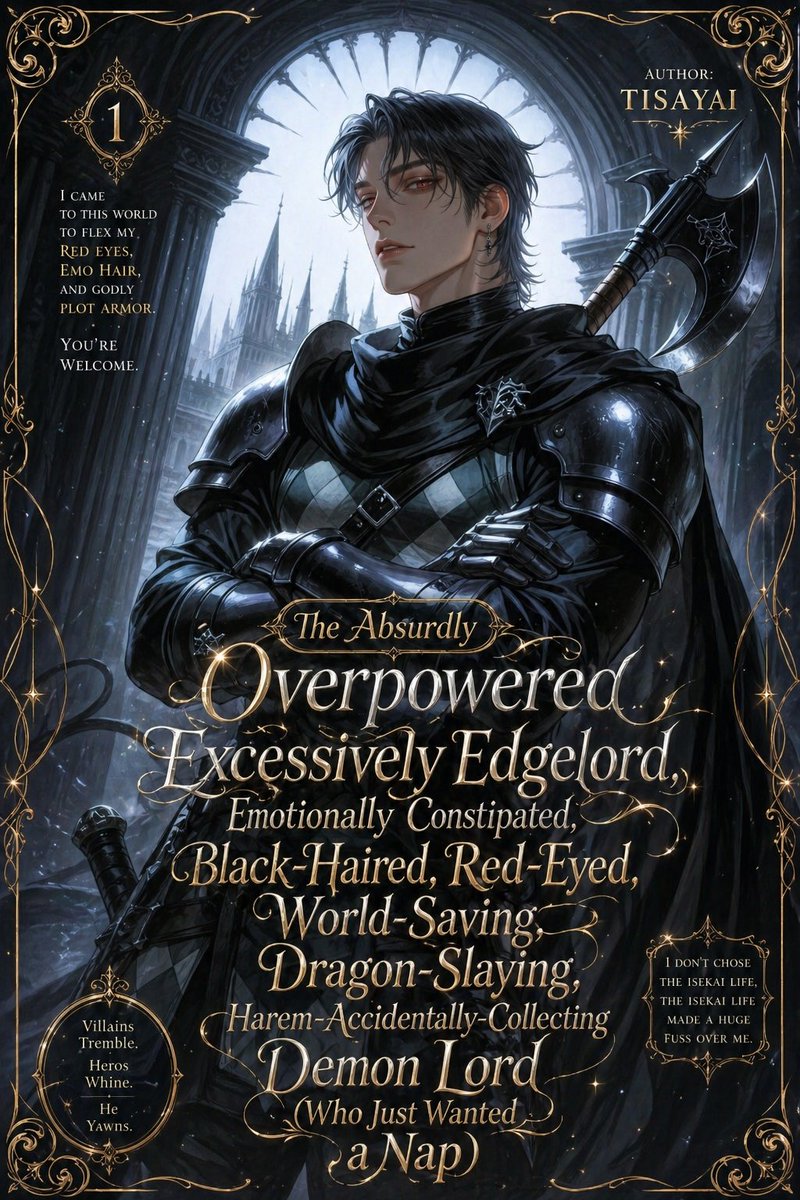
Parody Isekai Edgelord Novel Cover
A lavish fake anime light novel cover featuring an absurdly brooding black-armored isekai hero, ideal for parody fantasy book art and ironic romantasy web novel visuals.
This is a GPT Image 2 prompt case for Graphic & Poster. Use the copy-ready prompt below to generate similar visuals, and review Awesome GPT Image 2 Prompts attribution plus commercial-use rights before reuse.
Free 1K preview
Generate one preview image instantly, no sign-up required.
Prompt
Copy-ready prompt
A dramatic parody anime light novel cover in a dark gothic romantasy style, designed like an absurdly over-the-top isekai web novel volume cover. Center a handsome young male antihero from the chest up in a heroic three-quarter pose with arms crossed, face mostly obscured by shadow, messy {argument name="hair color" default="black"} emo hair, pale skin, and a cold brooding presence. He wears glossy black armor with large shoulder plates, a black cloak and scarf wrapped high around the neck, dark gauntlets, a diamond-patterned tunic beneath the armor, and a small silver crest pinned at the chest. A massive black battle axe is strapped over one shoulder, with a sword hilt visible near the lower left side. Set him inside a ruined cathedral or castle archway with towering stone columns and a huge circular gothic window behind him, backlit by cold silvery moonlight. In the distant background, show sharp fantasy castle spires fading into mist. Use a palette of black, steel blue, silver, and antique gold, with high contrast rim lighting, subtle magical sparkles, and painterly anime illustration detail. Surround the entire cover with an ornate filigree gold border and elegant flourishes in every corner. Add lavish gold serif and script typography layered over the character like a real fantasy paperback cover. The main title should dominate the lower half in stacked lines with decorative swashes and mixed font sizes: {argument name="title text" default="The Absurdly Overpowered, Excessively Edgelord, Emotionally Constipated, Black-Haired, Red-Eyed, World-Saving, Dragon-Slaying, Harem-Accidentally-Collecting Demon Lord (Who Just Wanted a Nap)"}. In the upper right, add author text reading: {argument name="author name" default="TISAYAI"}. In the upper left, place a small ornate badge with the number {argument name="volume number" default="1"}. Include 3 side text blurbs in small gold type: upper left blurb, “I came to this world to flex my red eyes, emo hair, and godly plot armor. You're welcome.”; lower left oval blurb, “Villains Tremble. Heros Whine. He Yawns.”; lower right blurb, “I don't chose the isekai life, the isekai life made a huge fuss over me.” The overall tone is ironic, melodramatic, gorgeous, and intentionally ridiculous, like a premium fake bestselling isekai romance-action novel cover. Portrait orientation, highly polished, ultra-detailed, cinematic, decorative, readable typography integrated into the artwork.Prompt variables
Editable argument placeholders found in the prompt, with their default values.
Best for
- - Graphic & Poster visual exploration
- - Image generation and reference-image edits
- - Reusable briefs that keep source attribution visible
Change these parts
- - Subject, product, character, or scene
- - Aspect ratio, camera, lighting, and background
- - Brand, text, color, and output constraints
Recommended model and settings
- - Model: gpt-image-2
- - Input mode: Text to Image
- - Aspect ratio: source
- - Commercial status: review original source
How to use this prompt
- 1. Copy the prompt and preserve its structure for the first test.
- 2. Replace the subject, context, and publishing channel.
- 3. Change one camera, lighting, or style variable per iteration.
- 4. Inspect the output, source, text, and rights before reuse.
Limitations, source, and reuse cautions
- - Generated output is an editable draft, not factual, legal, or rights evidence.
- - Review the linked source, people, brands, logos, text, and third-party media before commercial use.
More cases in this category
Prioritized by category, input mode compatibility, quality, and lower risk.



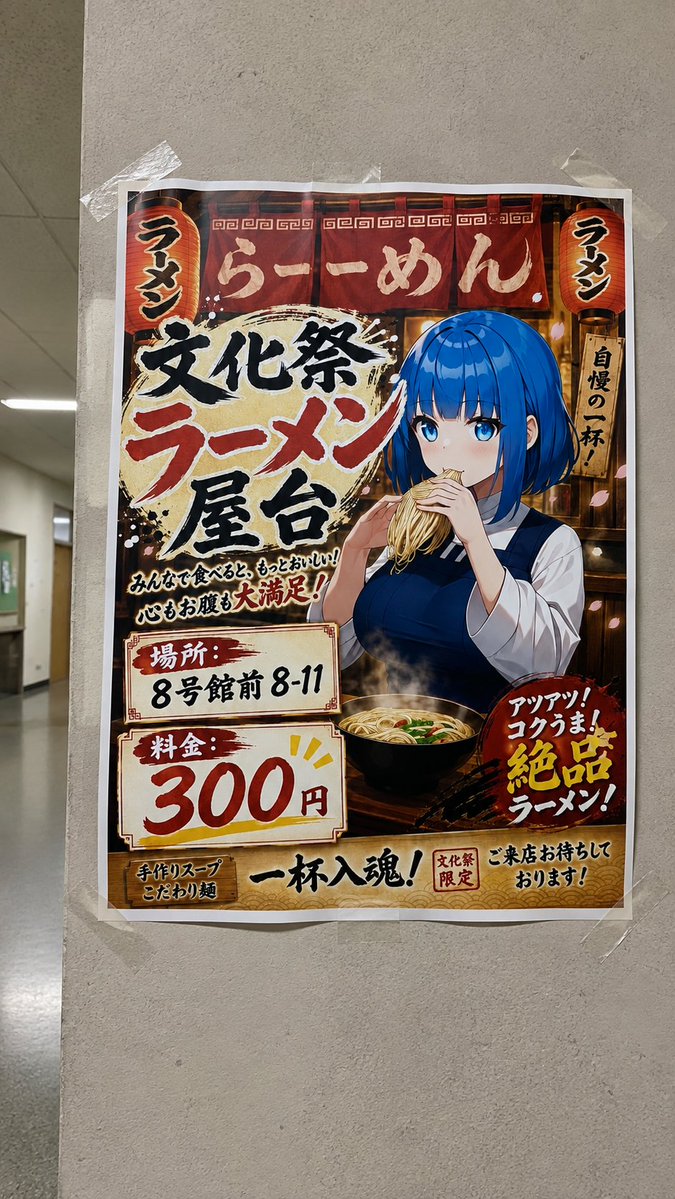
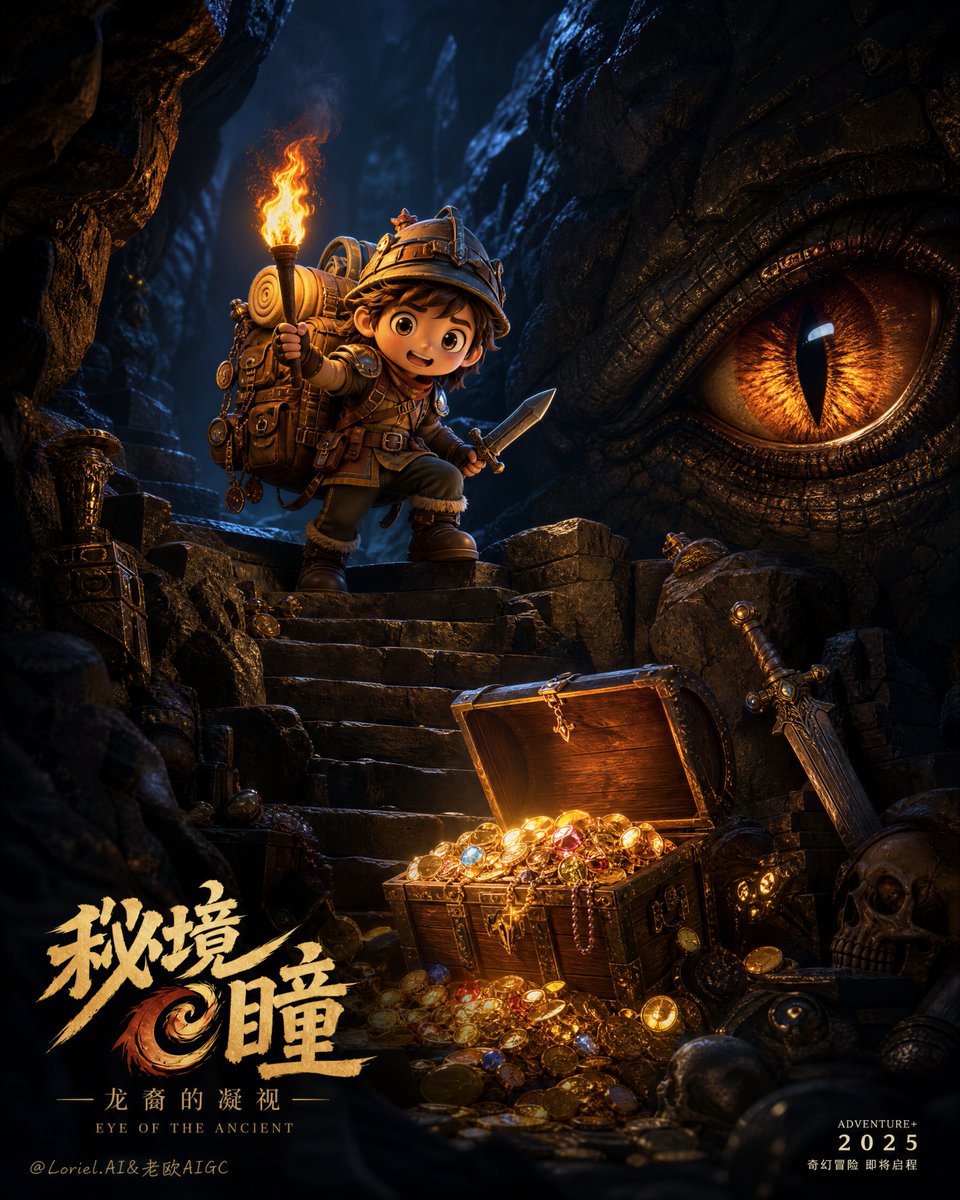
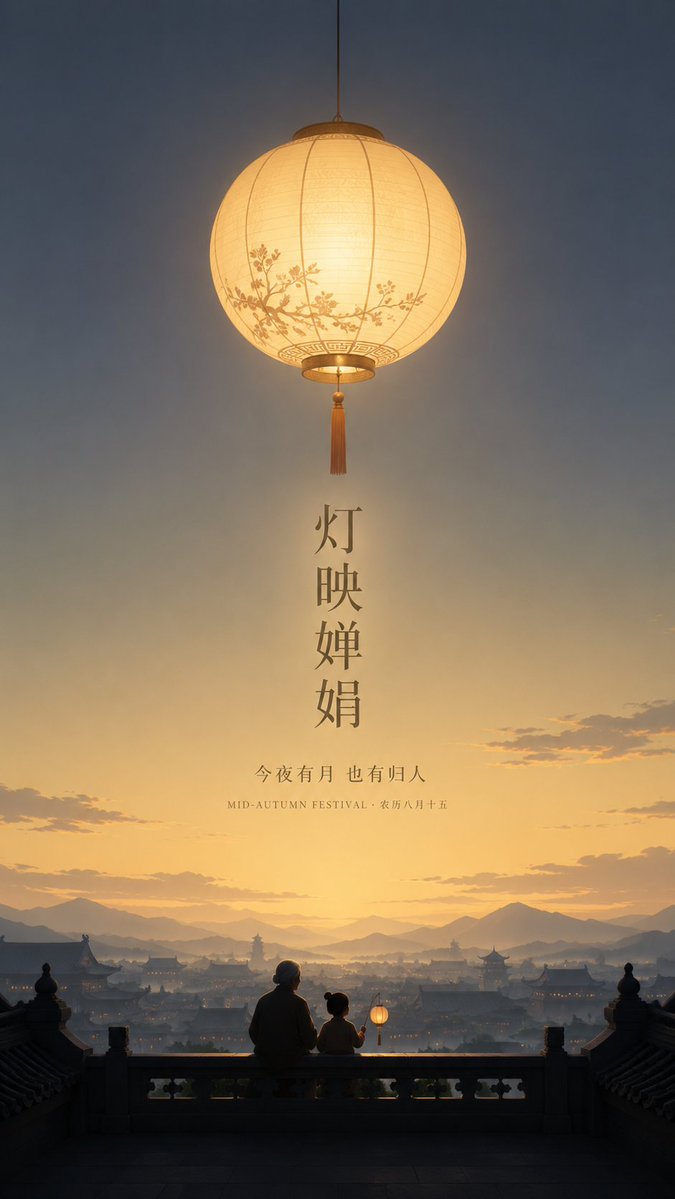
Reuse and source notes
Use this prompt safely after previewing the case.
- 1.Copy the prompt or open it directly in Dovoo with the generation button.
- 2.Adjust variables, aspect ratio, and reference images for your own use case.
- 3.Before publishing or paid usage, verify source rights, attribution requirements, and brand or likeness risks.
Can I use this prompt commercially?
Commercial-use status is allowed. Review the original source, license, brand constraints, and legal requirements before paid usage.
Where does this case come from?
This case is imported from Awesome GPT Image 2 Prompts; keep attribution visible and check the source URL before reuse.