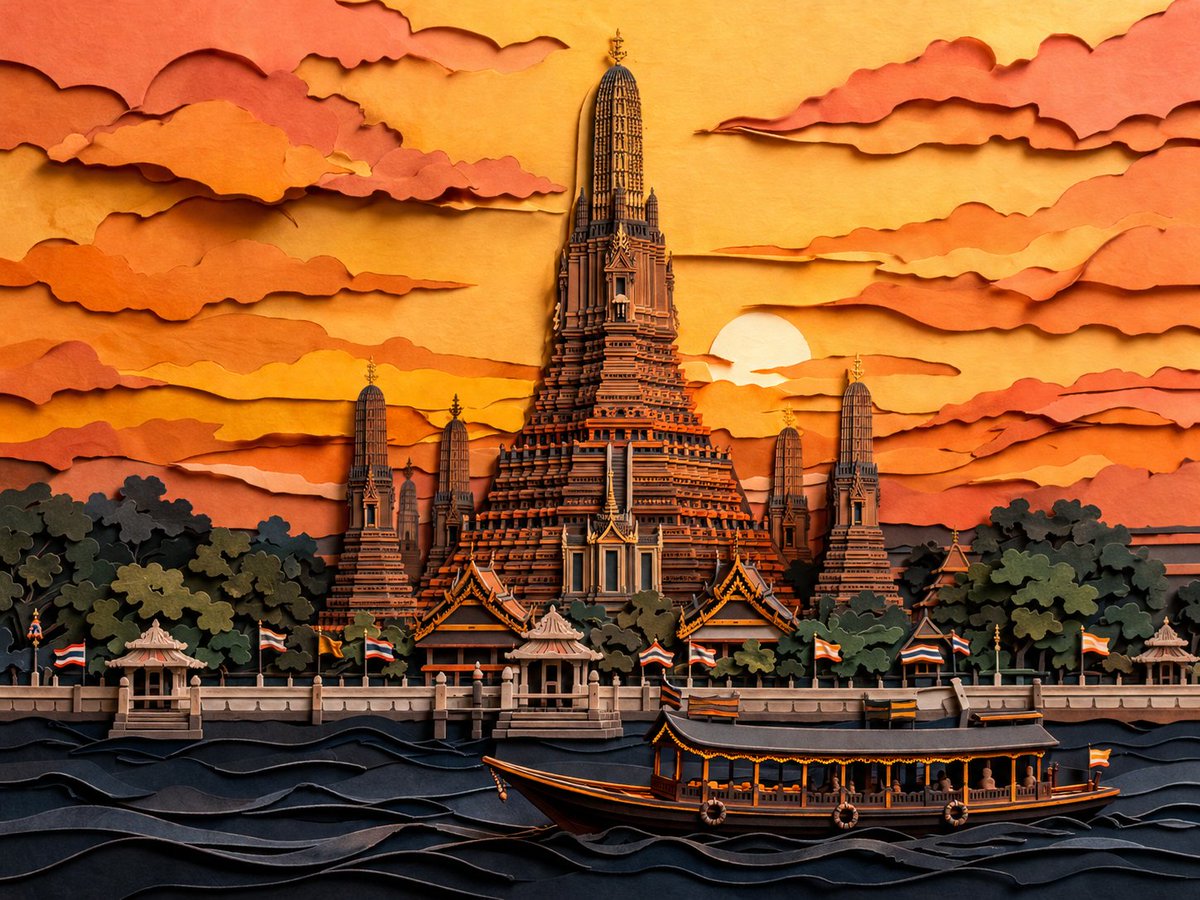
Papercut Wat Arun at Sunset
This prompt generates a richly layered paper-cut style illustration of Wat Arun at dusk, ideal for decorative travel art, posters, or stylized cultural landscape imagery.
This is a GPT Image 2 prompt case for Illustration & Art. Use the copy-ready prompt below to generate similar visuals, and review Awesome GPT Image 2 Prompts attribution plus commercial-use rights before reuse.
Free 1K preview
Generate one preview image instantly, no sign-up required.
Prompt
Copy-ready prompt
A highly detailed layered papercut artwork of {argument name="scene" default="Wat Arun in Bangkok, Thailand at dusk"}, viewed from across the river in a centered, symmetrical composition. The image should look like handcrafted 3D paper sculpture and kirigami, with stacked cut-paper layers, visible paper edges, soft relief depth, delicate shadows between layers, and crisp ornamental architectural detail. Place the grand central prang of the temple rising dramatically in the middle, surrounded by 4 smaller prangs, dense dark green-black tree masses at the base, a riverside promenade with small pavilions, and multiple Thai flags lining the waterfront. In the foreground, show the Chao Phraya River as stylized rolling paper waves in deep navy and charcoal, with 1 long traditional river boat crossing from left to right near the bottom center. The sky is filled with many horizontally stretched layered clouds cut from paper, framing a low setting sun partially hidden behind the temple on the right side of center. Use a warm sunset palette of {argument name="color palette" default="golden yellow, amber, burnt orange, peach, terracotta, coral, and deep blue-black"}. Keep the style elegant, intricate, cinematic, and richly textured, with a handcrafted paper diorama feel, high contrast between glowing sky and dark foreground, and an overall refined Asian decorative art aesthetic.Prompt variables
Editable argument placeholders found in the prompt, with their default values.
Best for
- - Illustration & Art visual exploration
- - Image generation and reference-image edits
- - Reusable briefs that keep source attribution visible
Change these parts
- - Subject, product, character, or scene
- - Aspect ratio, camera, lighting, and background
- - Brand, text, color, and output constraints
Recommended model and settings
- - Model: gpt-image-2
- - Input mode: Text to Image
- - Aspect ratio: source
- - Commercial status: review original source
How to use this prompt
- 1. Copy the prompt and preserve its structure for the first test.
- 2. Replace the subject, context, and publishing channel.
- 3. Change one camera, lighting, or style variable per iteration.
- 4. Inspect the output, source, text, and rights before reuse.
Limitations, source, and reuse cautions
- - Generated output is an editable draft, not factual, legal, or rights evidence.
- - Review the linked source, people, brands, logos, text, and third-party media before commercial use.
More cases in this category
Prioritized by category, input mode compatibility, quality, and lower risk.





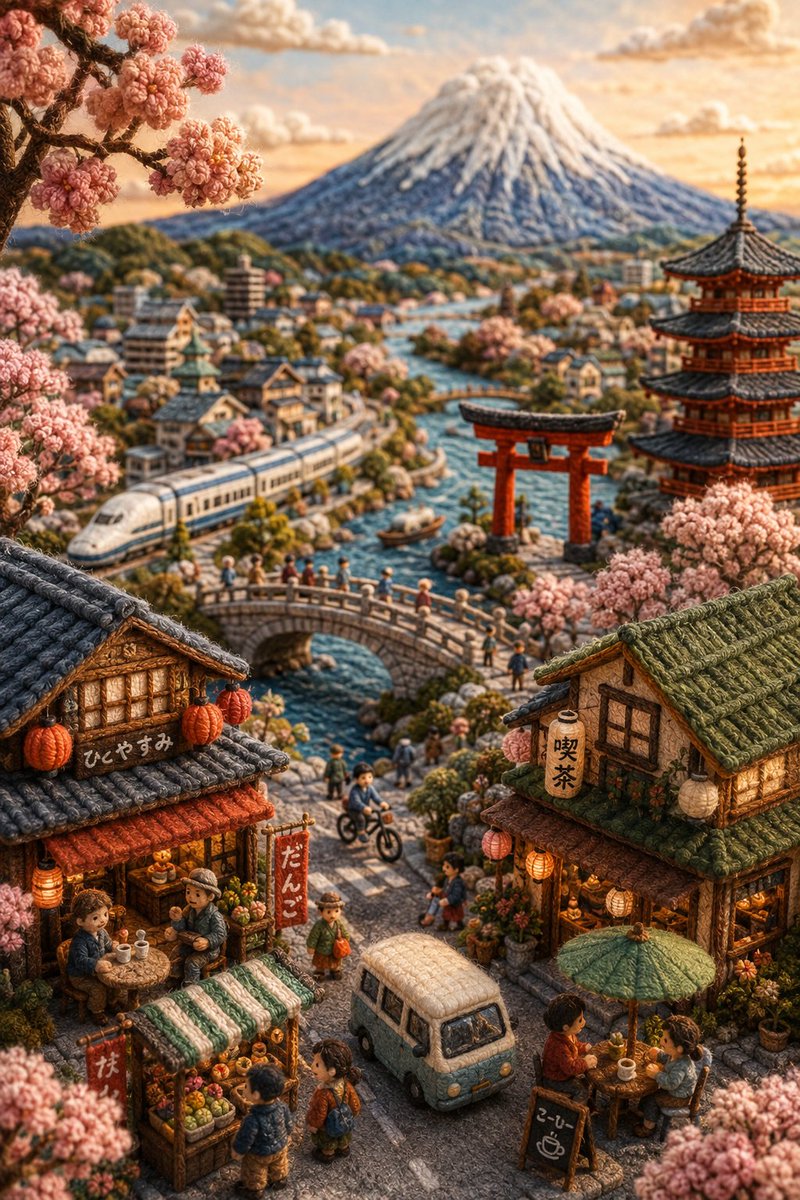
Reuse and source notes
Use this prompt safely after previewing the case.
- 1.Copy the prompt or open it directly in Dovoo with the generation button.
- 2.Adjust variables, aspect ratio, and reference images for your own use case.
- 3.Before publishing or paid usage, verify source rights, attribution requirements, and brand or likeness risks.
Can I use this prompt commercially?
Commercial-use status is allowed. Review the original source, license, brand constraints, and legal requirements before paid usage.
Where does this case come from?
This case is imported from Awesome GPT Image 2 Prompts; keep attribution visible and check the source URL before reuse.