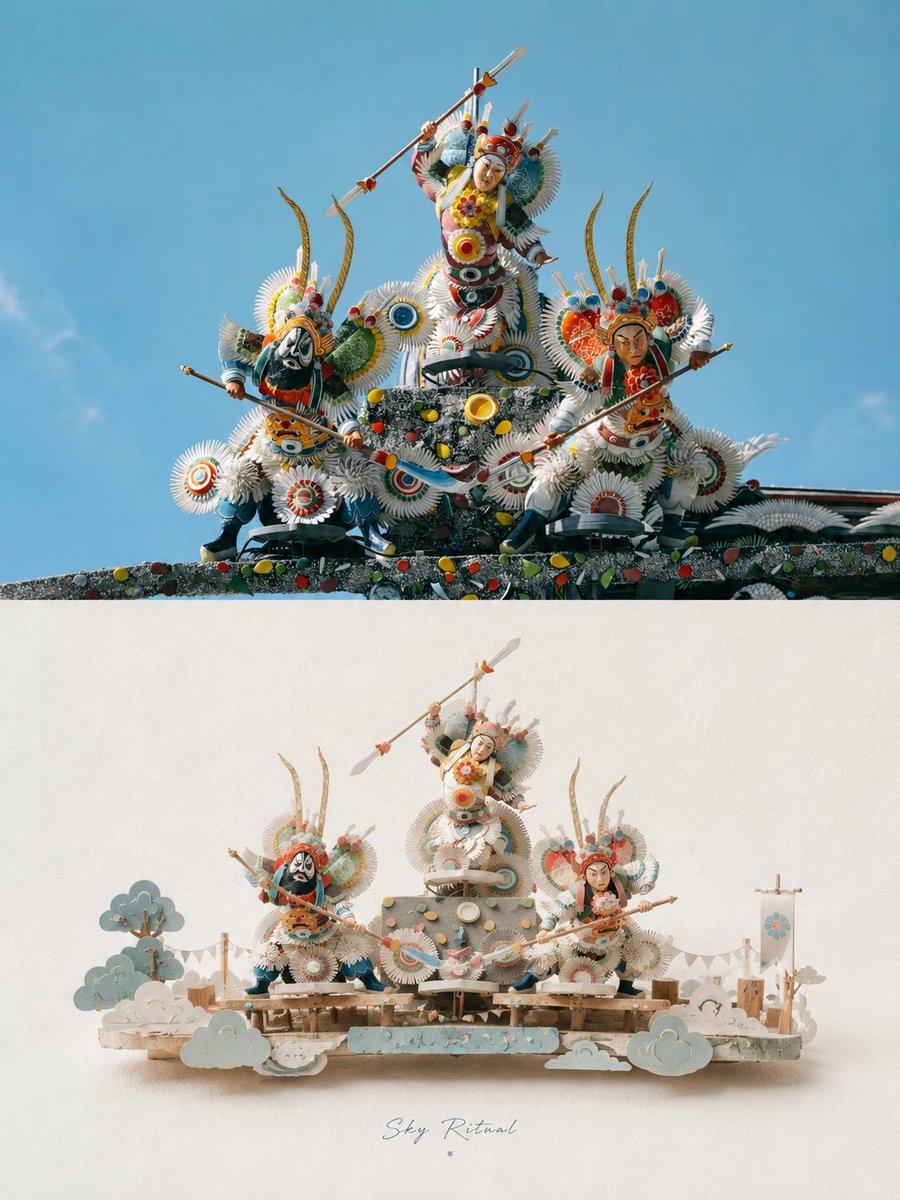
3D Papercraft Miniature Poster Design
A sophisticated prompt for transforming uploaded photos into high-end vertical posters, featuring a realistic top half and a stylized 3D paper-craft miniature scene on the bottom half.
This is a GPT Image 2 prompt case for Graphic & Poster. Use the copy-ready prompt below to generate similar visuals, and review Awesome GPT Image 2 Prompts attribution plus commercial-use rights before reuse.
Free 1K preview
Generate one preview image instantly, no sign-up required.
Free text preview doesn’t preserve reference-image consistency.
Prompt
Copy-ready prompt
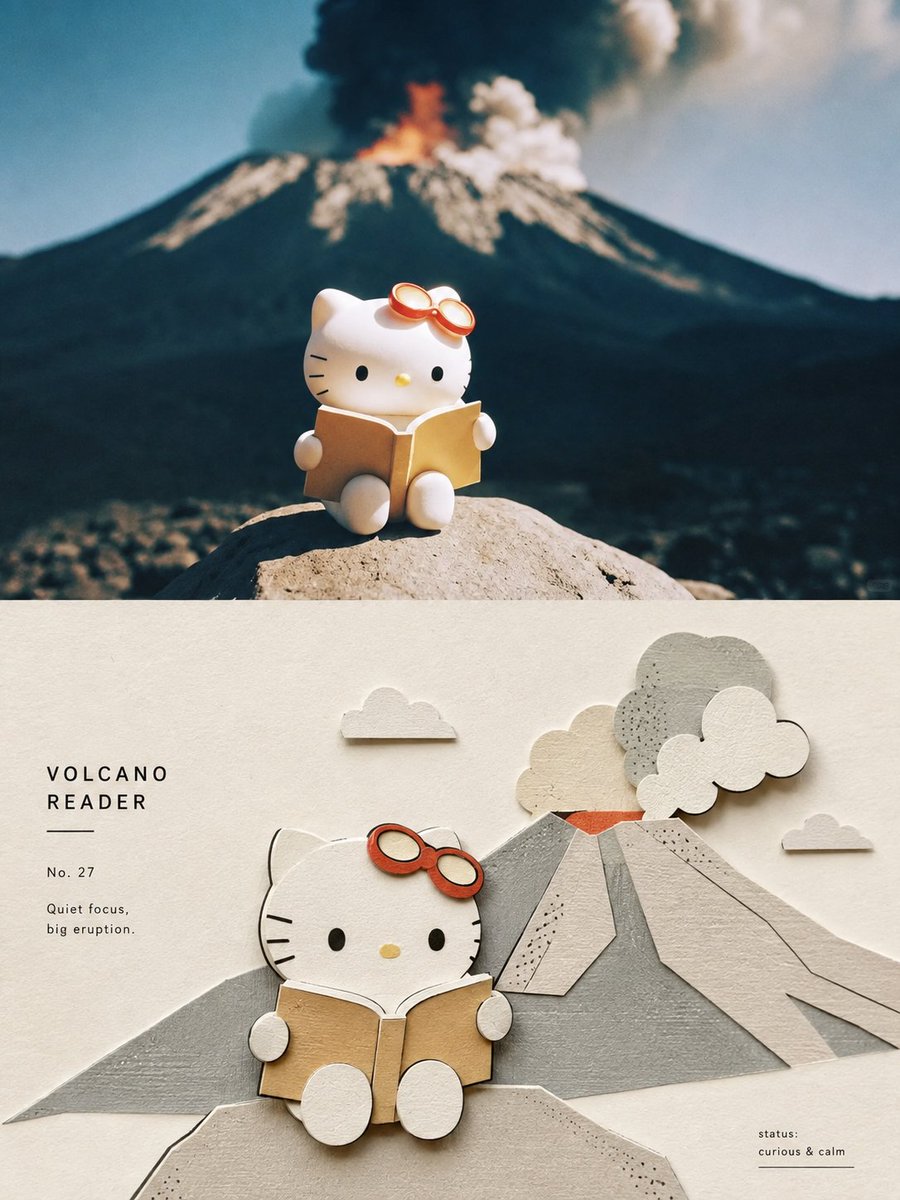
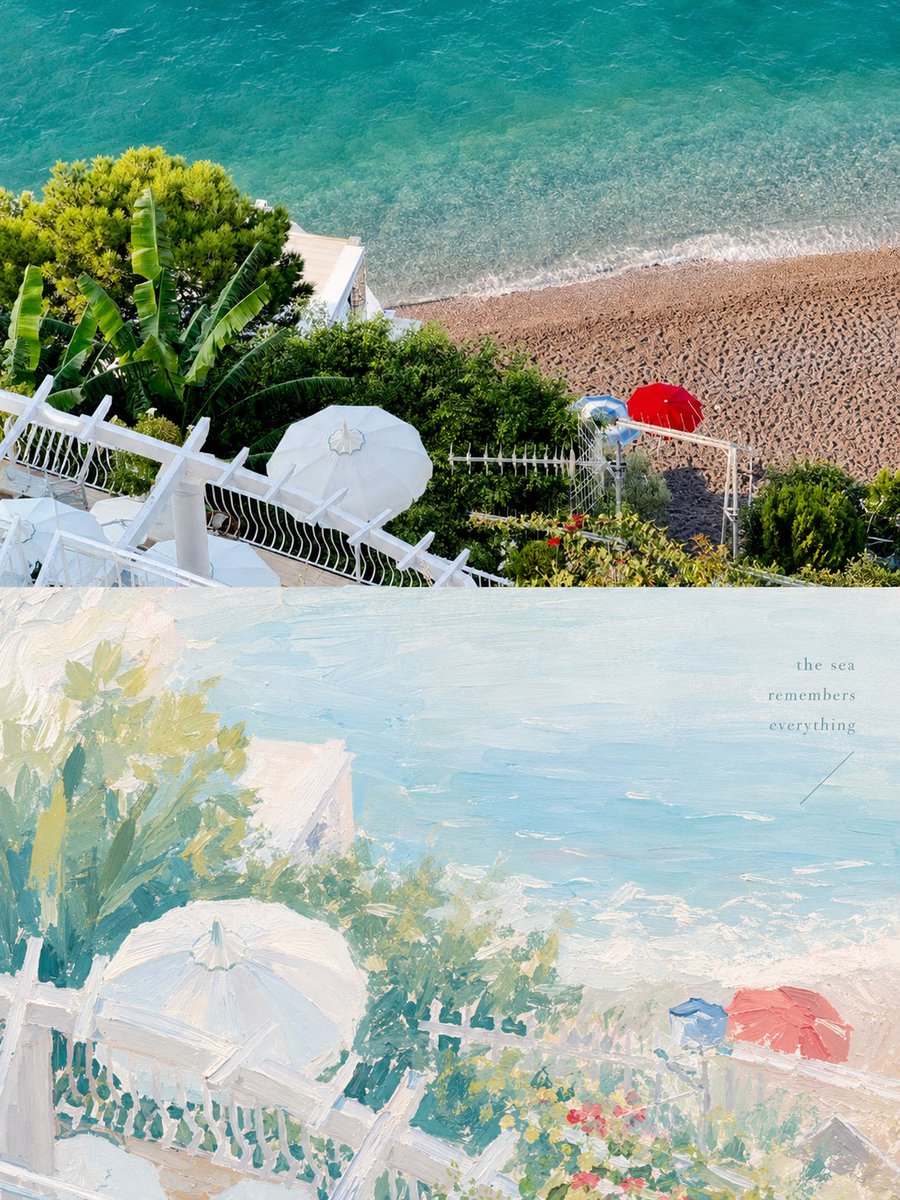
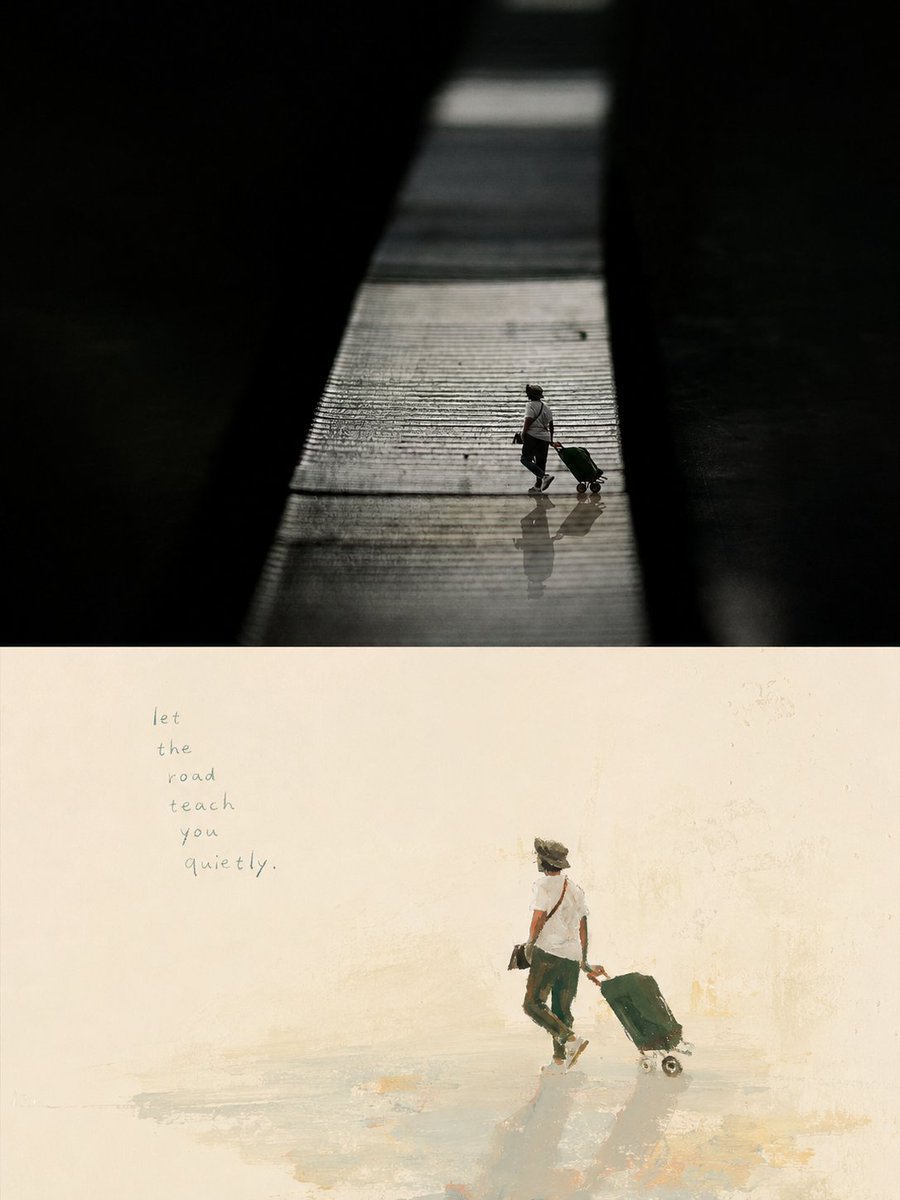
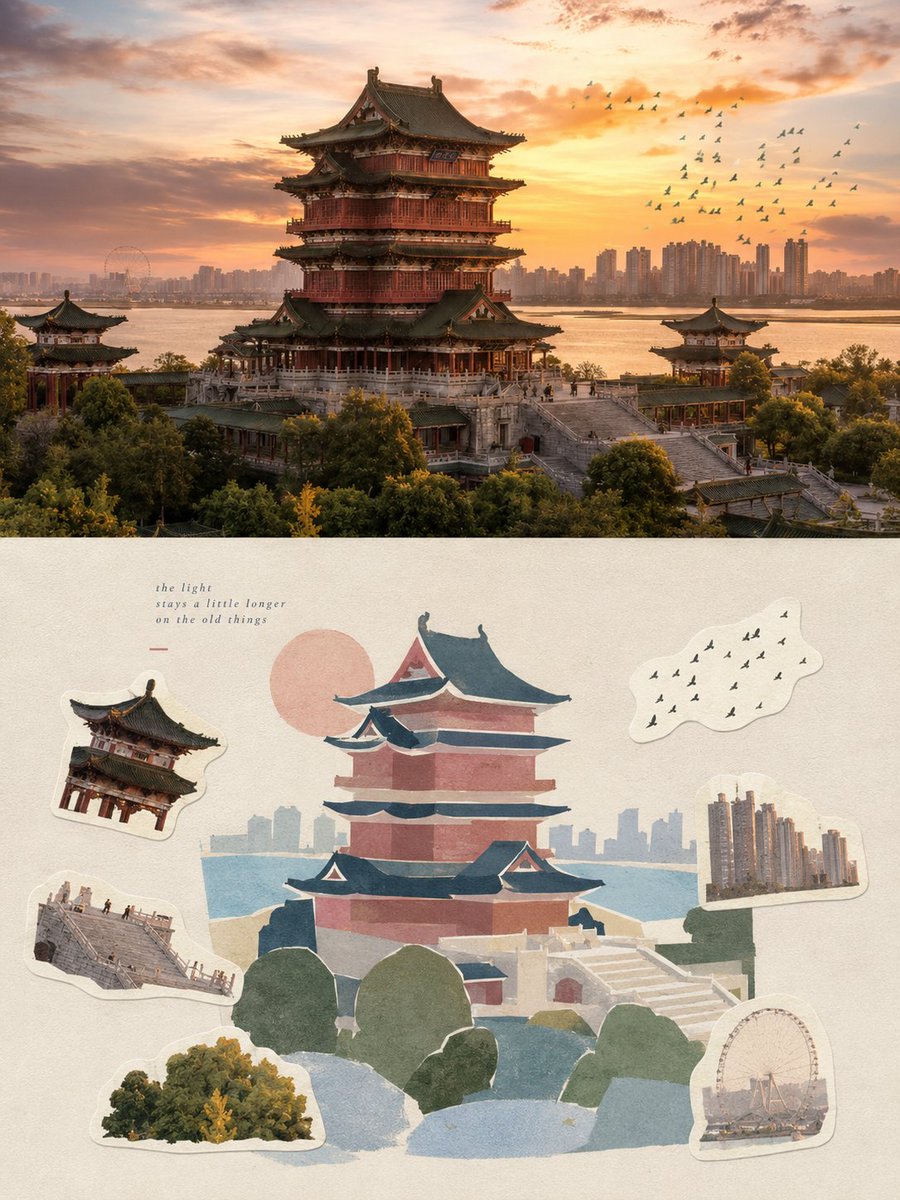
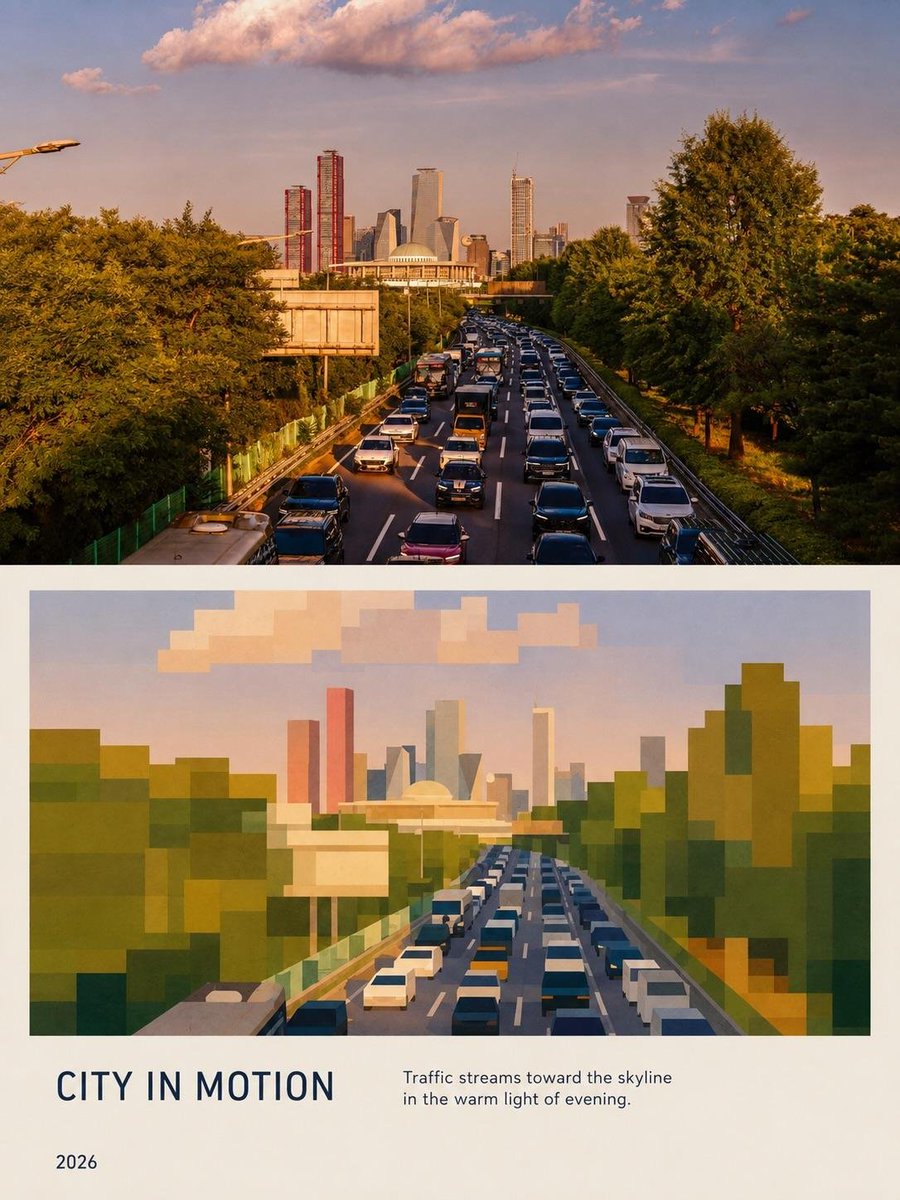
Please transform each photo I upload into a separate, standalone premium-designed poster. Do not create multi-image collages or combine multiple photos into one composition. Each photo must be output individually. Use an overall 3:4 vertical format, divided into two sections with a strict 1:1 height ratio, with the upper and lower sections each occupying exactly 50% of the canvas. The upper half should retain the original photograph. Preserve the subject’s structure, realistic texture, natural lighting and shadows, and the original color atmosphere. Apply only subtle, sophisticated photographic color grading to give the image the refined visual quality of an art magazine, independent publication, or exhibition photography. To adapt the photograph to the required aspect ratio, you may naturally extend the sky, ground, or surrounding environment, but do not stretch, distort, reshape, or alter the main subject. In the lower half, extract the most recognizable subject, silhouette, pose, and narrative relationship from the photograph, and reinterpret them as a refined miniature 3D paper-craft diorama. Do not mechanically reproduce the photograph. Instead, transform the main subject and a limited number of elements that best reinforce its identity and environmental character into miniature handcrafted models made from materials such as paper, cardstock, soft clay, thin wood pieces, or similar tactile craft materials. Arrange them naturally on a narrow, lightweight, floating landscape base. The main subject must remain instantly recognizable at a glance. All other elements should function only as narrative support. Depending on the original photograph, you may incorporate plants, roads, water, lamps, vehicles, people, birds, clouds, or other representative details of everyday life, but every added element must be genuinely relevant to the original theme. Avoid decorative clutter or meaningless accumulation of objects. Base the composition on one core subject + one horizontal miniature landscape strip + generous negative space. Adjust vertical levels, foreground/background relationships, visual density, and left-right balance according to the subject’s scale, direction, and spatial relationships, so that the scene feels like a carefully curated miniature art installation. Create depth through variations in scale, layered overlaps, and small foreground and background elements. The primary subject should carry the greatest visual weight, while supporting models remain smaller and visually quieter. Keep the overall composition centered without making it excessively symmetrical, maintaining a light, refined, calm, and elegant visual rhythm. Continue using a soft, airy, slightly desaturated premium color palette. Establish the main atmosphere with pale powder blue, mist blue, sky blue, and cool airy blues. Balance these with ivory white, creamy white, light beige, soft gray-green, sage green, and neutral architectural tones. Use only small accents of dusty rose or muted blush for subtle detail. The colors should feel soft yet clean. Avoid muddy gray tones, excessive yellow casts, or candy-like colors. Allow different paper layers to create natural spatial separation through subtle variations in tone and color. Emphasize the authenticity of handcrafted materials. Make paper fibers, folded edges, cut edges, layered thickness, slight fraying, and tiny handmade imperfections visible. Use soft natural diffused lighting and delicate shadows to reveal the real volume, depth, and layering of the miniature models, with the intimate tactile quality of macro photography. Keep the background soft white or an extremely pale paper tone, with extensive clean negative space, so that the entire lower half feels like a meticulously photographed premium handcrafted travel postcard. Typography should also be integrated into the visual language of the miniature paper-craft world. Derive a short English title from the location, identity of the subject, theme, or emotional atmosphere of the photograph. The title does not have to be a city name. Use a small, refined typeface with a subtle handwritten character. Preferably place the title within the negative space below the miniature landscape strip. Depending on the relationship with the subject, the text may also follow a slight curve, align gently along the base, or interact spatially with the miniature scene. Keep the typography minimal, elegant, and restrained. Do not add long descriptive copy. The text should feel more like an artist’s signature than a commercial headline. The overall visual direction should combine the premium qualities of miniature diorama, handcrafted paper art, whimsical 3D illustration, and a premium travel postcard. The result should feel light, gentle, refined, tactile, and full of lived-in character, while maintaining strong design discipline and abundant breathing room. Whether the original photograph features a person, animal, plant, architecture, object, vehicle, or natural landscape, maintain a clear yet clever visual correspondence between the real photographic world in the upper half and the miniature handcrafted world in the lower half. Avoid plastic-looking 3D rendering, toy-like aesthetics, childish craft styles, overly complicated compositions, excessive cuteness, visual clutter, or an e-commerce product-display appearance.
Best for
- - Graphic & Poster visual exploration
- - Image generation and reference-image edits
- - Reusable briefs that keep source attribution visible
Change these parts
- - Subject, product, character, or scene
- - Aspect ratio, camera, lighting, and background
- - Brand, text, color, and output constraints
Recommended model and settings
- - Model: gpt-image-2
- - Input mode: Image to Image
- - Aspect ratio: source
- - Commercial status: review original source
How to use this prompt
- 1. Copy the prompt and preserve its structure for the first test.
- 2. Replace the subject, context, and publishing channel.
- 3. Change one camera, lighting, or style variable per iteration.
- 4. Inspect the output, source, text, and rights before reuse.
Limitations, source, and reuse cautions
- - Generated output is an editable draft, not factual, legal, or rights evidence.
- - Review the linked source, people, brands, logos, text, and third-party media before commercial use.
More cases in this category
Prioritized by category, input mode compatibility, quality, and lower risk.
Reuse and source notes
Use this prompt safely after previewing the case.
- 1.Copy the prompt or open it directly in Dovoo with the generation button.
- 2.Adjust variables, aspect ratio, and reference images for your own use case.
- 3.Before publishing or paid usage, verify source rights, attribution requirements, and brand or likeness risks.
Can I use this prompt commercially?
Commercial-use status is allowed. Review the original source, license, brand constraints, and legal requirements before paid usage.
Where does this case come from?
This case is imported from Awesome GPT Image 2 Prompts; keep attribution visible and check the source URL before reuse.