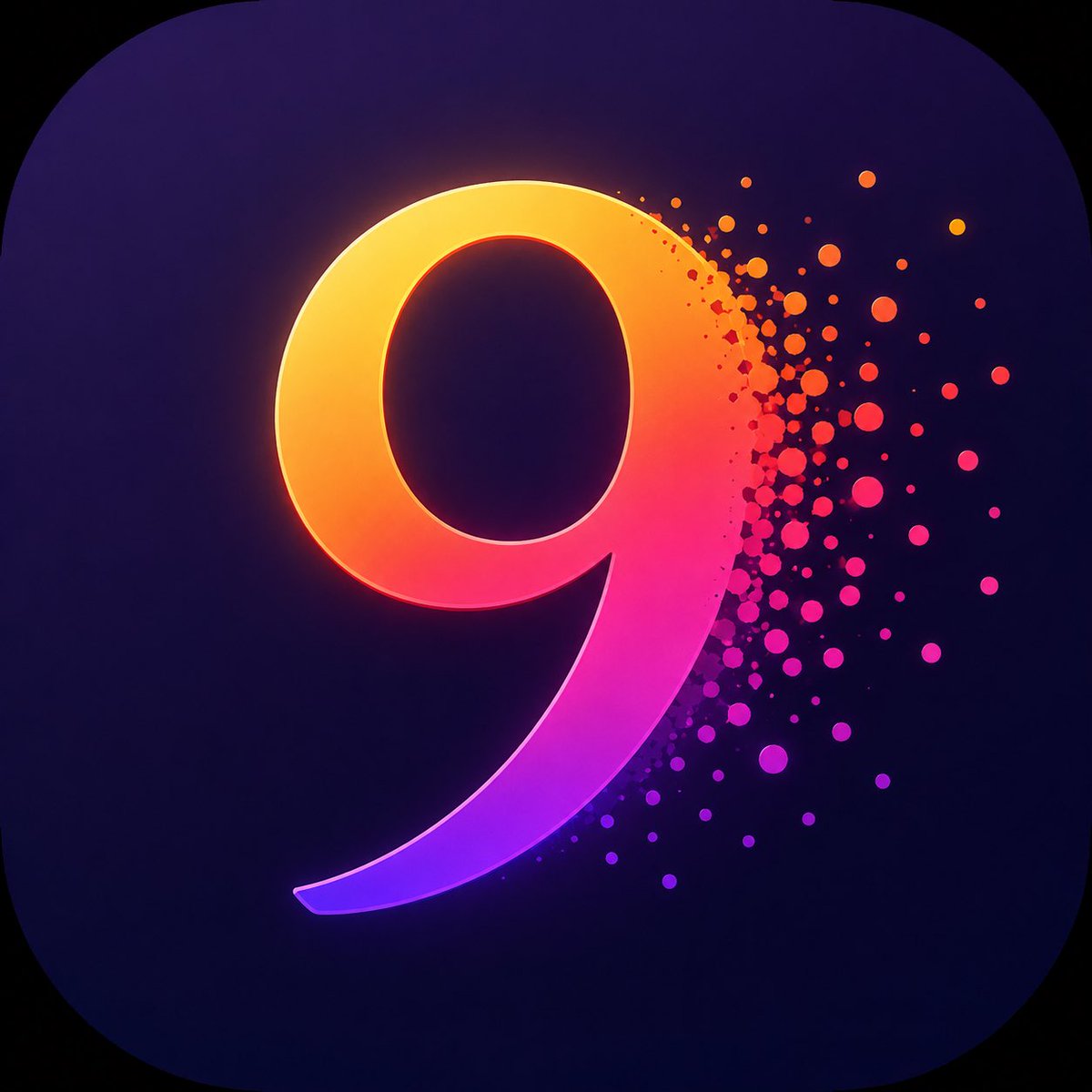
Neon Number App Icon
A vibrant rounded-square app icon with a glowing gradient number dissolving into colorful particles, ideal for logo or icon concept generation.
This is a GPT Image 2 prompt case for 产品商业. Use the copy-ready prompt below to generate similar visuals, and review Awesome GPT Image 2 Prompts attribution plus commercial-use rights before reuse.
Prompt
Copy-ready prompt
创建一个精致的移动端 App 图标,在带有圆角的方形画布上,居中偏左放置一个醒目的艺术化数字 {argument name="number" default="9"}。背景采用深邃的午夜蓝到紫色的渐变,辅以微妙的径向阴影和淡淡的晕影效果。数字应呈现出厚实、平滑、光亮且具有立体感的质感,类似于定制的无衬线 3D 字形;其渐变色从左上角的金黄色和橙色,过渡到中间的亮粉色,再到下端的鲜艳紫罗兰色和电光紫色。为数字添加柔和的霓虹轮廓光和内部发光效果,左上边缘带有强烈的暖色光晕,底部曲线则呈现洋红色至紫色的光晕。数字右侧消散为动态的粒子爆发效果:数十个大小不一的圆形点和微小斑点向右侧散射,颜色涵盖橙、红、粉、洋红和紫色,在靠近数字处最为密集,并逐渐淡入深色背景中。保持构图简洁且具有标志性,除数字外不含任何文字,无边框,无水印,高对比度,现代 iOS 风格 App 图标,边缘清晰,渐变光影鲜明,呈现高级数字艺术质感。Prompt variables
Editable argument placeholders found in the prompt, with their default values.
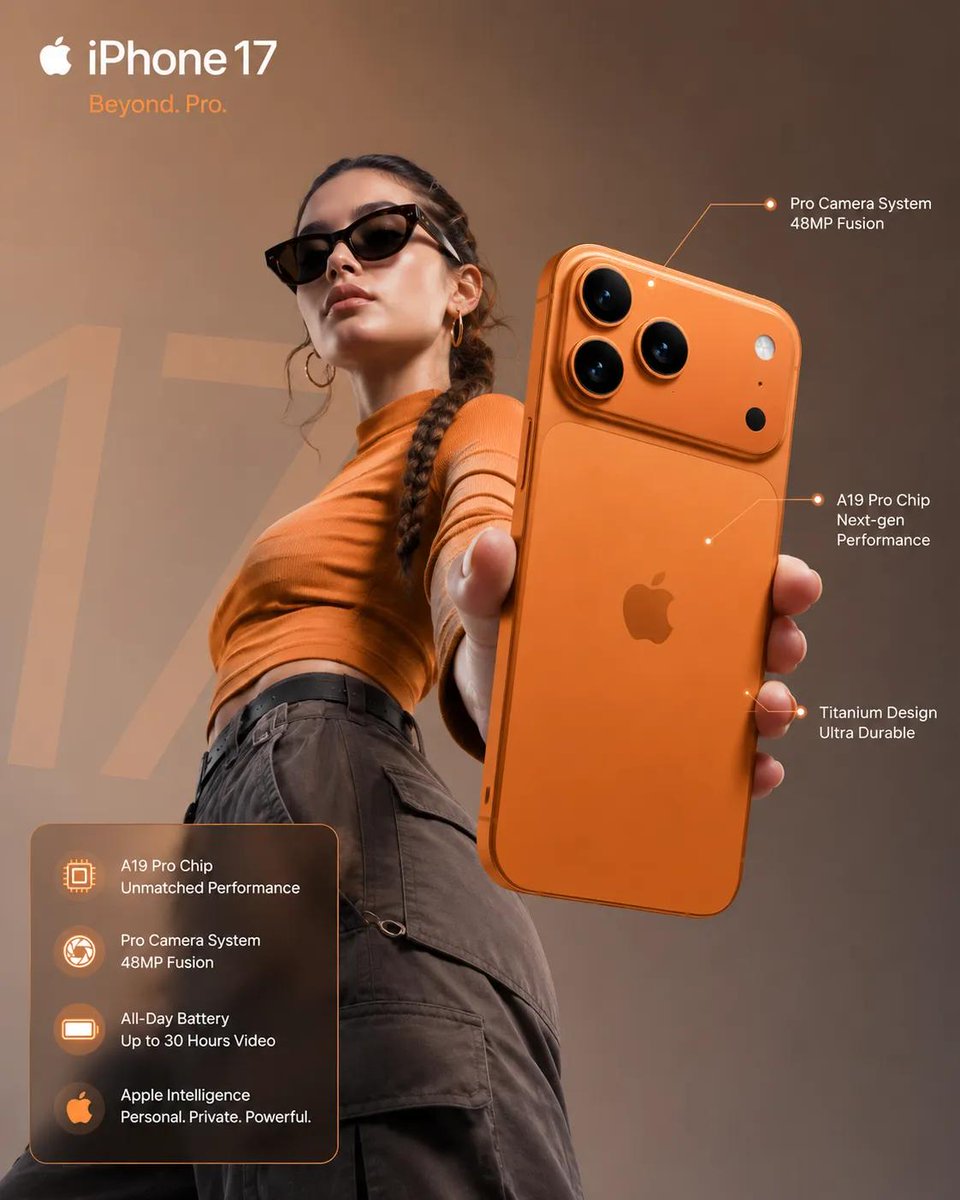
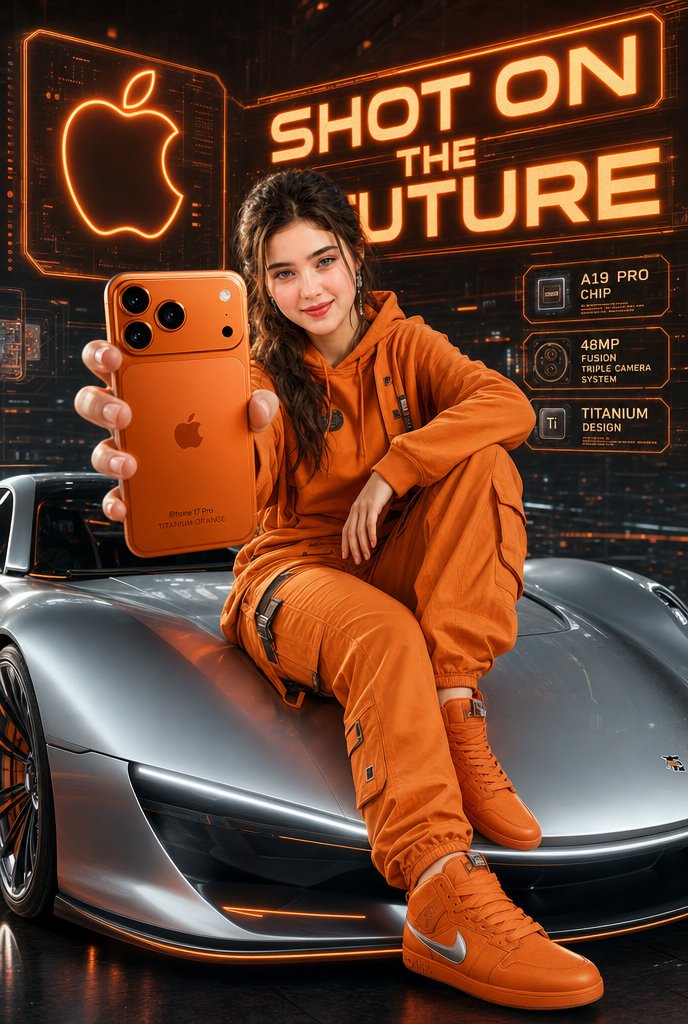
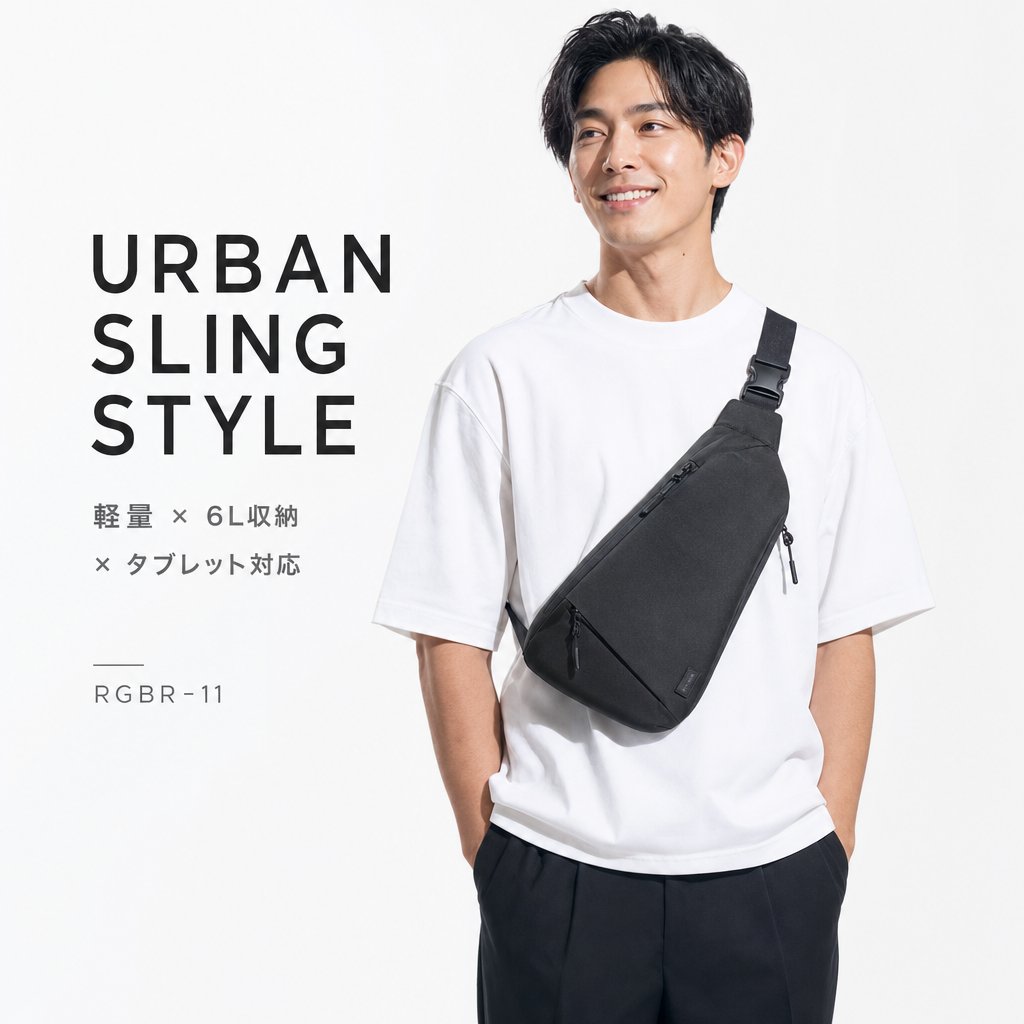
More cases in this category
Prioritized by category, input mode compatibility, quality, and lower risk.
Reuse and source notes
Use this prompt safely after previewing the case.
- 1.Copy the prompt or open it directly in Dovoo with the generation button.
- 2.Adjust variables, aspect ratio, and reference images for your own use case.
- 3.Before publishing or paid usage, verify source rights, attribution requirements, and brand or likeness risks.
Can I use this prompt commercially?
Commercial-use status is allowed. Review the original source, license, brand constraints, and legal requirements before paid usage.
Where does this case come from?
This case is imported from Awesome GPT Image 2 Prompts; keep attribution visible and check the source URL before reuse.