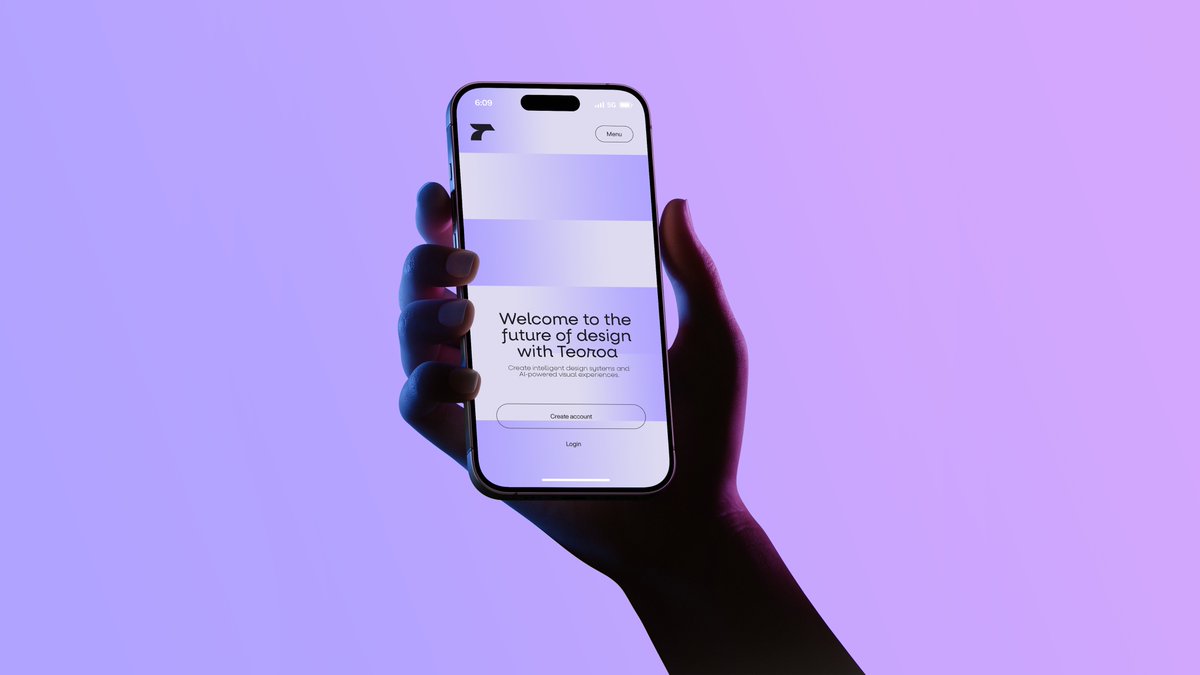
Neon Hand Holding Smartphone Mockup
A cinematic tech-ad image of a hand holding a smartphone showing a minimalist landing page, ideal for startup branding, app mockups, and product launch visuals.
This is a GPT Image 2 prompt case for Product & Commercial. Use the copy-ready prompt below to generate similar visuals, and review Awesome GPT Image 2 Prompts attribution plus commercial-use rights before reuse.
Free 1K preview
Generate one preview image instantly, no sign-up required.
Prompt
Copy-ready prompt
A minimalist studio product photograph of a single human hand holding a modern smartphone upright in portrait orientation against a smooth lavender-to-pink gradient background. The composition is centered slightly left, with the forearm entering from the lower right corner and the hand wrapping naturally around the phone, fingers visible along the left edge and thumb on the right side. Use dramatic neon gel lighting with cool blue light on the left side of the hand and deep magenta-purple shadows on the right, creating a moody futuristic tech-ad aesthetic. The phone should resemble a premium edge-to-edge device with a black bezel, rounded corners, and a pill-shaped front camera cutout at the top. On the screen, show a clean monochrome landing page for a design-tech product: a small abstract black logo in the upper left, a rounded small button labeled "Menu" in the upper right, 2 wide pale rectangular placeholder content blocks stacked near the top, and centered onboarding text in the lower half. The main headline reads {argument name="headline text" default="Welcome to the future of design with Terot"}. Below it, smaller gray body text reads {argument name="body text" default="Create intelligent design systems and AI-powered visual experiences."}. Beneath that, include exactly 2 call-to-action elements: a rounded outlined button labeled {argument name="primary button text" default="Create account"} and a simple text link underneath labeled {argument name="secondary button text" default="Login"}. The overall style is sleek, high-end, editorial, and cinematic, with soft shadows, realistic skin texture, subtle screen glow, and generous negative space.Prompt variables
Editable argument placeholders found in the prompt, with their default values.
Best for
- - Product & Commercial visual exploration
- - Image generation and reference-image edits
- - Reusable briefs that keep source attribution visible
Change these parts
- - Subject, product, character, or scene
- - Aspect ratio, camera, lighting, and background
- - Brand, text, color, and output constraints
Recommended model and settings
- - Model: gpt-image-2
- - Input mode: Text to Image
- - Aspect ratio: source
- - Commercial status: review original source
How to use this prompt
- 1. Copy the prompt and preserve its structure for the first test.
- 2. Replace the subject, context, and publishing channel.
- 3. Change one camera, lighting, or style variable per iteration.
- 4. Inspect the output, source, text, and rights before reuse.
Limitations, source, and reuse cautions
- - Generated output is an editable draft, not factual, legal, or rights evidence.
- - Review the linked source, people, brands, logos, text, and third-party media before commercial use.
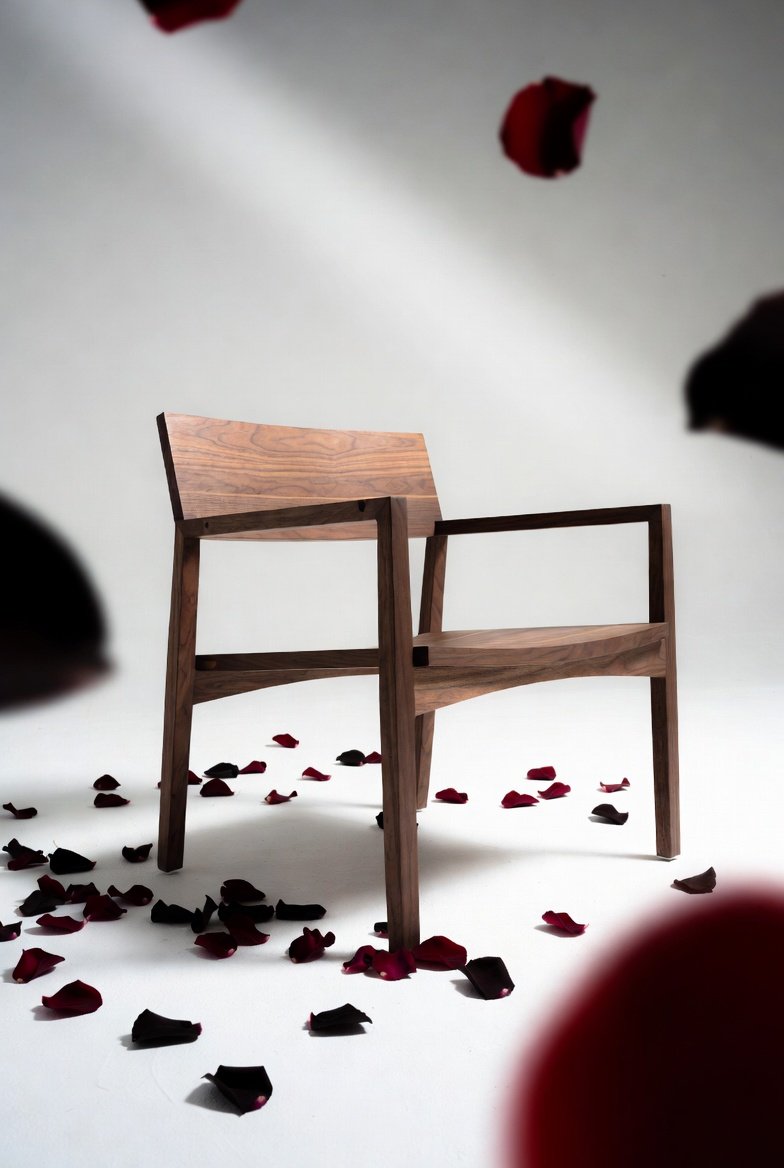
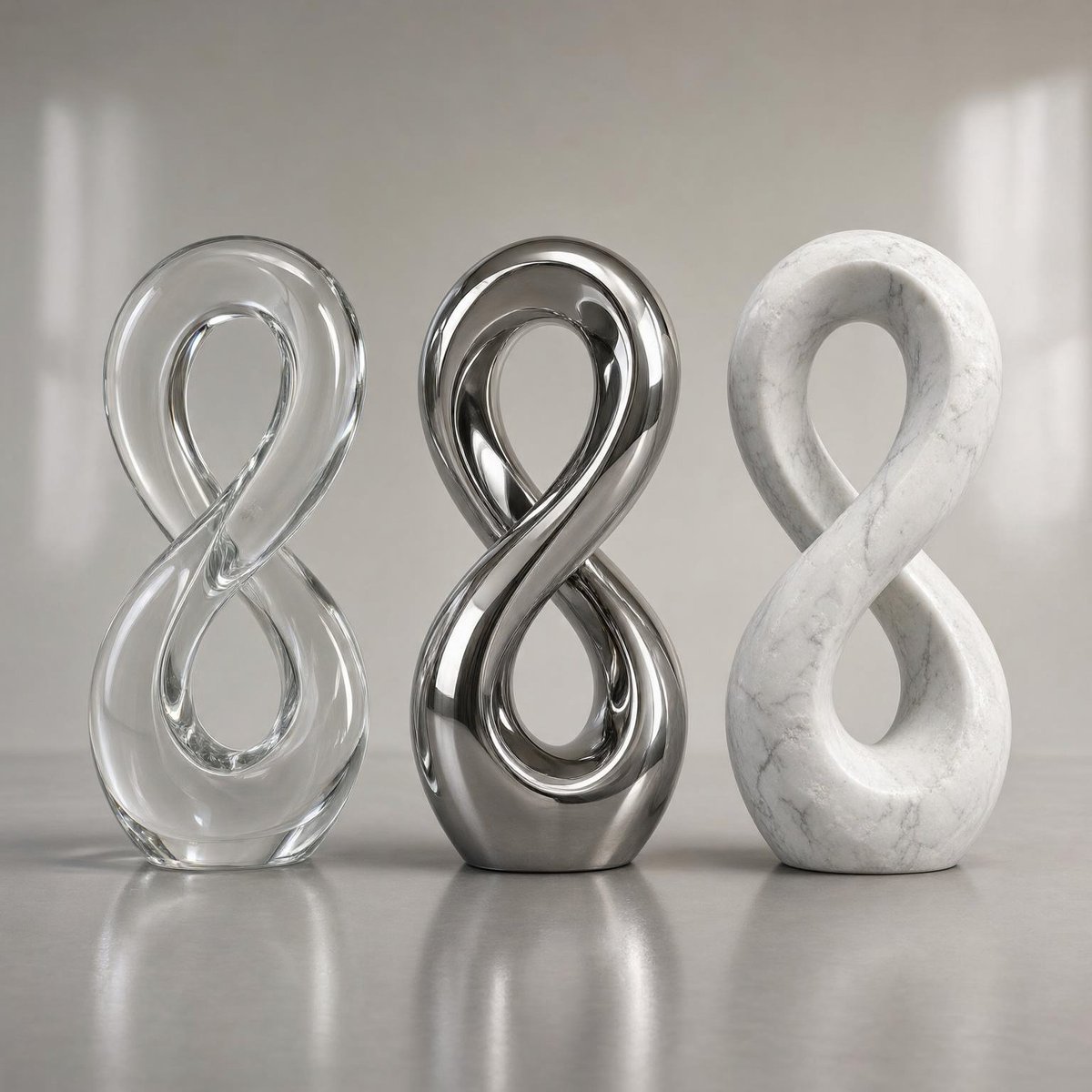
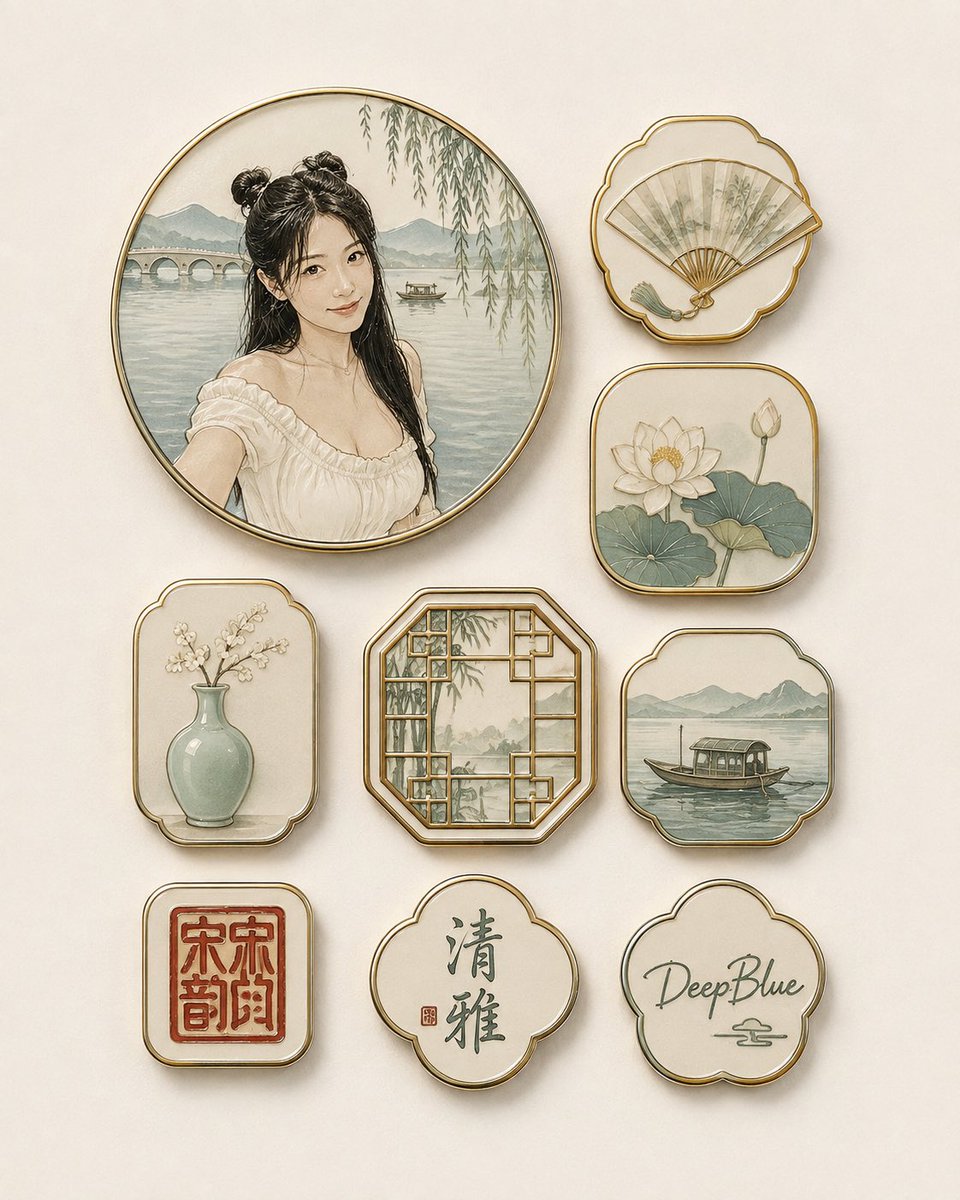
More cases in this category
Prioritized by category, input mode compatibility, quality, and lower risk.


Reuse and source notes
Use this prompt safely after previewing the case.
- 1.Copy the prompt or open it directly in Dovoo with the generation button.
- 2.Adjust variables, aspect ratio, and reference images for your own use case.
- 3.Before publishing or paid usage, verify source rights, attribution requirements, and brand or likeness risks.
Can I use this prompt commercially?
Commercial-use status is allowed. Review the original source, license, brand constraints, and legal requirements before paid usage.
Where does this case come from?
This case is imported from Awesome GPT Image 2 Prompts; keep attribution visible and check the source URL before reuse.