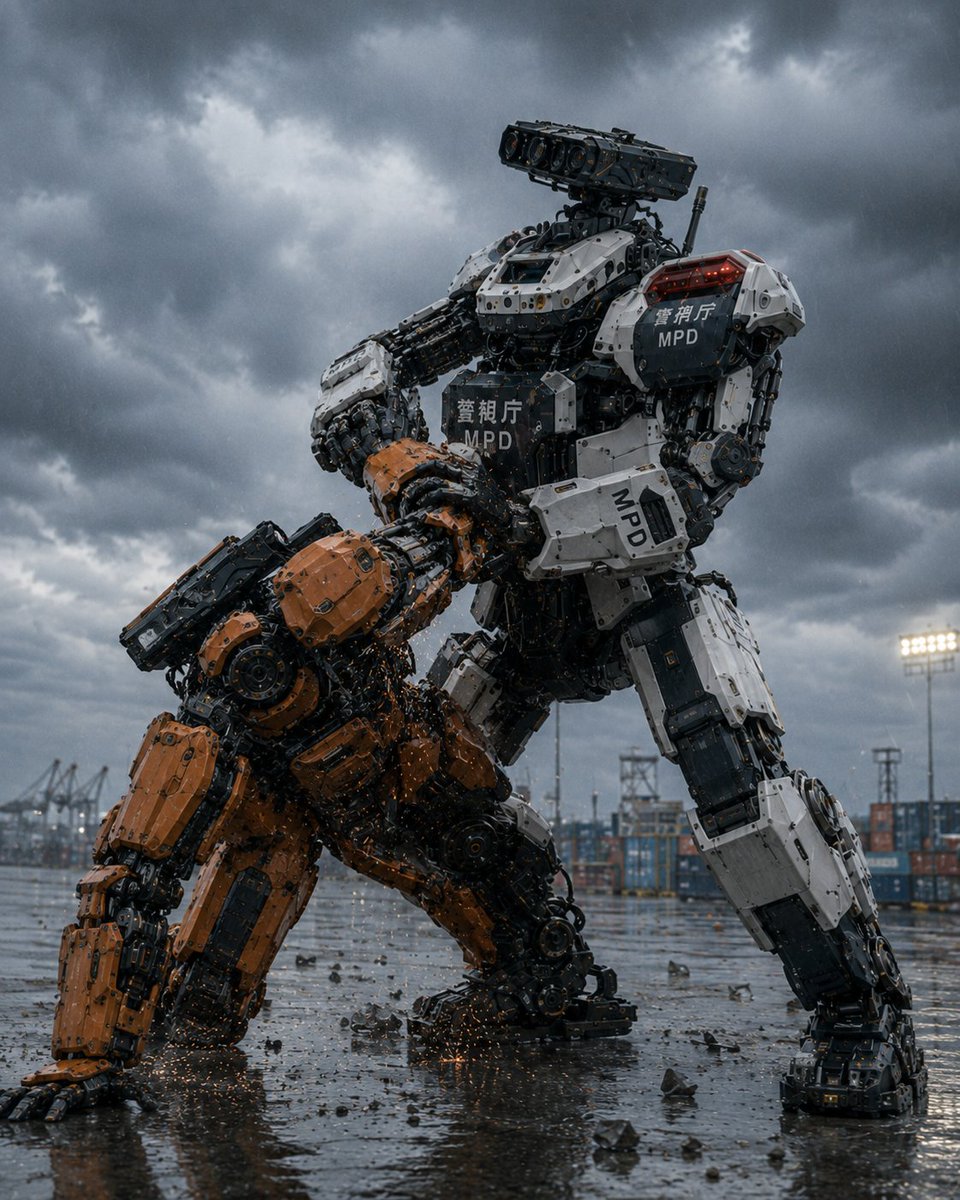
MPD Police Mecha Arrest Scene
A cinematic photorealistic prompt for generating two giant robots grappling in a stormy Japanese port, with a white MPD police mecha restraining an orange industrial unit.
This is a GPT Image 2 prompt case for Anime & Game. Use the copy-ready prompt below to generate similar visuals, and review Awesome GPT Image 2 Prompts attribution plus commercial-use rights before reuse.
Free 1K preview
Generate one preview image instantly, no sign-up required.
Prompt
Copy-ready prompt
Create a cinematic photorealistic sci-fi action scene of the {argument name="police unit name" default="Metropolitan Police Department Heavy Machinery Countermeasures Robot Unit"}: two enormous humanoid industrial robots grappling in a rain-soaked container port under dark storm clouds. The dominant robot is a towering white-and-black police mecha, standing wide and braced, forcibly pinning down a smaller orange construction-style mecha of the same general model. The white police robot has bulky armored limbs, exposed pistons, cables, hydraulics, layered mechanical joints, a rectangular multi-lens sensor/camera head, red warning lights on its shoulder, and visible markings including Japanese police text and “MPD” on the chest, shoulder, and forearm. The orange robot is crouched on one knee with one hand scraping the wet ground, its head and torso forced downward, covered in orange armor plates with black mechanical internals, as sparks and debris scatter from the struggle. Count exactly 2 robots: 1 white MPD police robot restraining, 1 orange captured robot being restrained. Environment: an industrial harbor yard with stacked shipping containers, cranes, floodlights, towers, puddles, rain droplets, scattered broken concrete and metal fragments, reflective wet asphalt, and a low dramatic camera angle looking up at the robots. Mood and style: ultra-detailed hard-surface mecha design, gritty Japanese tokusatsu/anime-inspired realism, blockbuster movie still, high contrast, cold blue-gray storm lighting, sharp mechanical detail, realistic rain, cinematic depth of field, no humans visible, no extra robots, no watermark.Prompt variables
Editable argument placeholders found in the prompt, with their default values.
Best for
- - Anime & Game visual exploration
- - Image generation and reference-image edits
- - Reusable briefs that keep source attribution visible
Change these parts
- - Subject, product, character, or scene
- - Aspect ratio, camera, lighting, and background
- - Brand, text, color, and output constraints
Recommended model and settings
- - Model: gpt-image-2
- - Input mode: Text to Image
- - Aspect ratio: source
- - Commercial status: review original source
How to use this prompt
- 1. Copy the prompt and preserve its structure for the first test.
- 2. Replace the subject, context, and publishing channel.
- 3. Change one camera, lighting, or style variable per iteration.
- 4. Inspect the output, source, text, and rights before reuse.
Limitations, source, and reuse cautions
- - Generated output is an editable draft, not factual, legal, or rights evidence.
- - Review the linked source, people, brands, logos, text, and third-party media before commercial use.
More cases in this category
Prioritized by category, input mode compatibility, quality, and lower risk.
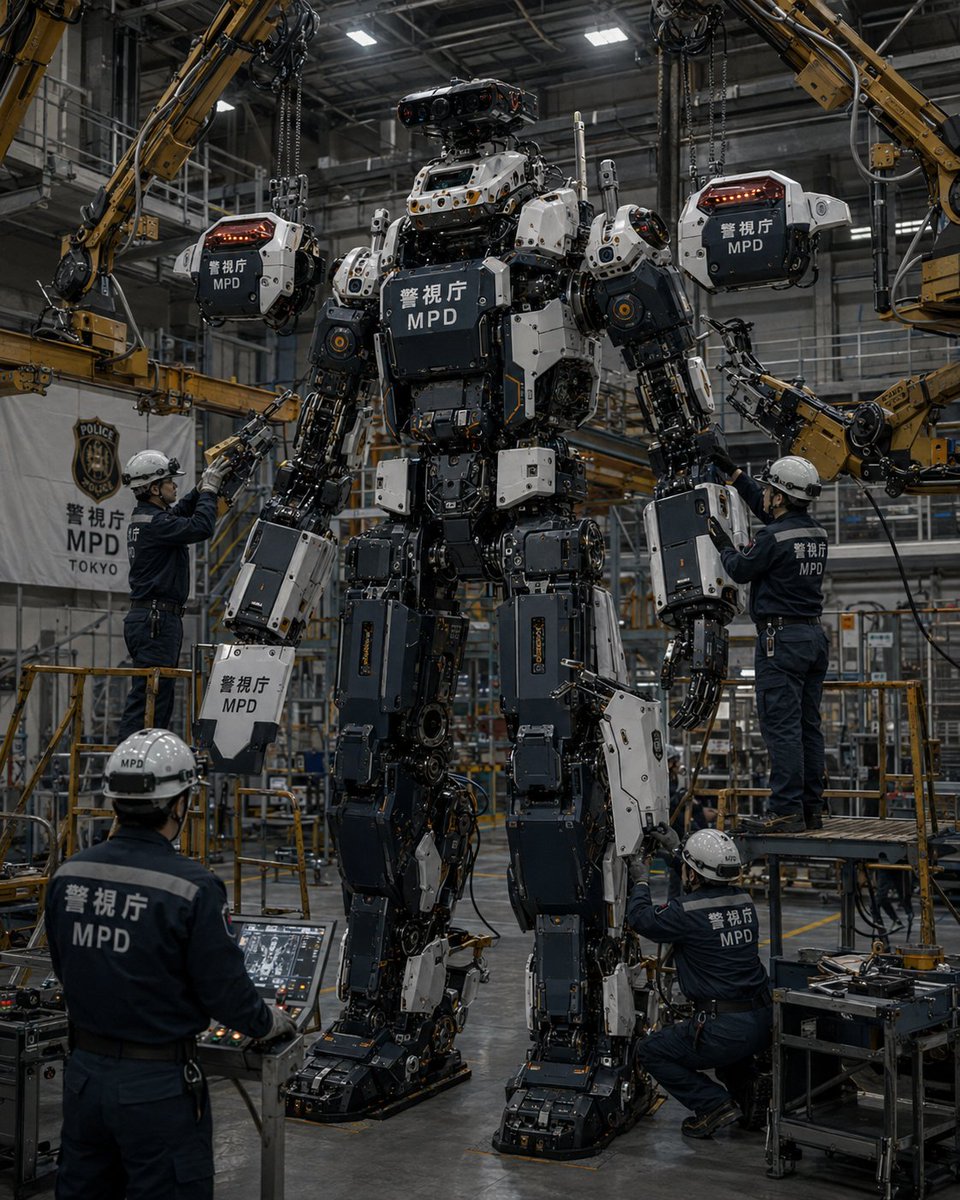
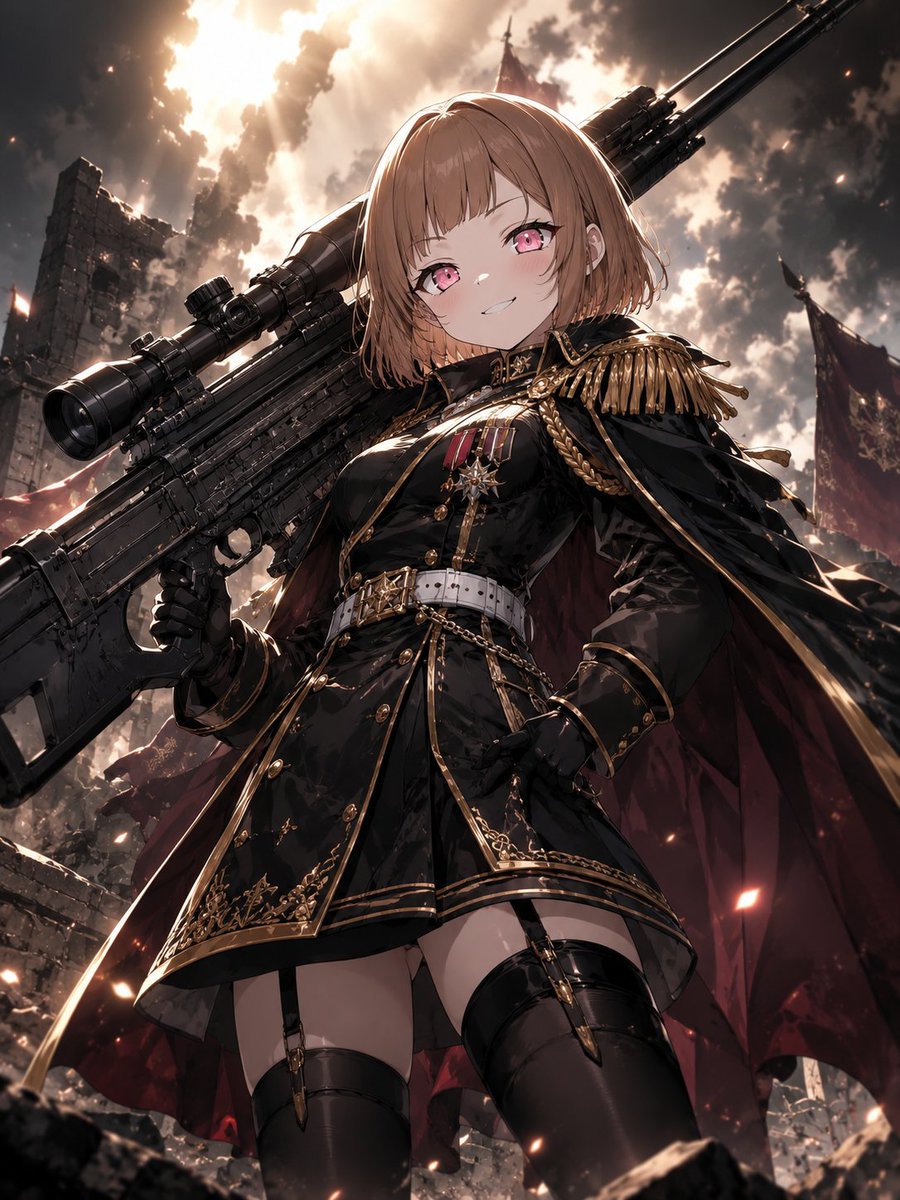
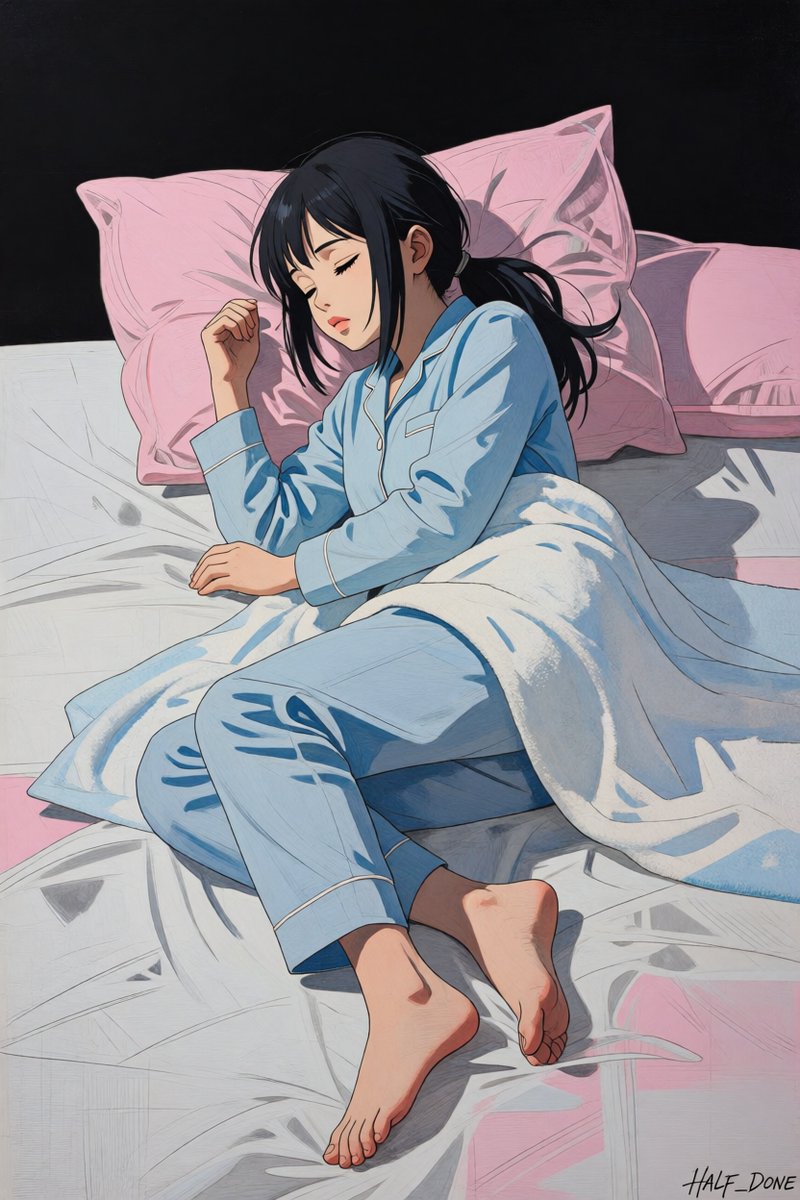
Reuse and source notes
Use this prompt safely after previewing the case.
- 1.Copy the prompt or open it directly in Dovoo with the generation button.
- 2.Adjust variables, aspect ratio, and reference images for your own use case.
- 3.Before publishing or paid usage, verify source rights, attribution requirements, and brand or likeness risks.
Can I use this prompt commercially?
Commercial-use status is allowed. Review the original source, license, brand constraints, and legal requirements before paid usage.
Where does this case come from?
This case is imported from Awesome GPT Image 2 Prompts; keep attribution visible and check the source URL before reuse.