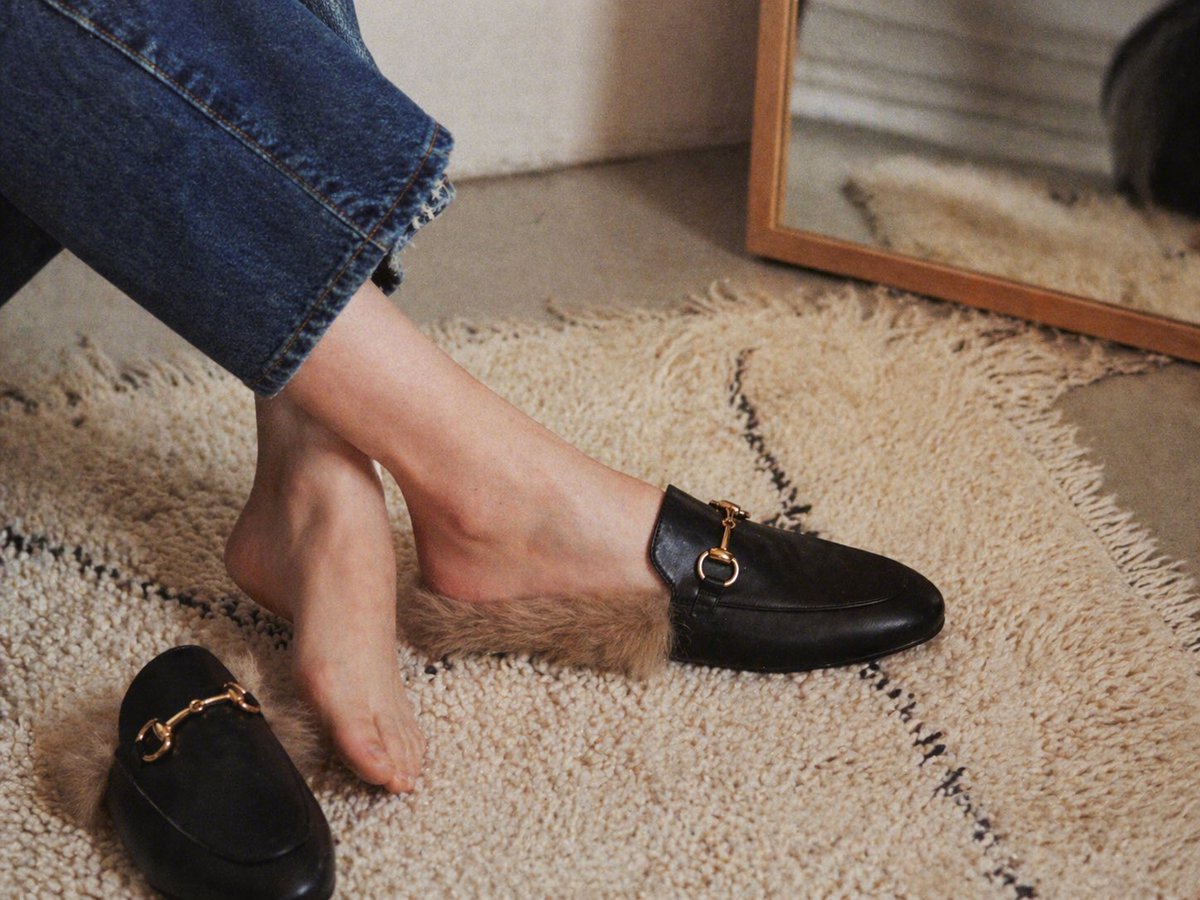
Luxury Fur-Lined Loafer Lifestyle Photo
This prompt generates a cozy high-end fashion product shot of fur-lined black mule loafers being tried on in a warm minimalist home interior, ideal for footwear ads and editorial ecommerce imagery.
This is a GPT Image 2 prompt case for Product & Commercial. Use the copy-ready prompt below to generate similar visuals, and review Awesome GPT Image 2 Prompts attribution plus commercial-use rights before reuse.
Free 1K preview
Generate one preview image instantly, no sign-up required.
Prompt
Copy-ready prompt
A warm, editorial-style lifestyle product photo shot indoors from a low close-up angle, focused on a woman's lower legs and feet as she tries on 1 pair of black leather backless loafers with tan faux-fur lining. One loafer is worn on the right foot and the left foot is bare, hovering just above the textured cream shag rug, while the second matching loafer lies on the rug in the lower left foreground. The shoes have smooth black leather uppers, a rounded almond toe, open mule-style heel, plush brown fur spilling out around the opening, and a small polished gold horsebit hardware detail across the vamp. The model wears cropped medium-blue denim jeans with a raw frayed hem. The setting is a cozy minimalist interior with a cream rug featuring 2 thin irregular black lines, a neutral wall, and a leaning rectangular mirror with a medium wood frame in the upper right background, softly reflecting the rug and part of the scene. Use soft natural window light, shallow depth of field, subtle film grain, realistic skin texture, muted beige and black palette, relaxed candid composition, premium fashion catalog mood, high detail, photorealistic.
Best for
- - Product & Commercial visual exploration
- - Image generation and reference-image edits
- - Reusable briefs that keep source attribution visible
Change these parts
- - Subject, product, character, or scene
- - Aspect ratio, camera, lighting, and background
- - Brand, text, color, and output constraints
Recommended model and settings
- - Model: gpt-image-2
- - Input mode: Text to Image
- - Aspect ratio: source
- - Commercial status: review original source
How to use this prompt
- 1. Copy the prompt and preserve its structure for the first test.
- 2. Replace the subject, context, and publishing channel.
- 3. Change one camera, lighting, or style variable per iteration.
- 4. Inspect the output, source, text, and rights before reuse.
Limitations, source, and reuse cautions
- - Generated output is an editable draft, not factual, legal, or rights evidence.
- - Review the linked source, people, brands, logos, text, and third-party media before commercial use.
More cases in this category
Prioritized by category, input mode compatibility, quality, and lower risk.

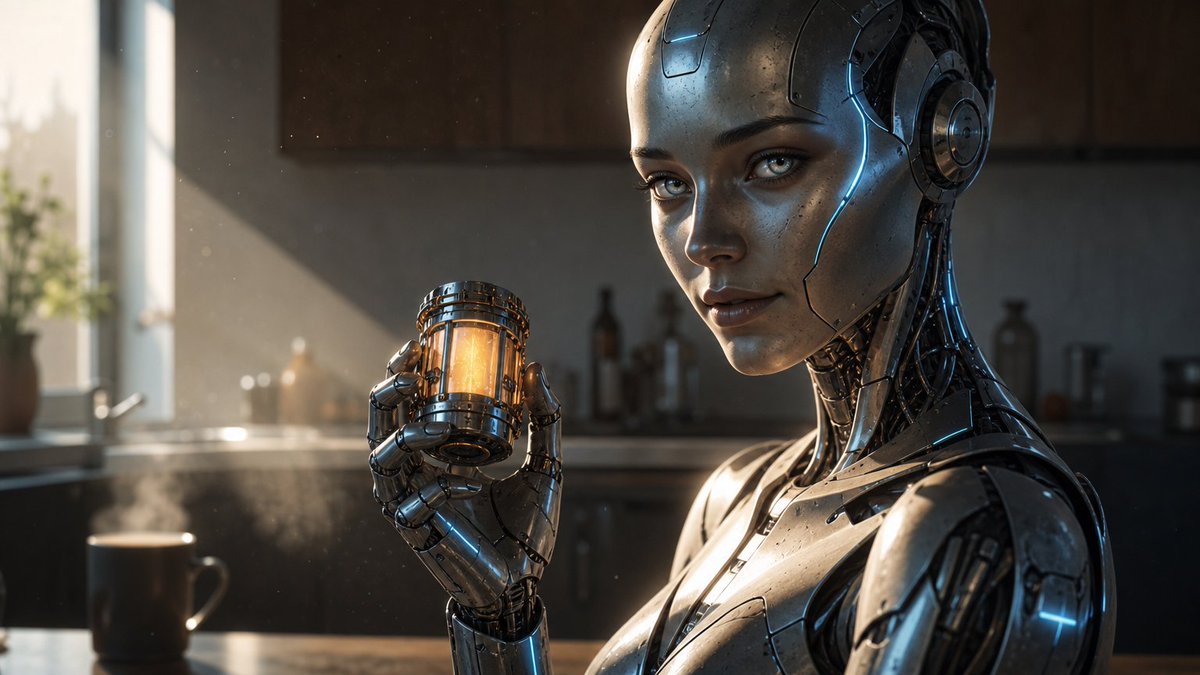

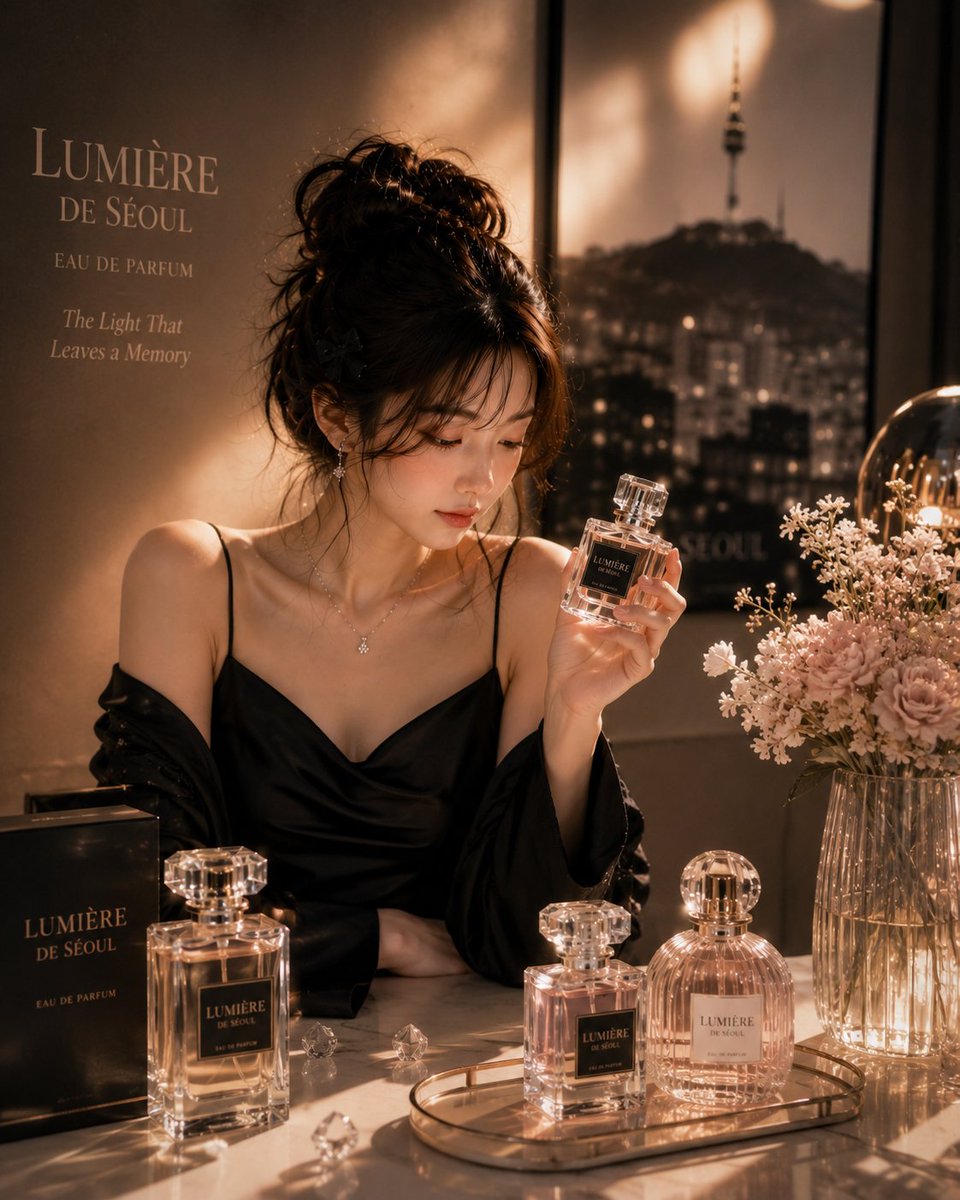
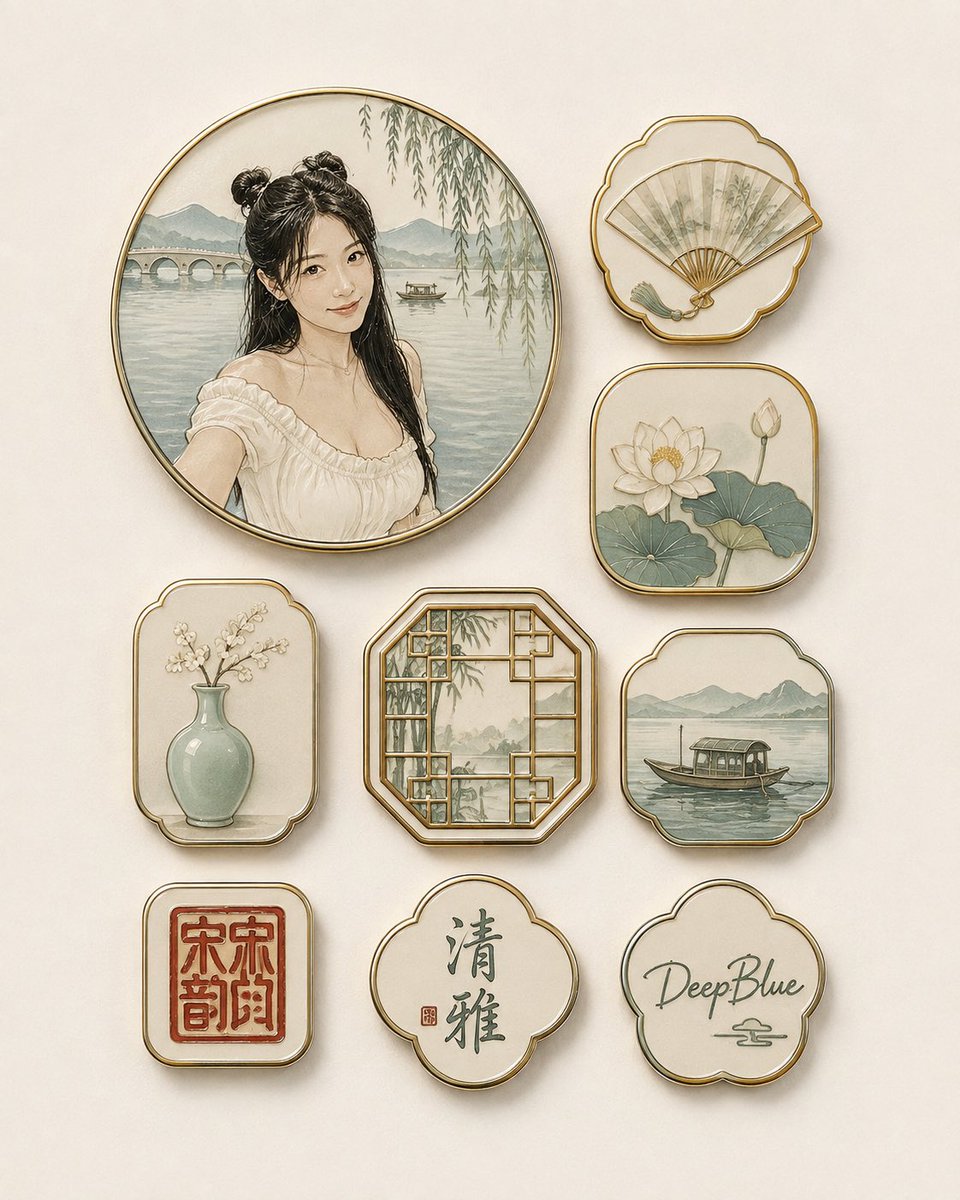
Reuse and source notes
Use this prompt safely after previewing the case.
- 1.Copy the prompt or open it directly in Dovoo with the generation button.
- 2.Adjust variables, aspect ratio, and reference images for your own use case.
- 3.Before publishing or paid usage, verify source rights, attribution requirements, and brand or likeness risks.
Can I use this prompt commercially?
Commercial-use status is allowed. Review the original source, license, brand constraints, and legal requirements before paid usage.
Where does this case come from?
This case is imported from Awesome GPT Image 2 Prompts; keep attribution visible and check the source URL before reuse.