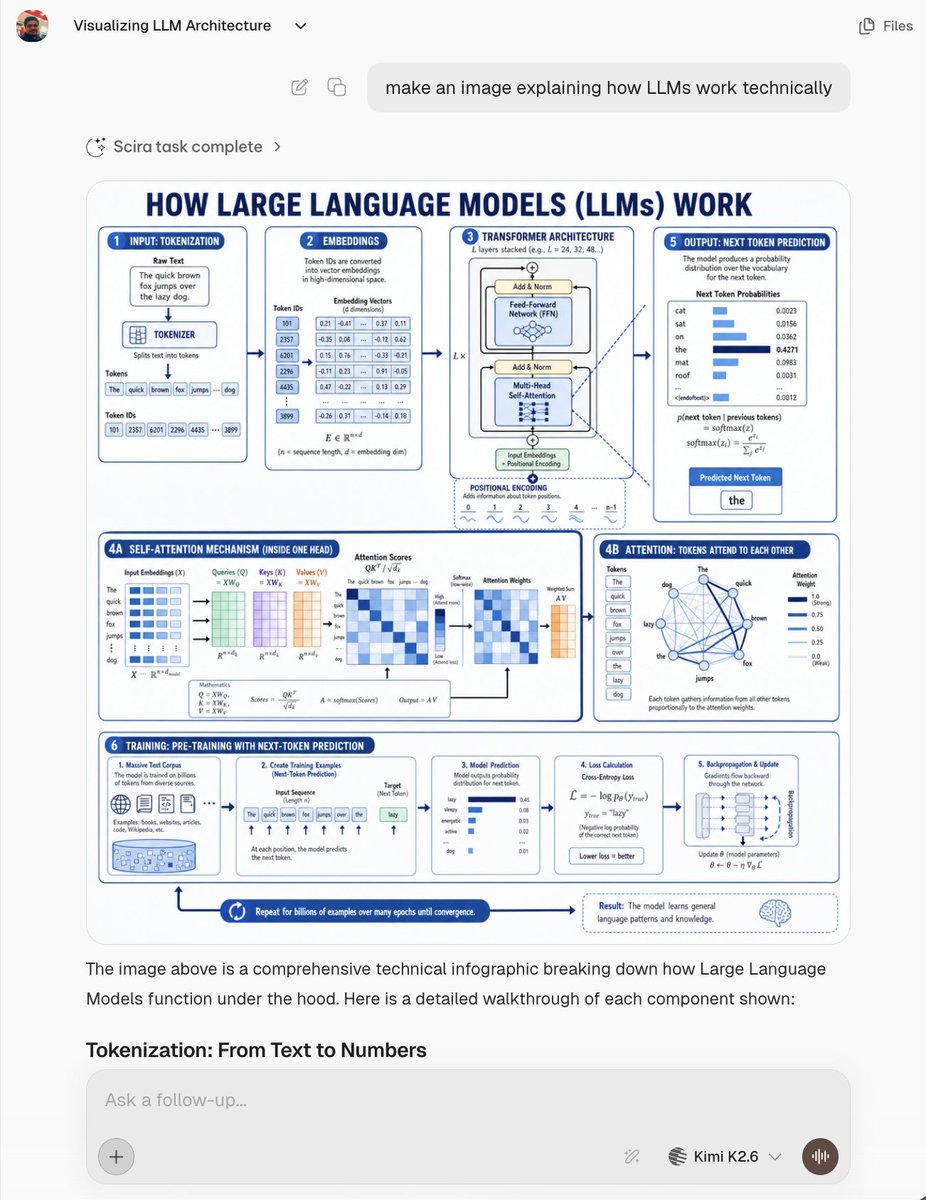
LLM Architecture Chat Screenshot
Creates a realistic AI chat screenshot featuring a dense blue-and-white technical infographic explaining how large language models work.
This is a GPT Image 2 prompt case for 其他灵感. Use the copy-ready prompt below to generate similar visuals, and review Awesome GPT Image 2 Prompts attribution plus commercial-use rights before reuse.
Prompt
Copy-ready prompt
Objective: To create a realistic screenshot of an AI chat interface, showcasing an image related to {argument name="topic" default="Large Language Models (LLMs) Technical Principles"} Generative technical infographic. Screenshots should be presented as conversations within a modern web application, not standalone promotional posters. Canvas: 768×1024 vertical screenshot, light gray application background, rounded white content areas, clean sans-serif font, subtle shadows, high resolution, but text in the infographic should be slightly smaller, like a real embedded generated image. Chat UI layout: A small circular user avatar is displayed in the top left corner, along with the chat title "Visualizing LLM Architecture" and a small drop-down arrow; a simple "Files" tab and icon are displayed in the top right corner. Below this is a centered/right-aligned rounded user message bubble that reads: "make an image explaining how LLMs work technically." Below that is a status bar that reads "Scira task complete," with a blinking/loading icon and an arrow. The main generated image appears below as a large rounded rectangular card. Below the image is an explanatory text from the assistant: “The image above is a comprehensive technical infographic breaking down how Large Language Models function under the hood. Here is a detailed walkthrough of each component shown:” followed by the bolded section title “Tokenization: From Text to Numbers.” At the bottom is a rounded input box with the placeholder “Ask a follow-up…”, a plus button on the left, and small tool/model controls, the model label “Kimi K2.6”, a drop-down menu, and a circular voice button on the right. Generative infographic in the chat: Design a blue and white technical education poster with a large navy blue capitalized title: “HOW LARGE LANGUAGE MODELS (LLMs) WORK”. Use a white background, navy blue outline, light blue highlights, rounded panels, and arrows connecting steps, microcharts, formulas, tables, and icons. The poster should be information-dense and lean towards an engineering approach. Infographic Section: Utilizes 8 labeled panels/areas: 1. "INPUT: TOKENIZATION" panel: Displays a raw text box containing the sentence "The quick brown fox jumps over the lazy dog.", a tokenizer module, word token boxes, and token ID boxes. 2. "EMBEDDINGS" panel: Displays the token IDs converted to dense vectors, and a table containing numerical embedding values. 3. "TRANSFORMER ARCHITECTURE" panel: Displays stacked Transformer modules, including Add & Norm, Feed-Forward Network, Multi-Head Self-Attention, input embedding, positional encoding, and layer repetition notation. 4A. "SELF-ATTENTION MECHANISM (INSIDE ONE HEAD)": The bottom-left wide panel displays the input embedding, queries, keys, values, attention scores, softmax, attention weights, weighted summation, and formula matrices. 4B. “ATTENTION: TOKENS ATTEND TO EACH OTHER” panel: Displays the network graph of tokens in the example sentence, connected by blue lines, and includes attention weight bars. 5. “OUTPUT: NEXT TOKEN PREDICTION” panel: Displays the probability distribution bars for candidate next tokens (e.g., cat, sat, on, the, mat, roof), and highlights the predicted next token “the”. 6. “TRAINING: PRE-TRAINING WITH NEXT-TOKEN PREDICTION”: The bottom bar is divided into 5 mini-cards: massive text corpus, creating training examples, model prediction, loss calculation, and backpropagation/update. 7. Bottom flow arrow with the text: “Repeat for billions of examples over many epochs until convergence.” 8. Bottom right result annotation with a brain icon, explaining how the model learns common language patterns and knowledge. Visual Style: Clear vector infographics, academic and user-friendly, with dark navy blue headings, medium blue borders, light blue fill, micro-tables and charts, clean arrows, rounded cards, and consistent spacing. Make the embedded infographics look like an AI-generated educational chart, with dense but mostly legible text. Constraints: All UI text should remain in English. Do not add watermarks. Retain visible chat screenshot frames and large embedded infographics. Use the listed 8 infographic areas and 5 mini-cards within the training bar.Prompt variables
Editable argument placeholders found in the prompt, with their default values.
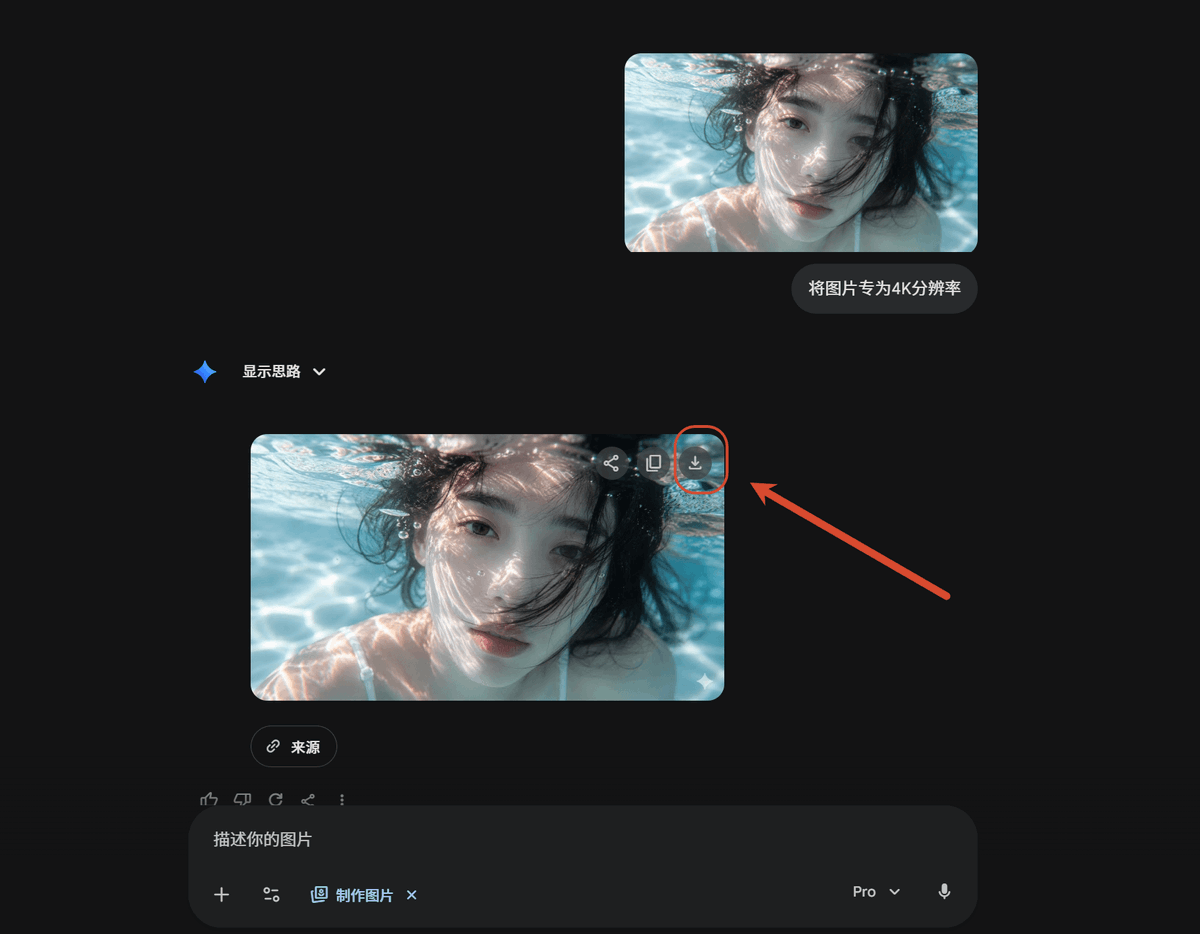
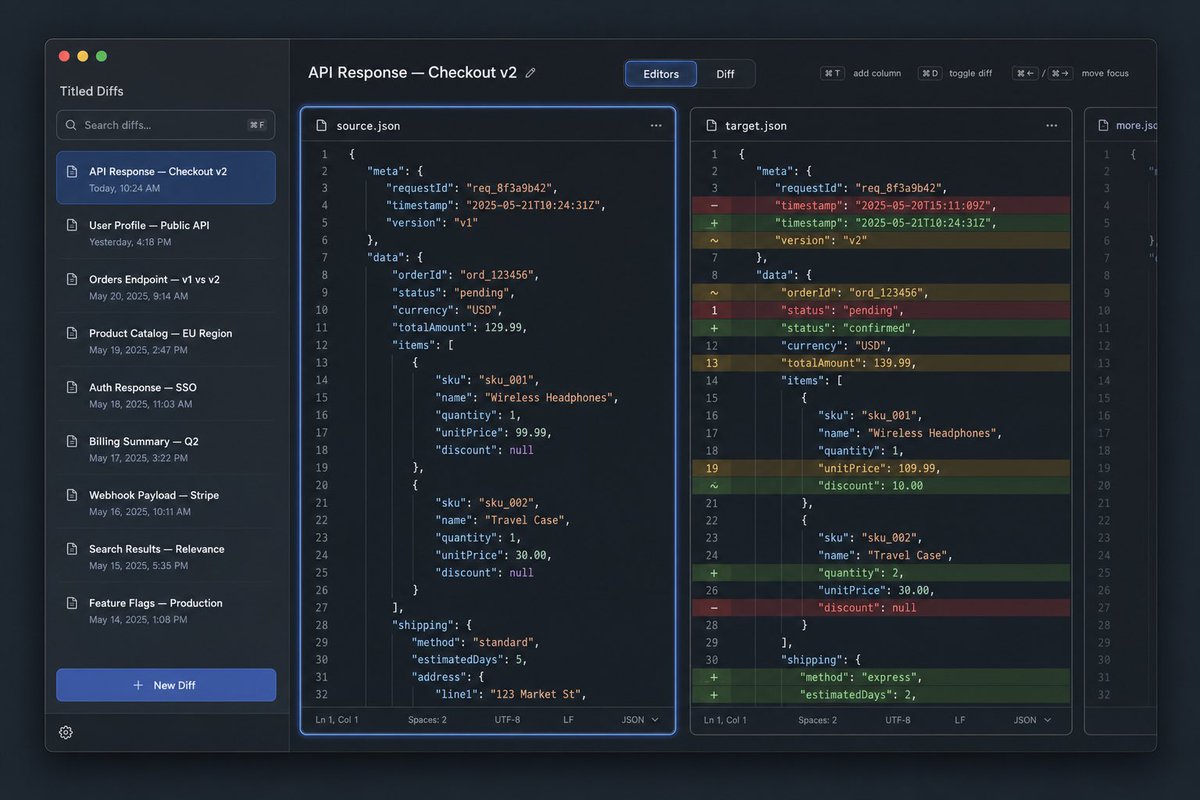
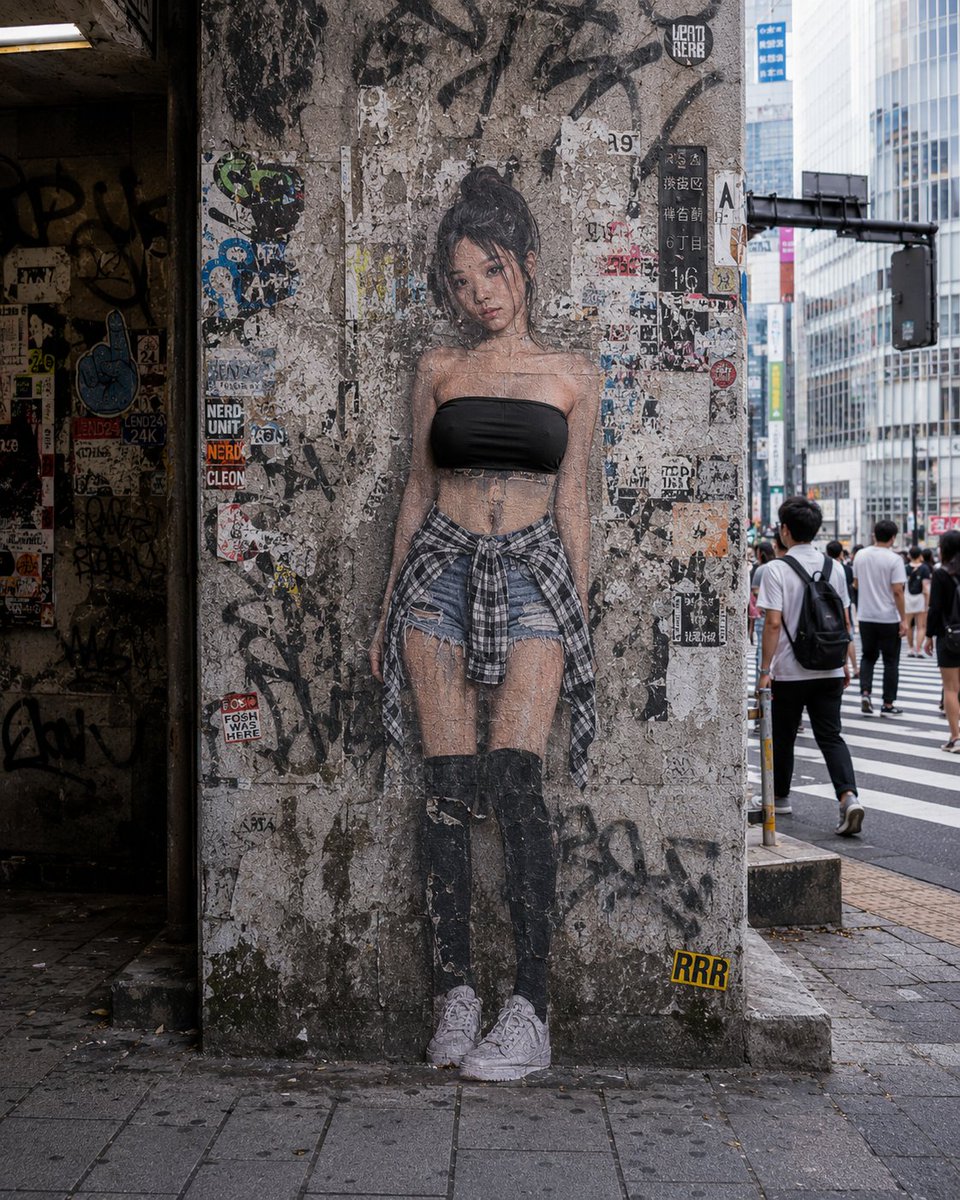
More cases in this category
Prioritized by category, input mode compatibility, quality, and lower risk.

Reuse and source notes
Use this prompt safely after previewing the case.
- 1.Copy the prompt or open it directly in Dovoo with the generation button.
- 2.Adjust variables, aspect ratio, and reference images for your own use case.
- 3.Before publishing or paid usage, verify source rights, attribution requirements, and brand or likeness risks.
Can I use this prompt commercially?
Commercial-use status is allowed. Review the original source, license, brand constraints, and legal requirements before paid usage.
Where does this case come from?
This case is imported from Awesome GPT Image 2 Prompts; keep attribution visible and check the source URL before reuse.