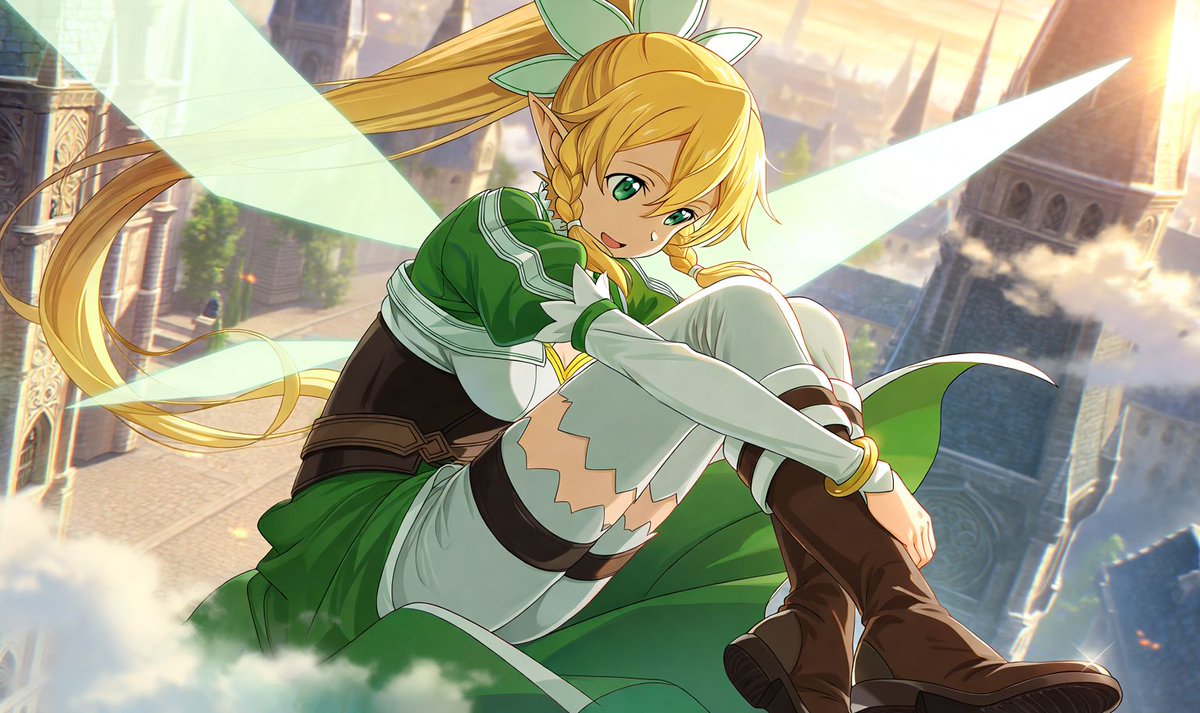
Leafa Fairy Anime Sky Portrait
A dynamic anime illustration prompt for creating Leafa-like fantasy character art with glowing wings above a sunlit medieval city.
This is a GPT Image 2 prompt case for Anime & Game. Use the copy-ready prompt below to generate similar visuals, and review Awesome GPT Image 2 Prompts attribution plus commercial-use rights before reuse.
Free 1K preview
Generate one preview image instantly, no sign-up required.
Prompt
Copy-ready prompt
A polished anime fantasy illustration of {argument name="character name" default="Leafa"} from Sword Art Online, shown as a youthful elf girl with long golden-blonde hair in a very high ponytail tied with a large pale green bow, loose side bangs, and two thin front braids framing her face. She has pointed elf ears, vivid green eyes, and a soft confident smile while looking directly at the viewer. She is posed in midair or perched on a cloud with one knee raised close to her chest and both arms wrapped around her leg, creating a dynamic foreshortened composition from a slightly low angle. Give her translucent pale mint fairy wings glowing behind her, spread wide and luminous. Her outfit is the classic green fairy warrior costume: a deep green tunic dress with white trim and layered skirt panels, white long sleeves, white thigh-high stockings with jagged upper edges, dark brown belts and straps at the waist and thighs, and brown knee-high leather boots. The scene is set high above a sunlit fantasy city with tall stone towers, ornate architecture, bridges, drifting clouds, and warm golden sunset light. Use a soft atmospheric background blur, cinematic rim light, subtle sparkles, and clean high-detail anime rendering with vibrant colors, smooth shading, and an airy heroic mood.Prompt variables
Editable argument placeholders found in the prompt, with their default values.
Best for
- - Anime & Game visual exploration
- - Image generation and reference-image edits
- - Reusable briefs that keep source attribution visible
Change these parts
- - Subject, product, character, or scene
- - Aspect ratio, camera, lighting, and background
- - Brand, text, color, and output constraints
Recommended model and settings
- - Model: gpt-image-2
- - Input mode: Text to Image
- - Aspect ratio: source
- - Commercial status: review original source
How to use this prompt
- 1. Copy the prompt and preserve its structure for the first test.
- 2. Replace the subject, context, and publishing channel.
- 3. Change one camera, lighting, or style variable per iteration.
- 4. Inspect the output, source, text, and rights before reuse.
Limitations, source, and reuse cautions
- - Generated output is an editable draft, not factual, legal, or rights evidence.
- - Review the linked source, people, brands, logos, text, and third-party media before commercial use.
More cases in this category
Prioritized by category, input mode compatibility, quality, and lower risk.


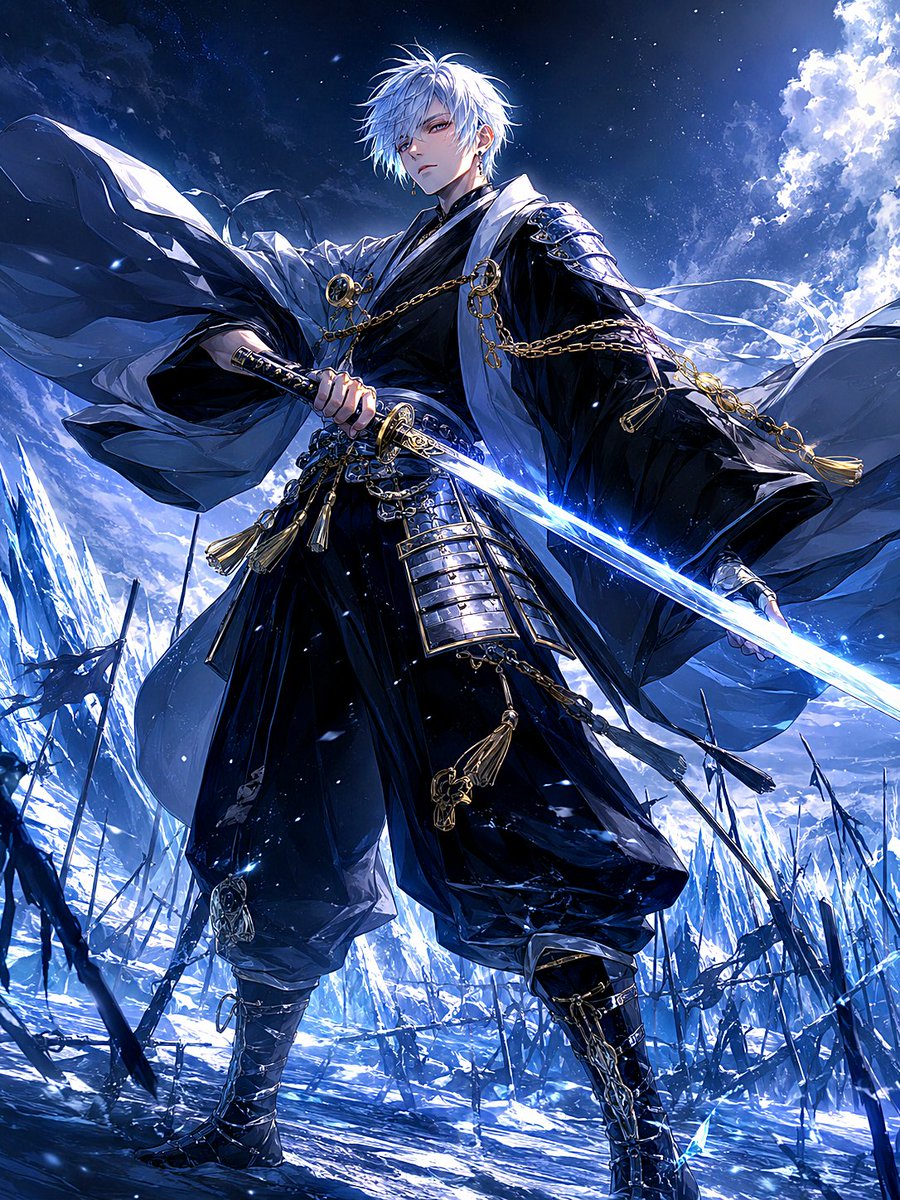
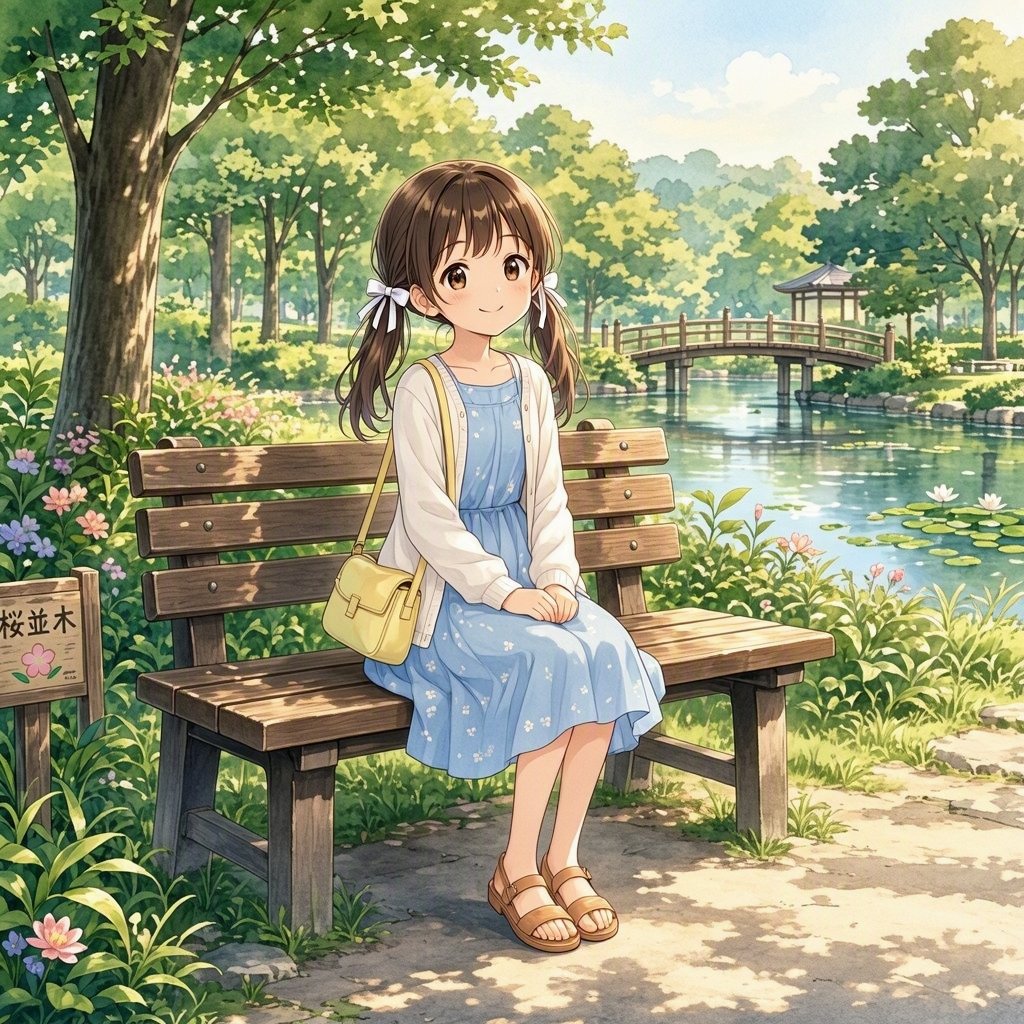


Reuse and source notes
Use this prompt safely after previewing the case.
- 1.Copy the prompt or open it directly in Dovoo with the generation button.
- 2.Adjust variables, aspect ratio, and reference images for your own use case.
- 3.Before publishing or paid usage, verify source rights, attribution requirements, and brand or likeness risks.
Can I use this prompt commercially?
Commercial-use status is allowed. Review the original source, license, brand constraints, and legal requirements before paid usage.
Where does this case come from?
This case is imported from Awesome GPT Image 2 Prompts; keep attribution visible and check the source URL before reuse.