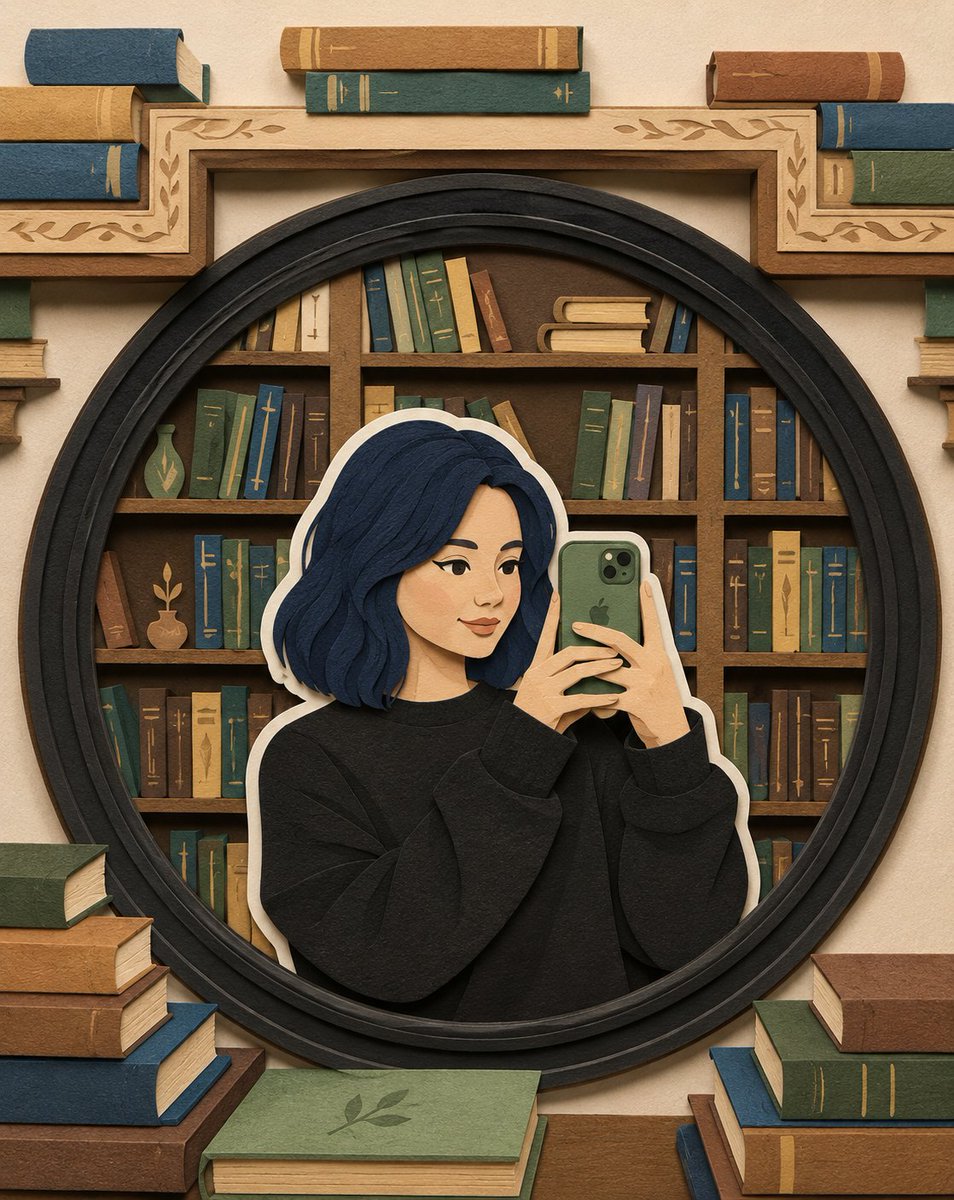
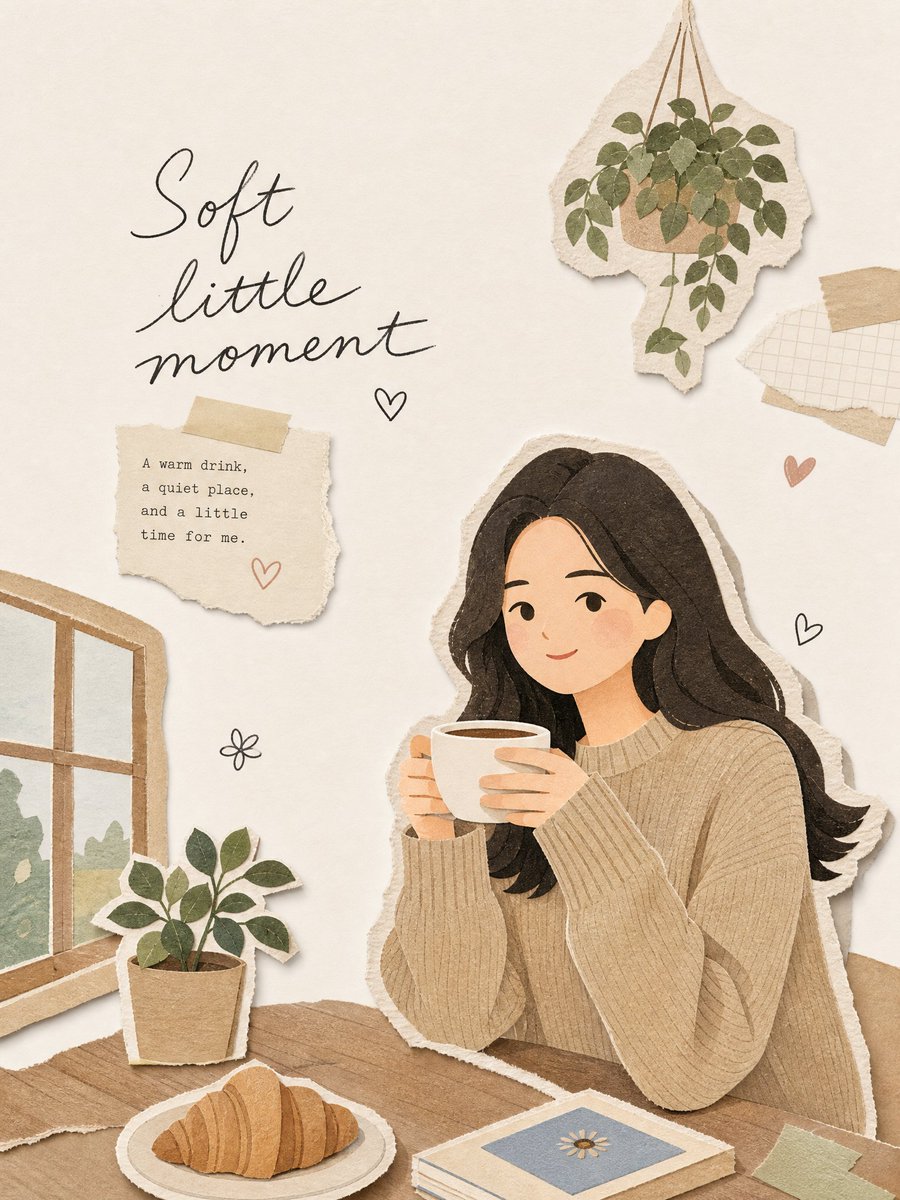
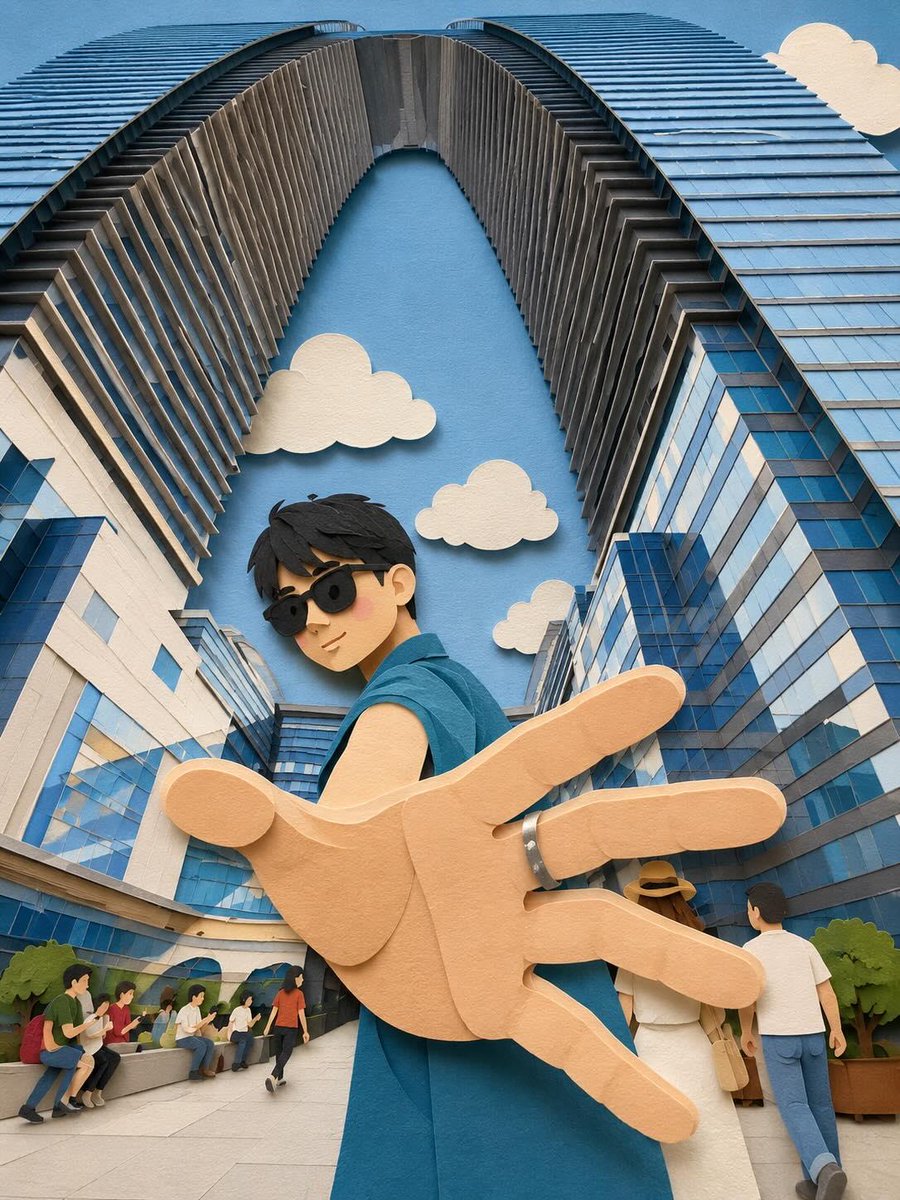
Layered Paper-Cut Character Illustration
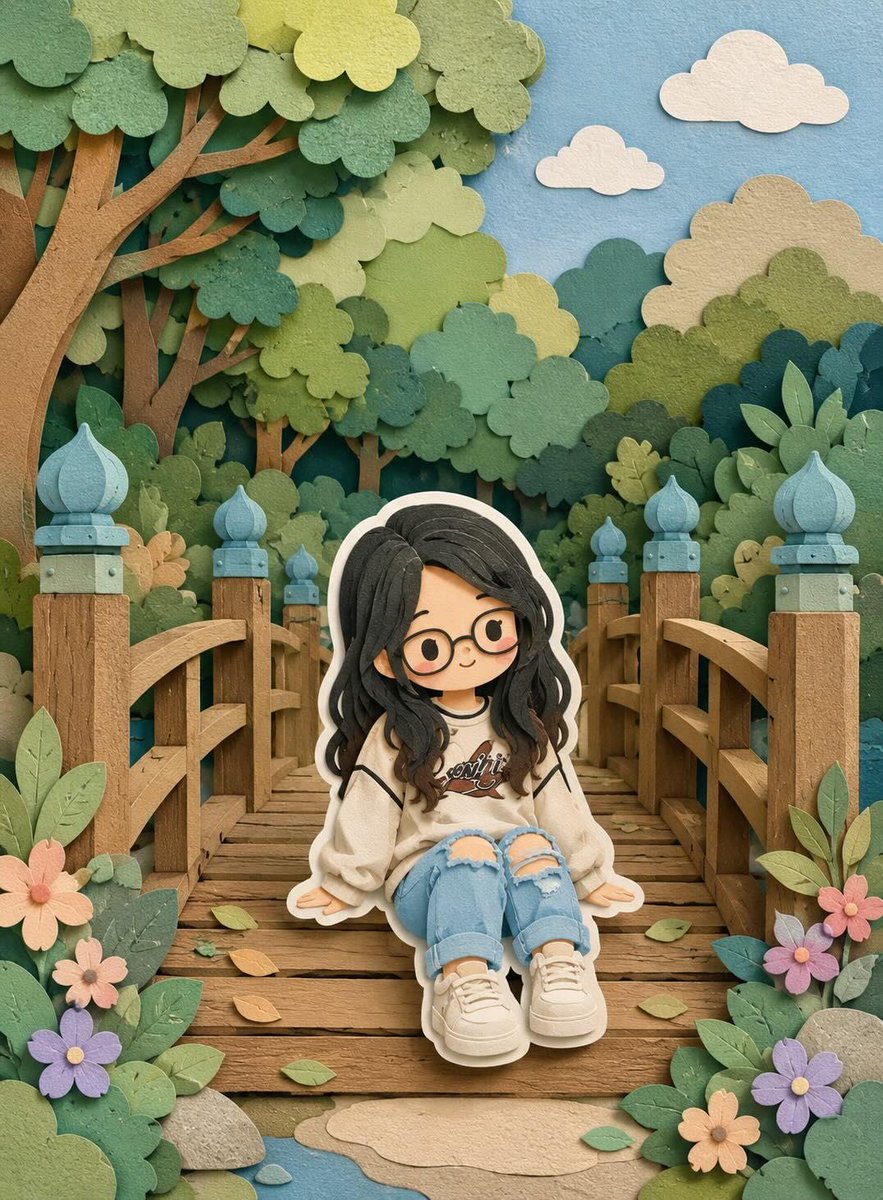
Transforms images into a dimensional paper-cut illustration style with a distinct white outer outline, matte textures, and a storybook atmosphere.
This is a GPT Image 2 prompt case for 插画艺术. Use the copy-ready prompt below to generate similar visuals, and review Awesome GPT Image 2 Prompts attribution plus commercial-use rights before reuse.
Prompt
Copy-ready prompt
将此图像转换为柔和的手工纸雕分层插画风格,灵感源自纸艺立体模型美学。使用 {argument name="shapes" default="平滑圆润的形状"}、简化可爱的角色比例,以及 {argument name="facial details" default="极简面部细节(豆豆眼、腮红)"} 来营造温暖迷人的外观。应用堆叠的纸层,呈现可见的深度、层与层之间微妙的阴影,以及类似激光切割卡纸的干净边缘。++ 在每个主要角色周围添加一层明显的白色外轮廓,类似于厚实的贴纸边框或白色切割纸背衬,将角色与背景清晰地分离开来。这层白色部分应呈现出刻意的纸张质感,而非发光效果。使用 {argument name="color palette" default="柔和的调色板"},搭配柔和的蓝色、绿色和温暖的中性色,整体平衡且宁静。光线应感觉柔和、漫射且均匀,在不产生强烈对比的情况下增强纸层的立体感。++++ 纹理应呈现哑光和触感,如同厚实的艺术纸或手工泡沫板。整体氛围:温馨、治愈、柔和且充满童话感,具有适合现代插画、儿童读物或装饰艺术的俏皮而精致的手工质感。Prompt variables
Editable argument placeholders found in the prompt, with their default values.
More cases in this category
Prioritized by category, input mode compatibility, quality, and lower risk.

Reuse and source notes
Use this prompt safely after previewing the case.
- 1.Copy the prompt or open it directly in Dovoo with the generation button.
- 2.Adjust variables, aspect ratio, and reference images for your own use case.
- 3.Before publishing or paid usage, verify source rights, attribution requirements, and brand or likeness risks.
Can I use this prompt commercially?
Commercial-use status is allowed. Review the original source, license, brand constraints, and legal requirements before paid usage.
Where does this case come from?
This case is imported from Awesome GPT Image 2 Prompts; keep attribution visible and check the source URL before reuse.