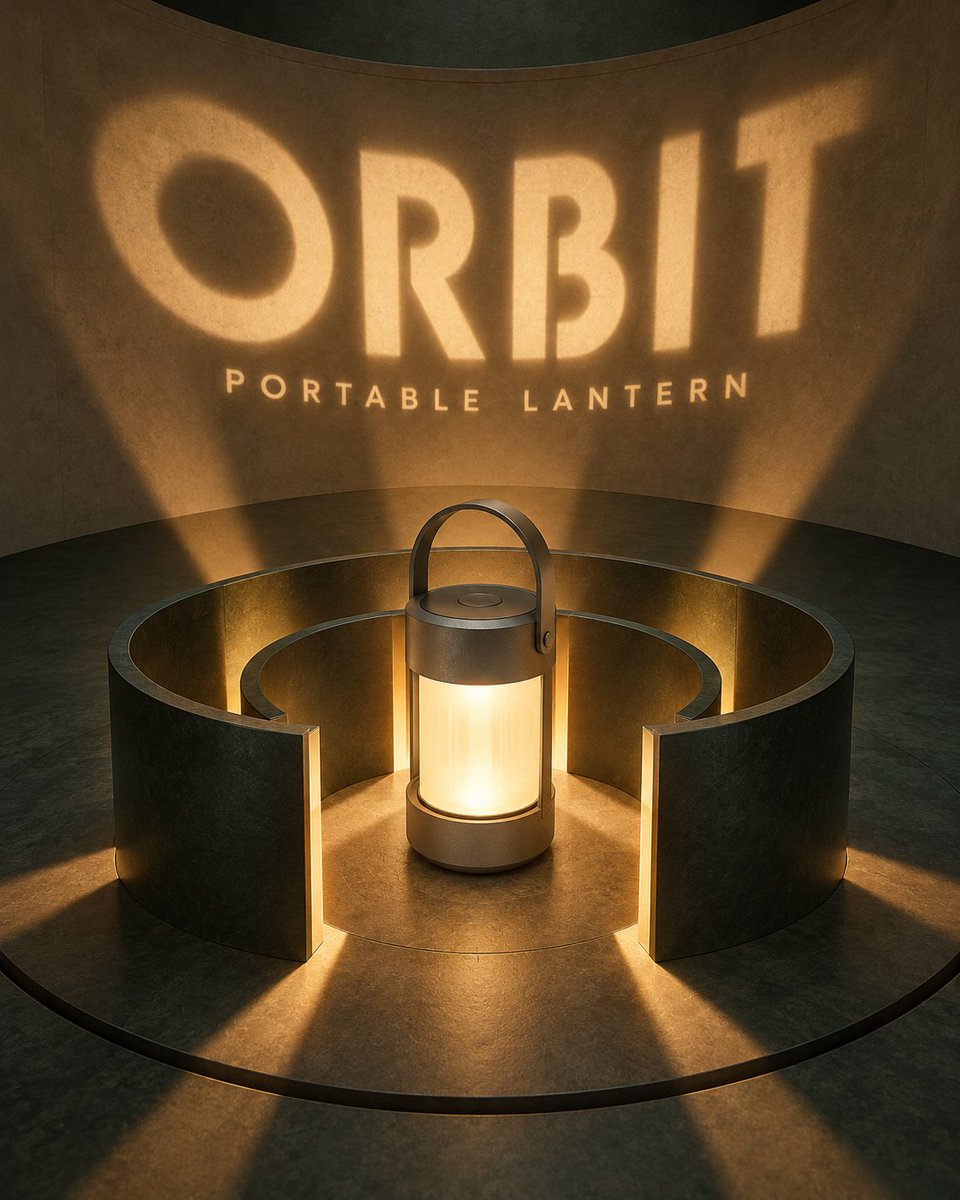
Lamp Light Projection Poster
A prompt for creating a minimalist lamp advertisement poster where light beams pass through cutouts to form the word 'BEAM' on the wall, emphasizing optical realism.
This is a GPT Image 2 prompt case for Product & Commercial. Use the copy-ready prompt below to generate similar visuals, and review Awesome GPT Image 2 Prompts attribution plus commercial-use rights before reuse.
Free 1K preview
Generate one preview image instantly, no sign-up required.
Prompt
Copy-ready prompt
Create a 4:5 vertical high-end desk lamp promotional poster. Core composition is "Light Beam Letter Slot". A minimalist metal desk lamp is located at the bottom left. Thin stem, matte deep red semi-cylindrical shade, realistic power cord extending naturally along the surface. Lamp head emits a warm white light cone towards upper right, with clear but not overly sharp boundaries.

Four dark indigo matte thin boards stand vertically in the center with consistent spacing. Boards themselves have no printed text; only when the light beam passes through precise cutouts on the four boards does the projected light on the rear warm-grey wall spell out the complete word "{argument name="word" default="BEAM"}". Each letter is formed by light, not like ordinary glowing fonts stuck on the wall. Light beam shows slight width changes and real soft edges after passing through different cutouts. Controlled highlights on board edges, clear projection direction retained on surface.

Besides title, add small info "{argument name="subtitle" default="ARC LAMP / LIGHT SHAPED BY FORM"}" at bottom right only. No icons, parameter cards, or decorative lines. Colors strictly limited to dark indigo, matte red, warm grey, and warm white light.

Use quiet indoor night photography texture. Lamp material realistic. Optical relationships must hold: source, cutout, projection on same straight line. Simple composition with spatial depth. Full opaque rectangular background covering canvas, no transparent pixels, no black corners, no alpha mask, no edge feathering. No neon signs, stage smoke, cyberpunk, people, existing brand logos, or watermarks.
Prompt variables
Editable argument placeholders found in the prompt, with their default values.
Best for
- - Product & Commercial visual exploration
- - Image generation and reference-image edits
- - Reusable briefs that keep source attribution visible
Change these parts
- - Subject, product, character, or scene
- - Aspect ratio, camera, lighting, and background
- - Brand, text, color, and output constraints
Recommended model and settings
- - Model: gpt-image-2
- - Input mode: Text to Image
- - Aspect ratio: source
- - Commercial status: review original source
How to use this prompt
- 1. Copy the prompt and preserve its structure for the first test.
- 2. Replace the subject, context, and publishing channel.
- 3. Change one camera, lighting, or style variable per iteration.
- 4. Inspect the output, source, text, and rights before reuse.
Limitations, source, and reuse cautions
- - Generated output is an editable draft, not factual, legal, or rights evidence.
- - Review the linked source, people, brands, logos, text, and third-party media before commercial use.
More cases in this category
Prioritized by category, input mode compatibility, quality, and lower risk.
Reuse and source notes
Use this prompt safely after previewing the case.
- 1.Copy the prompt or open it directly in Dovoo with the generation button.
- 2.Adjust variables, aspect ratio, and reference images for your own use case.
- 3.Before publishing or paid usage, verify source rights, attribution requirements, and brand or likeness risks.
Can I use this prompt commercially?
Commercial-use status is allowed. Review the original source, license, brand constraints, and legal requirements before paid usage.
Where does this case come from?
This case is imported from Awesome GPT Image 2 Prompts; keep attribution visible and check the source URL before reuse.