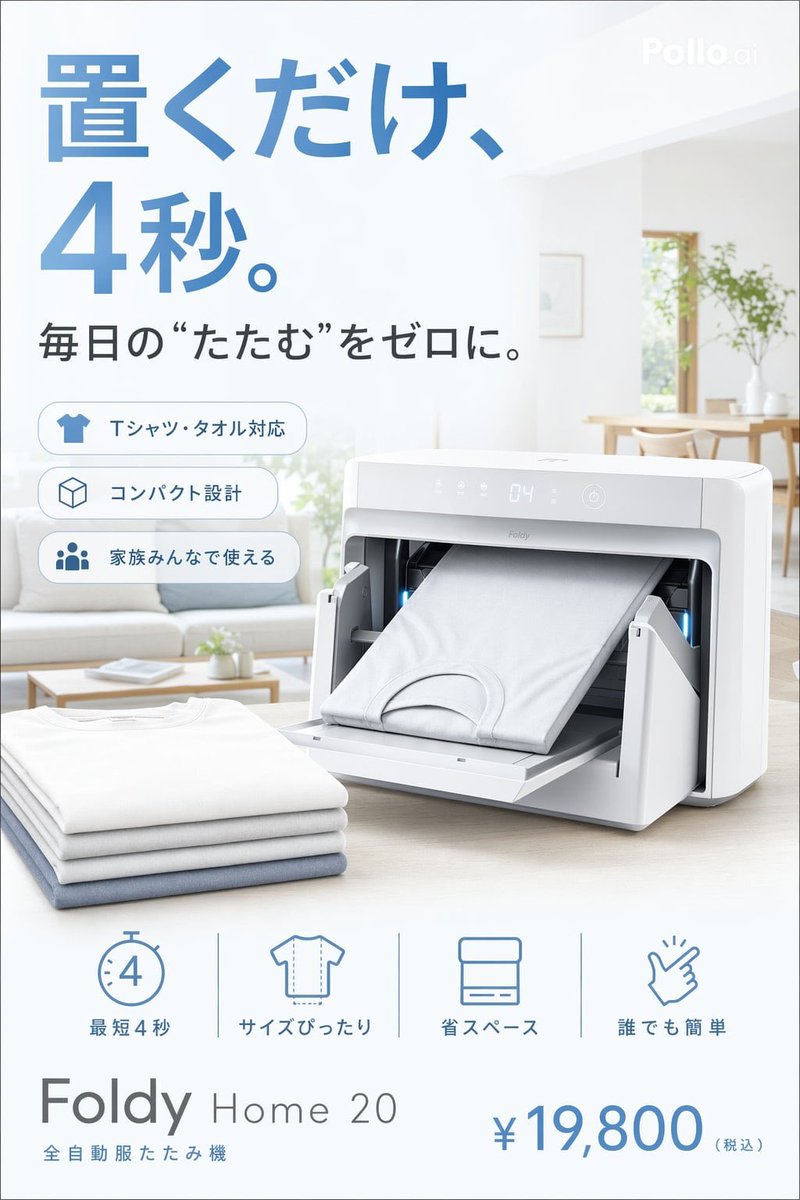
Japanese Auto Laundry Folder Ad
This prompt generates a polished Japanese-style product advertisement poster for a compact automatic clothes-folding appliance, suitable for mock marketing visuals and concept campaigns.
This is a GPT Image 2 prompt case for Product & Commercial. Use the copy-ready prompt below to generate similar visuals, and review Awesome GPT Image 2 Prompts attribution plus commercial-use rights before reuse.
Free 1K preview
Generate one preview image instantly, no sign-up required.
Prompt
Copy-ready prompt
Create a clean Japanese lifestyle advertisement poster for a futuristic compact home appliance that automatically folds laundry. Use a bright, airy, minimalist Scandinavian-style living room in the background with soft daylight, white walls, a light wood table, a sofa, and green plants near a window, all softly blurred to keep focus on the product. The main product is a sleek white rectangular machine with rounded corners on a tabletop, shown in a 3/4 front view, with its front door tray folded down and a neatly folded white T-shirt sliding outward from the machine. Add a faint digital display on the top front panel showing “04” and subtle modern control icons. Place a small stack of exactly 4 folded garments in the foreground at lower left: 3 white shirts and 1 pale blue shirt at the bottom. Use a premium consumer-electronics ad style, photorealistic product rendering, soft shadows, high-key lighting, gentle blue-gray accents, and a clean composition with lots of white space. At the top left, add very large blue Japanese headline text reading {argument name="headline text" default="置くだけ、4秒。"}. Beneath it, add a smaller dark gray Japanese subheadline reading {argument name="subheadline text" default="毎日の“たたむ”をゼロに。"}. On the left side below the subheadline, place 3 rounded rectangular feature badges stacked vertically, each with a blue outline icon and Japanese text: 1) a T-shirt icon with "Tシャツ・タオル対応", 2) a cube icon with "コンパクト設計", 3) a family icon with "家族みんなで使える". Along the bottom center, add exactly 4 minimalist blue line icons with labels separated evenly: 1) stopwatch icon with "最短4秒", 2) T-shirt outline icon with "サイズぴったり", 3) folded towel icon with "省スペース", 4) hand snap icon with "誰でも簡単". At the bottom left, add the product branding in a modern sans-serif layout: {argument name="product name" default="Foldy Home 20"} with smaller Japanese text below reading {argument name="product category" default="全自動服たたみ機"}. At the bottom right, display a large blue price reading {argument name="price" default="¥19,800"} with smaller gray text "(税込)". Include a subtle "Pollo.ai" watermark in the top-right corner. Vertical poster format, crisp commercial layout, realistic Japanese home-appliance catalog aesthetic.Prompt variables
Editable argument placeholders found in the prompt, with their default values.
Best for
- - Product & Commercial visual exploration
- - Image generation and reference-image edits
- - Reusable briefs that keep source attribution visible
Change these parts
- - Subject, product, character, or scene
- - Aspect ratio, camera, lighting, and background
- - Brand, text, color, and output constraints
Recommended model and settings
- - Model: gpt-image-2
- - Input mode: Text to Image
- - Aspect ratio: source
- - Commercial status: review original source
How to use this prompt
- 1. Copy the prompt and preserve its structure for the first test.
- 2. Replace the subject, context, and publishing channel.
- 3. Change one camera, lighting, or style variable per iteration.
- 4. Inspect the output, source, text, and rights before reuse.
Limitations, source, and reuse cautions
- - Generated output is an editable draft, not factual, legal, or rights evidence.
- - Review the linked source, people, brands, logos, text, and third-party media before commercial use.
More cases in this category
Prioritized by category, input mode compatibility, quality, and lower risk.

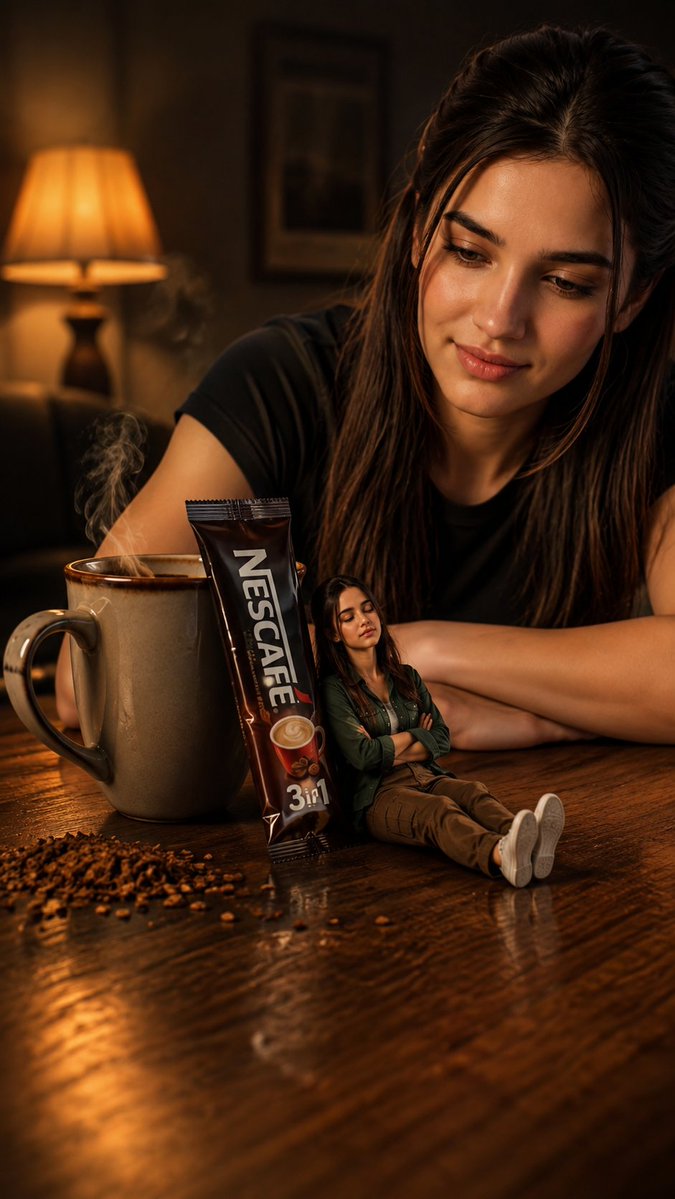
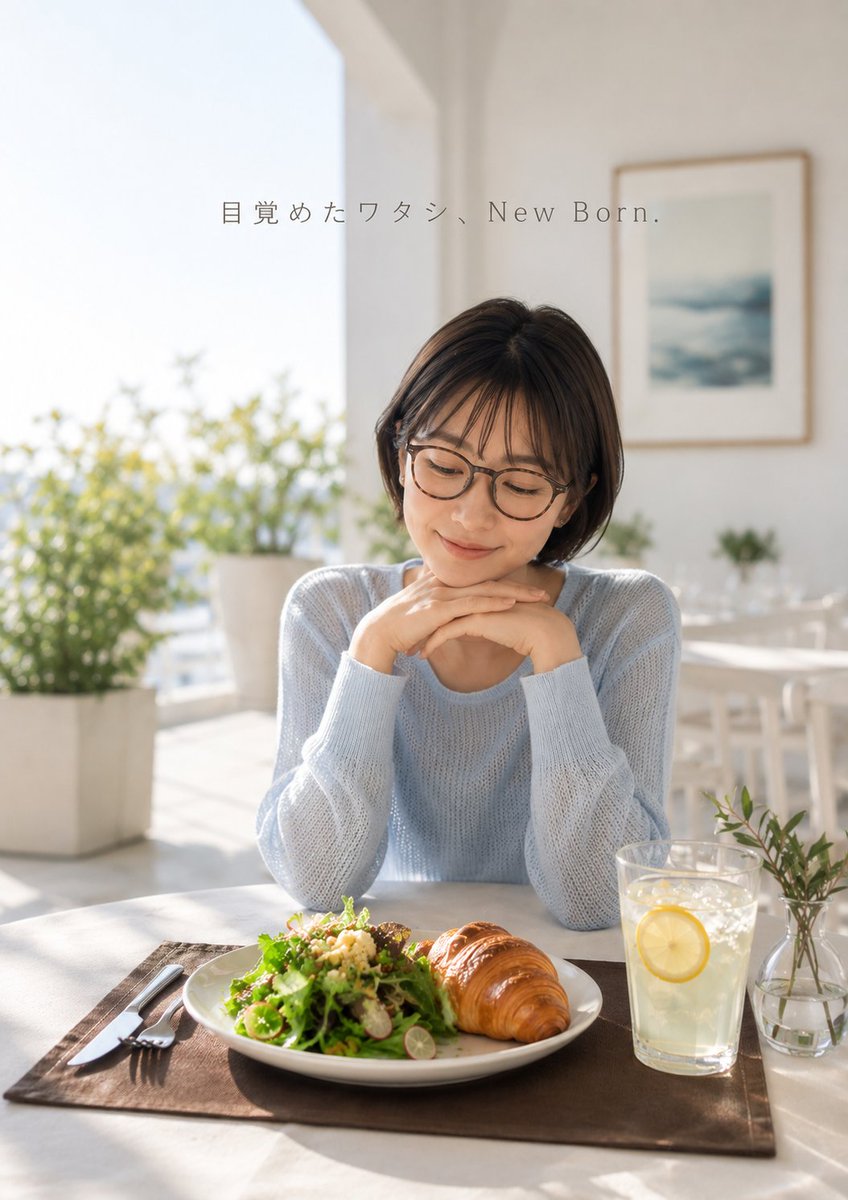


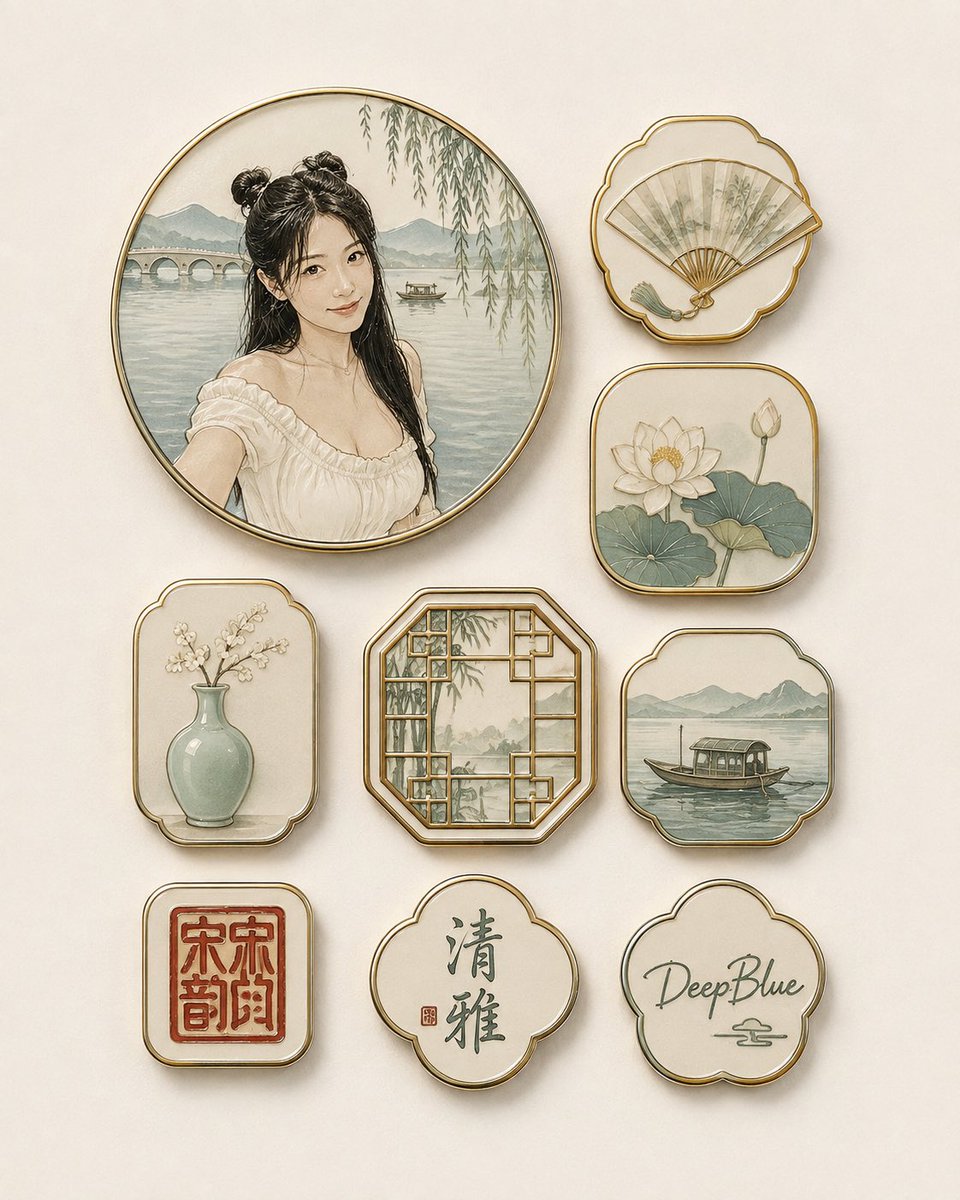
Reuse and source notes
Use this prompt safely after previewing the case.
- 1.Copy the prompt or open it directly in Dovoo with the generation button.
- 2.Adjust variables, aspect ratio, and reference images for your own use case.
- 3.Before publishing or paid usage, verify source rights, attribution requirements, and brand or likeness risks.
Can I use this prompt commercially?
Commercial-use status is allowed. Review the original source, license, brand constraints, and legal requirements before paid usage.
Where does this case come from?
This case is imported from Awesome GPT Image 2 Prompts; keep attribution visible and check the source URL before reuse.