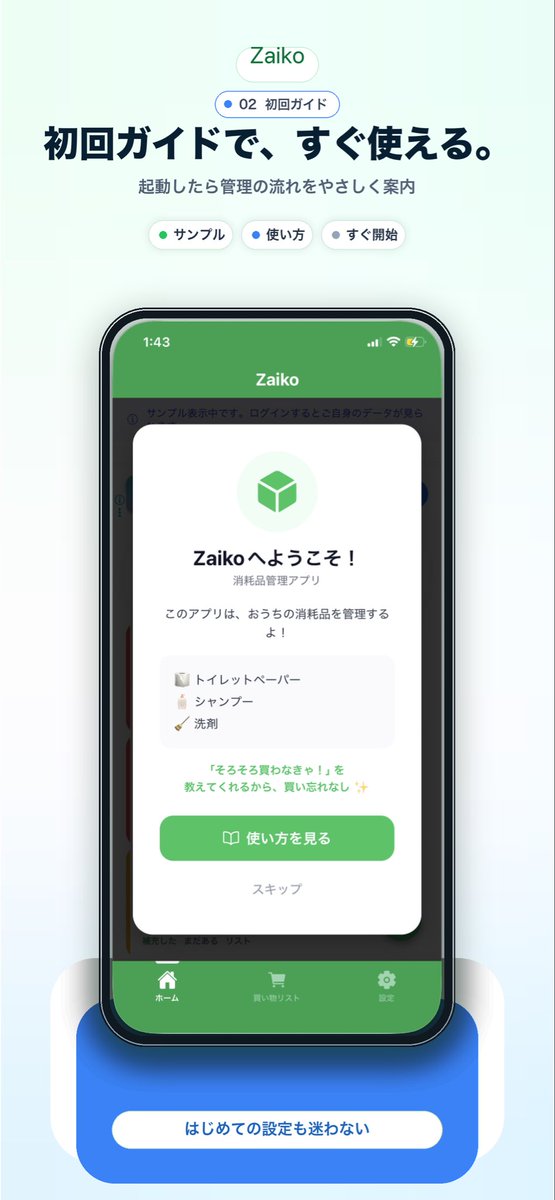
Japanese app onboarding promo mockup
This generates a polished Japanese mobile app marketing visual featuring a smartphone mockup and onboarding screen, ideal for landing pages, app store assets, or social media promotion.
This is a GPT Image 2 prompt case for Product & Commercial. Use the copy-ready prompt below to generate similar visuals, and review Awesome GPT Image 2 Prompts attribution plus commercial-use rights before reuse.
Free 1K preview
Generate one preview image instantly, no sign-up required.
Prompt
Copy-ready prompt
A clean modern app-promo poster on a very pale mint-blue background, centered and vertically composed like a landing page screenshot for a Japanese inventory app. At the top, place a small rounded white pill logo with soft shadow reading {argument name="app name" default="Zaiko"} in green. Beneath it, add a smaller rounded outlined badge with a blue dot and the text "02 初回ガイド". Below that, set a large bold Japanese headline in dark navy: {argument name="headline text" default="初回ガイドで、すぐ使える。"}, followed by a smaller gray subtitle: "起動したら管理の流れをやさしく案内". Under the subtitle, show exactly 3 small rounded white category chips with soft shadows, evenly spaced: "サンプル" with a green dot, "使い方" with a blue dot, and "すぐ開始" with a dark dot. In the center, show a realistic modern smartphone mockup front view with a black bezel, slightly rounded corners, subtle reflections, and a dramatic soft blue glow under it. The phone screen displays the app UI with a green top bar and the title "Zaiko" in white, iPhone-style status icons at top, and a dimmed app interface behind a centered onboarding modal card. The white modal has rounded corners and a soft drop shadow, with a pale green circular icon area containing a green cube symbol at top. Then a bold welcome title in Japanese, "Zaikoへようこそ!", a smaller subtitle "消耗品管理アプリ", and body text "このアプリは、おうちの消耗品を管理するよ!". Add a light gray rounded list box containing exactly 3 sample inventory items on separate lines with tiny icons: "トイレットペーパー", "シャンプー", and "洗剤". Below that, add a small green-highlighted sentence: "『そろそろ買わなきゃ!』を教えてくれるから、買い忘れなし ✨". At the bottom of the modal, include a large rounded green primary button labeled {argument name="button text" default="使い方を見る"} with a small book icon, and below it a muted text link "スキップ". Behind the modal, the app UI should be visible but subdued: a green header, side category strips, and a bottom tab bar with exactly 3 tabs labeled "ホーム", "買い物リスト", and "設定", each with simple white icons. Beneath the phone, place a large rounded blue callout card with soft shadow and a centered white pill label reading {argument name="footer text" default="はじめての設定も迷わない"}. Use a polished Apple-style SaaS marketing aesthetic, soft gradients, subtle shadows, rounded UI elements, crisp typography, and a friendly trustworthy feel.Prompt variables
Editable argument placeholders found in the prompt, with their default values.
Best for
- - Product & Commercial visual exploration
- - Image generation and reference-image edits
- - Reusable briefs that keep source attribution visible
Change these parts
- - Subject, product, character, or scene
- - Aspect ratio, camera, lighting, and background
- - Brand, text, color, and output constraints
Recommended model and settings
- - Model: gpt-image-2
- - Input mode: Text to Image
- - Aspect ratio: source
- - Commercial status: review original source
How to use this prompt
- 1. Copy the prompt and preserve its structure for the first test.
- 2. Replace the subject, context, and publishing channel.
- 3. Change one camera, lighting, or style variable per iteration.
- 4. Inspect the output, source, text, and rights before reuse.
Limitations, source, and reuse cautions
- - Generated output is an editable draft, not factual, legal, or rights evidence.
- - Review the linked source, people, brands, logos, text, and third-party media before commercial use.
More cases in this category
Prioritized by category, input mode compatibility, quality, and lower risk.
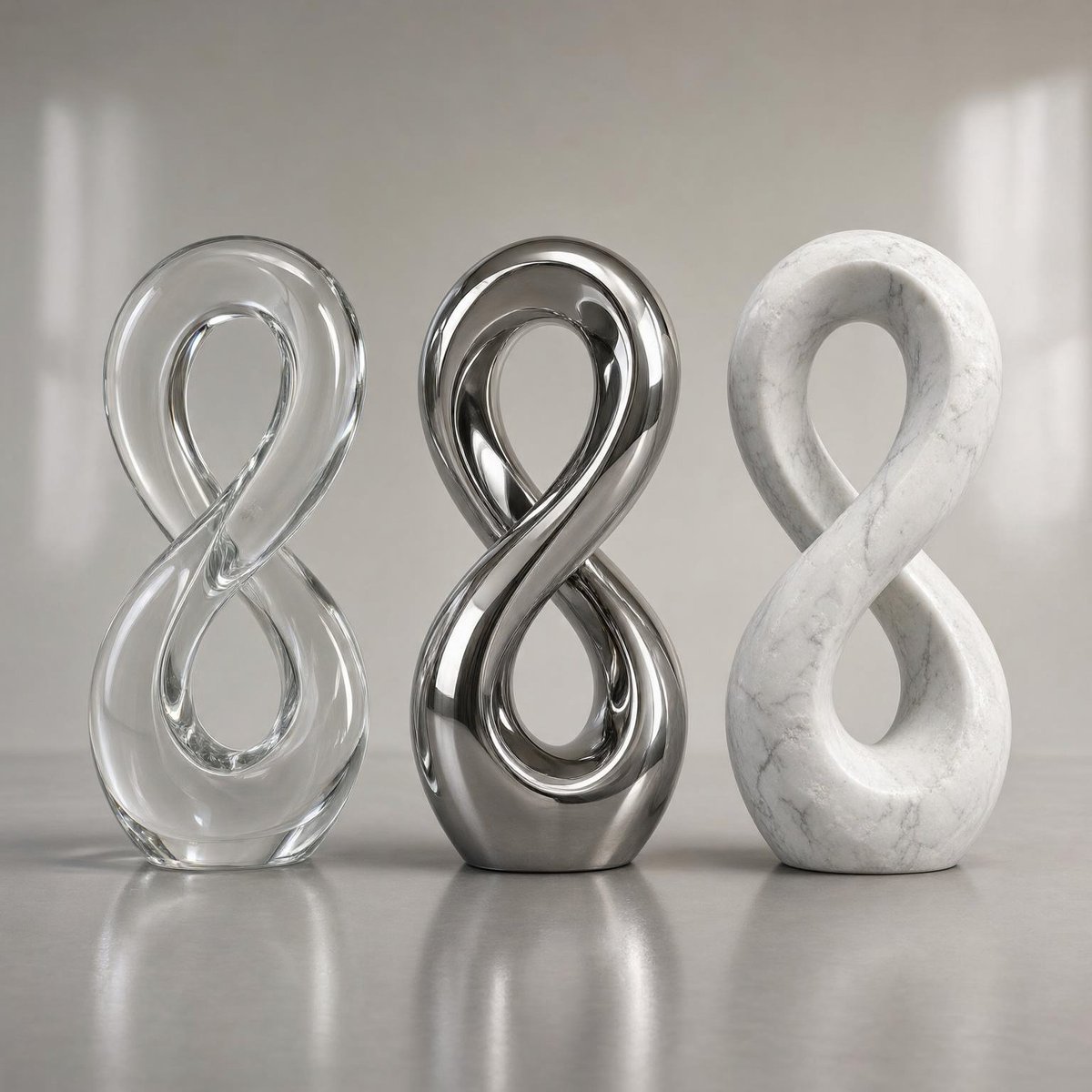
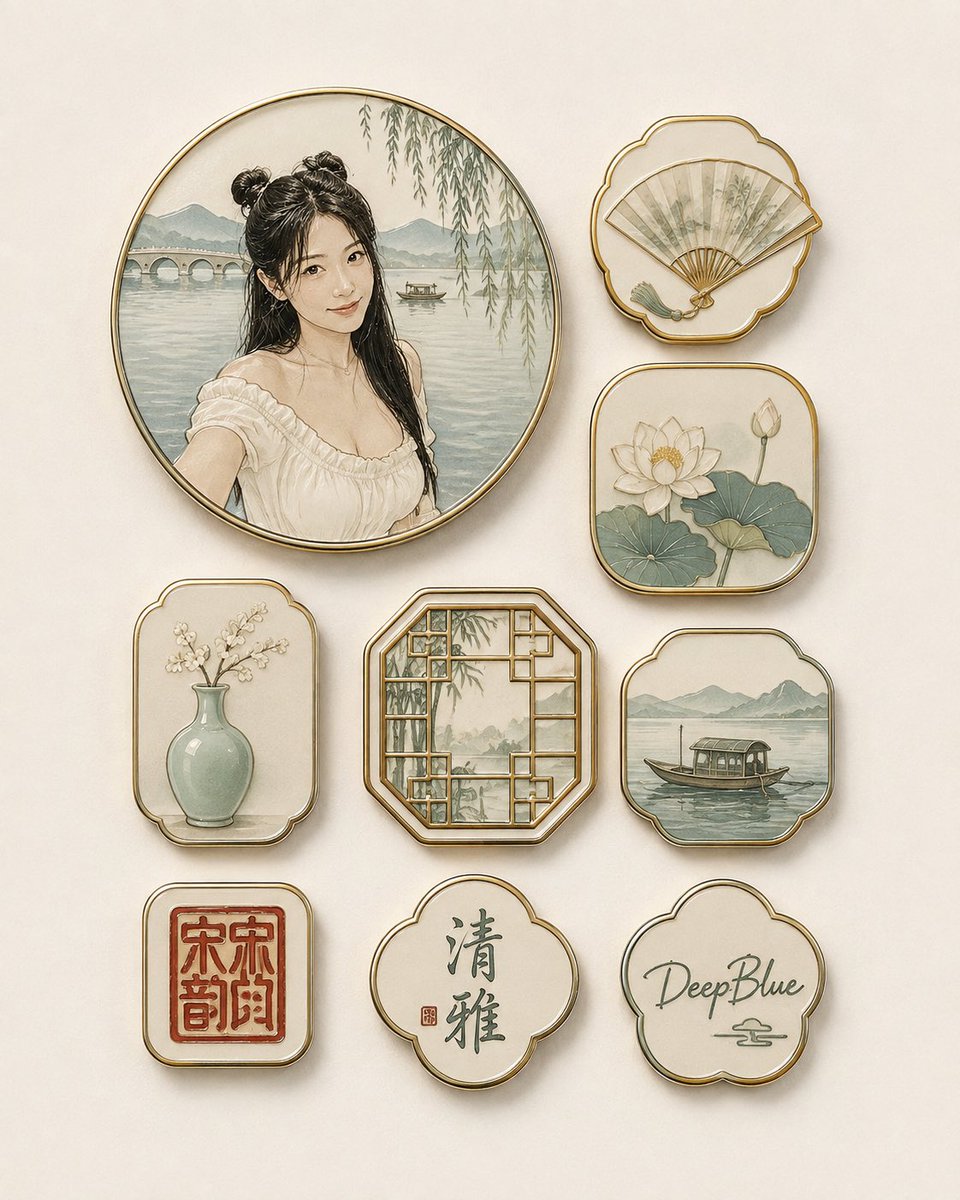
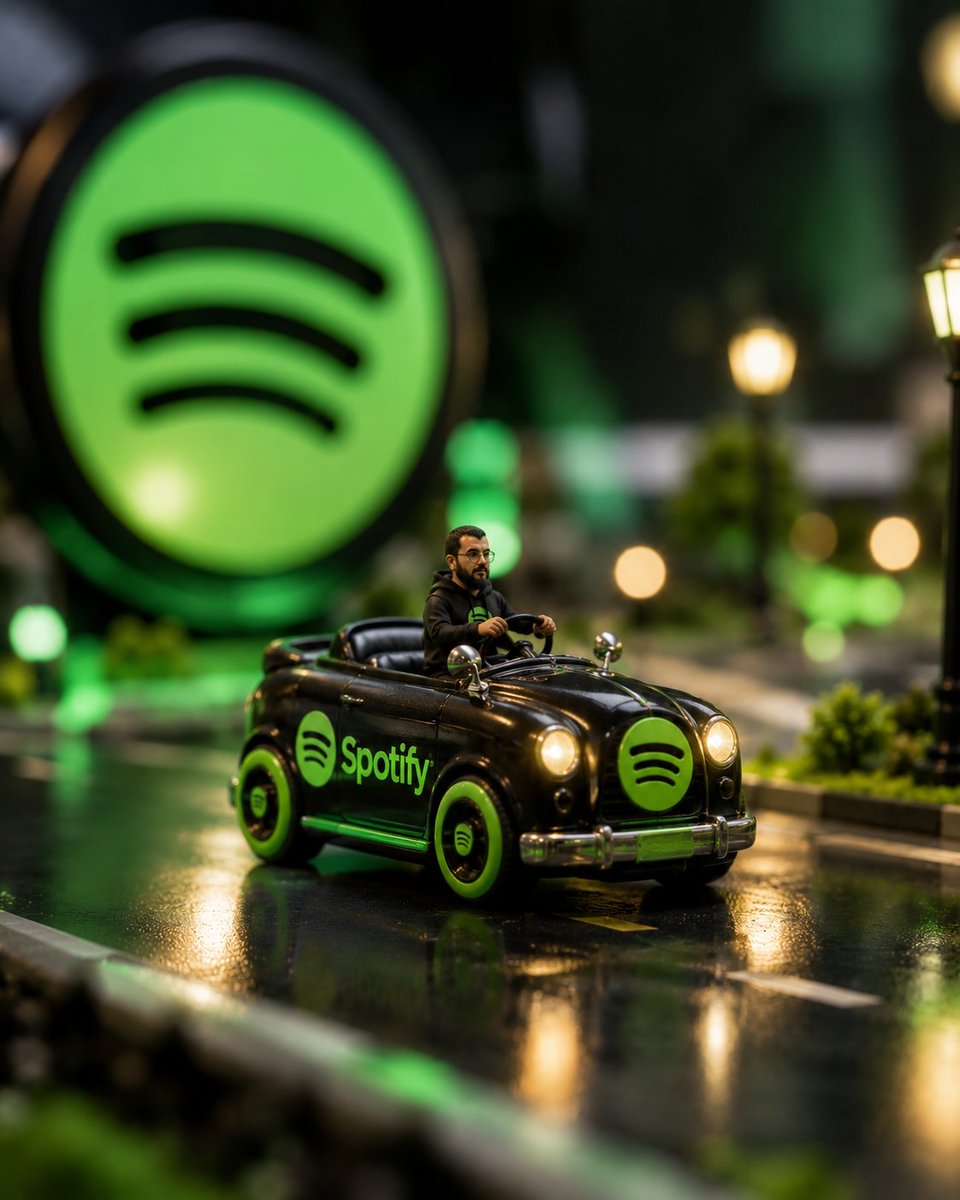

Reuse and source notes
Use this prompt safely after previewing the case.
- 1.Copy the prompt or open it directly in Dovoo with the generation button.
- 2.Adjust variables, aspect ratio, and reference images for your own use case.
- 3.Before publishing or paid usage, verify source rights, attribution requirements, and brand or likeness risks.
Can I use this prompt commercially?
Commercial-use status is allowed. Review the original source, license, brand constraints, and legal requirements before paid usage.
Where does this case come from?
This case is imported from Awesome GPT Image 2 Prompts; keep attribution visible and check the source URL before reuse.