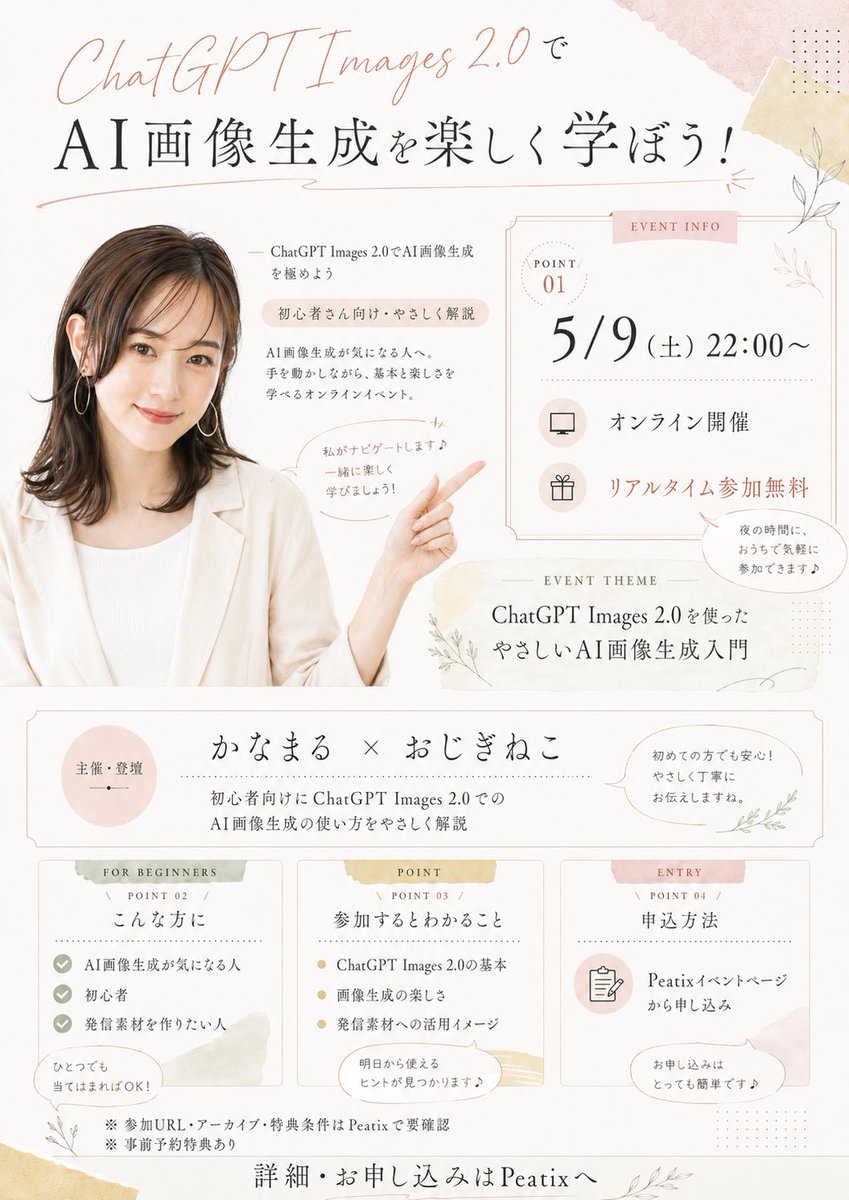
Japanese AI Seminar Flyer
Creates a pastel Japanese event flyer from a presenter photo for an online ChatGPT Images seminar announcement.
Prompt
Copy-ready prompt
Create a soft, elegant Japanese-style online seminar flyer using REFERENCE_0 as the speaker's photo, featuring a warm beige/pink watercolor stationery style. Maintain consistency in the speaker's hairstyle, clothing, earrings, and anonymized face mask; crop and place this image on the left side of the flyer, extending/generating their upper body so they are smiling at the audience, with one arm raised pointing to the event information on the right. Add delicate botanical line art, light-colored washi tape texture, a thin decorative border, polka dots, and pale pink/gold highlights to a creamy white background. Design the flyer as a vertical event announcement, including the following separate areas: a large top heading, a right-side event information card, an event theme bar, an organizer/speaker bar, and three bottom information cards. Visible text that needs to be included: Top title: "ChatGPT Images 2.0で" and main title "AI portrait generation を楽しく学ぼう!" Near the speaker: "ChatGPT Images 2.0でAI portrait generation を极めよう", "Beginner's explanation of さん向け・やさしく", "AI portrait Generate が楽になる人へ. and a speech bubble "private がナビゲートします♪" Ichiro に楽しく学びましょう! ” The event information card on the right is marked “EVENT INFO” and contains “POINT 01", date/time "5/9 (Sat) 22:00~", "オンライン开奖", "リアルタイムParticipate without any information", and a small speech bubble "Ye no time に、おうちで気軽にParticipate できます♪" The event theme bar is marked "EVENT THEME": "ChatGPT Images 2.0 ったやさしいIntroduction to AI portrait generation" The organizer bar: the left circle "Maintenance·Admission", the middle "かなまる× "おじぎねこ", the subtitle "Explanation of the Beginner's Chat GPT Images 2.0 AI portrait generation", and the speech bubble on the right "Hasta no Fang でも Peace of mind!やさしく丁宁にお伝えしますね. " 3 cards at the bottom: Card 1 is marked "FOR BEGINNERS / POINT 02 / こんな方に" and contains 3 list items "AI portrait generation が気になる人", "Beginner", "発信material を为りたい人" and the bubble "ひとつでもWhen てはまればOK!"; Card 2 is marked "POINT / POINT 03 / Participate in するとわかること" and contains 3 points "ChatGPT Images 2.0 Basics", "Image Generation の楽しさ", "発信 Materials へのutilization イメージ" and bubbles "Tomorrow's から使えるヒントが见つかります♪"; Card 3 is marked "ENTRY / POINT 04 / Shen込method", including "Peatixイベントページから神込み" The text includes a speech bubble “お申し込みはとっても简単です♪”, footer notes “※Participation URL・アーカイブ・特分条件はPeatixで要确认”, “※事前予約特分あり”, and the final call to action “Details・お申し込みはPeatixへ”. The typography should be refined and airy, combining elegant Japanese Mincho serif text with the handwritten “ChatGPT Images 2.0” font. Please use…{argument name="event date and time" default="Saturday, May 9th, 10:00 PM"} ,{argument name="main headline" default="Let's have fun learning about AI image generation!"} ,{argument name="presenter names" default="かなまる × おじぎねこ"} ,{argument name="event platform" default="Peatix"} as well as{argument name="theme text" default="A Gentle Introduction to AI Image Generation Using ChatGPT Images 2.0"} .Prompt variables
Editable argument placeholders found in the prompt, with their default values.
Variable
event date and time
Default
Saturday, May 9th, 10:00 PM
Variable
main headline
Default
Let's have fun learning about AI image generation!
Variable
presenter names
Default
かなまる × おじぎねこ
Variable
event platform
Default
Peatix
Variable
theme text
Default
A Gentle Introduction to AI Image Generation Using ChatGPT Images 2.0
More cases in this category
Prioritized by category, input mode compatibility, quality, and lower risk.
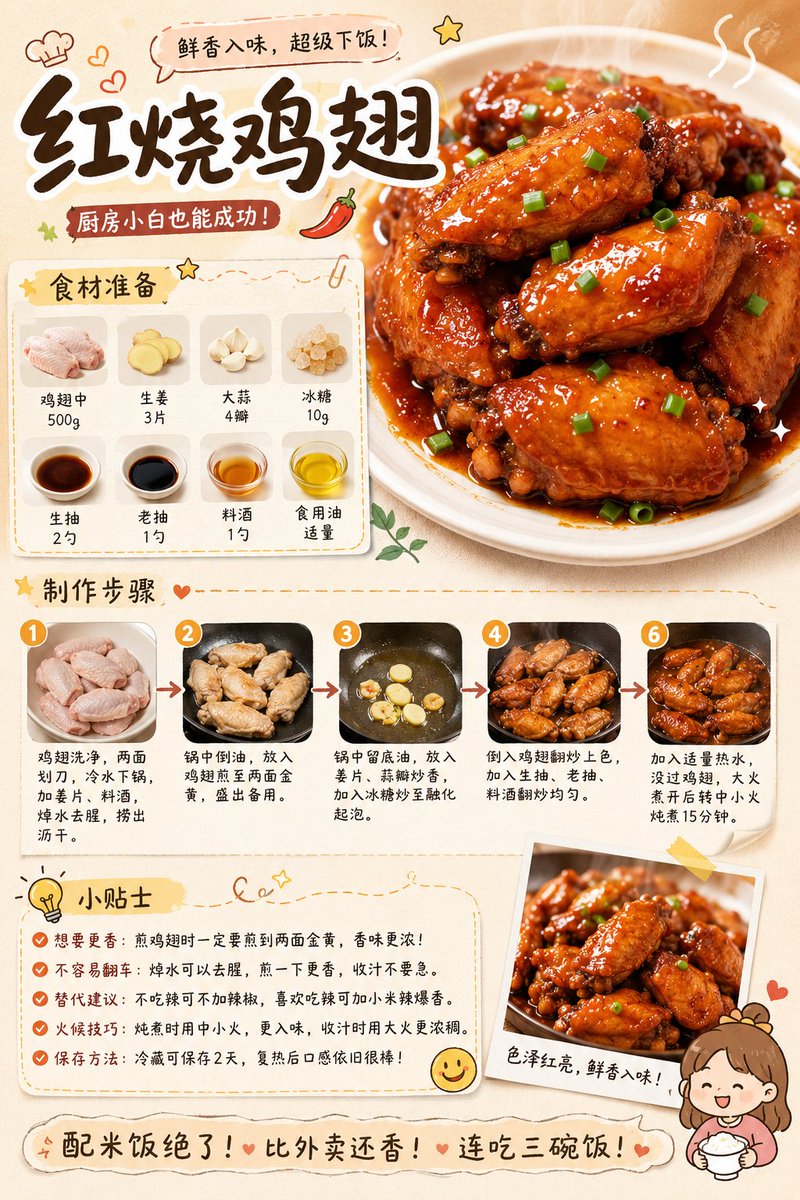
Gourmet Recipe Visual Note Poster
Text to Imageunknown
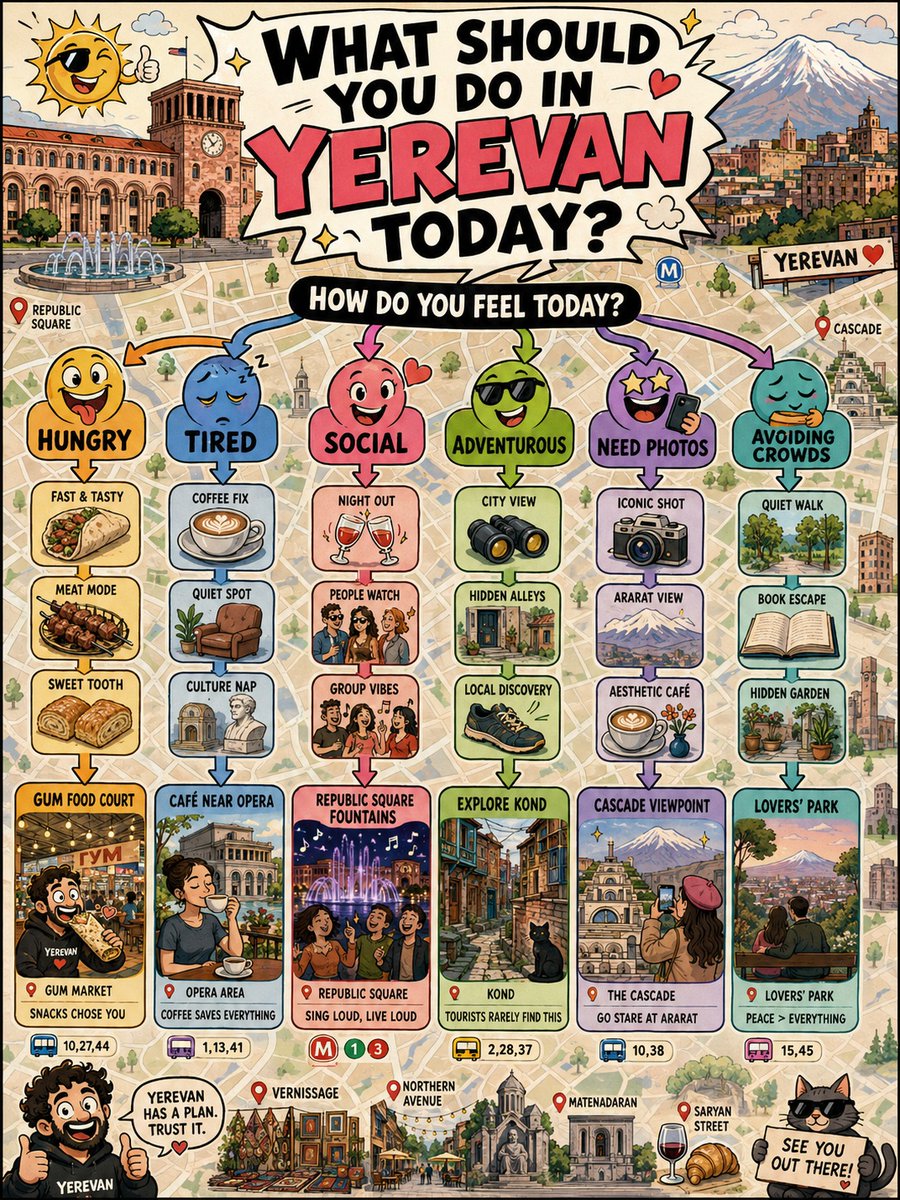
Interactive City Guide Poster
Text to Imageunknown
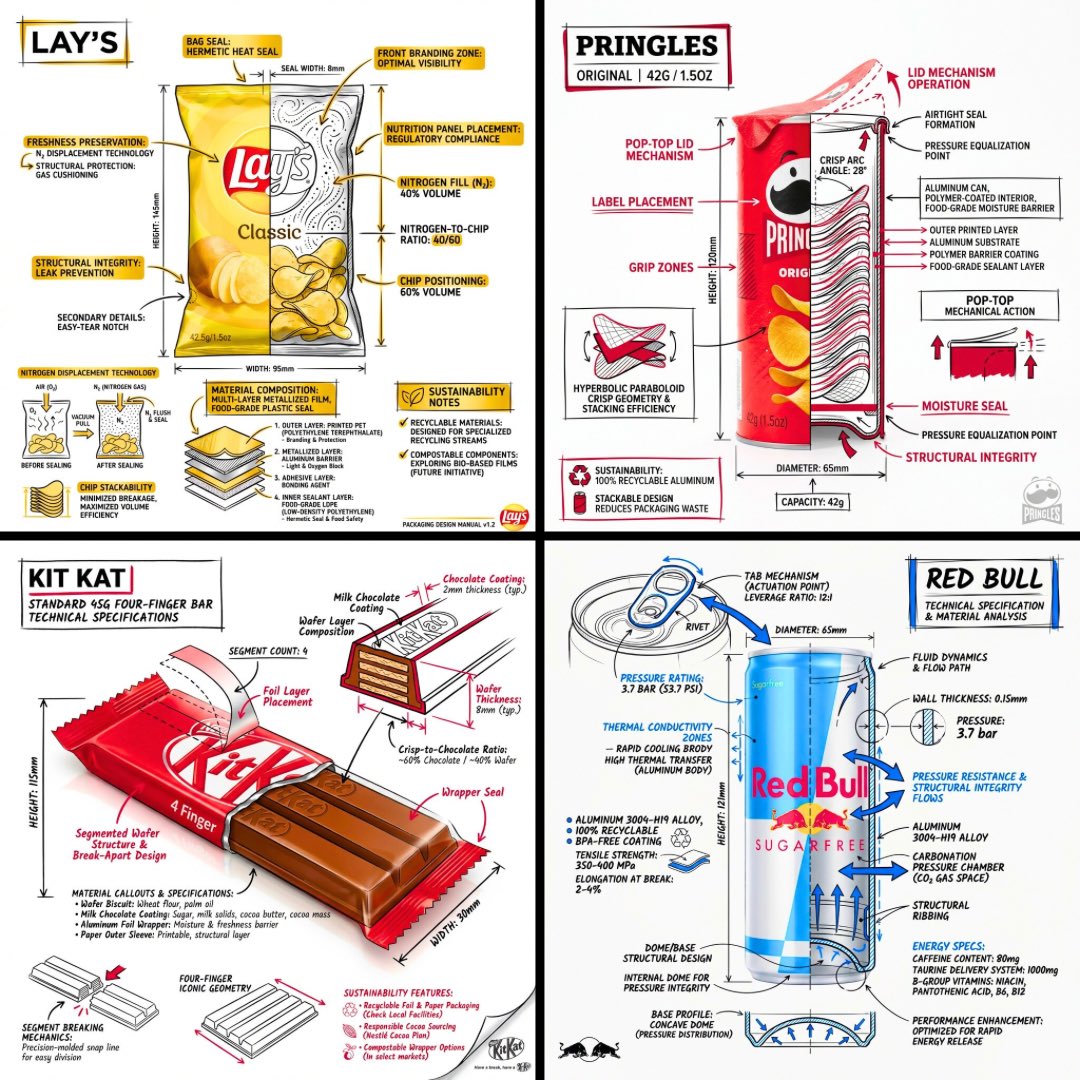
Technical Engineering Product Infographic
Text to Imageunknown
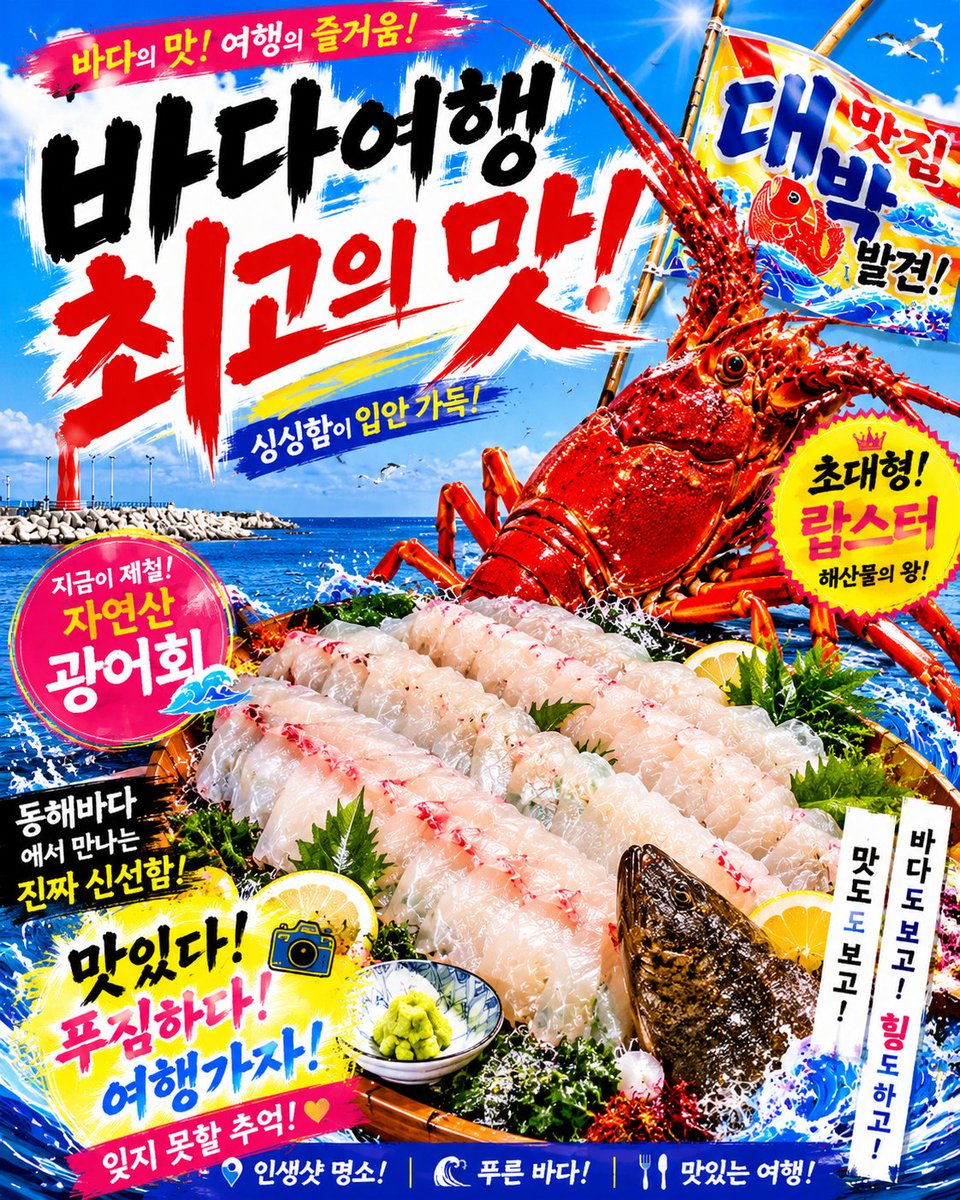
Korean Seafood Restaurant Poster
Text to Imageunknown

Retro Sci-Fi Propaganda Poster
Text to Imageunknown
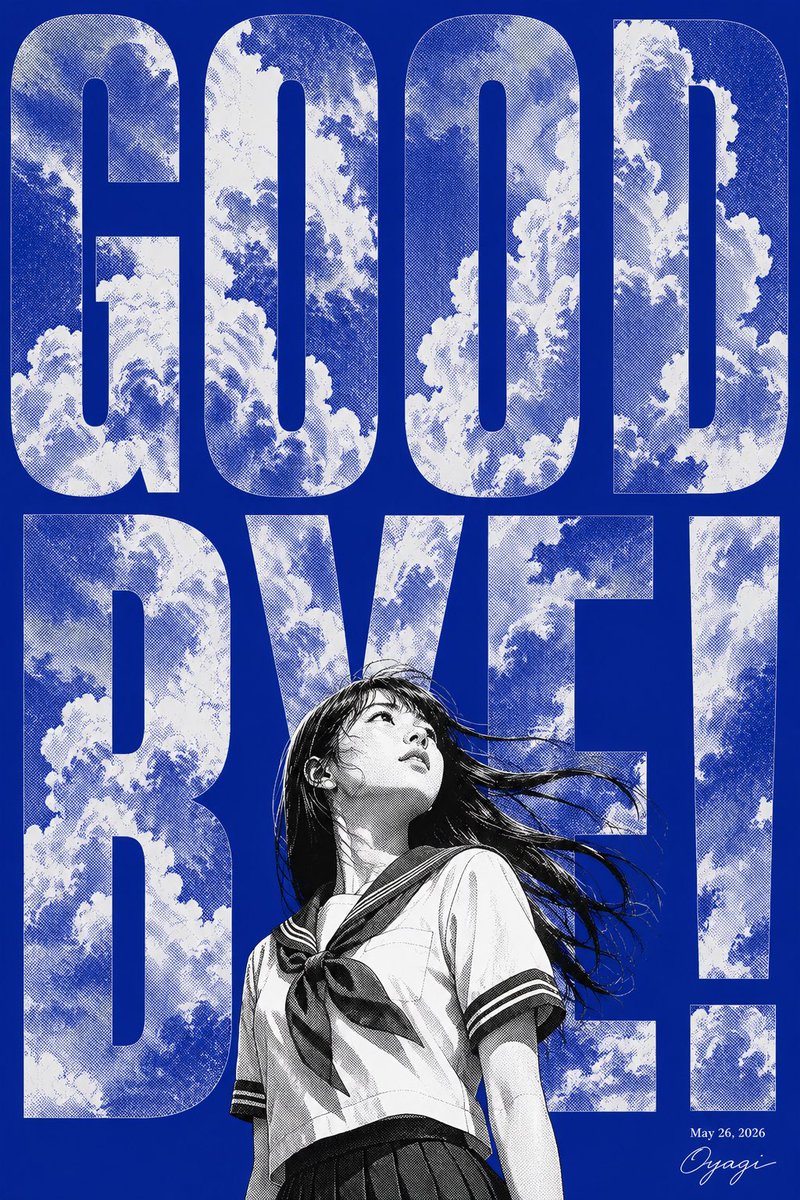
Manga Goodbye Typography Poster
Text to Imageunknown
Reuse and source notes
Use this prompt safely after previewing the case.
- 1.Copy the prompt or open it directly in Dovoo with the generation button.
- 2.Adjust variables, aspect ratio, and reference images for your own use case.
- 3.Before publishing or paid usage, verify source rights, attribution requirements, and brand or likeness risks.
Can I use this prompt commercially?
Commercial-use status is allowed. Review the original source, license, brand constraints, and legal requirements before paid usage.
Where does this case come from?
This case is imported from Awesome GPT Image 2 Prompts; keep attribution visible and check the source URL before reuse.