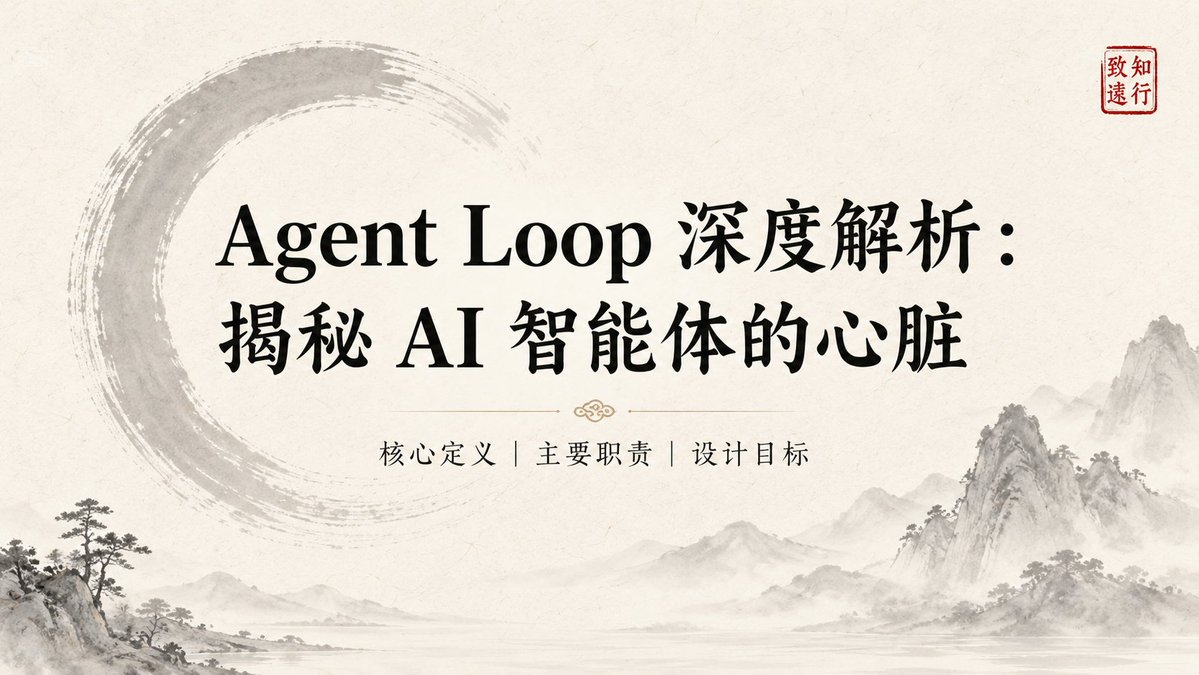
Ink-Wash Style Presentation Slides
A template for generating East-Asian ink-wash style presentation slides, featuring textured rice paper backgrounds and traditional motifs.
This is a GPT Image 2 prompt case for 平面海报. Use the copy-ready prompt below to generate similar visuals, and review Awesome GPT Image 2 Prompts attribution plus commercial-use rights before reuse.
Prompt
Copy-ready prompt
title:{argument name="Title" default="Enter slide title here"} Key Points: - [Point 1: Concise Description] - [Point 2: Core Data or Facts] - [Point 3: Key Conclusions] Visual Elements: [Describe visual elements, such as: textured rice paper background, ink wash patterns, circles, red seal, and misty gray effect]. The overall style should be maintained.{argument name="visual style" default="Tranquil / Restrained / Wabi-sabi / Contemporary East Asian Luxury Style"} Layout Preferences: [Layout description, e.g., split layout, centered layout, left-aligned text with white space]. Text Hierarchy: [Text hierarchy, e.g., using large serif font for headings and serif font for body text to ensure visual balance and a clear reading order]. Continuity Description: [Continuity description, e.g., maintaining the same background texture and tone as the previous page (#F5F0E8, #2C3E2D), using similar stamp positions to ensure visual consistency].Prompt variables
Editable argument placeholders found in the prompt, with their default values.
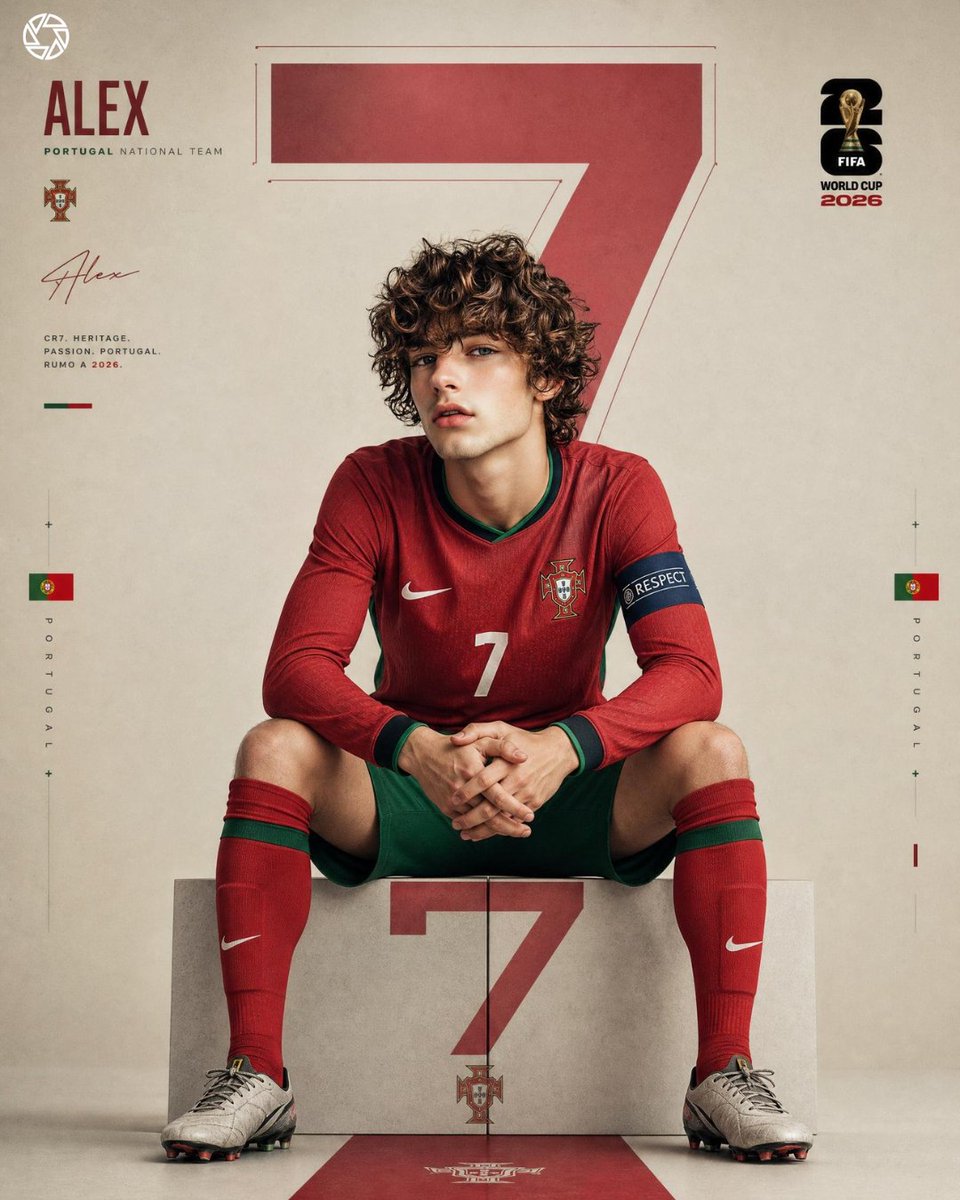
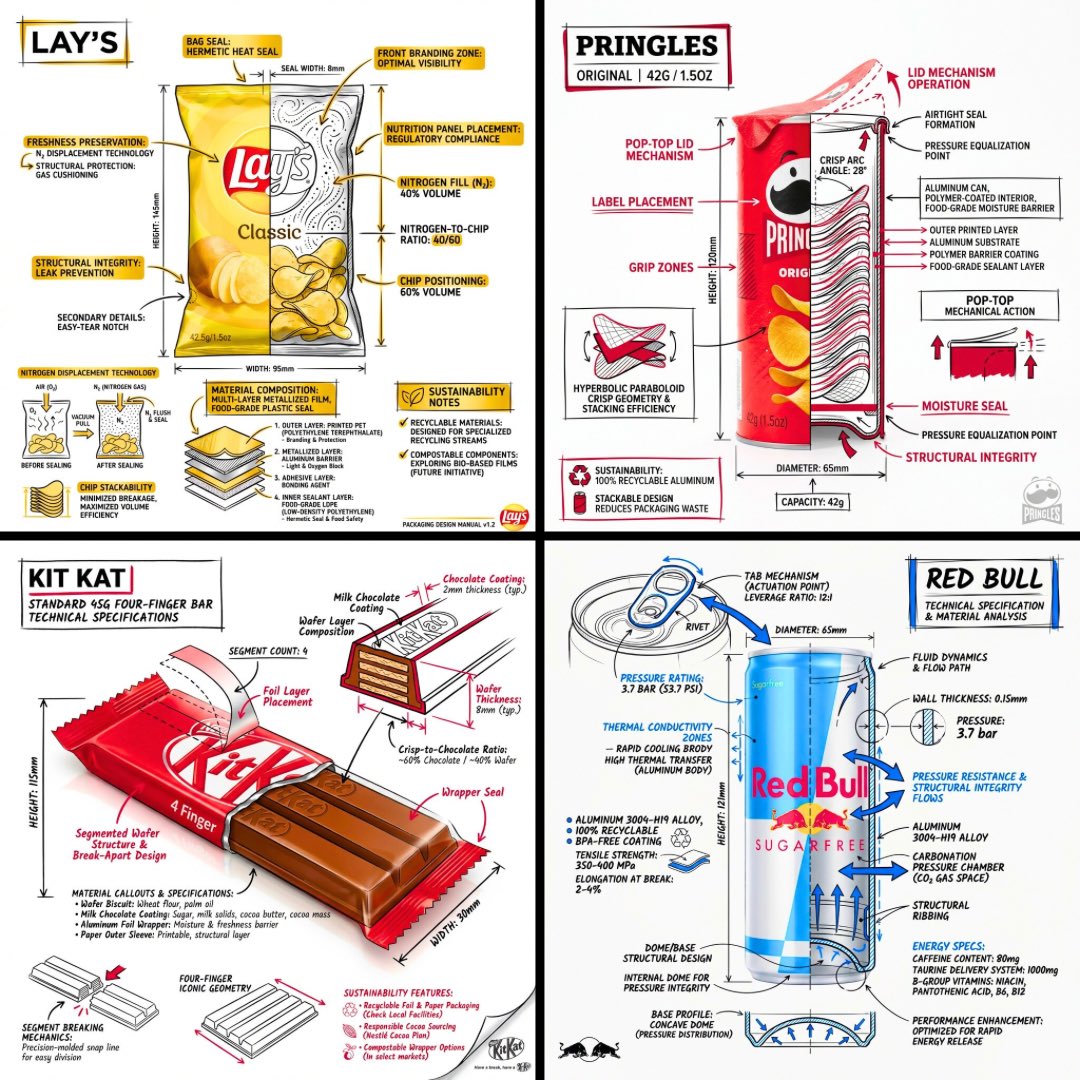
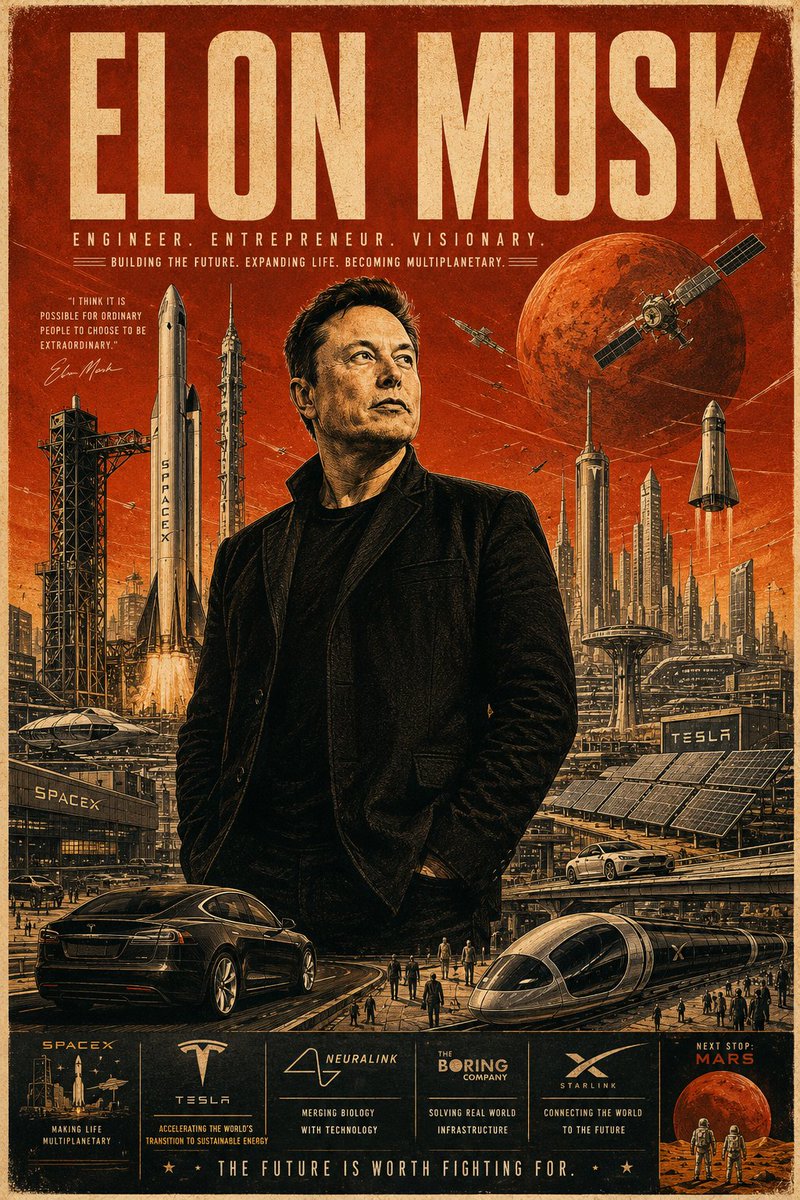
More cases in this category
Prioritized by category, input mode compatibility, quality, and lower risk.

Reuse and source notes
Use this prompt safely after previewing the case.
- 1.Copy the prompt or open it directly in Dovoo with the generation button.
- 2.Adjust variables, aspect ratio, and reference images for your own use case.
- 3.Before publishing or paid usage, verify source rights, attribution requirements, and brand or likeness risks.
Can I use this prompt commercially?
Commercial-use status is allowed. Review the original source, license, brand constraints, and legal requirements before paid usage.
Where does this case come from?
This case is imported from Awesome GPT Image 2 Prompts; keep attribution visible and check the source URL before reuse.