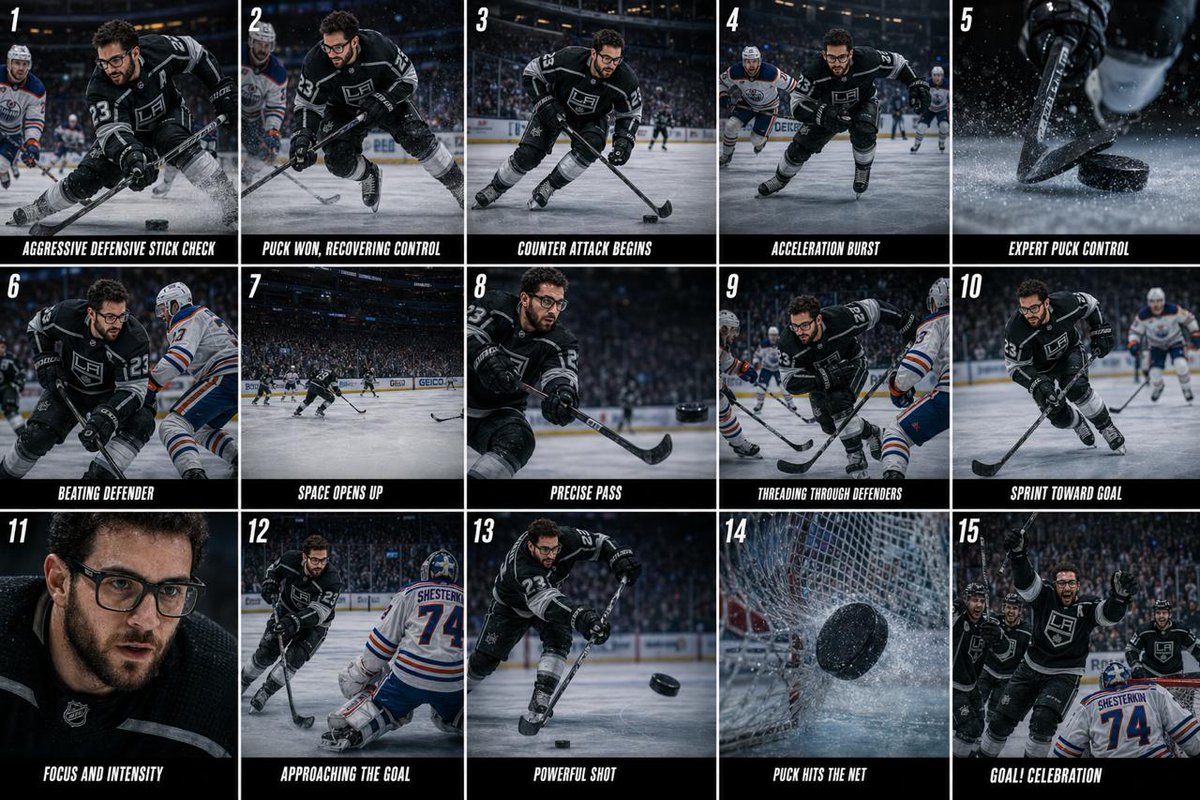
Hockey Game Cinematic Storyboard
A detailed storyboard prompt for generating a multi-frame cinematic sequence of a hockey game, from defense to the final goal celebration.
This is a GPT Image 2 prompt case for Other Inspiration. Use the copy-ready prompt below to generate similar visuals, and review Awesome GPT Image 2 Prompts attribution plus commercial-use rights before reuse.
Free 1K preview
Generate one preview image instantly, no sign-up required.
Prompt
Copy-ready prompt
4K cinematic hockey storyboard collage, 5x3 grid (15 frames), professional sports broadcast style, dramatic arena lighting, cool tones, high contrast, ultra-realistic, NHL-style visuals Scene progression from defense to goal: Frame 1–3: Intense defensive moment, aggressive stick check / sliding block, ice spray flying, puck/ball stripped cleanly, motion blur, arena reflections Frame 4–6: Counterattack begins, rapid acceleration, player skating/dribbling past opponents, low-angle tracking shots, close-up of stick control, ice/turf particles Frame 7–9: Breaking through defense, wide shot space opening, precise pass, threading through defenders, cinematic motion blur and depth Frame 10–11: Sprint toward goal, high-speed push, close-up face with sweat and breath, intense focus, crowd blurred, lights glowing Frame 12–13: Approach + shot, entering scoring zone, powerful slap shot / flick, dynamic angle, strong motion blur Frame 14: Goal moment, puck/ball hitting net, net rippling in slow motion, dramatic impact Frame 15: Celebration, player sliding or raising stick, teammates joining, crowd erupting, arena lights glowing 30–40 second cinematic hockey sequence, hyper-realistic, professional sports broadcast style, dramatic lighting, smooth pacing, seamless transitions TIMELINE:– 0:00–0:03 Defensive stick check, puck/ball won cleanly, slow motion, ice spray, intense atmosphere 0:03–0:06 Immediate counterattack, fast acceleration, low-angle tracking, dynamic skating/dribbling 0:06–0:10 Close-up control, stick handling, beating defender, motion blur, cinematic cuts 0:10–0:14 Key pass moment, threading through defenders, wide shot shows open space 0:14–0:18 Sprint toward goal, high speed, crowd rising, lights intensifying 0:18–0:22 Slow-motion approach, entering scoring zone, tension build, focus on player 0:22–0:26 Powerful shot, slap shot / flick, fast impact, camera shake 0:26–0:30 Goal moment, puck/ball hits net, net ripple slow motion, goalkeeper reaction 0:30–0:35 Celebration, player slides/raises stick, teammates join, crowd erupts STYLE: Cinematic, NHL broadcast feel, smooth motion blur, realistic physics (puck glide / turf interaction), high contrast lighting, immersive arena atmosphere CAMERA: Mix of tracking shots, close-ups, wide angles, POV, slow motion, dynamic cuts OUTPUT: Loopable, polished, high-energy sports highlight
Best for
- - Other Inspiration visual exploration
- - Image generation and reference-image edits
- - Reusable briefs that keep source attribution visible
Change these parts
- - Subject, product, character, or scene
- - Aspect ratio, camera, lighting, and background
- - Brand, text, color, and output constraints
Recommended model and settings
- - Model: gpt-image-2
- - Input mode: Text to Image
- - Aspect ratio: source
- - Commercial status: review original source
How to use this prompt
- 1. Copy the prompt and preserve its structure for the first test.
- 2. Replace the subject, context, and publishing channel.
- 3. Change one camera, lighting, or style variable per iteration.
- 4. Inspect the output, source, text, and rights before reuse.
Limitations, source, and reuse cautions
- - Generated output is an editable draft, not factual, legal, or rights evidence.
- - Review the linked source, people, brands, logos, text, and third-party media before commercial use.
More cases in this category
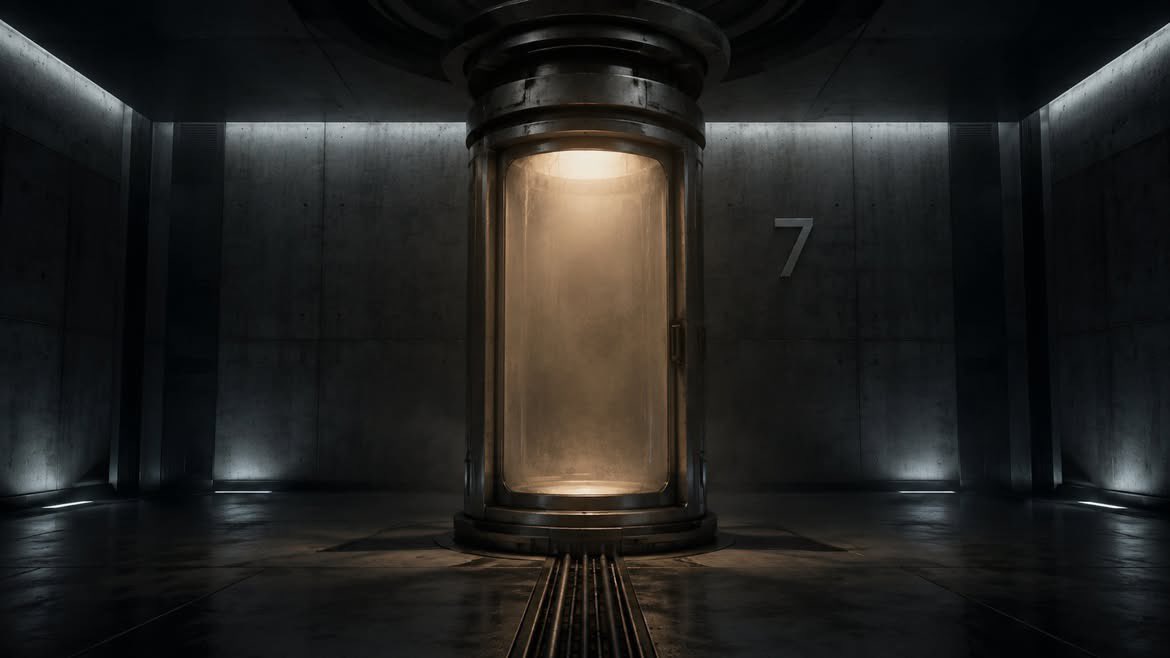
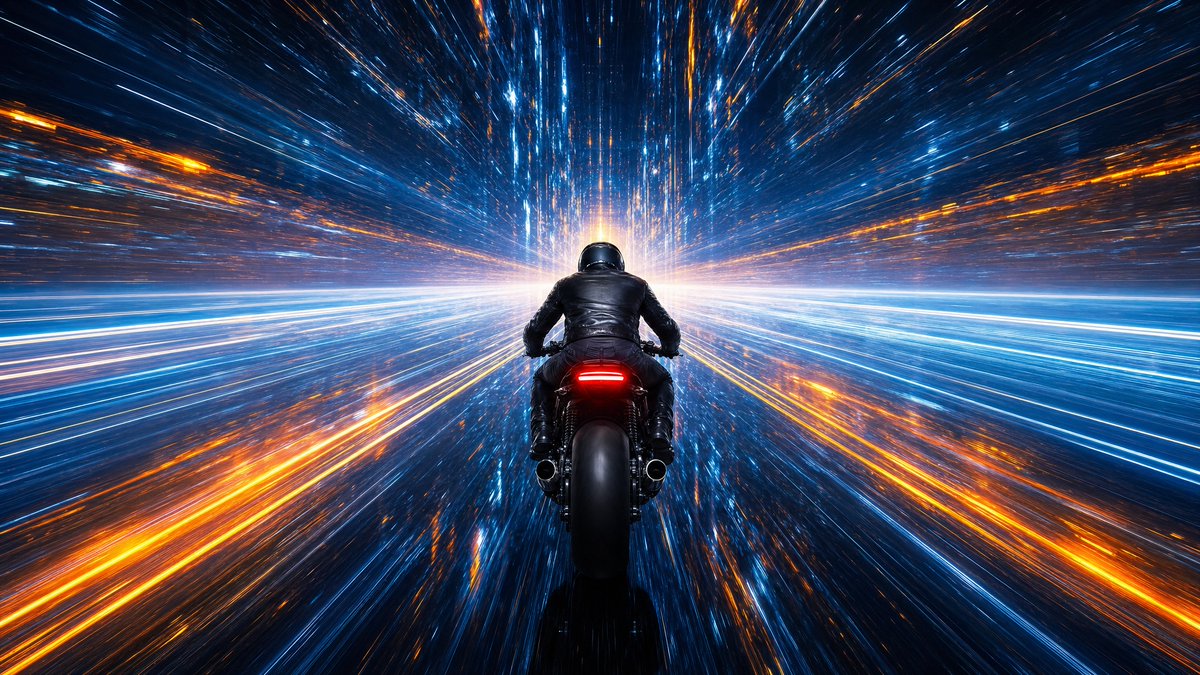
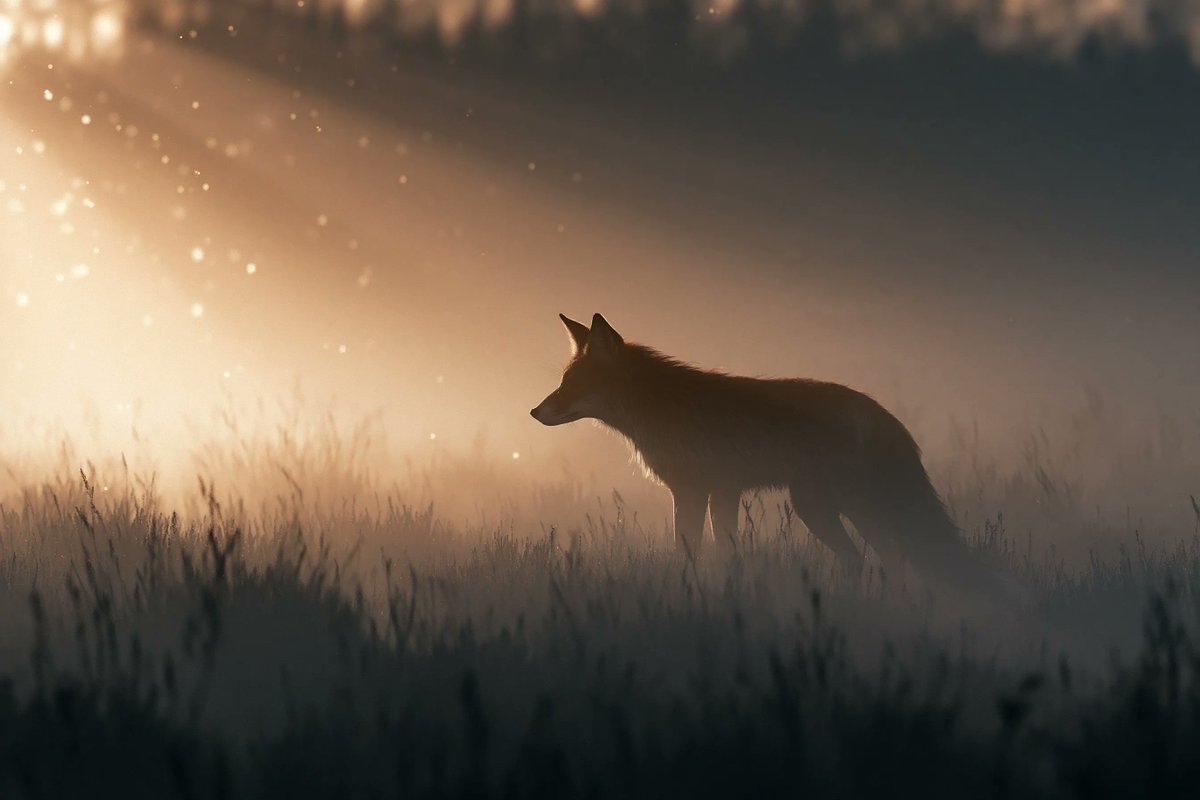
Prioritized by category, input mode compatibility, quality, and lower risk.


Reuse and source notes
Use this prompt safely after previewing the case.
- 1.Copy the prompt or open it directly in Dovoo with the generation button.
- 2.Adjust variables, aspect ratio, and reference images for your own use case.
- 3.Before publishing or paid usage, verify source rights, attribution requirements, and brand or likeness risks.
Can I use this prompt commercially?
Commercial-use status is allowed. Review the original source, license, brand constraints, and legal requirements before paid usage.
Where does this case come from?
This case is imported from Awesome GPT Image 2 Prompts; keep attribution visible and check the source URL before reuse.