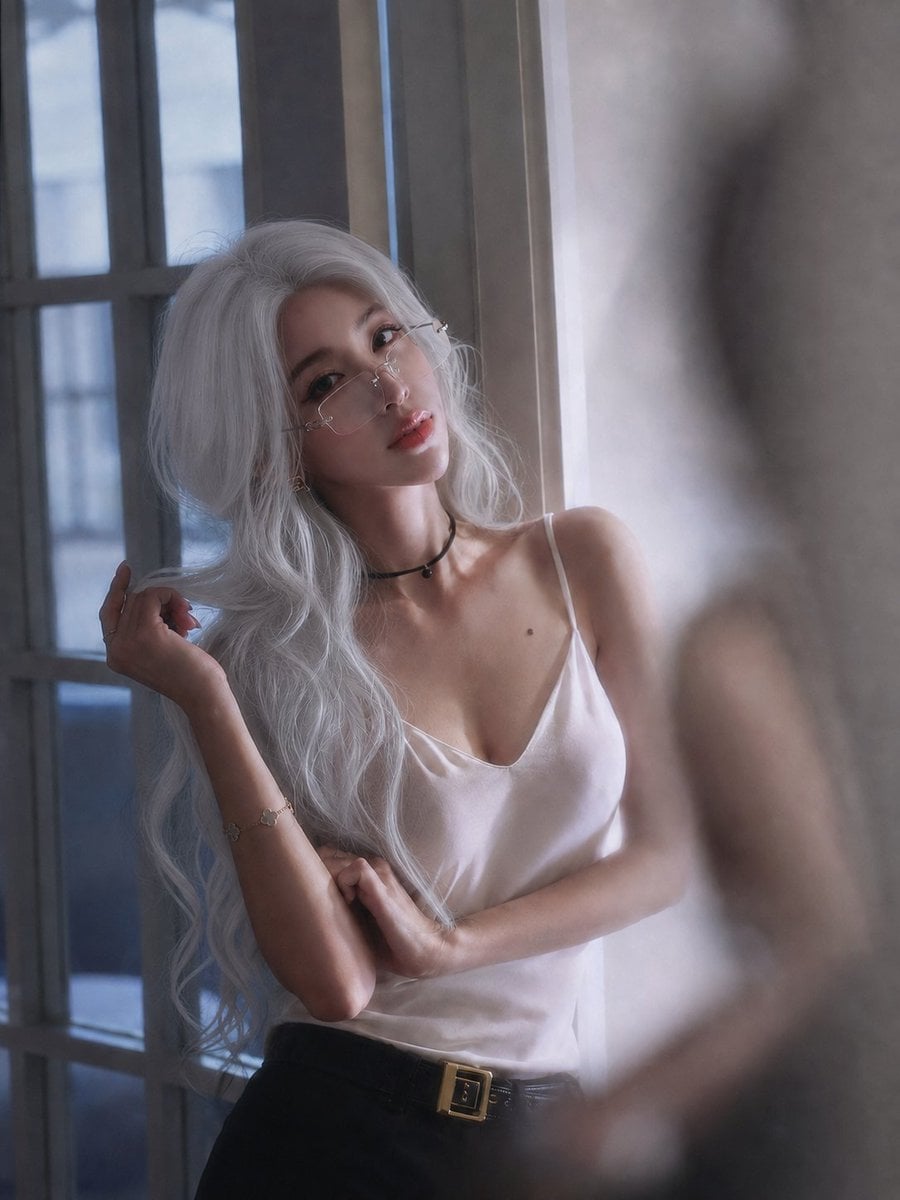
Hard Light Portrait with Sharp Shadows
Source-attributed GPT Image 2.5 image prompt from the Awesome GPT Image 2.5 Prompts repository.
This is a GPT Image 2.5 prompt case for Portrait & Character. Use the copy-ready prompt below to generate similar visuals, and review Awesome GPT Image 2.5 Prompts attribution plus commercial-use rights before reuse.
Need the full prompt set? Use the Portrait & Character topic hub for more related examples, or open the GPT Image 2.5 prompt library for the full example index, reusable structures, and source attribution.
Prompt
Copy-ready prompt
主光从画面右上方约 2 点钟方向窗户射入,高度角 15 至 20 度,未柔化硬质直射阳光,从右前方斜擦面部。仅照亮鼻梁右侧、右颧骨、上唇、下巴及局部肩颈,受光区与阴影区形成清晰锐利硬边界。左半张脸保持深暖褐阴影并保留完整细节,明暗比约
Best for
- - Portrait & Character visual exploration
- - Image generation and reference-image edits
- - Reusable briefs that keep source attribution visible
Change these parts
- - Subject, product, character, or scene
- - Aspect ratio, camera, lighting, and background
- - Brand, text, color, and output constraints
Recommended model and settings
- - Model: gpt-image-2-5
- - Input mode: Text to Image
- - Aspect ratio: source
- - Commercial status: restricted
How to use this prompt
- 1. Copy the prompt and preserve its structure for the first test.
- 2. Replace the subject, context, and publishing channel.
- 3. Change one camera, lighting, or style variable per iteration.
- 4. Inspect the output, source, text, and rights before reuse.
Limitations, source, and reuse cautions
- - Generated output is an editable draft, not factual, legal, or rights evidence.
- - Review the linked source, people, brands, logos, text, and third-party media before commercial use.
Imported from Awesome GPT Image 2.5 Prompts. Attribution is required. Commercial-use status is restricted; review source rights before paid usage.
More cases in this category
Prioritized by category, input mode compatibility, quality, and lower risk.
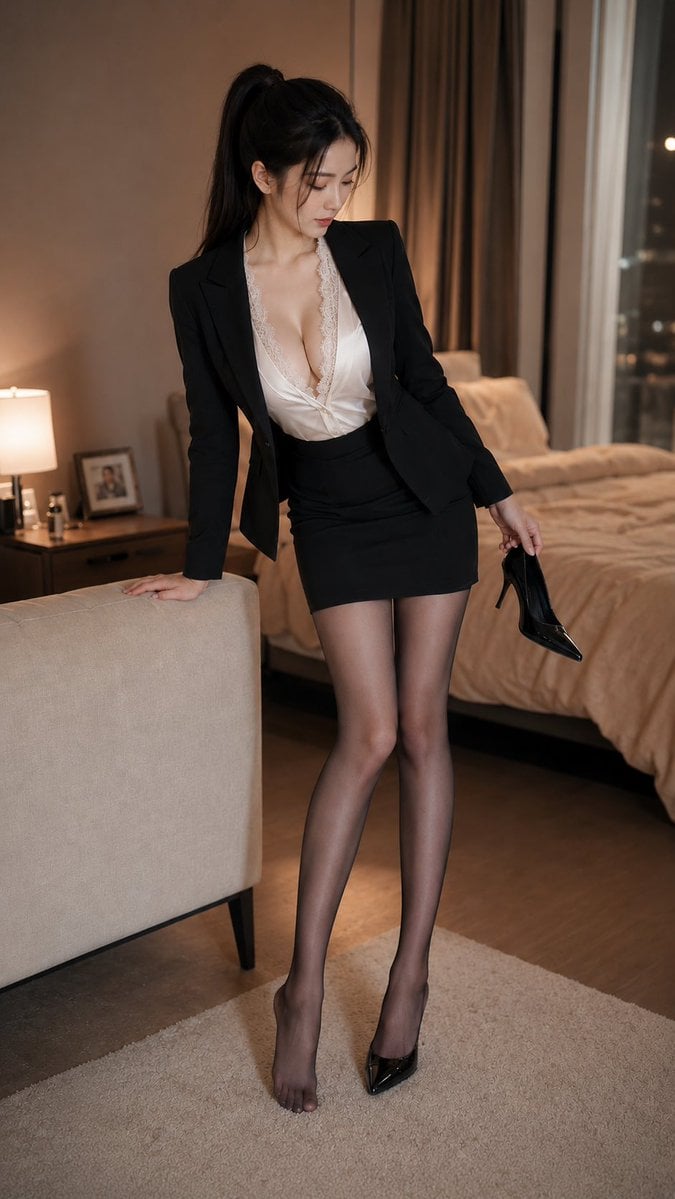
Full-Body Portrait of a Woman in Casual Home Setting
Text to ImageLow risk
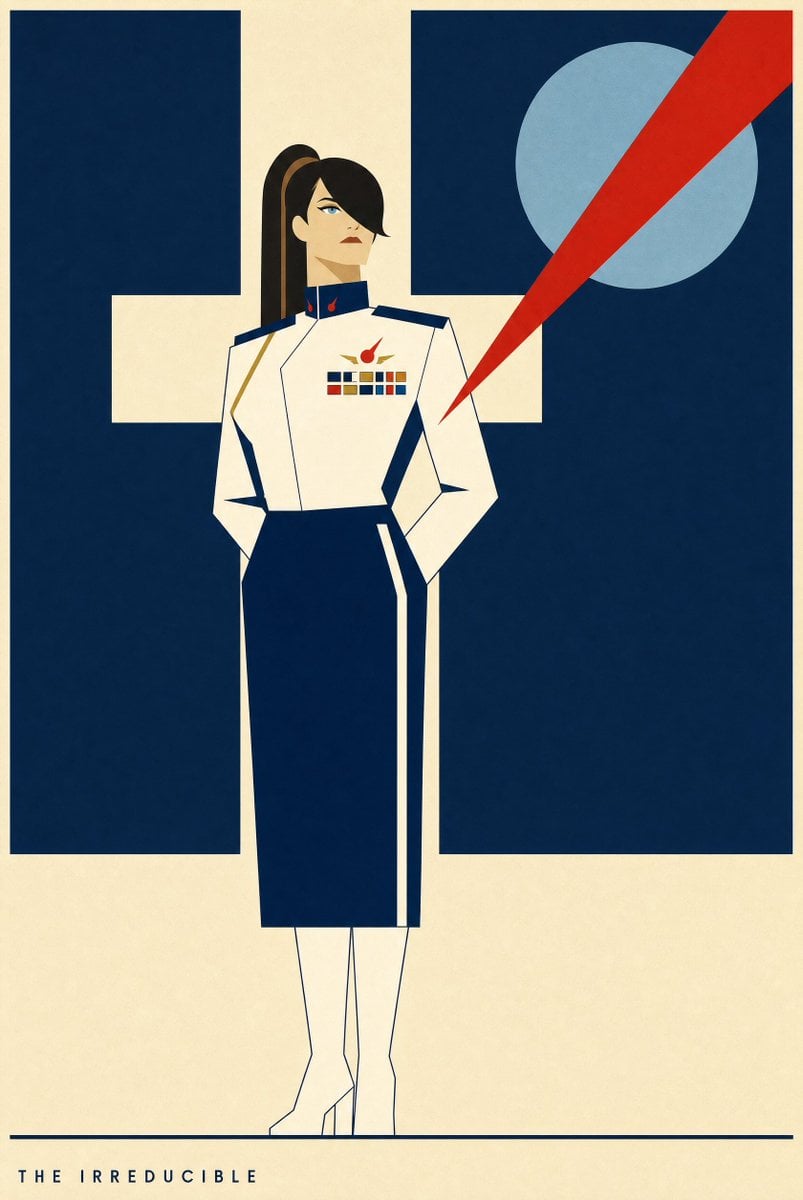
Portrait Of A Woman In Uniform
Text to ImageLow risk
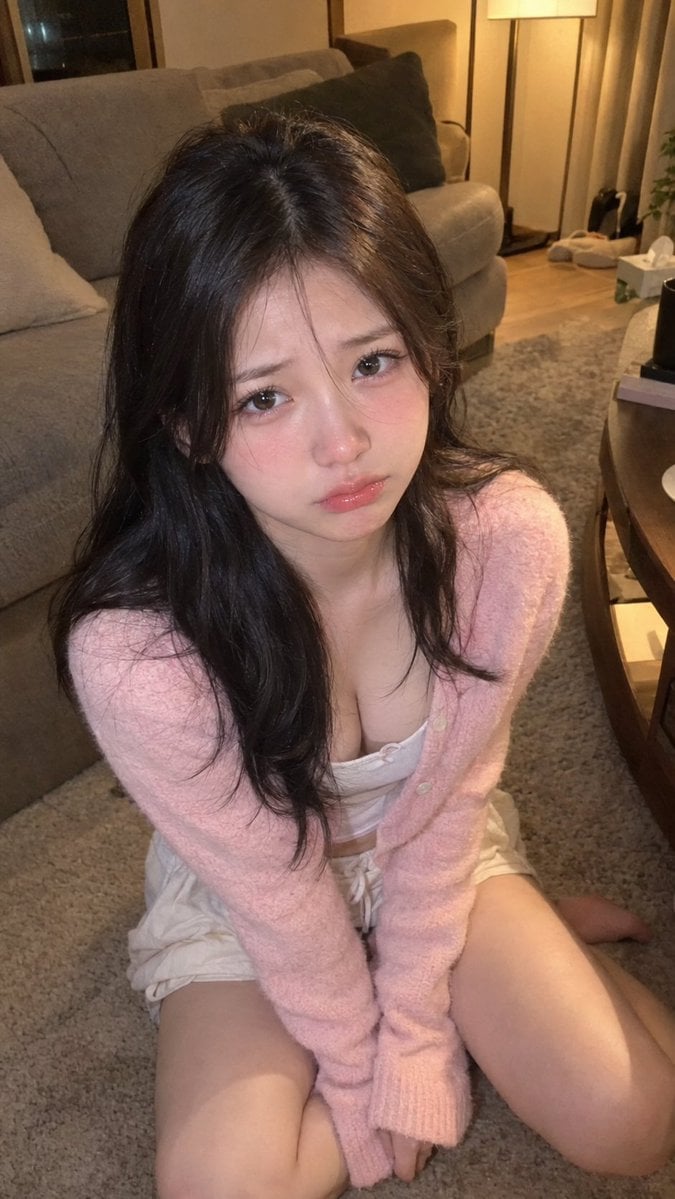
Candid Photo of Woman in Cozy Night Living Room
Text to ImageLow risk
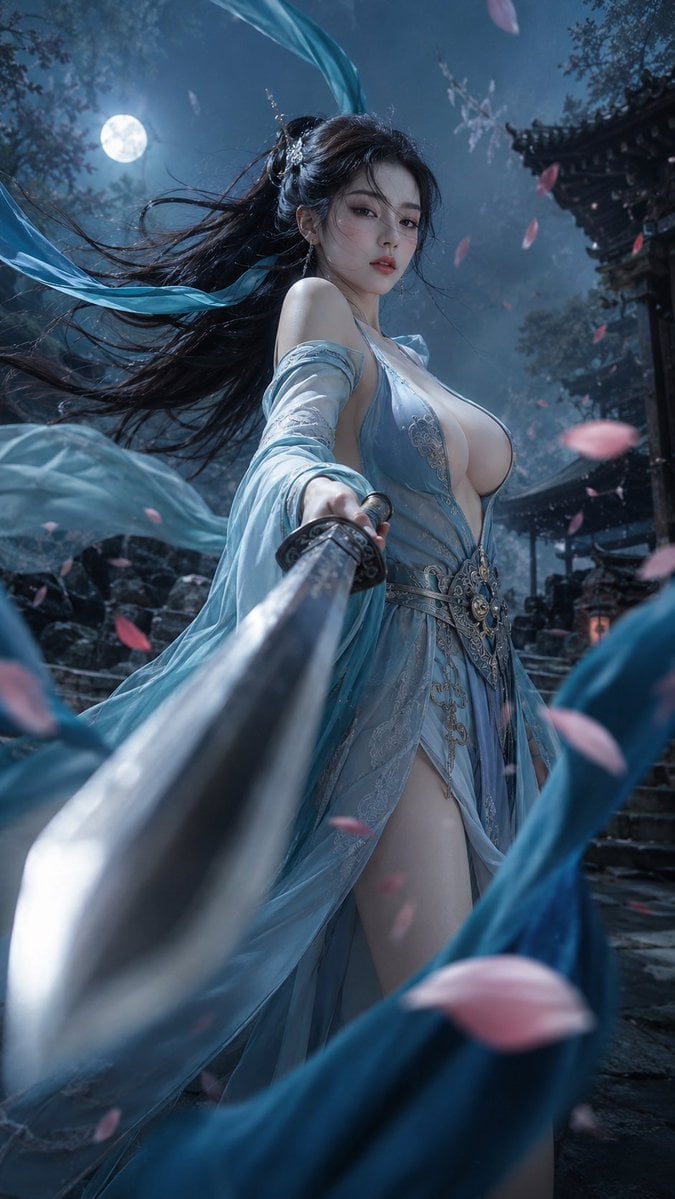
Close-Up Portrait of an East Asian Woman in Wuxia Style
Text to ImageLow risk
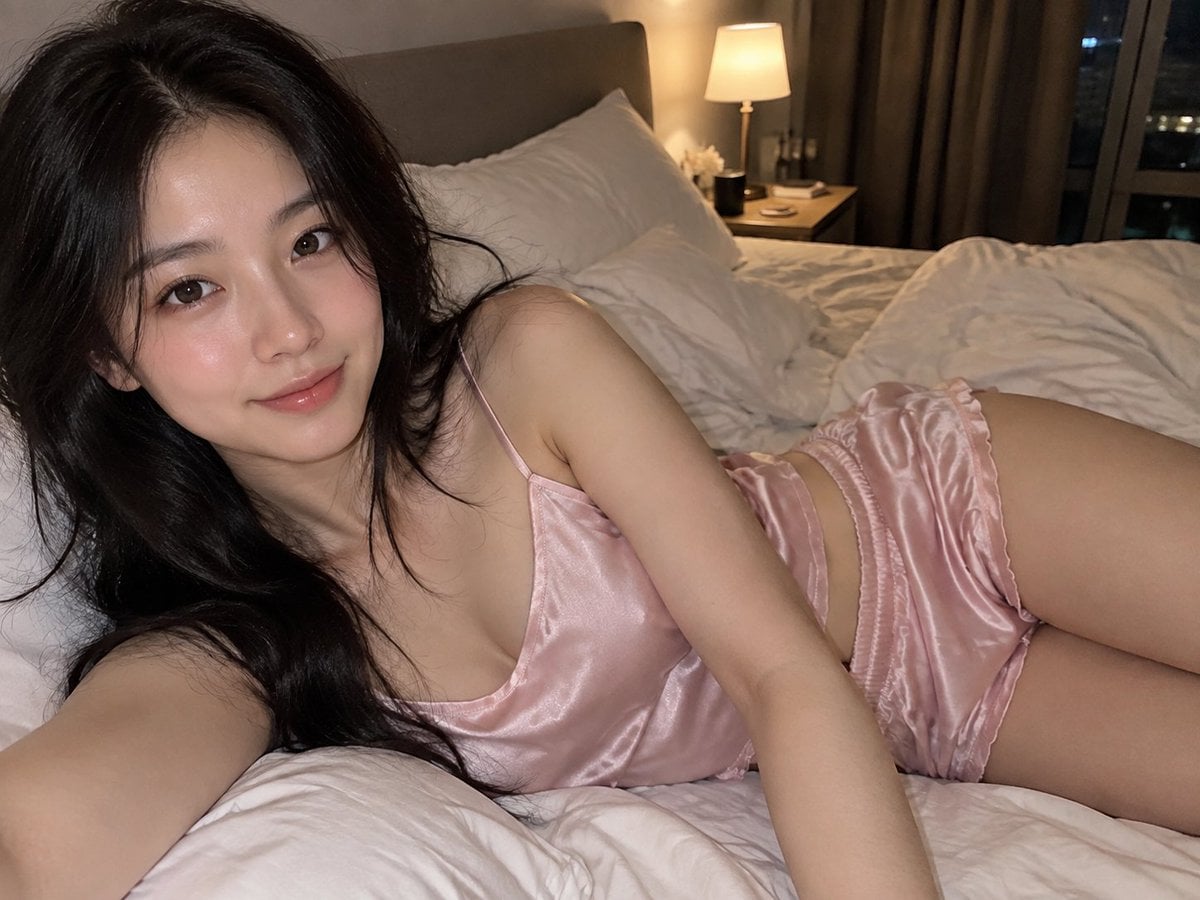
Photorealistic Smartphone Selfie in Bedroom
Text to ImageLow risk
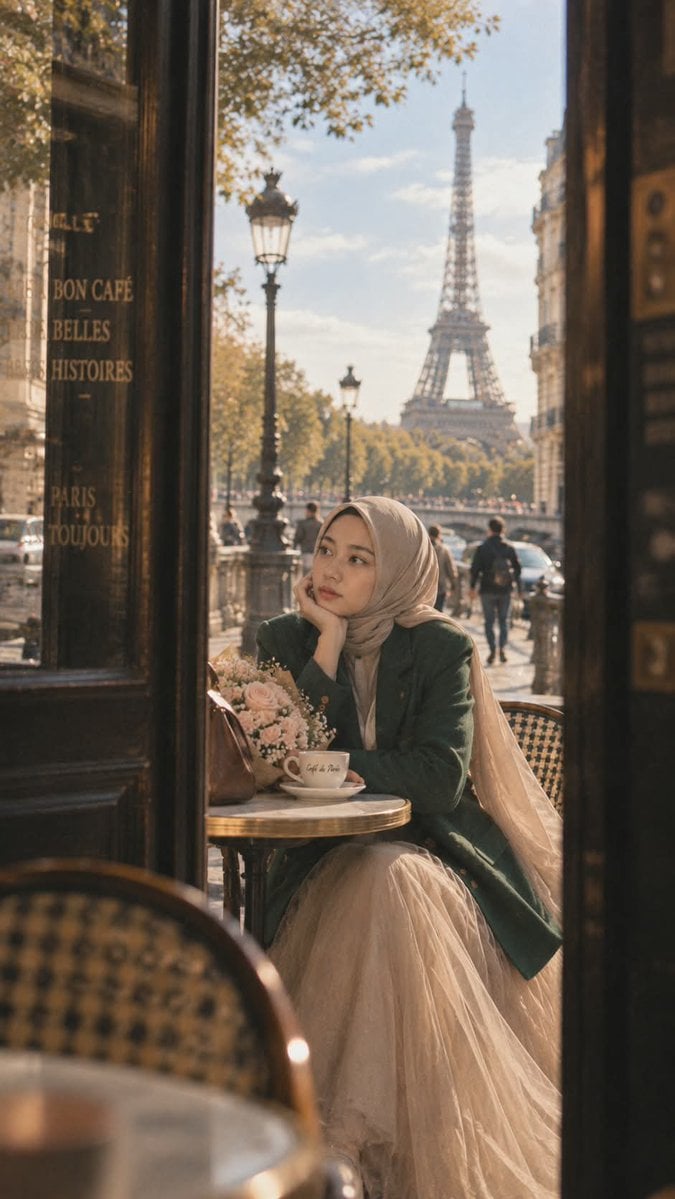
Cinematic Portrait of a Woman in Paris
Text to ImageLow risk
Reuse and source notes
Use this prompt safely after previewing the case.
- 1.Copy the prompt or open it directly in Dovoo with the generation button.
- 2.Adjust variables, aspect ratio, and reference images for your own use case.
- 3.Before publishing or paid usage, verify source rights, attribution requirements, and brand or likeness risks.
Can I use this prompt commercially?
Commercial-use status is restricted. Review the original source, license, brand constraints, and legal requirements before paid usage.
Where does this case come from?
This case is imported from Awesome GPT Image 2.5 Prompts; keep attribution visible and check the source URL before reuse.