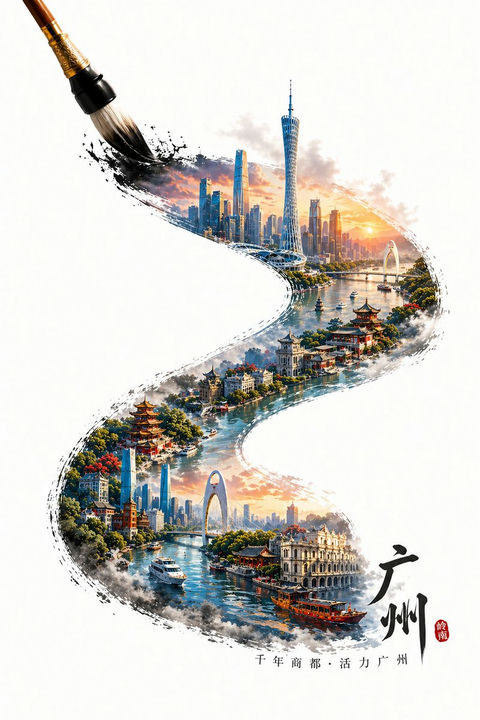
Guangzhou Ink Brush Travel Poster
This prompt generates a vertical white-background poster illustration of Guangzhou emerging inside a sweeping ink-brush stroke, ideal for tourism art, cultural branding, or city-poster design.
This is a GPT Image 2 prompt case for Graphic & Poster. Use the copy-ready prompt below to generate similar visuals, and review Awesome GPT Image 2 Prompts attribution plus commercial-use rights before reuse.
Free 1K preview
Generate one preview image instantly, no sign-up required.
Prompt
Copy-ready prompt
A meticulously crafted digital painting in a poster style, set against a simple, pure white background. In the upper left corner, a giant traditional calligraphy brush extends, sweeping out a bold, fluid S-shaped black ink stroke. Within the ink stroke, a highly detailed panoramic cityscape of {argument name="city" default="Guangzhou"} is revealed, seamlessly blending modern skylines with historic waterfront architecture. The upper portion depicts a sunrise or sunset over a modern skyline, bathed in warm golden light, including the slender Canton Tower, dense glass skyscrapers, rivers, bridges, and soft clouds. The brushstroke extends downwards to a picturesque riverbank, lined with lush greenery, vibrant flowers, and adorned with traditional Chinese pavilions, pagoda-like structures, and elegant waterfront buildings. The lower portion continues the river scene, showcasing boats and red wooden sightseeing vessels, transitioning into more urban landmarks, including a large modern arch bridge and distant buildings. Combining the styles of ink wash painting, watercolor, and ultra-detailed travel poster illustration, the edges of the shapes feature vibrant black ink dots and dry brush textures, creating the effect of the city being drawn with a single stroke of the brush. The composition remains vertically centered, with ample negative space surrounding it. In the lower right corner, a prominent black calligraphy of “Guangzhou” is placed, accompanied by a small red seal; a smaller Chinese text “Millennial Trading City - Vibrant Guangzhou” is added to the bottom center. The overall atmosphere is elegant, culturally rich, cinematic, and inviting, perfectly combining historical heritage with the beauty of a future city.Prompt variables
Editable argument placeholders found in the prompt, with their default values.
Best for
- - Graphic & Poster visual exploration
- - Image generation and reference-image edits
- - Reusable briefs that keep source attribution visible
Change these parts
- - Subject, product, character, or scene
- - Aspect ratio, camera, lighting, and background
- - Brand, text, color, and output constraints
Recommended model and settings
- - Model: gpt-image-2
- - Input mode: Text to Image
- - Aspect ratio: source
- - Commercial status: review original source
How to use this prompt
- 1. Copy the prompt and preserve its structure for the first test.
- 2. Replace the subject, context, and publishing channel.
- 3. Change one camera, lighting, or style variable per iteration.
- 4. Inspect the output, source, text, and rights before reuse.
Limitations, source, and reuse cautions
- - Generated output is an editable draft, not factual, legal, or rights evidence.
- - Review the linked source, people, brands, logos, text, and third-party media before commercial use.
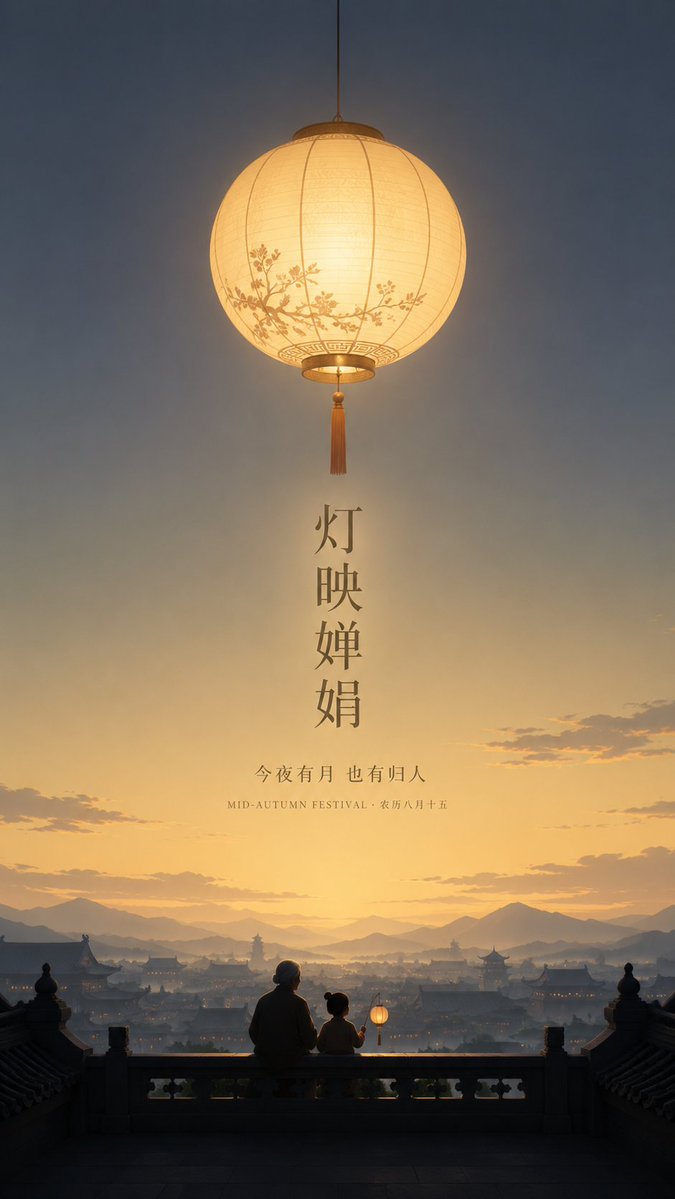
More cases in this category
Prioritized by category, input mode compatibility, quality, and lower risk.





Reuse and source notes
Use this prompt safely after previewing the case.
- 1.Copy the prompt or open it directly in Dovoo with the generation button.
- 2.Adjust variables, aspect ratio, and reference images for your own use case.
- 3.Before publishing or paid usage, verify source rights, attribution requirements, and brand or likeness risks.
Can I use this prompt commercially?
Commercial-use status is allowed. Review the original source, license, brand constraints, and legal requirements before paid usage.
Where does this case come from?
This case is imported from Awesome GPT Image 2 Prompts; keep attribution visible and check the source URL before reuse.