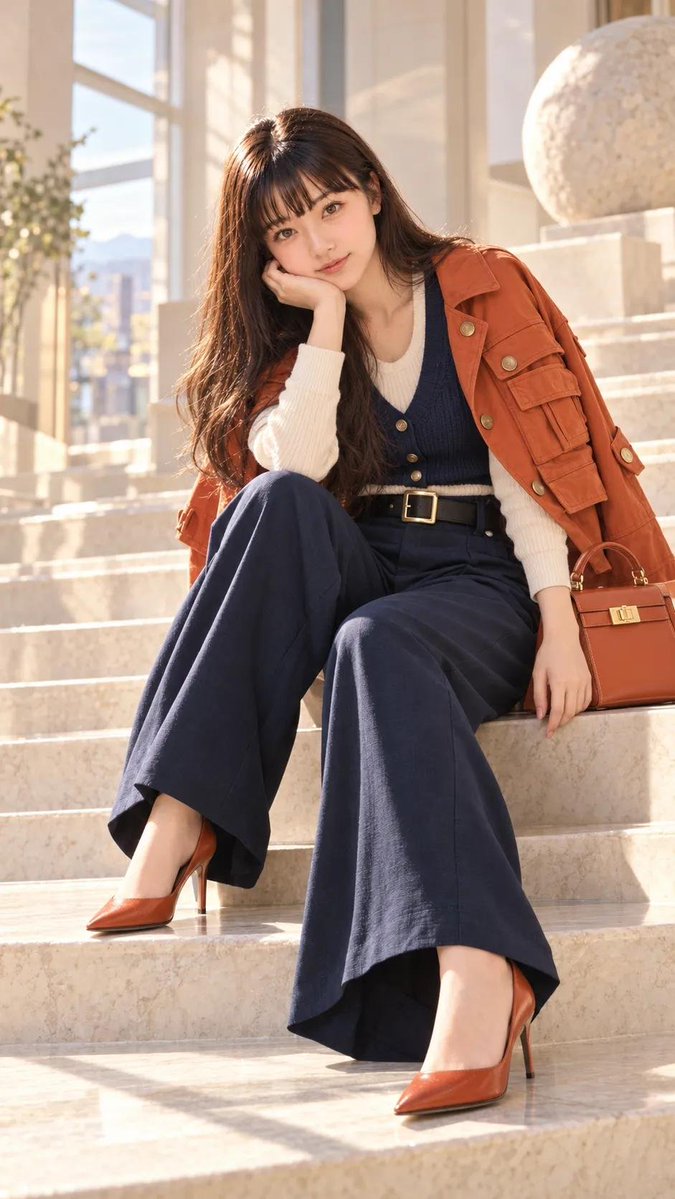
Luxury Building Portrait Prompt for GPT Image 2
A detailed prompt for creating a photorealistic fashion portrait of a woman on marble stairs in a luxury building.
This is a GPT Image 2 prompt case for Fashion & Beauty. Use the copy-ready prompt below to generate similar visuals, and review Awesome GPT Image 2 Prompts attribution plus commercial-use rights before reuse.
Need the full prompt set? Use the Fashion & Beauty topic hub for more related examples, or open the GPT Image 2 prompt library for the full example index, reusable structures, and source attribution.
Free 1K preview
Generate one preview image instantly, no sign-up required.
1209/4000
Prompt
Copy-ready prompt
Create a highly realistic full-body fashion portrait of a young woman sitting elegantly on wide marble stairs inside a luxurious, sunlit modern building. She has long, straight dark-brown hair with soft bangs, natural facial features, a gentle expression, and realistic skin texture.
She is wearing a rust-orange utility jacket draped over her shoulders, a cream ribbed knit sweater, a dark navy buttoned vest, high-waisted wide-leg navy trousers, and elegant rust-orange pointed-toe high heels. A matching structured rust-orange handbag rests beside her.
She sits naturally with one hand supporting her face and the other resting beside her, relaxed editorial pose. Large floor-to-ceiling windows in the background reveal a softly blurred city and distant mountains. Warm golden sunlight streams through the windows, creating beautiful natural highlights and soft shadows across the marble architecture.
Photorealistic fashion photography, luxury editorial aesthetic, natural skin texture, realistic fabric details, soft warm sunlight, shallow depth of field, cinematic composition, high detail, realistic proportions, subtle film grain, 9:16 vertical composition, no text, no watermark, no CGI or artificial
Best for
- - Fashion & Beauty visual exploration
- - Image generation and reference-image edits
- - Reusable briefs that keep source attribution visible
Change these parts
- - Subject, product, character, or scene
- - Aspect ratio, camera, lighting, and background
- - Brand, text, color, and output constraints
Recommended model and settings
- - Model: gpt-image-2
- - Input mode: Text to Image
- - Aspect ratio: source
- - Commercial status: review original source
How to use this prompt
- 1. Copy the prompt and preserve its structure for the first test.
- 2. Replace the subject, context, and publishing channel.
- 3. Change one camera, lighting, or style variable per iteration.
- 4. Inspect the output, source, text, and rights before reuse.
Limitations, source, and reuse cautions
- - Generated output is an editable draft, not factual, legal, or rights evidence.
- - Review the linked source, people, brands, logos, text, and third-party media before commercial use.
Imported from Awesome GPT Image 2 Prompts. Attribution is required. Commercial-use status is allowed; review source rights before paid usage.
More cases in this category
Prioritized by category, input mode compatibility, quality, and lower risk.
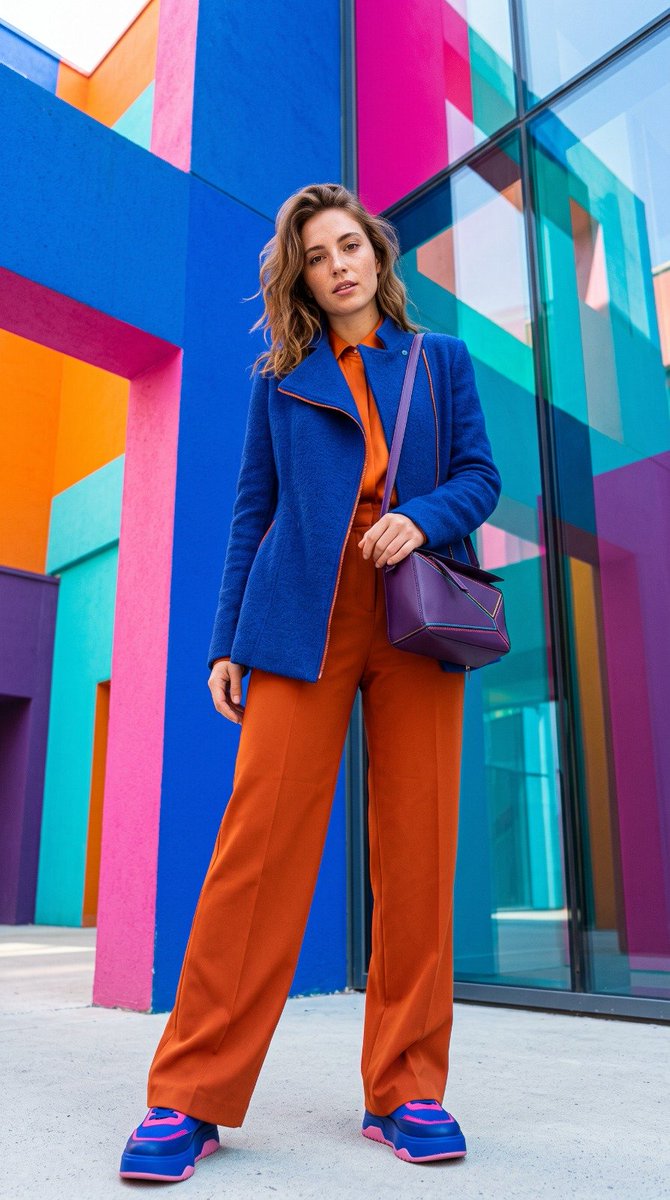
Bold Color Theory Fashion Editorial
Text to Image

Luxury Travel Fashion Portrait Prompt
Text to Image
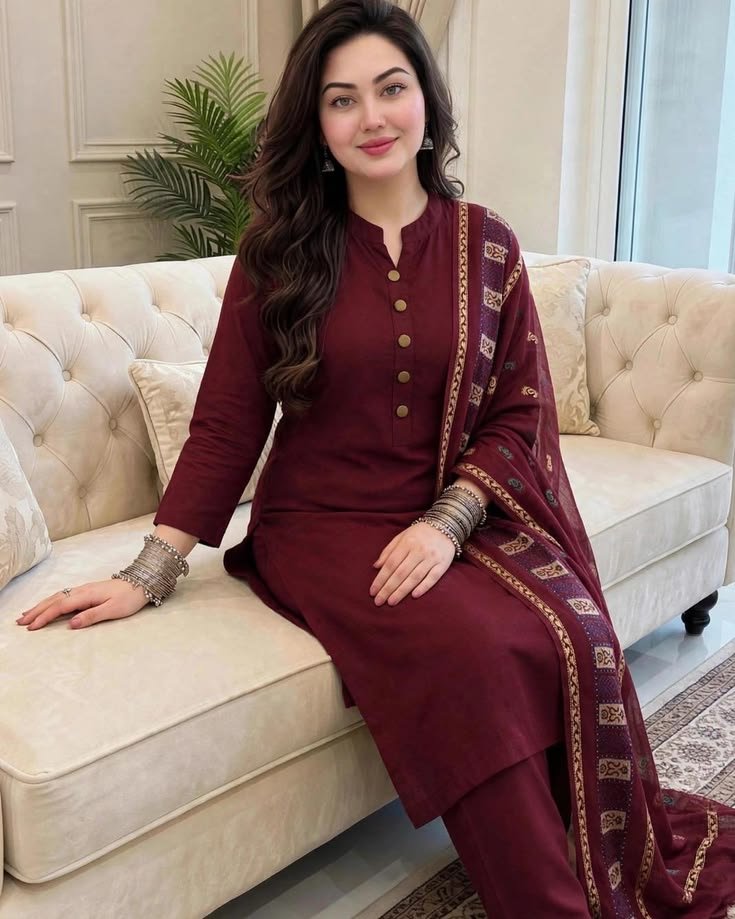
Elegant Pakistani Fashion Portrait
Text to Image
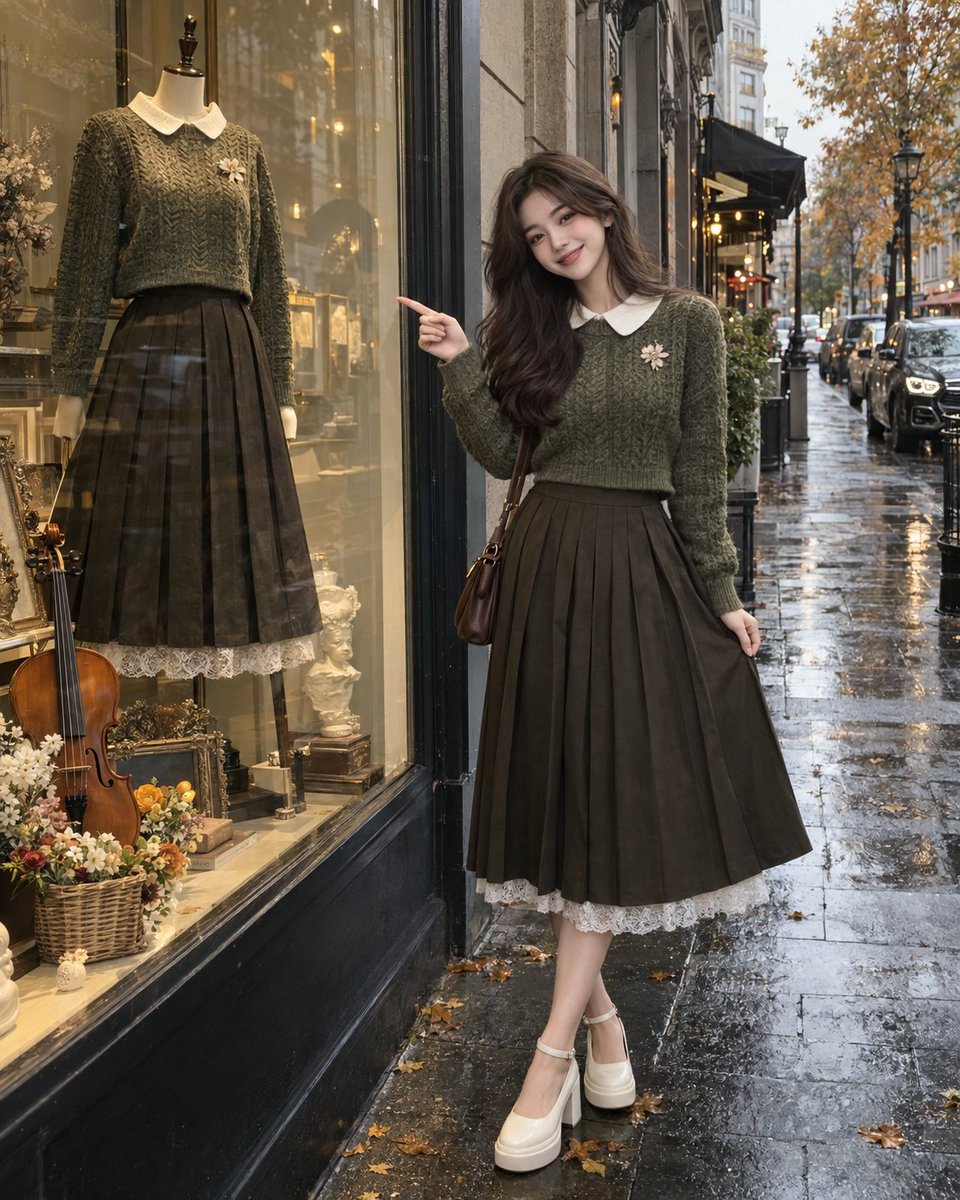
Rainy Autumn Street Fashion GPT Image 2
Text to Image

Orange Rooftop Fashion Photo Prompt
Text to Image
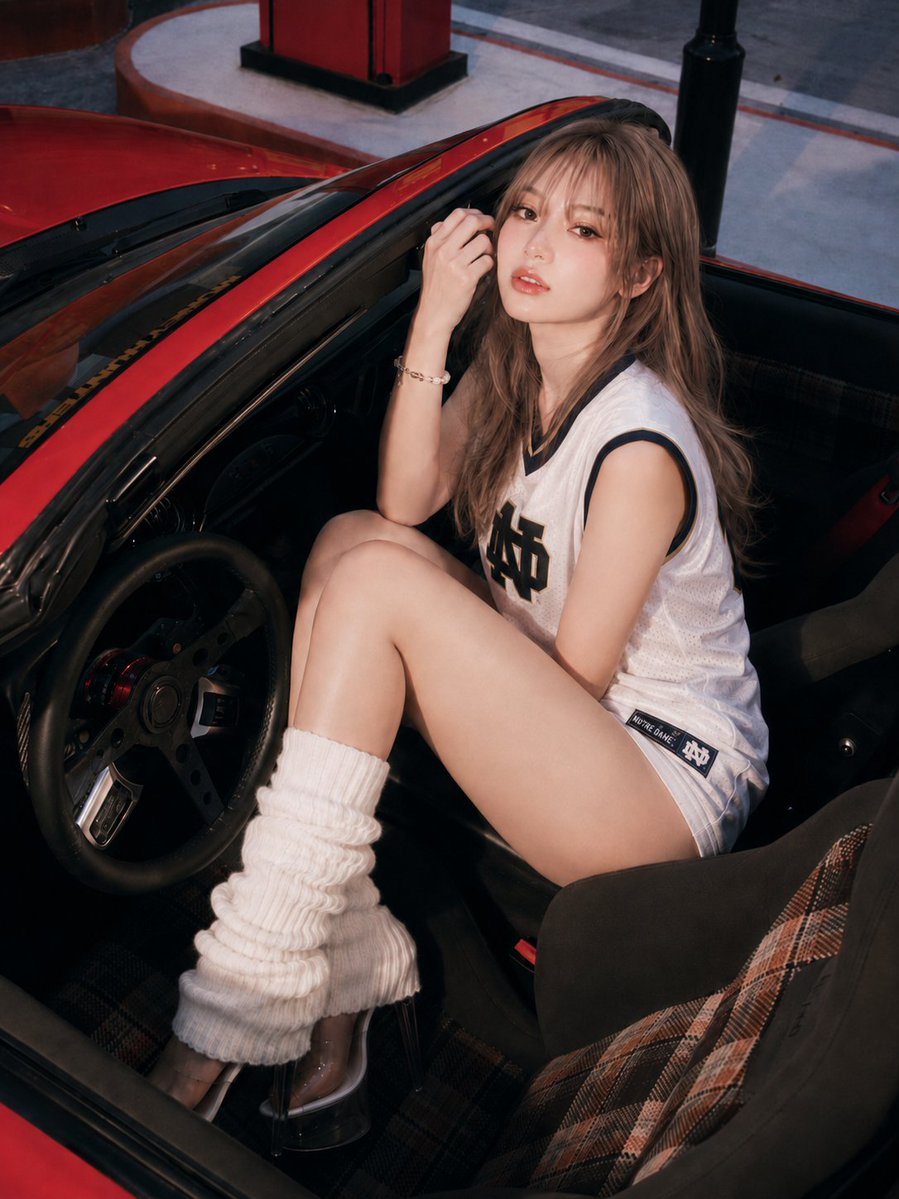
GPT Image 2 Prompt: Red Sports Car Interior
Text to Image
Reuse and source notes
Use this prompt safely after previewing the case.
- 1.Copy the prompt or open it directly in Dovoo with the generation button.
- 2.Adjust variables, aspect ratio, and reference images for your own use case.
- 3.Before publishing or paid usage, verify source rights, attribution requirements, and brand or likeness risks.
Can I use this prompt commercially?
Commercial-use status is allowed. Review the original source, license, brand constraints, and legal requirements before paid usage.
Where does this case come from?
This case is imported from Awesome GPT Image 2 Prompts; keep attribution visible and check the source URL before reuse.