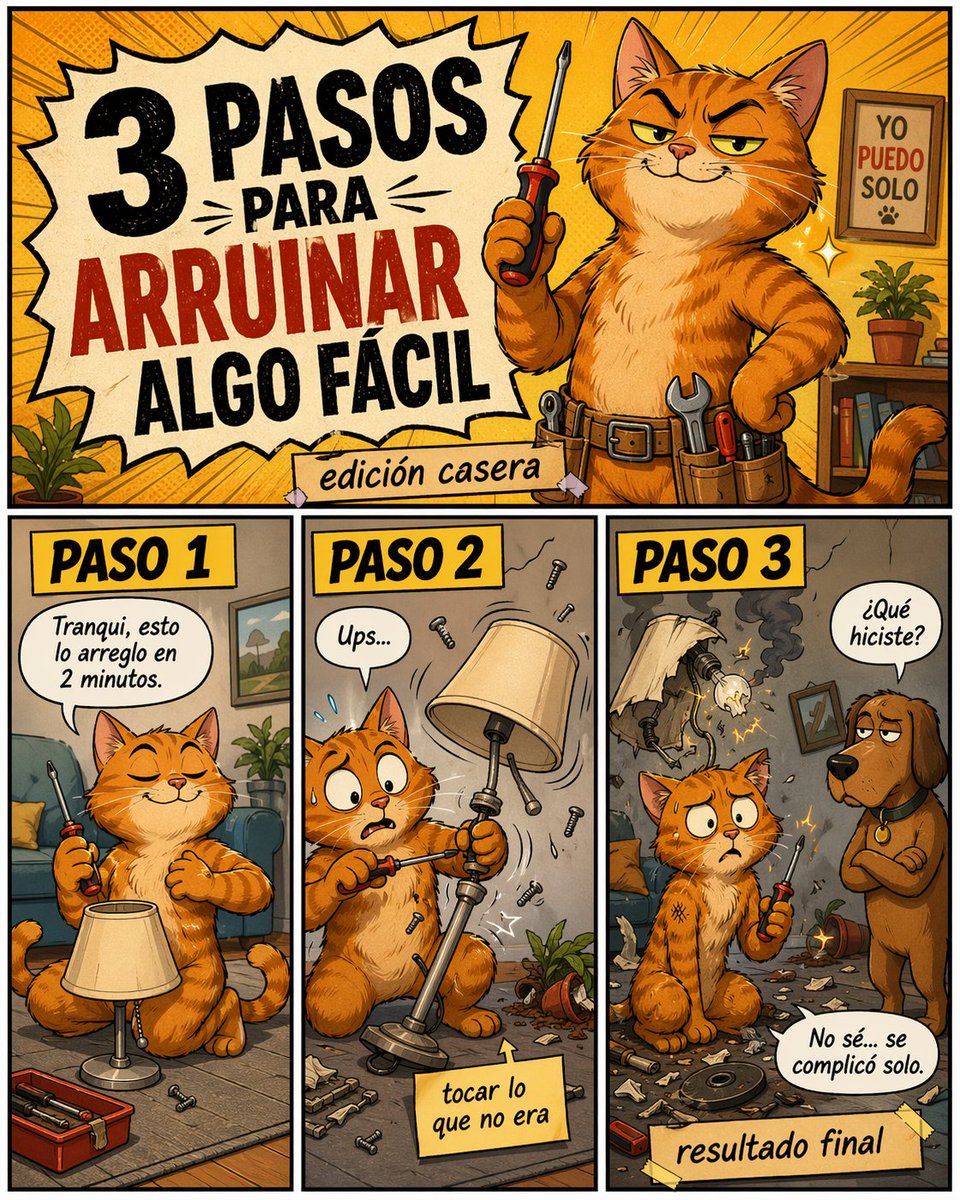
Funny DIY Disaster Cat Comic
A retro comic poster showing a smug orange cat ruining a simple home repair in three Spanish-labeled steps, ideal for memes, social posts, and humorous DIY content.
This is a GPT Image 2 prompt case for Illustration & Art. Use the copy-ready prompt below to generate similar visuals, and review Awesome GPT Image 2 Prompts attribution plus commercial-use rights before reuse.
Free 1K preview
Generate one preview image instantly, no sign-up required.
Prompt
Copy-ready prompt
Create a colorful humorous comic-style poster in Spanish, vertical format, with a retro cartoon look, thick black outlines, warm orange and yellow palette, halftone texture, and exaggerated expressive characters. The layout has 4 distinct panels: 1 large title panel across the top and 3 equal vertical panels along the bottom row. In the top panel, show a smug orange tabby cat handyman standing upright like a person in a cozy living room workshop, holding a screwdriver in one paw and the other paw on the hip, wearing a utility belt with visible tools. The cat has narrowed confident eyes and a sly grin. On the left side of this top panel, place a large jagged comic burst with the Spanish headline in bold distressed lettering: "3 PASOS PARA ARRUINAR ALGO FÁCIL", with "ARRUINAR" in red and the rest in black. Below it, add a taped paper strip that says "edición casera". In the background of the top panel, include a framed sign on the wall that reads "YO PUEDO SOLO" with a small paw print, a small potted plant, shelves, and dynamic radial lines behind the cat. In the bottom row, create 3 labeled step panels, each with a yellow header box and bold black text. Panel 1 header: "PASO 1". Show the same orange cat sitting calmly on the floor beside a standing lamp, eyes closed with overconfidence, casually holding a screwdriver. Add a speech bubble that says "Tranqui, esto lo arreglo en 2 minutos." Include a small open toolbox and a few screws on the floor. Panel 2 header: "PASO 2". Show the cat mid-repair, now alarmed with wide eyes, awkwardly unscrewing the wrong part of the lamp while pieces and screws fly through the air. Add a speech bubble that says "Ups..." and a sticky note near the bottom that says "tocar lo que no era". Include visual motion lines, scattered debris, and a toppled plant pot. Panel 3 header: "PASO 3". Show the aftermath: the lamp is broken and smoking with exposed wires and sparks, the room is messy with shattered parts everywhere, and the cat sits stunned holding the screwdriver. A brown dog stands to the right, looking disappointed, asking in a speech bubble "¿Qué hiciste?" The cat replies in another speech bubble "No sé... se complicó solo." Add a taped label at the bottom that says "resultado final". Make the entire image playful, chaotic, and meme-like, with polished digital illustration, expressive faces, comic lettering, and a DIY disaster tone.
Best for
- - Illustration & Art visual exploration
- - Image generation and reference-image edits
- - Reusable briefs that keep source attribution visible
Change these parts
- - Subject, product, character, or scene
- - Aspect ratio, camera, lighting, and background
- - Brand, text, color, and output constraints
Recommended model and settings
- - Model: gpt-image-2
- - Input mode: Text to Image
- - Aspect ratio: source
- - Commercial status: review original source
How to use this prompt
- 1. Copy the prompt and preserve its structure for the first test.
- 2. Replace the subject, context, and publishing channel.
- 3. Change one camera, lighting, or style variable per iteration.
- 4. Inspect the output, source, text, and rights before reuse.
Limitations, source, and reuse cautions
- - Generated output is an editable draft, not factual, legal, or rights evidence.
- - Review the linked source, people, brands, logos, text, and third-party media before commercial use.
More cases in this category
Prioritized by category, input mode compatibility, quality, and lower risk.

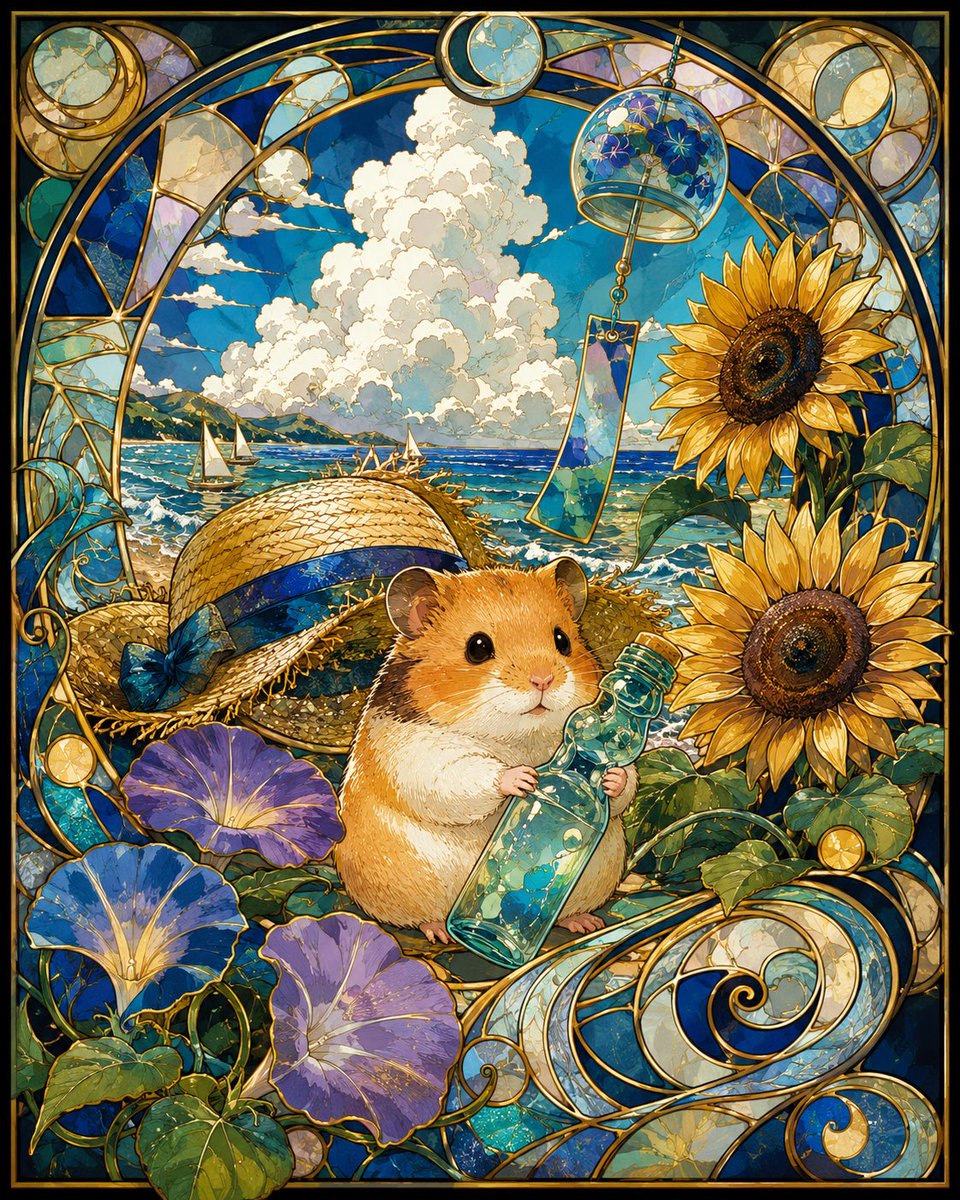



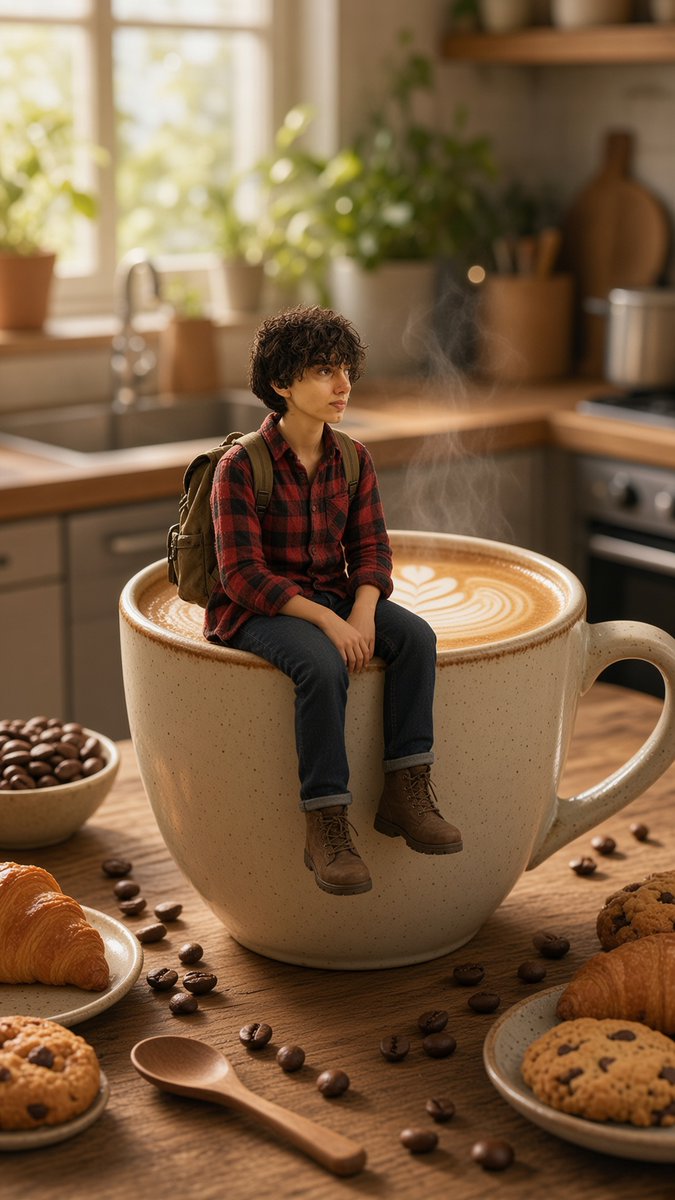
Reuse and source notes
Use this prompt safely after previewing the case.
- 1.Copy the prompt or open it directly in Dovoo with the generation button.
- 2.Adjust variables, aspect ratio, and reference images for your own use case.
- 3.Before publishing or paid usage, verify source rights, attribution requirements, and brand or likeness risks.
Can I use this prompt commercially?
Commercial-use status is allowed. Review the original source, license, brand constraints, and legal requirements before paid usage.
Where does this case come from?
This case is imported from Awesome GPT Image 2 Prompts; keep attribution visible and check the source URL before reuse.