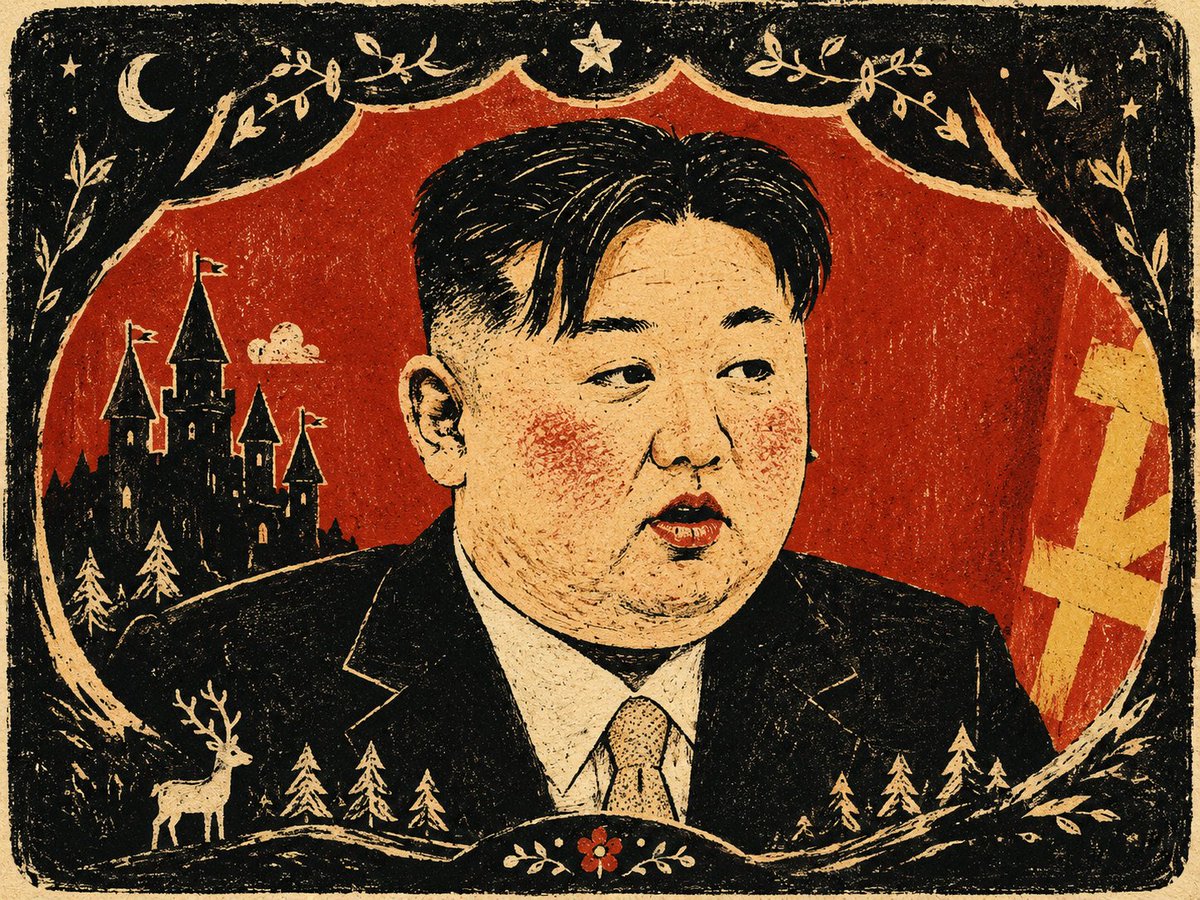
Fairy Tale Woodcut Engraving Style
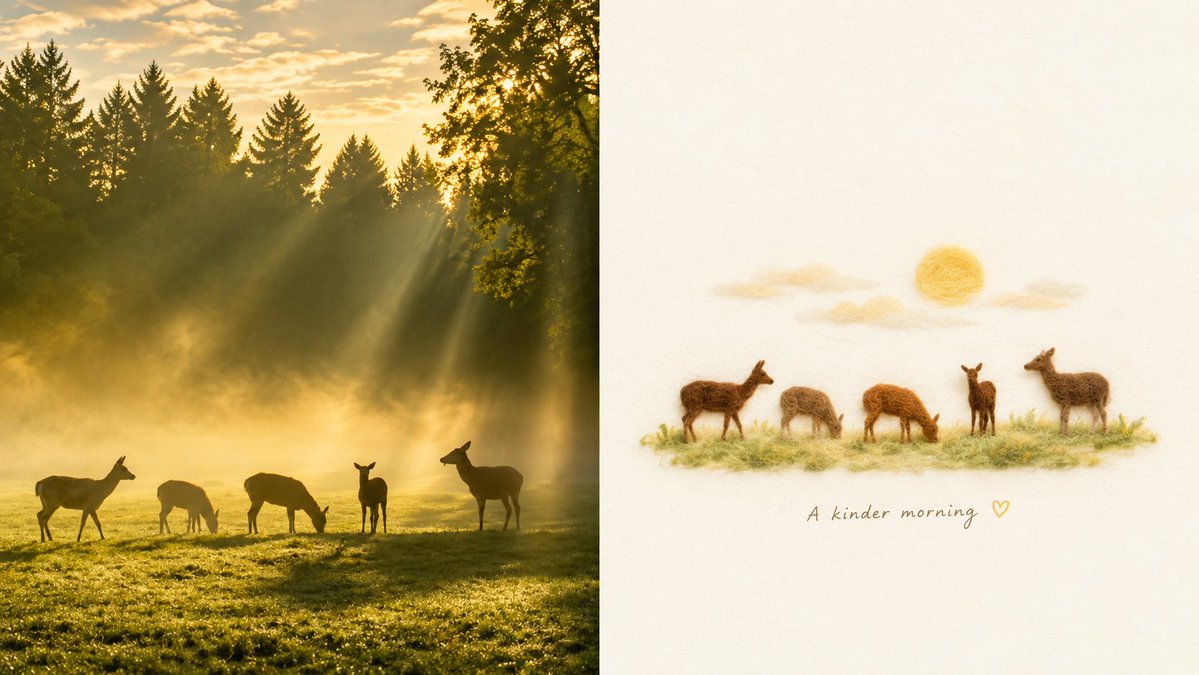
A detailed prompt for transforming photos into a fairy tale woodcut engraving aesthetic with high contrast and stylized graphic elements.
This is a GPT Image 2 prompt case for Illustration & Art. Use the copy-ready prompt below to generate similar visuals, and review Awesome GPT Image 2 Prompts attribution plus commercial-use rights before reuse.
Free 1K preview
Generate one preview image instantly, no sign-up required.
Free text preview doesn’t preserve reference-image consistency.
Prompt
Copy-ready prompt
Generate a fairy tale woodcut engraving image centered on the subject, action, and spatial relationship of the input image. First, extract a large-area low-brightness or high-contrast structural field from the content to serve as a container, path, frame, or density layer enveloping the subject. The subject is redrawn as graphic shapes instead of photographic details, compressed into one or two clear large blocks, using blunt silhouettes, slightly exaggerated proportions, and a few key edges to retain identity, action, function, and emotion. The most important information appears only in small areas of highly saturated color blocks, concentrated on the face, posture, path, object functional points, environmental markers, or narrative focus, and is always suppressed by dark structures or light negative shapes, making the screen vivid but not even. The background grows from the space and meaning of the input content, cutting the edge of the subject like a shell of the story, forming a structural narrative of occlusion, cropping, engulfment, and partial exposure. Colors maintain a three-layer relationship: large areas of dark structural color for weight and boundaries, an appropriate amount of light color or white space for breathing, and small areas of high-saturation emotional color for the reading route and story signals. The hue changes with the emotional temperature of the theme, but the area ratio and lightness order remain stable. Adopt flat narrative perspective, organizing reading with bird's-eye compression, lateral movement, front framing, path guidance, scale jumping, or edge cropping; the space presents a picture-book page-style flat hierarchy. Lines appear only at functions, paths, boundaries, textures, and identification points, remaining sparse, hand-drawn, and slightly inaccurate thin lines. All color blocks remain flat, but the edges have dry brushing, particles, blank spaces, paper textures, spray points, and slight overprinting misalignment, like a handmade image completed by screen printing and oil pastels. If text is needed, let the text become small signs, object panels, or edge annotations in the picture, with rounded, slightly uneven font thickness and low density, obeying the graphic structure. Overall, maintain the same author's language of low detail and high recognition, dark field wrapping bright color signals, and the coexistence of cute narrative and heavy woodcut engraving.
Best for
- - Illustration & Art visual exploration
- - Image generation and reference-image edits
- - Reusable briefs that keep source attribution visible
Change these parts
- - Subject, product, character, or scene
- - Aspect ratio, camera, lighting, and background
- - Brand, text, color, and output constraints
Recommended model and settings
- - Model: gpt-image-2
- - Input mode: Image to Image
- - Aspect ratio: source
- - Commercial status: review original source
How to use this prompt
- 1. Copy the prompt and preserve its structure for the first test.
- 2. Replace the subject, context, and publishing channel.
- 3. Change one camera, lighting, or style variable per iteration.
- 4. Inspect the output, source, text, and rights before reuse.
Limitations, source, and reuse cautions
- - Generated output is an editable draft, not factual, legal, or rights evidence.
- - Review the linked source, people, brands, logos, text, and third-party media before commercial use.
More cases in this category
Prioritized by category, input mode compatibility, quality, and lower risk.


Reuse and source notes
Use this prompt safely after previewing the case.
- 1.Copy the prompt or open it directly in Dovoo with the generation button.
- 2.Adjust variables, aspect ratio, and reference images for your own use case.
- 3.Before publishing or paid usage, verify source rights, attribution requirements, and brand or likeness risks.
Can I use this prompt commercially?
Commercial-use status is allowed. Review the original source, license, brand constraints, and legal requirements before paid usage.
Where does this case come from?
This case is imported from Awesome GPT Image 2 Prompts; keep attribution visible and check the source URL before reuse.