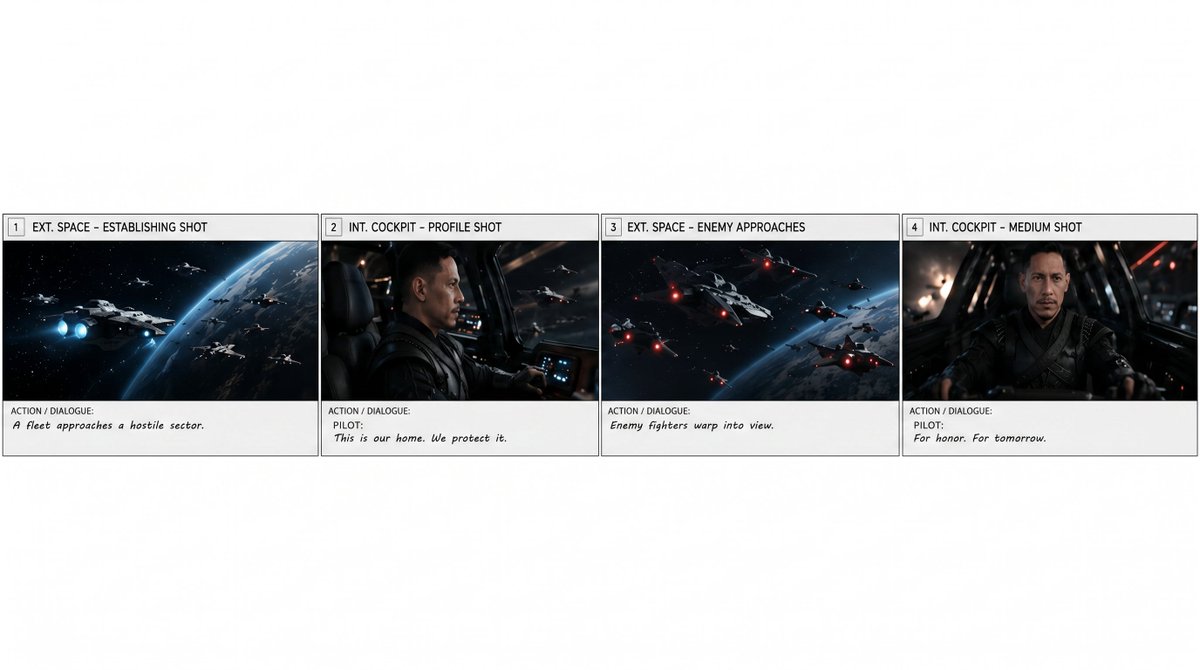
Extract First Storyboard Row
Creates a clean standalone horizontal strip from the first four panels of a larger storyboard, useful for separating one scene from a multi-scene board.
This is a GPT Image 2 prompt case for 插画艺术. Use the copy-ready prompt below to generate similar visuals, and review Awesome GPT Image 2 Prompts attribution plus commercial-use rights before reuse.
Prompt
Copy-ready prompt
以 REFERENCE_0 作为源项目,仅提取项目的第一行,并将其重新生成为独立的横向项目条。保留 4 个分镜,尽可能忠实地保留其原始艺术图、分镜边框、编号、镜头标签以及动作/对话文本:1) “EXT. SPACE – ESTABLISHING SHOT”,配文“A fleet approaches a hostile sector.”;2) “INT. COCKPIT – PROFILE SHOT”,配文“PILOT: This is our home. We protect it.”;3) “EXT. SPACE – ENEMY APPROACHES”,配文“Enemy fighters warp into view.”;4) “INT. COCKPIT – MEDIUM SHOT”,配文“PILOT: For honor. For tomorrow.”。移除整体项目页眉、项目/导演/日期信息以及第 4 个分镜之后的所有内容。将提取出的 4 个分镜放置在宽幅白色画布的中下部,形成整洁的一行,并在条带上方及周围留出充足的空白区域。请勿添加新的图像、标题、水印或额外的分镜。可选自定义:从项目中提取 {argument name="panel range" default="1–4"} 分镜,用于 {argument name="scene duration" default="15-second scene"}。Prompt variables
Editable argument placeholders found in the prompt, with their default values.
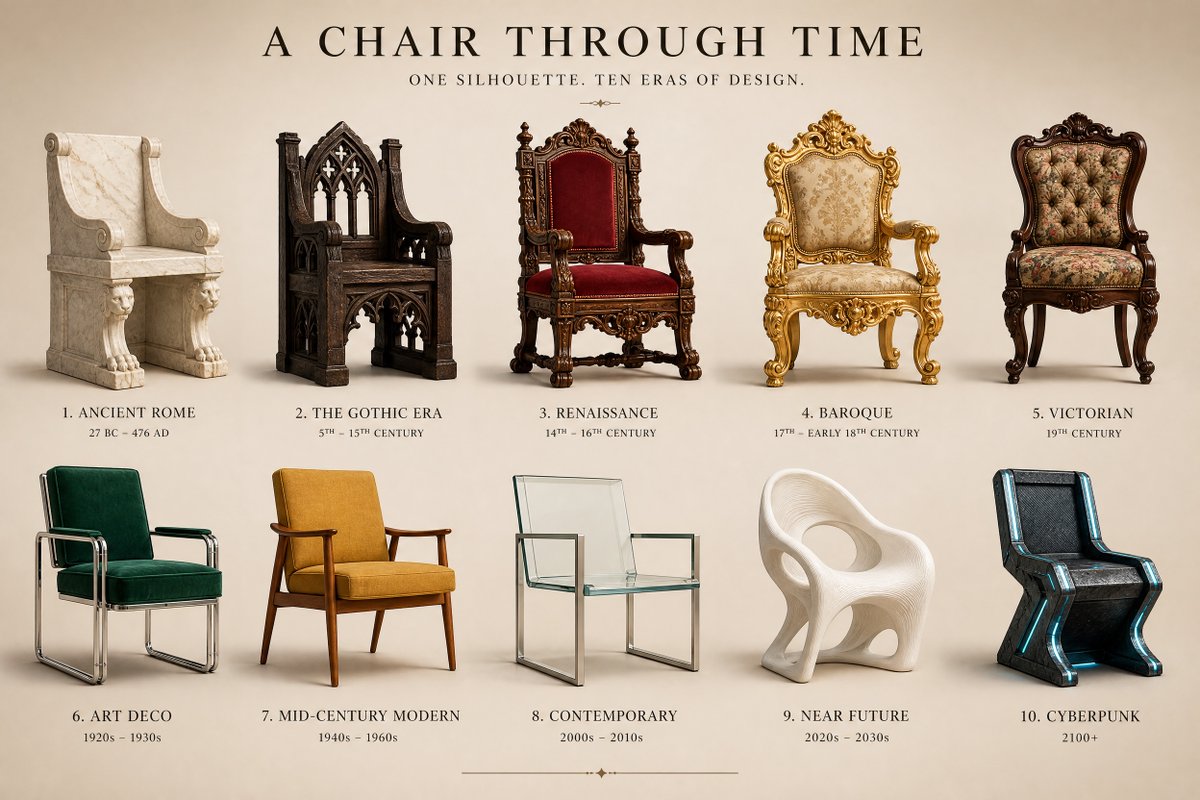
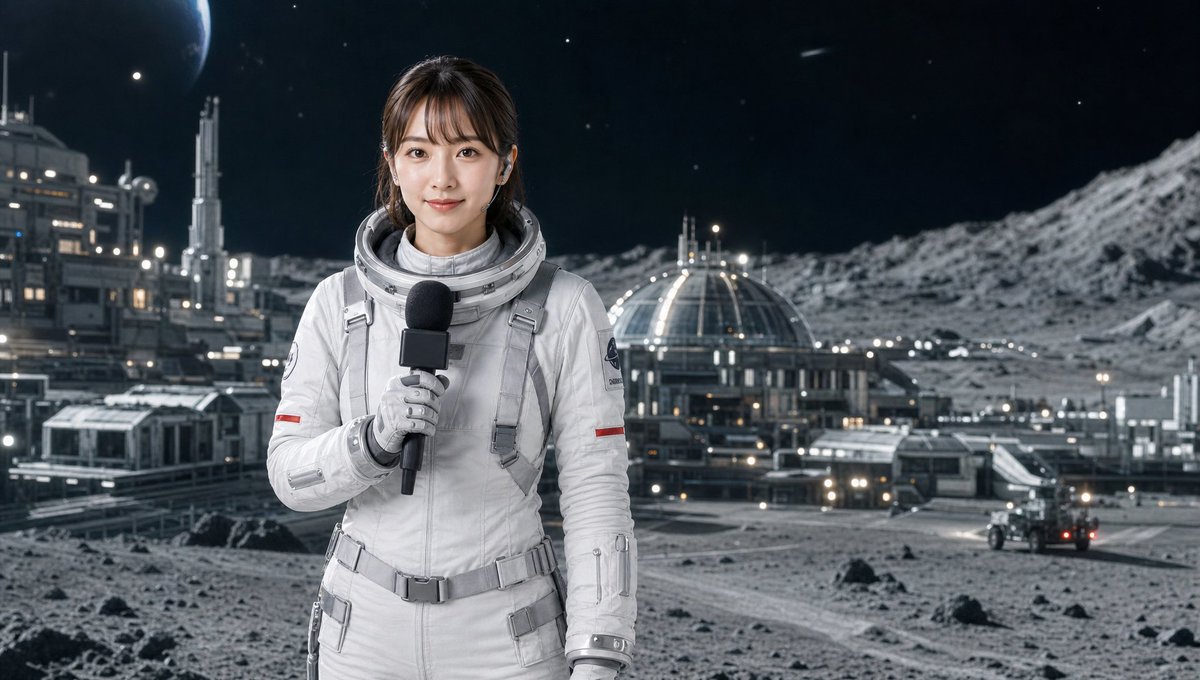
More cases in this category
Prioritized by category, input mode compatibility, quality, and lower risk.




Reuse and source notes
Use this prompt safely after previewing the case.
- 1.Copy the prompt or open it directly in Dovoo with the generation button.
- 2.Adjust variables, aspect ratio, and reference images for your own use case.
- 3.Before publishing or paid usage, verify source rights, attribution requirements, and brand or likeness risks.
Can I use this prompt commercially?
Commercial-use status is allowed. Review the original source, license, brand constraints, and legal requirements before paid usage.
Where does this case come from?
This case is imported from Awesome GPT Image 2 Prompts; keep attribution visible and check the source URL before reuse.