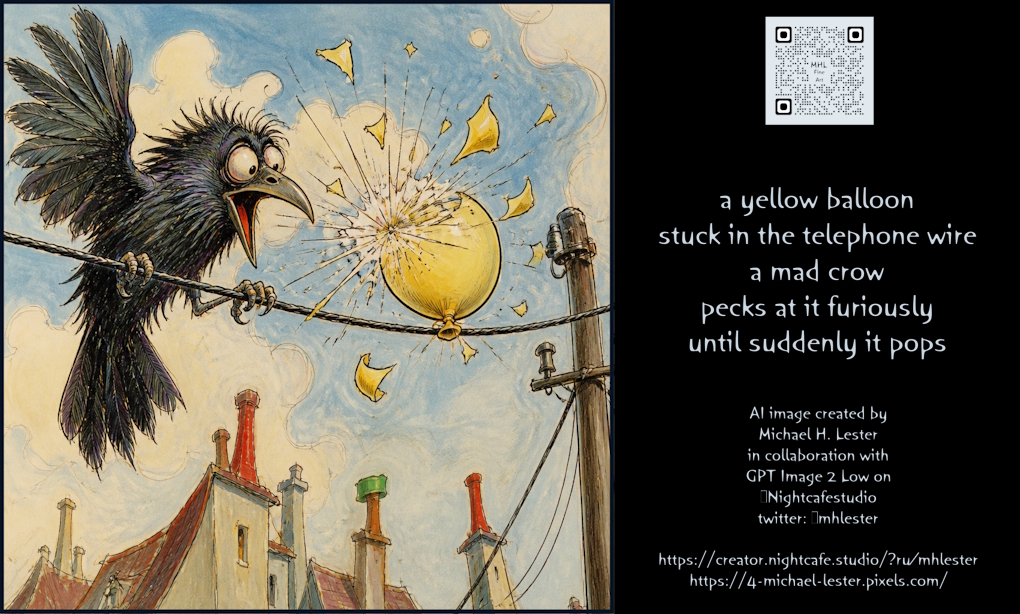
Mad Crow Popping Yellow Balloon
A humorous illustration of a frantic black crow popping a yellow balloon stuck on a telephone wire above city rooftops.
This is a GPT Image 2 prompt case for Illustration & Art. Use the copy-ready prompt below to generate similar visuals, and review Awesome GPT Image 2 Prompts attribution plus commercial-use rights before reuse.
Need the full prompt set? Use the Illustration & Art topic hub for more related examples, or open the GPT Image 2 prompt library for the full example index, reusable structures, and source attribution.
Free 1K preview
Generate one preview image instantly, no sign-up required.
614/4000
Prompt
Copy-ready prompt
A whimsical, hand-drawn illustration in a storybook style depicts a chaotic scene on a telephone wire. On the left, a large, frantic black crow with wide, bulging eyes and an open beak is perched on the wire, its wings spread in agitation. To the right of the crow, a bright yellow balloon is caught on the wire and has just burst, with jagged yellow shards flying outward in all directions against a backdrop of fluffy white clouds and blue sky. Below the wire, the tops of several European-style rooftops are visible, featuring red tiles and chimneys. The artwork uses textured lines and watercolor-like shading.
Best for
- - Illustration & Art visual exploration
- - Image generation and reference-image edits
- - Reusable briefs that keep source attribution visible
Change these parts
- - Subject, product, character, or scene
- - Aspect ratio, camera, lighting, and background
- - Brand, text, color, and output constraints
Recommended model and settings
- - Model: gpt-image-2
- - Input mode: Text to Image
- - Aspect ratio: source
- - Commercial status: review original source
How to use this prompt
- 1. Copy the prompt and preserve its structure for the first test.
- 2. Replace the subject, context, and publishing channel.
- 3. Change one camera, lighting, or style variable per iteration.
- 4. Inspect the output, source, text, and rights before reuse.
Limitations, source, and reuse cautions
- - Generated output is an editable draft, not factual, legal, or rights evidence.
- - Review the linked source, people, brands, logos, text, and third-party media before commercial use.
Imported from Awesome GPT Image 2 Prompts. Attribution is required. Commercial-use status is allowed; review source rights before paid usage.
More cases in this category
Prioritized by category, input mode compatibility, quality, and lower risk.
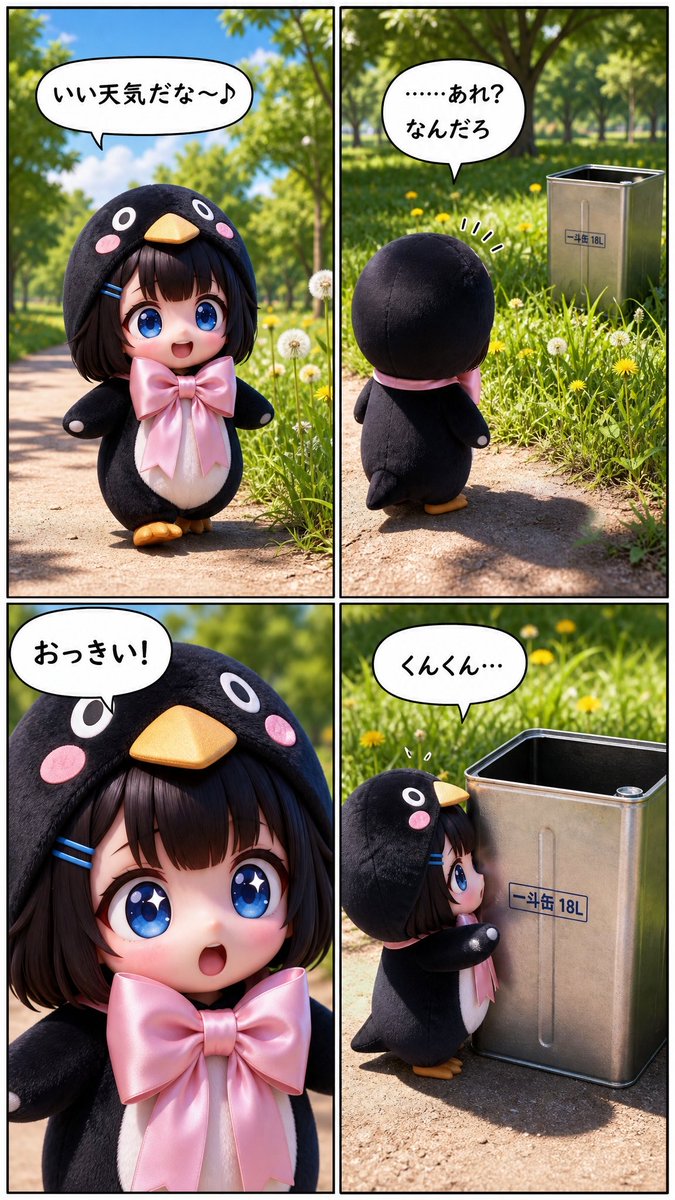
Cute Penguin Girl Comic Strip
Text to Image
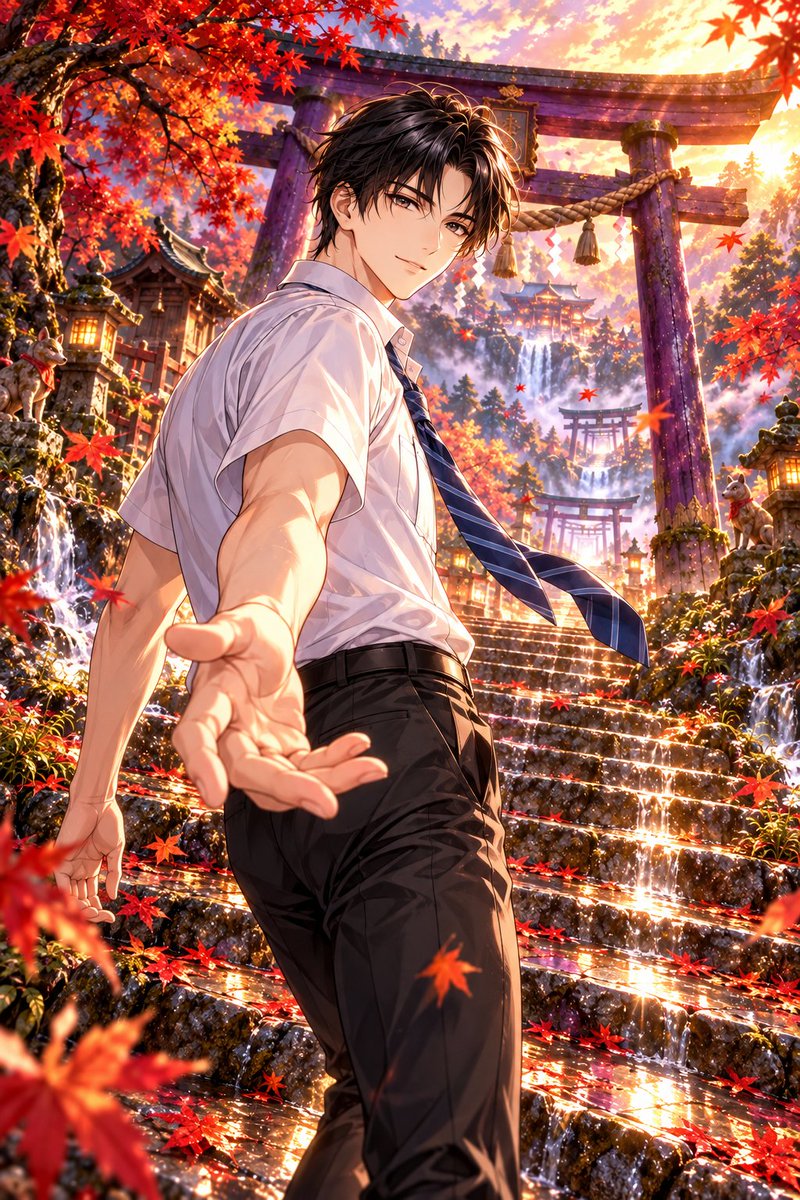
Autumn Shrine Background with Purple Torii
Text to Image
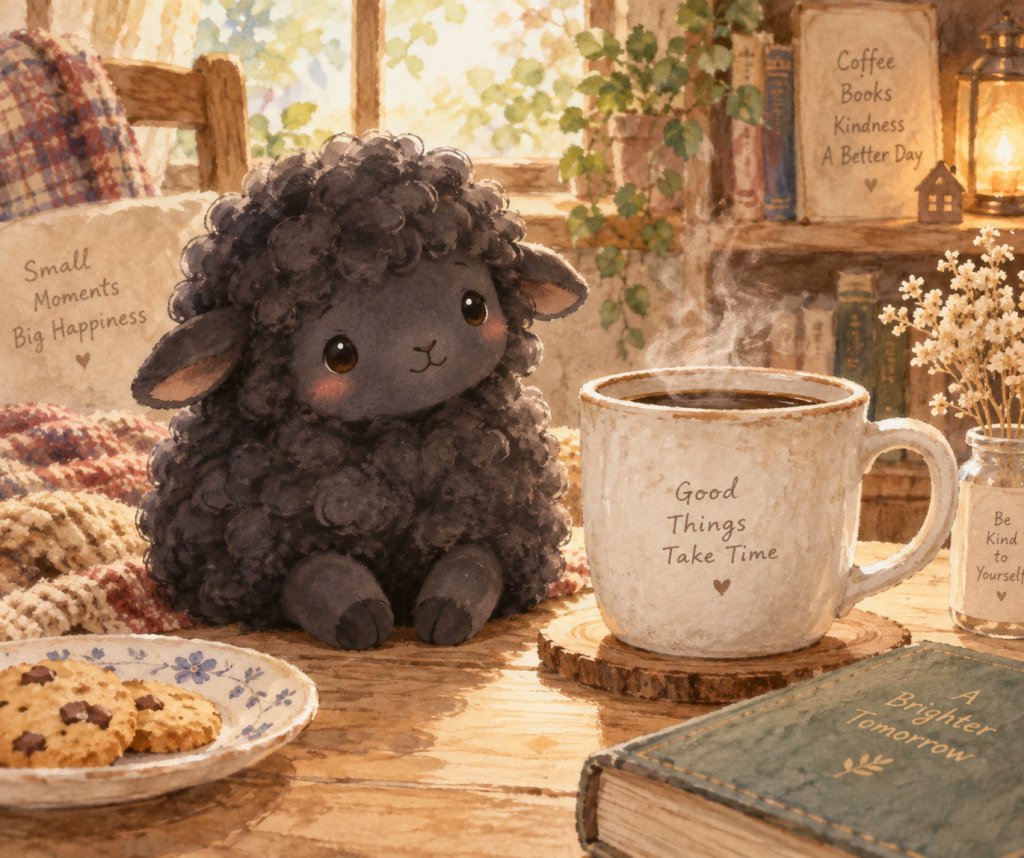
Cozy Lamb and Coffee Illustration
Text to Image
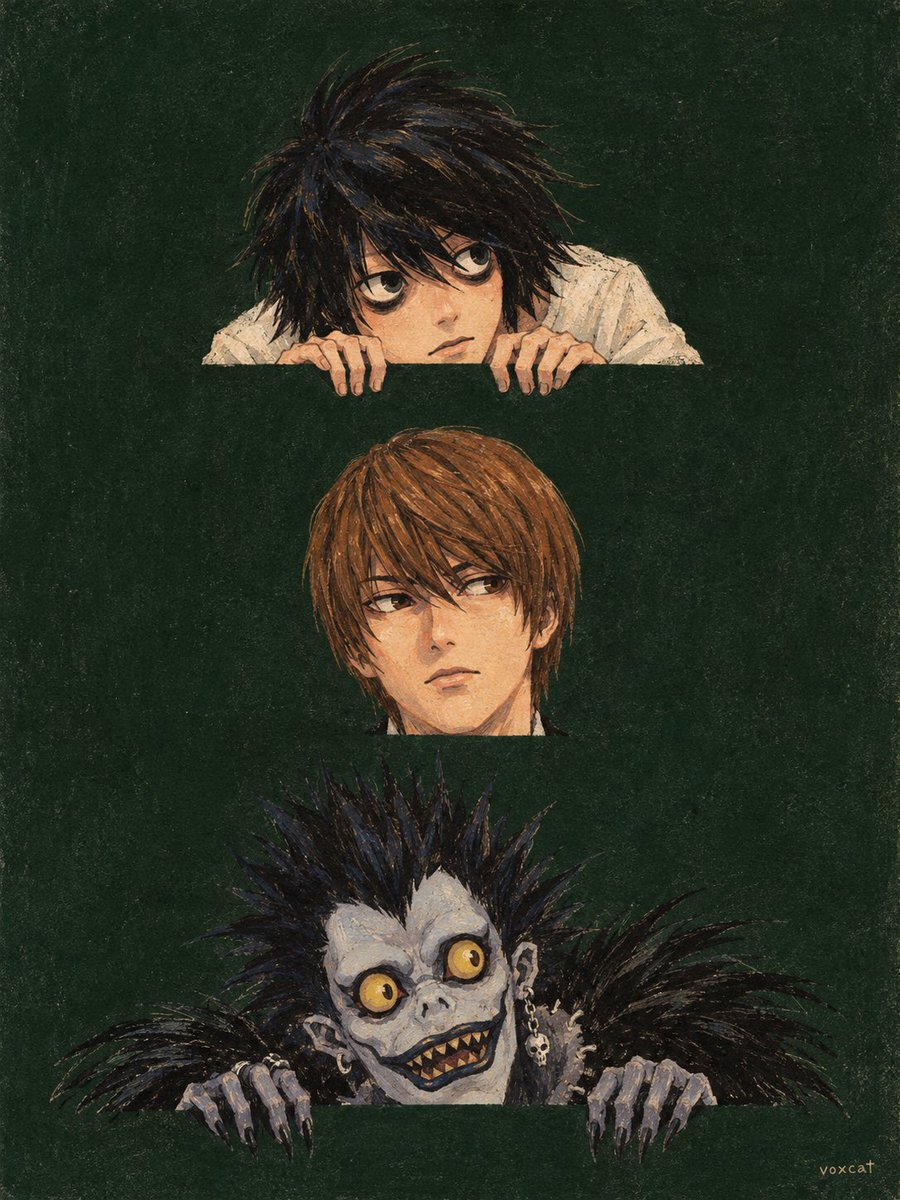
Retro Children's Book Cover Character Illustration
Text to Image
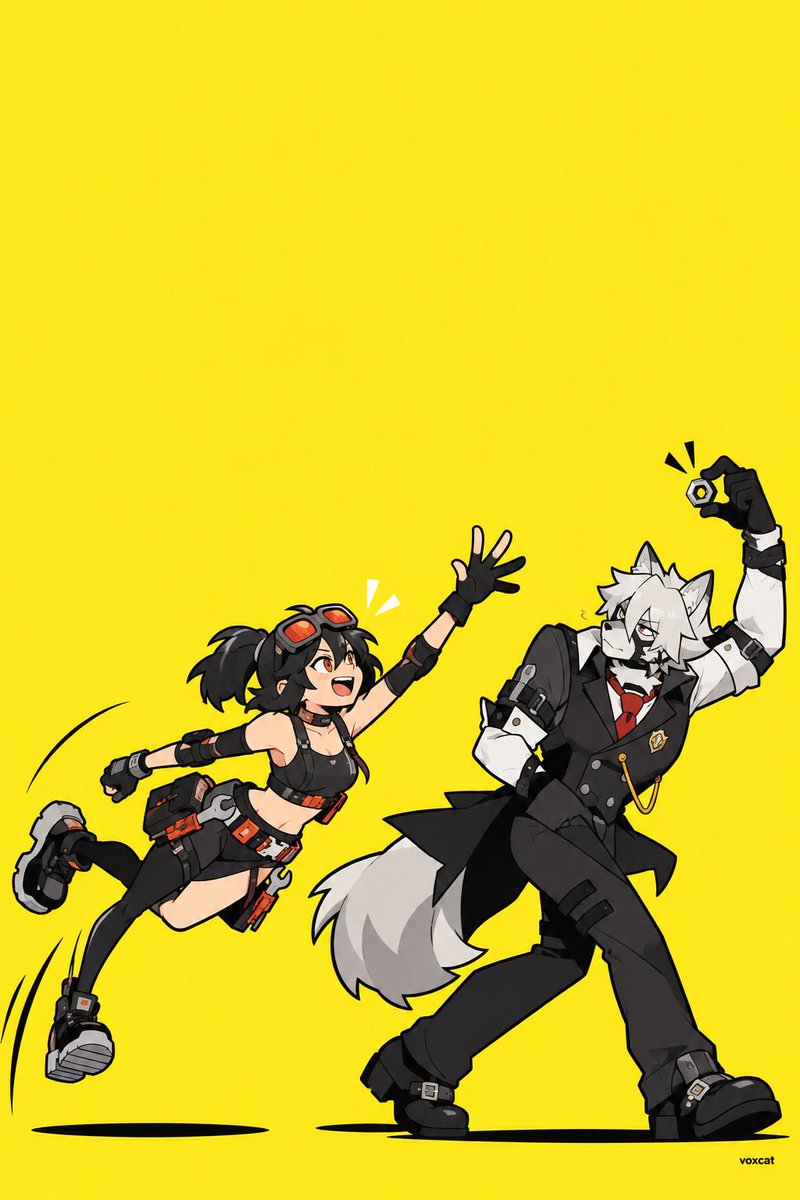
Geometric Cartoon Two-Person Interaction Illustration
Text to Image
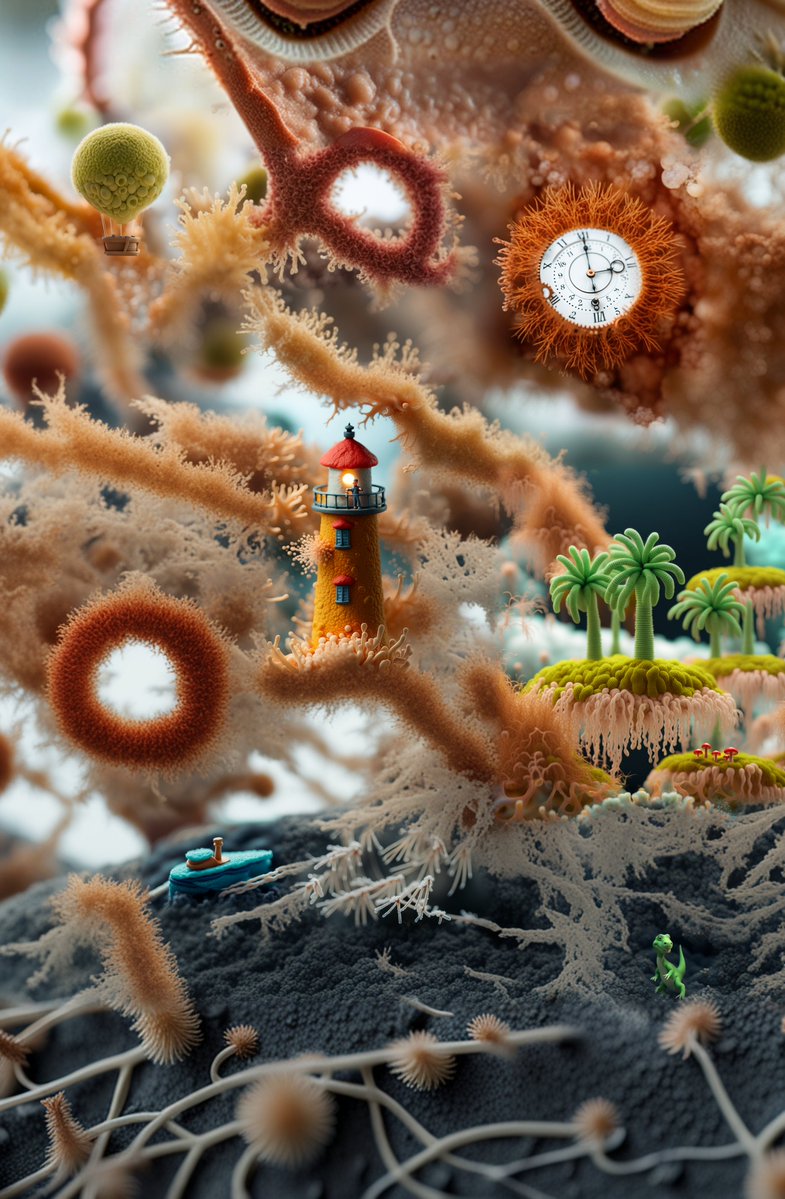
Surreal Miniature Coral Diorama
Text to Image
Reuse and source notes
Use this prompt safely after previewing the case.
- 1.Copy the prompt or open it directly in Dovoo with the generation button.
- 2.Adjust variables, aspect ratio, and reference images for your own use case.
- 3.Before publishing or paid usage, verify source rights, attribution requirements, and brand or likeness risks.
Can I use this prompt commercially?
Commercial-use status is allowed. Review the original source, license, brand constraints, and legal requirements before paid usage.
Where does this case come from?
This case is imported from Awesome GPT Image 2 Prompts; keep attribution visible and check the source URL before reuse.